
App Killer and Manager
Tools
2026-10-21
4.73MB
1.0.10
Android 4.3 and up
466
Screenshots

Introduction
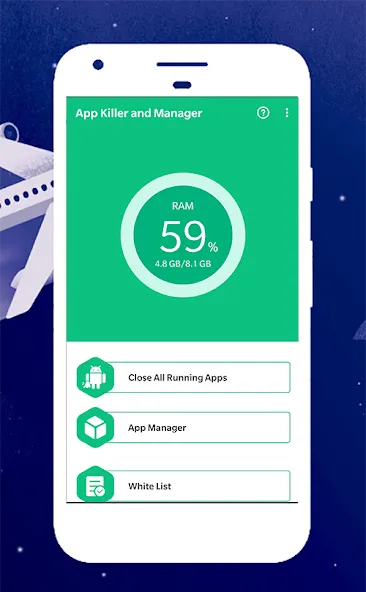
App Killer and Manager is a device optimization tool designed specifically for Android users. It features a user-friendly, clean interface that allows users to intuitively understand its functions and get started quickly. By using this app, users can reduce unnecessary background memory usage, improve device performance, and conserve battery power. It also includes a smart automatic mode, offering added convenience and helping users manage their applications effectively. With excellent compatibility, it works seamlessly across a wide range of Android devices and apps, ultimately helping to extend the lifespan of your phone.
Features:
App Killer & Memory Cleaner
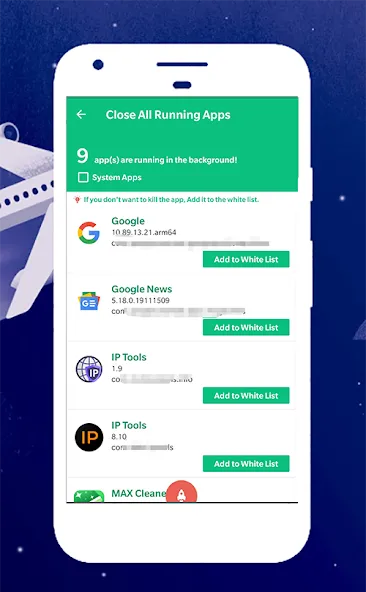
Close All Running Apps is a powerful tool designed to terminate all currently running applications and unnecessary processes. By freeing up phone memory, it boosts your device's performance and creates more space for other apps.
Speed Booster, Battery Saver & CPU Cooler
By closing running applications, this tool helps speed up your phone, conserve power, and extend battery life. Shutting down unnecessary apps also reduces CPU usage and lowers the CPU temperature.
App Manager
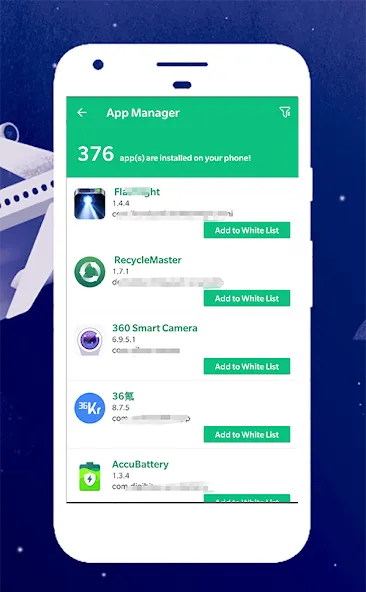
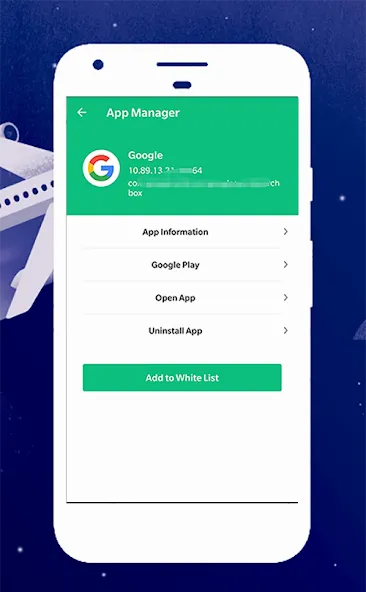
The App Manager makes managing your installed applications effortless. It identifies all installed apps—including both user-installed and system apps—allowing you to open or uninstall them, or view their specific details.
Whitelist
If there are certain running applications that you do not wish to close, you can add them to the whitelist. Apps included in the whitelist will remain active and will not be terminated.
Highlights:
Close All Running Apps: Use the powerful "Close All Running Apps" feature to quickly terminate all background processes.
Memory Management: Free up memory occupied by unnecessary background apps, ensuring your device runs more smoothly.
Privacy Protection: This app does not collect any personal data, ensuring your privacy remains secure.
Accessibility Service Permission: To enable the app to close other applications, it requires access to Accessibility Services. This is a standard requirement for this type of functionality.
Fluid Design: The app features a fluid design, presenting tools and functions in a clean, seamless, and easy-to-use manner.
Automatic Mode: Everything is automated, so you don’t need to take any manual action—offering you an incredibly convenient, free experience.
FAQS:
How does App Killer and Manager work?
It works by detecting and listing all the applications currently running on your device. You can then manually select which apps to close, or use an automated feature to shut down all running applications at once.
What is the file recovery feature in App Killer and Manager?
The file recovery feature in App Killer and Manager allows you to recover files that were accidentally deleted from your device.
What does the app manager feature do?
The app manager feature in App Killer and Manager allows you to view and manage all the applications installed on your device. Through this feature, you can uninstall, back up, or disable apps.
Advantages and disadvantages:
Pros
Easy to use
Scheduled auto-close feature
Whitelisting
Cons
Android already has similar functionalities
Summarize:
In short, if you are looking for a reliable way to manage your device's memory, App Killer and Manager is worth considering. It is easy to use and offers customizable features, making it an excellent tool for optimizing the performance of your Android device.




-
Latest Updates
-
Featured Apps