
HideU: Calculator Lock
Tools
2026-09-08
69.39MB
2.4.0
Android
456
Screenshots


Introduction
HideU: Calculator Lock is a calculator lock application tool. This tool helps users improve their security. Users won't be disturbed while operating software or watching videos. This software has particularly high security performance, ensuring password confidentiality. It disguises the application with an icon, keeping it hidden. It also has a cloud service function, allowing users to back up their personal data to the cloud, greatly protecting user data security. Specific application lock settings can be applied to certain applications. Users won't leave any trace while browsing the internet, maintaining anonymity and improving user privacy. It's a powerful and practical tool.
Features:
Hide Photos and Videos
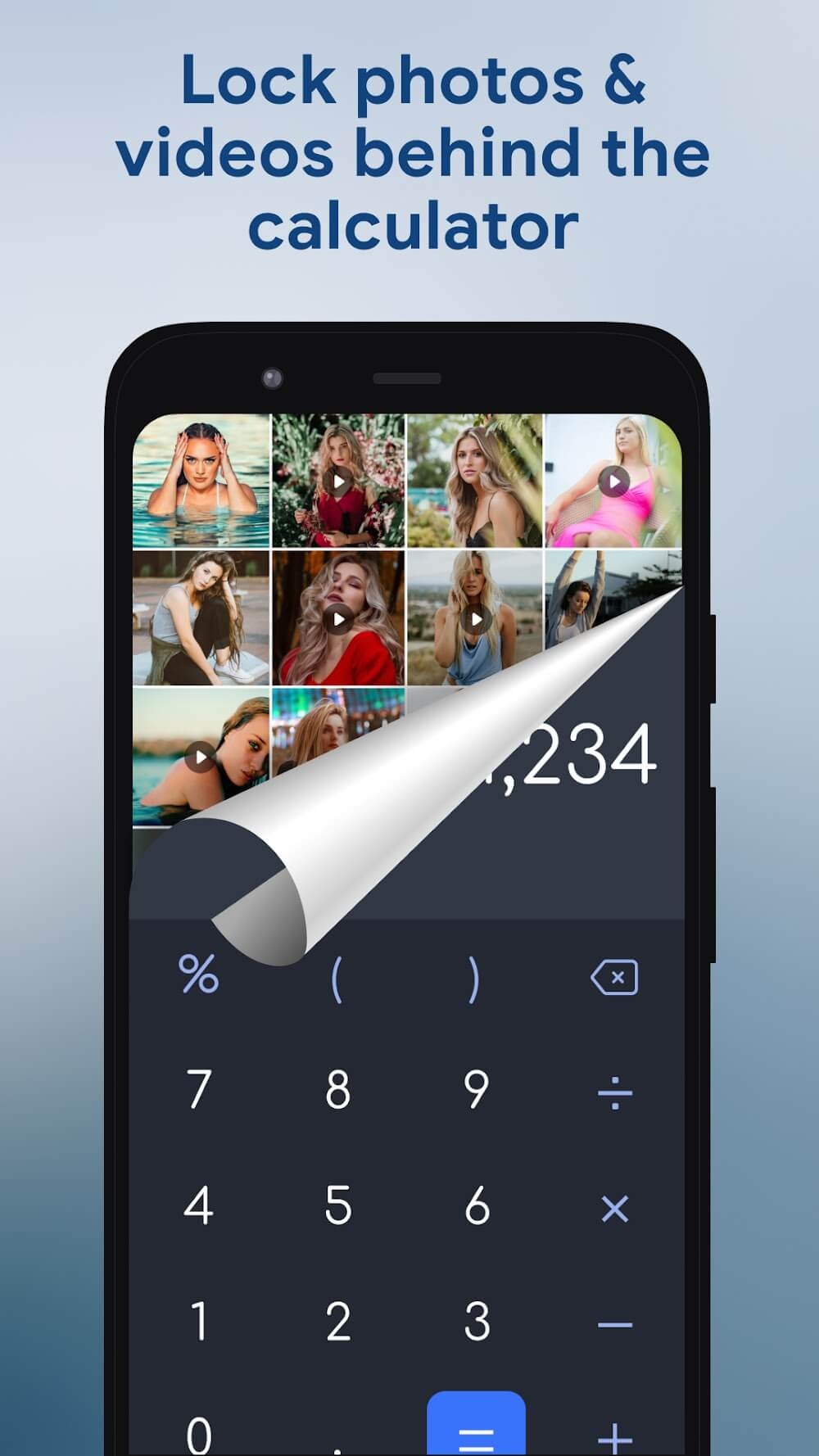
Secret media files are stored in HideU and will not appear in any other albums, galleries, or file managers. Securely store your private photos, videos, and movies in your media library, preventing unauthorized access.
Video Player and Built-in Photo Viewer
You can play hidden videos on the calculator lock screen. The video player offers convenient features, allowing you to easily adjust brightness and volume, and mute with a single click, helping you quickly adapt to various situations.
Privacy Browser
If you want to protect your browsing data, then using the privacy browsing mode is a good choice, providing you with a private and anonymous browsing experience.
App Lock
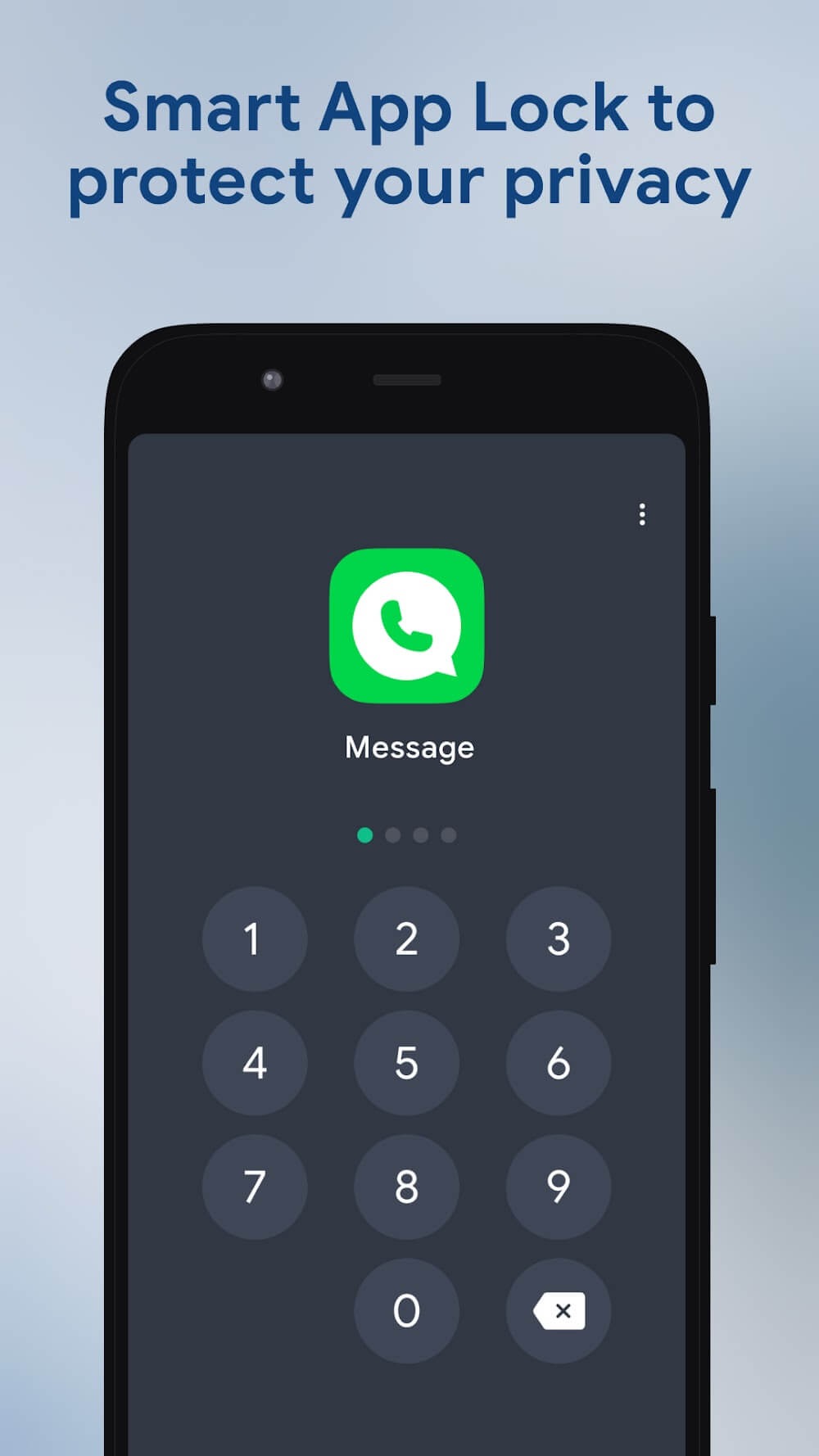
For locked apps, users need to enter a password or draw an unlock pattern to use them. App lock prevents privacy leaks to others.
Cloud Service
Back up all your personal files and data to the cloud in a secure and private way. Maximize your data security.
Icon Disguise
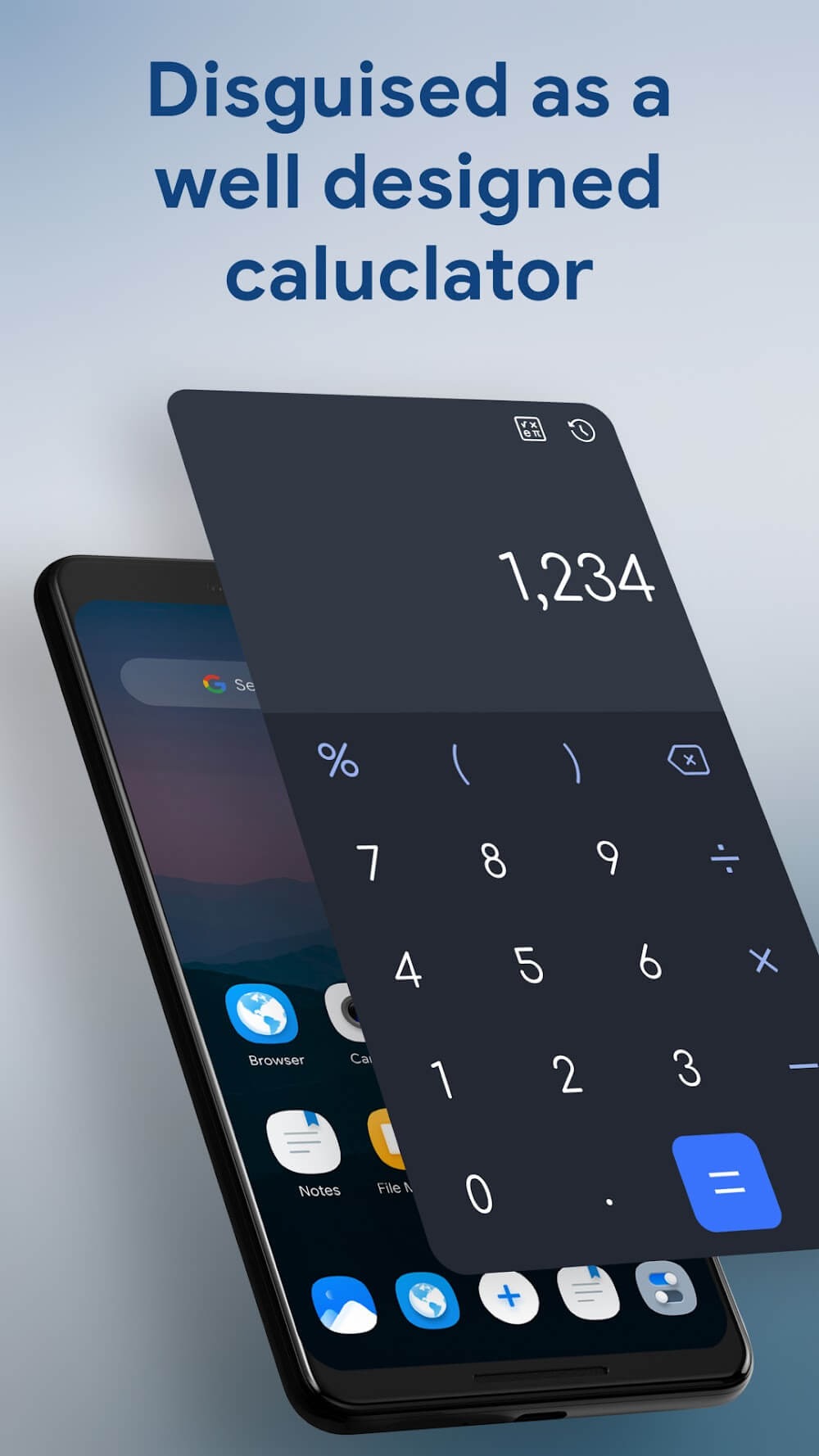
This app's icon looks like a regular system calculator, and you can use it for calculations. The password for opening the calculator's private space is also very discreet. No one but yourself will know this private space exists.
Highlights:
Stay safe with high security: There are many reasons to make apps the ultimate protection tool.
Users can rest assured: Because it is difficult to identify and has a camouflage layer, protected elements will not be in the sight of strangers.
Watch videos right in the app: With just a few simple steps, you can experience your favorite movie.
Appropriate adjustment: The application integrates the typical features of a player so that different content can be viewed easily.
Edit images: You can easily crop or add filters to the product you want to edit.
Ensuring security: Using passwords is completely useful to prevent unnecessary access from many people.
A unique way to enter information: If you do not enter the correct code, the application will still be just a calculator.
FAQs:
Is HideU: Calculator Lock free?
Yes, this software can be downloaded for free from this website, but some advanced features may require payment.
Is HideU: Calculator Lock suitable for beginners?
This software is very easy to use, with a user-friendly interface and tutorial steps.
Advantages and disadvantages:
Pros
Multi-purpose calculator
Hide and lock various files
Trusted by millions worldwide
Sufficient cloud storage space
Cons
Some features are paywall restricted
Summarize:
In conclusion, if you're looking for ways to protect your media files or maintain data privacy, HideU: Calculator Lock is a great option to consider. It has a beautiful and easy-to-use interface and can protect your media files, documents, and even applications.





-
Latest Updates
-
Featured Apps






