
Bixby Voice
Tools
2026-10-21
88.35MB
4.1.21.2
Android 7.0 and up
209
Screenshots

Introduction
Bixby Voice is a powerful voice assistant designed specifically for Samsung devices, allowing users to issue commands via voice and perform various tasks without needing to touch the screen. With this software, you can control your phone using your voice—whether it’s making calls, sending text messages, or taking screenshots. Users can also set up shortcuts to bundle complex functions together, streamlining processes and reducing the number of steps required. Furthermore, the application possesses advanced learning capabilities; it continuously refines its responses to provide an ever-improving user experience.
Features:
Wake phrase and voice training
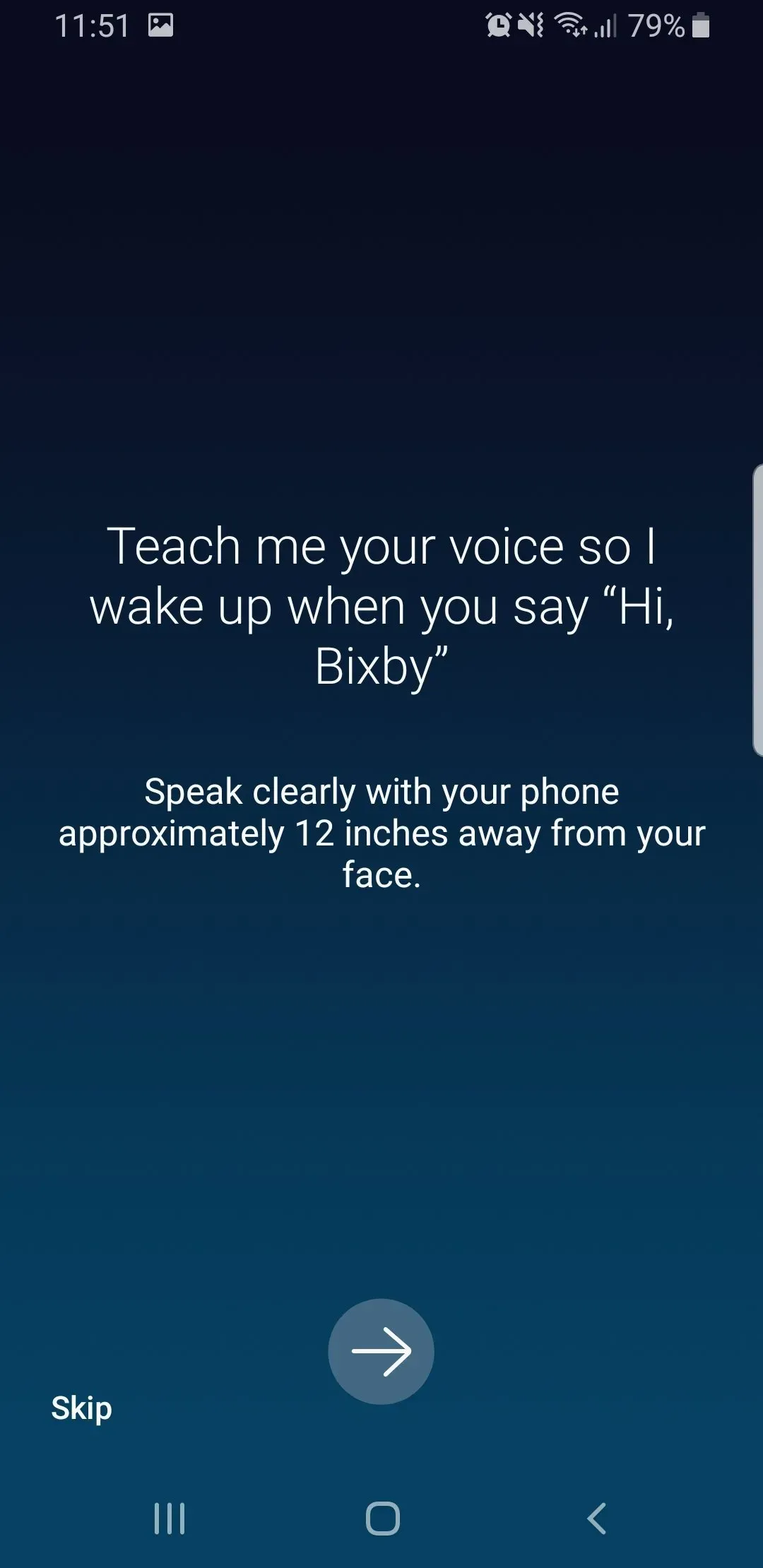
Start by saying “Hi Bixby” and speak naturally to get things done without touching the screen. Bixby Voice prompts you to teach a voice profile so it can recognize your pronunciation and tone. As you use it, recognition improves, which helps commands trigger faster and more accurately.
Phone tasks by voice
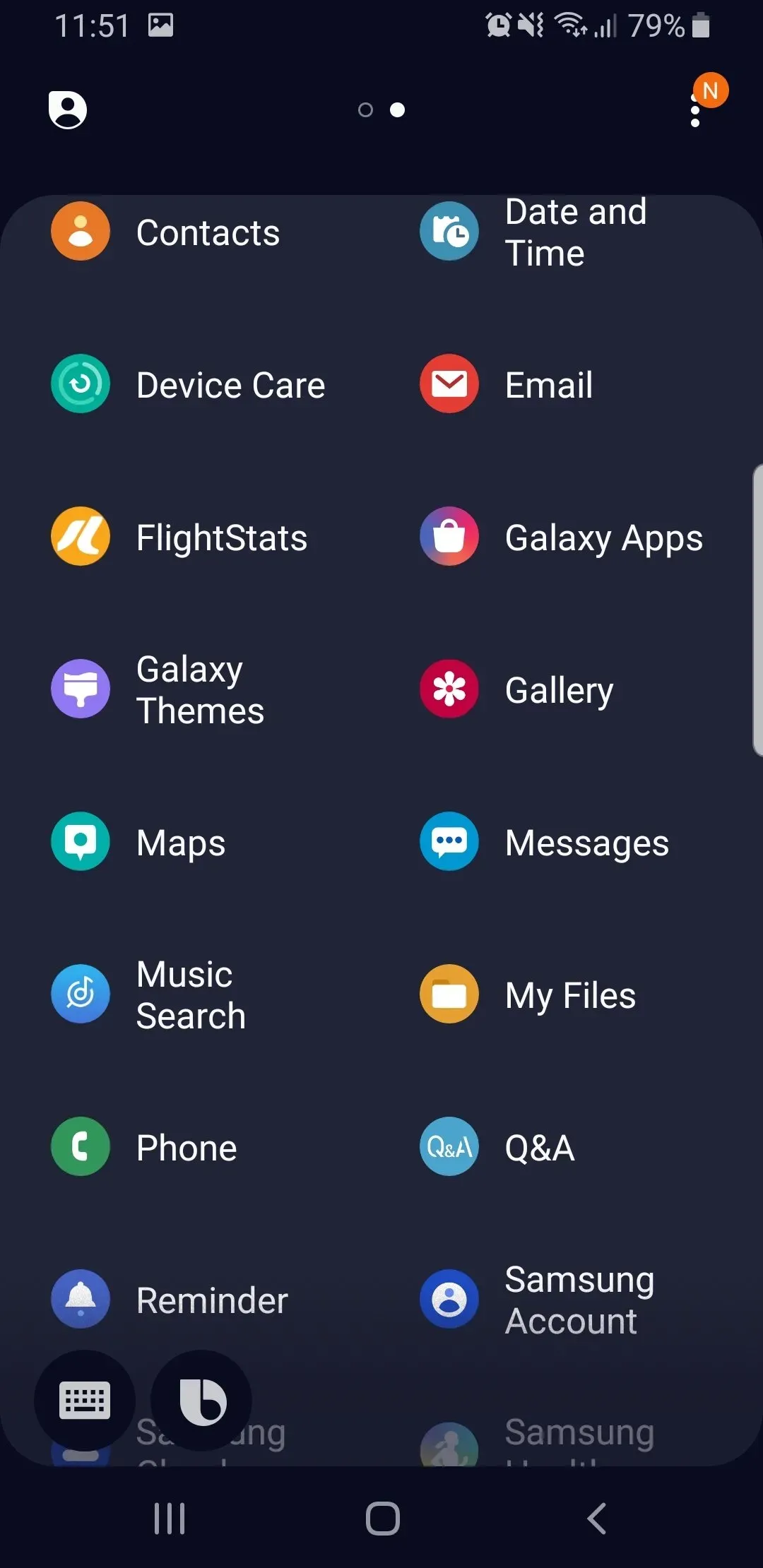
You can place calls, send texts, set alarms, and add reminders through simple spoken requests. Bixby Voice can take a screenshot, adjust common device settings, and control music playback. It can also search photos and files by location or recent activity so you can find items without opening multiple apps.
SmartThings and Samsung device control
Bixby Voice works with SmartThings to control supported lights, air conditioners, TVs, and appliances from your phone. It also supports continuity across Samsung devices such as Galaxy Watch, Galaxy Buds, Samsung TV, and Family Hub so basic controls stay accessible by voice. This keeps your phone at the center while letting you reach connected devices around the home.
Quick commands for routines
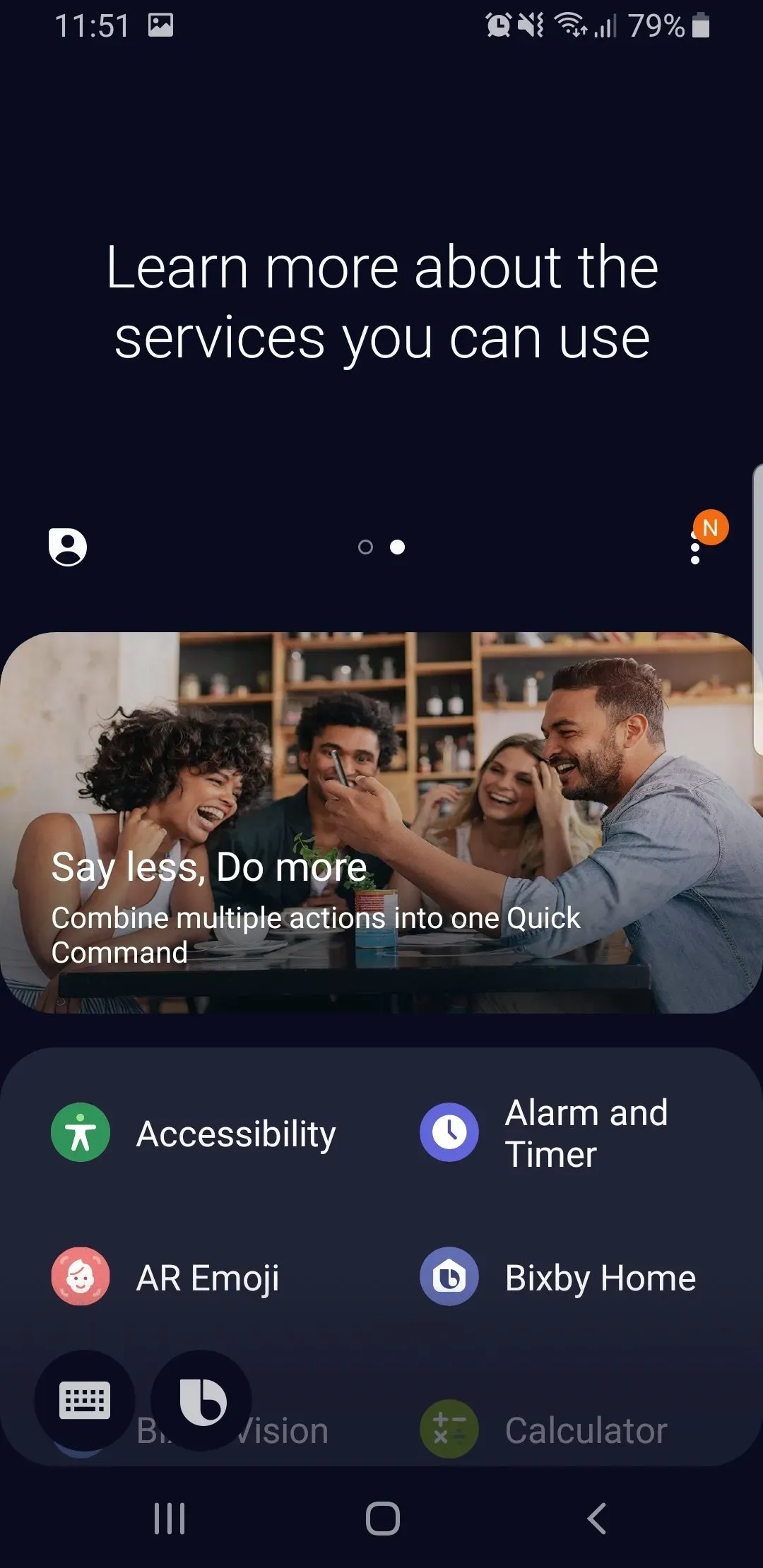
Quick commands let you group several actions into a single phrase. Say “I’m home” to enable Wi Fi and Bluetooth and start music, or use “Workout mode” to change sound settings and launch your fitness app. You can create custom phrases and map them to steps you repeat every day, which reduces taps and saves time.
Learning, follow ups, and privacy
Over time, Bixby Voice tailors replies and can remember helpful context such as a parking reminder. You can speak follow up requests without waiting for a chime, which keeps conversations moving. Voice purchases are available on Samsung linked services, and sensitive results are hidden until the phone is unlocked. Optional lock screen display controls help you choose how much information appears before unlock.
Highlights:
One of the key features of Bixby Voice is its ability to learn from user behavior over time. As users interact with the app more frequently, it becomes better at understanding their preferences and providing personalized recommendations. This makes it easier for users to navigate their devices and access the information they need quickly and efficiently.
Another advantage of Bixby Voice is its integration with other Samsung products and services. For example, users can use Bixby to control smart home devices like thermostats or lights, or connect with other Samsung apps like Health or Music. This creates a seamless experience across multiple platforms and enhances overall usability.
Pros and Cons:
Pros
Hands-free access through the “Hi Bixby” wake phrase, with button-based options available as well
Can handle practical tasks like opening apps, sending text messages, and creating reminders
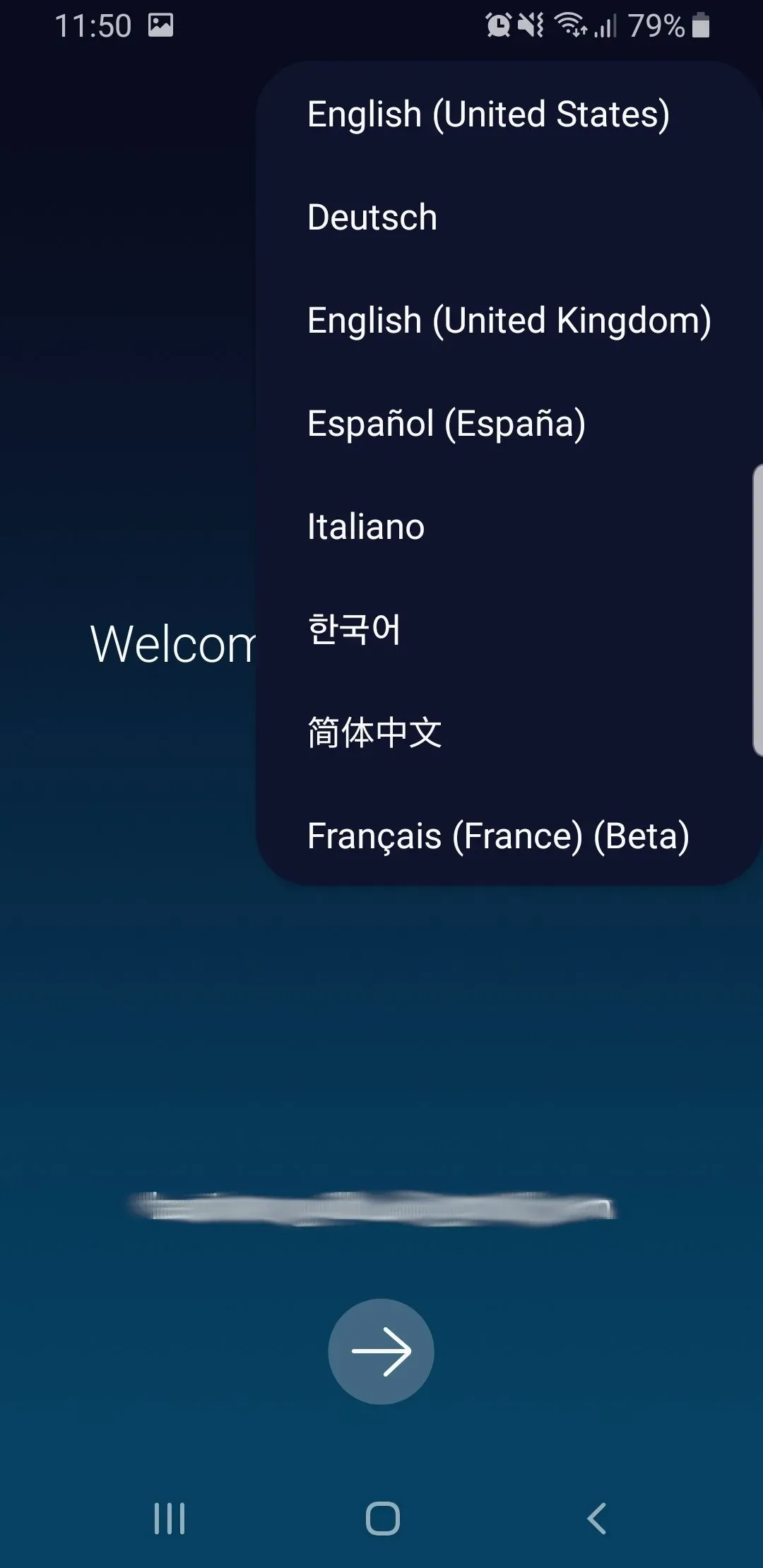
Offers language and voice-style customization
Designed to interact closely with system features, including settings control and accessibility-related actions
Cons
Can be limited or unavailable during calls, media recording, DeX docking, and certain device modes
Voice recognition support depends on language, region, and recognized accents or dialects
Usage:
On your Samsung Galaxy phone, open Bixby and enable the “Hi Bixby” wake phrase in settings.
Teach Bixby your voice by recording the sample phrases to create a personal voice profile.
Allow requested permissions for microphone, contacts, device controls, and SmartThings if you plan to control home devices.
Create Quick commands for routines such as I’m home or Workout mode, then assign the actions you need.
Say “Hi Bixby” and try a basic task, then ask follow up questions without waiting for a chime.
Conclusion:
Bixby Voice opens a world of possibilities for hands-free interaction and personalized assistance. By embracing the key features and ensuring your system meets the specified requirements, you can enjoy a seamless integration that enhances your overall mobile experience.






