GlassWire Data Usage Monitor
Tools
2026-08-12
10.84MB
3.0.399r
Android
459
Screenshots
Introduction
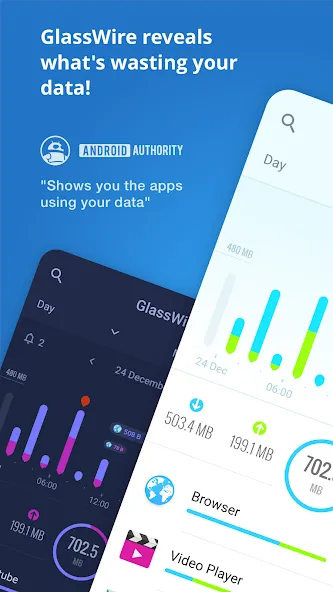
GlassWire Data Usage Monitor is a network monitoring software that uses firewall controls to monitor users' mobile devices, ensuring their privacy is protected. It allows users to view current and historical data and data usage, providing real-time network security monitoring based on software and traffic data. When a threat is detected, it issues an alert, reducing network security risks. This network device monitoring software also has a small memory footprint, a clean and uncluttered interface, and does not affect performance, making it easy for users unfamiliar with network monitoring to easily and conveniently monitor their network devices.
Features:
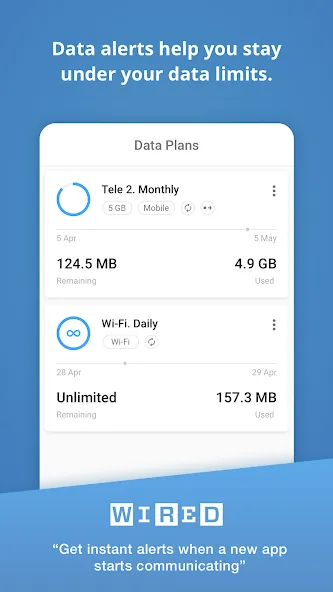
GlassWire's data alerts keep you under your data limit and save money on your monthly phone bill.
Get alerted before you reach your carrier data limit to avoid overage fees
See a LIVE real-time graph of which apps are currently using your mobile carrier data or WiFi Internet connection
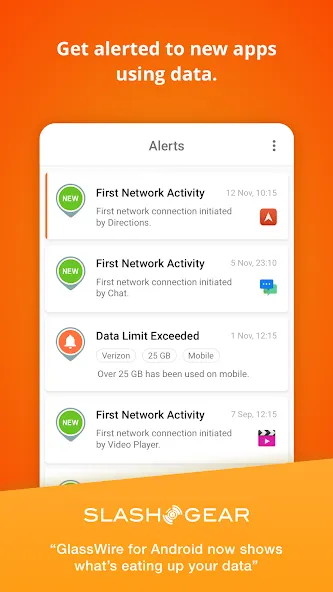
Instantly know every time a new app accesses the network and begins using WiFi or mobile data
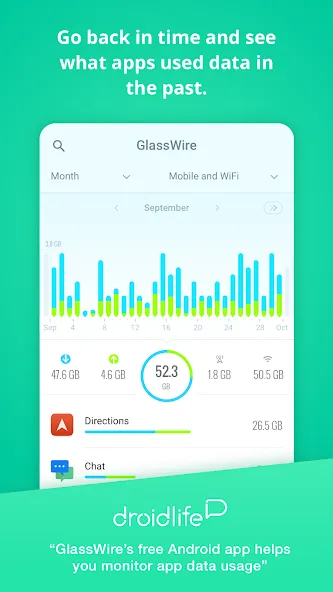
Go back in time to see which apps used mobile data earlier in the week or month
See past WiFi or mobile usage by day or month
Go to GlassWire's "Data Plan" screen to set up zero-rated apps that won't have their data usage counted against your data plan.
Check GlassWire's Speed Meter on its notification bar to see real-time data usage quickly.
Help protect your privacy and reveal suspicious app activity through GlassWire's live graph.
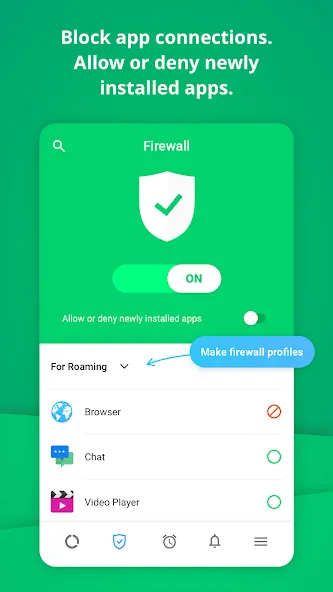
Block apps from connecting to the network or allow or deny new connections before they start with GlassWire's mobile firewall.
Common Problems & Solutions:
Having connectivity issues? Go to GlassWire’s firewall and make sure it’s switched to “Off”. If our firewall is off and the issues persist then it’s impossible for GlassWire to be causing the problem. If you find the issue only exists when GlassWire’s firewall is on then perhaps you have blocked an important part of the Android OS with GlassWire’s firewall. Consider making a new profile with the firewall (with nothing blocked) and see if that profile solves the issue.
Have another issue? If GlassWire is giving you any problems at all please go to the bottom right three line GlassWire menu and choose "send feedback". We can then see the logs you sent us and investigate the problem for your phone type, then fix it! We check every email! Your reports help us make GlassWire better. Please try to be as detailed as possible about what’s wrong and include screenshots if you can.
Advantages and disadvantages:
Pros
Provides detailed real-time and historical data usage statistics
Built-in firewall for enhanced device security
Real-time alerts for new app connections
User-friendly interface
Cons
Lacks a one-time purchase option for the premium version
Conclusion
Overall, GlassWire is a powerful tool that offers a comprehensive suite of features to monitor and manage network activity and data usage. Its user-friendly design and robust security features make it an excellent choice for Android users.