KillApps
Tools
2026-08-08
23.00MB
1.58.0
Android
317
Screenshots
Introduction
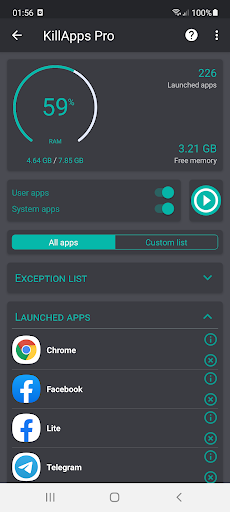
KillApps is a highly practical utility designed to close unnecessary apps based on user needs, thereby boosting phone performance, extending battery life, and preventing overheating. It features a range of useful functions that automatically close any remaining open applications—saving users the hassle of doing so manually when it is inconvenient or they simply forget. Simple to use and quick to master, KillApps is lightweight, easy to download, and prioritizes privacy by not storing personal user information. It is an incredibly convenient tool for managing running applications in daily life.
Function:
KillApps: Game Booster Lag Fix is a performance tool app provided by APPDEV QUEBEC. This app helps your mobile device perform better through performance tuning features. With low storage requirements, simple and easy-to-use interface and strong compatibility, KillApps has received many positive reviews from users.
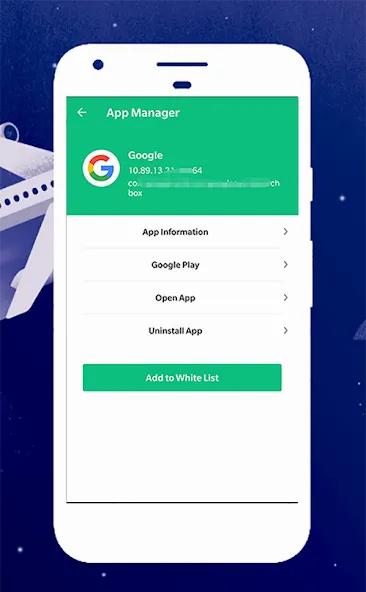
Task and Application Manager: Gives you full access to running applications and tasks to find solutions.
Force stop application: Force stop the operation of unnecessary applications. Note that stopping some applications may affect the operation of other applications.
Can customize both system applications and user applications.
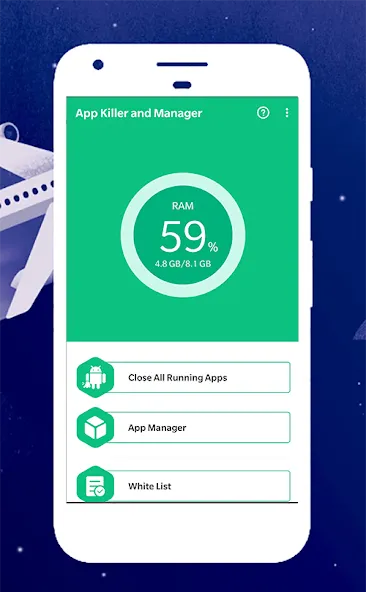
Monitor RAM.
Create widgets.
Automatically close all applications.
Hibernate applications.
Advantages and disadvantages:
Pros
The version isn’t just about removing ads. It unlocks the full experience, making the app more powerful and smoother to use.
No ads, no interruptions
This makes a huge difference. You can clean your system instantly without waiting or dealing with annoying pop-ups.
Smart automation features
You can schedule automatic cleaning or trigger it when the screen turns off. It feels like your phone is maintaining itself.
Cons
Occasional stuttering when switching between applications.
Battery level drops rapidly for no apparent reason.
Phone overheating, particularly after gaming; clearing background apps helps reduce unnecessary load.
Highlights:
Close all background apps in one tap
Killapps - Close Running Apps can terminate open background tasks with a single action. This frees up RAM and CPU time so the device can focus on the apps you are actively using. It is useful after gaming sessions or long days of multitasking.
Selective control over what to close
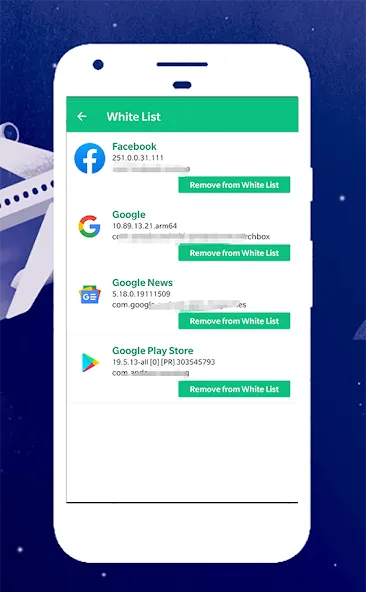
You can choose individual apps to close instead of ending everything. This gives you fine control when you only need to stop a few items that misbehave. Therefore, you keep important tools active while removing what you no longer need.
Performance boost for smoother use
By releasing memory and reducing background load, Killapps - Close Running Apps helps reduce lag during scrolling, switching, and launching apps. In addition, fewer active processes can shorten app load times and help avoid freezes on older devices.
FAQs:
How do I close open running apps?
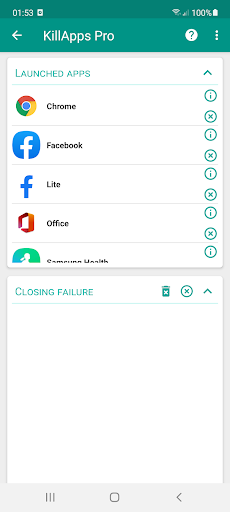
Open Killapps - Close Running Apps, grant Accessibility Service, then tap Close All to end background tasks automatically. The tool navigates through system screens and closes apps one by one. You can also review the list and choose specific items if you prefer.
How do I close an app that is still running?
In Killapps - Close Running Apps, locate the app in the running list and select it to close. The Accessibility Service performs the required taps for you, which removes the need to open system settings manually. This helps when a single app keeps working in the background.
Will Killapps - Close Running Apps speed up my phone?
Yes, closing background tasks can free RAM and CPU, which helps reduce lag and improves responsiveness. Killapps - Close Running Apps focuses on this process and keeps its own resource use low. Results vary by device, app load, and how many tasks are running.
Conclusion:
KillApps is a very practical app, from a single glance you get a full overview of each app installed on your terminal, as well as information about how much space they're taking up and their installation date, so you can improve your device performance in seconds flat.
-
Latest Updates
-
Featured Apps