Chatbot App
Tools
2026-11-06
67.73MB
11.0.2
Android
153
Screenshots
Introduction
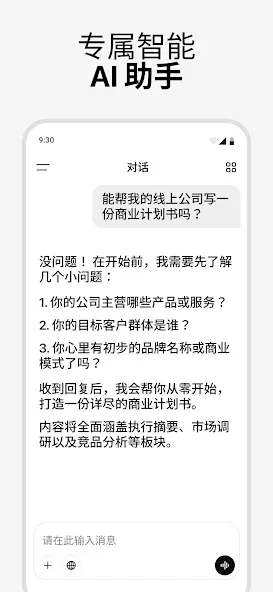
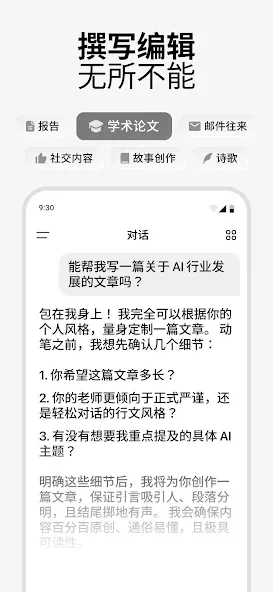
Chatbot App is an AI-powered chat application designed for Android devices. It provides access to multiple AI models, assisting users with rapid calculations and in-depth reasoning. Through these intelligent agents, users can perform smart searches to precisely locate the information they need. The app also supports voice input, eliminating the need for tedious typing. Furthermore, it features image recognition capabilities; when faced with a difficult problem, users can simply upload an image to receive a solution or a summary of the content. The app is even capable of context-aware responses that adapt to the user's emotional state. With its robust functionality, it serves as a valuable tool for everyday life.
Features
Multi-model AI core: Built on GPT-5.4, Claude Opus 4.6, Gemini 3 Pro (Nano Banana Pro), with expanded support for Grok, DeepSeek, and Qwen for fast computing, deep thinking, and insightful reasoning.
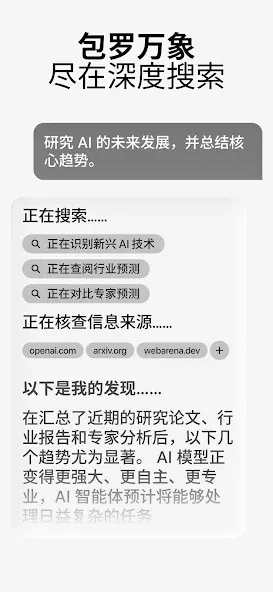
Seek AI Search: Find tailored information instantly with AI-powered deep computing and smart retrieval.
Ask AI Anything: From deep reasoning and critical thinking to general knowledge, get precise AI answers.
Voice Mode: Use speech-to-text and text-to-speech for hands-free AI assistant interaction.
AI Camera: Snap photos to seek answers, solve problems, or summarize content.
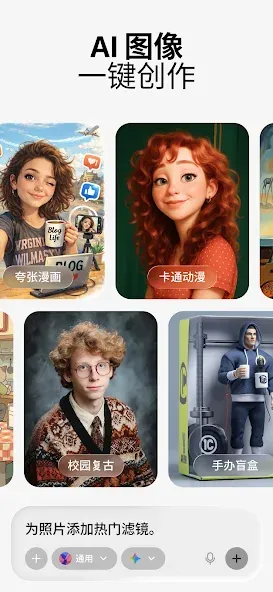
Image Generation: Create unique visuals from AI-generated prompts for inspiration or fun.
Deep Thinking Assistant: Access expert-level insights with AI-driven reasoning and computational logic.
Context-Aware Responses: Get smart, personalized answers with deep AI analysis.
Highlights
AI Brand & Presentation Visuals
Create professional visuals, branded graphics, product mockups, and presentation assets with AI image generation built on OpenAI GPT-5.6 and other supported AI models.
Personal Fitness & Wellness Coach
Get workout ideas, nutrition suggestions, and daily wellness guidance tailored to your goals.
Language Learning Practice
Practice conversations, improve grammar, and build vocabulary across 140+ languages with AI.
Tips
Reset long chats: If the chatbot starts repeating itself, hallucinating, or losing track, ask it to summarize the discussion into a prompt, then start a brand-new chat.
Use private chat modes: Turn on private or off-the-record mode if you do not want the conversation saved to your history.
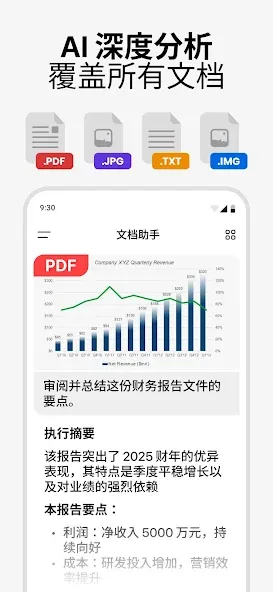
Use voice and file tools: Use voice input to dictate messages, or upload documents, PDFs, and links for instant summaries.
Summarize
By combining top-tier AI models with seamless syncing across devices, Chatbot App ensures an unparalleled user experience. Whether you’re looking to boost productivity, gain insights, improve language skills, or spark creativity, this AI assistant adapts to your needs effortlessly. Download the Chatbot App APK now to unlock comprehensive access to intelligent assistance.




-
Latest Updates
-
Featured Apps