Install with Options
Tools
2026-11-06
12.49MB
0.9.2
Android 6.0
544
Screenshots
Introduction
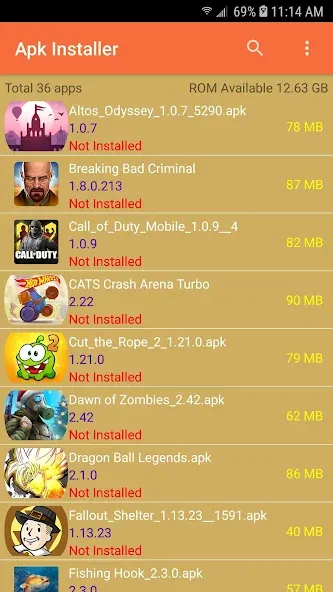
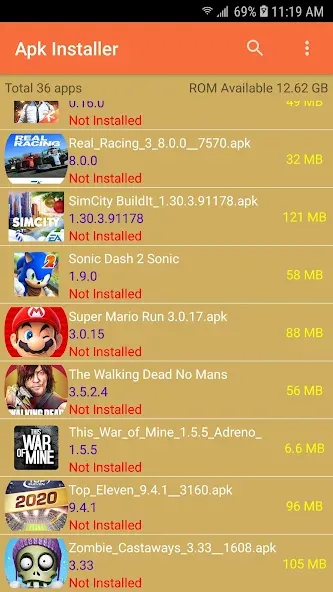
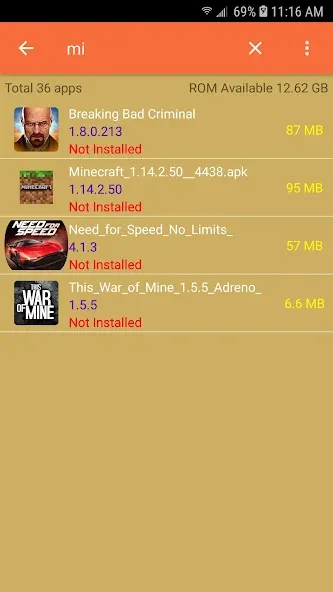
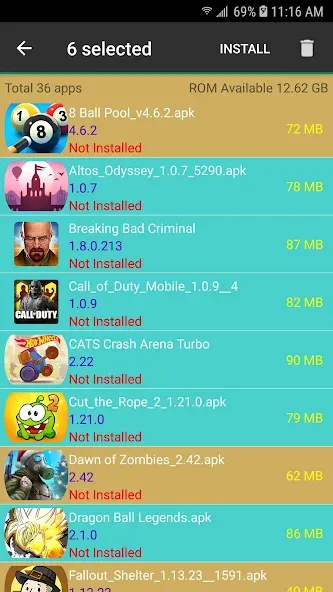
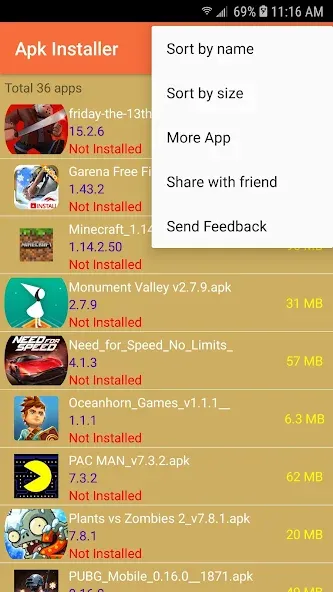
Install with Options is an Android application featuring a clean, minimalist interface that allows users to get started quickly. The app enables users to connect their smartphones and perform tasks such as splitting and batch-installing applications. It boasts excellent compatibility, supporting a wide range of Android devices as well as older versions of apps. Furthermore, it is lightweight, downloads rapidly, and consumes minimal memory while ensuring full operational functionality. Install with Options serves as a tool for managing mobile applications, facilitating batch installations and even allowing for the downgrading of software packages—all while remaining intuitive and easy to use.
Features:
Installing Apps Flagged as Incompatible by Android
The Install with Options feature allows you to install apps that Android would otherwise block, including unsigned test applications. On devices running Android 14 or higher, this feature can also bypass restrictions that prevent the installation of packages targeting outdated SDK versions—a useful capability when you need to keep a specific version of an app running, even though the system considers it obsolete.
Installing Older Versions of Applications
The Install with Options feature enables you to install an older version of an app that is already on your device, without needing to uninstall and reinstall it. On newer versions of Android, this process may have certain requirements, such as needing root access or having the app compiled in debug mode.
Handling Split APKs and Batch Installation
Many modern apps are not distributed as a single APK file but are instead split into multiple separate files. The Install with Options feature recognizes this split format, eliminating the need for you to manually merge the files before installation. It also supports the installation of multiple distinct apps at once; if you need to install several APK files on the same device, you don't have to repeat the installation process for each one individually.
Disabling Basic Verification
In cases where an APK requires bypassing standard package verification to install correctly, the Install with Options feature provides a specific option to do so. It is important to note that this does not override signature checks between different versions of the same app; therefore, if the signature of a new APK differs from the one already installed, you must still uninstall the existing version before proceeding.
Highlights:
Tool to install APK files with advanced system parameters.
Integration with Shizuku to execute operations with elevated permissions without root.
Option to reinstall applications while keeping or replacing data according to settings.
Management of signatures and control over version conflicts.
Installation of packages as an update or as a new app.
Light and dark mode.
Open-source project with transparent development and public updates.
Permissions:
Run foreground service
Allows this app to use a foreground service.
Read the contents of your shared storage
Allows this app to read the contents of your shared storage.
Request deletion of packages
Allows this app to request the deletion of installation packages.
Request installation of packages
Allows this app to request the installation of software packages.
Modify or delete the contents of your shared storage
Allows this app to write to your shared storage.
Advantages and disadvantages:
Pros
Powerful functionality
User-friendly interface
Simple to operate
Cons
Involves risks
Conclusion:
Install with Options allows you to install apps for testing purposes, bypass version restrictions, downgrade certain packages, and more—all without ever needing to leave your phone. It also supports the installation of split APKs and the batch installation of multiple standalone apps. What are you waiting for? Download it now!





-
Latest Updates
-
Featured Apps