
XV Browser
Tools
2026-11-11
54.07MB
5.0.7
Android
207
Screenshots
Introduction
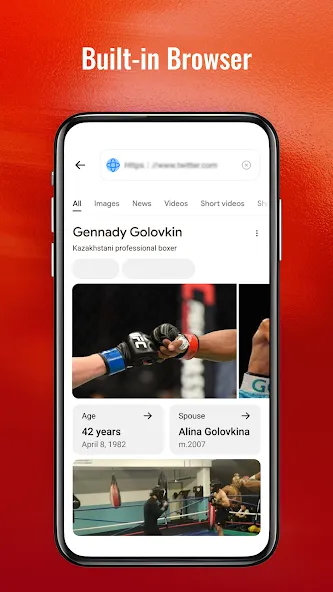
XV Browser is a web browser application designed for Android devices. It offers powerful ad-blocking capabilities, effectively filtering out banner ads, tracking scripts, and pop-ups. The app supports a picture-in-picture mode for use while navigating other applications, and it allows for media playback in the background, even when the screen is locked. Users can customize the User Agent (UA) to switch between desktop and mobile versions of websites. Additionally, the browser provides a one-tap option to clear search history and cached cookies. With a variety of customizable theme colors, the interface offers a polished, high-quality user experience, complemented by a clear layout that makes navigation simple and convenient.
Features
ULTRA-POWERFUL ADBLOCKER
Browse clean and save mobile data. Our advanced WebKit adblocker filters out intrusive advertisements, banner ads, tracking scripts, and pop-ups automatically.
FLOATING PICTURE-IN-PICTURE (PiP)
Never stop watching. Float web videos in a resizable picture-in-picture window that stays on top while you browse other sites or switch apps.
LOCK-SCREEN BACKGROUND PLAYBACK
Listen on the go. Keep video and music audio playing seamlessly in the background, even when your screen is locked. Manage playback directly via lock-screen media notification controls.
IDENTITY SWITCHER (USER AGENT)
Toggle between desktop and mobile versions of any website instantly. Access full-desktop sites with customized user-agent strings.
ABSOLUTE PRIVACY & SECURE DATA
Wipe your browsing footprint with a single tap. Instantly clear your local search history, cache, and cookies to keep your online activities confidential.
PREMIUM GLASSMORPHISM UI
Beautiful dark modes, vibrant theme configurations, and fluid micro-animations make every interaction feel premium.
Advantages and disadvantages
Pros
Clean and simple layout for easy navigation
Smooth performance on everyday devices
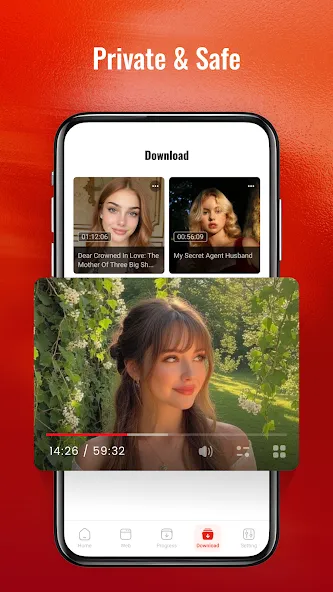
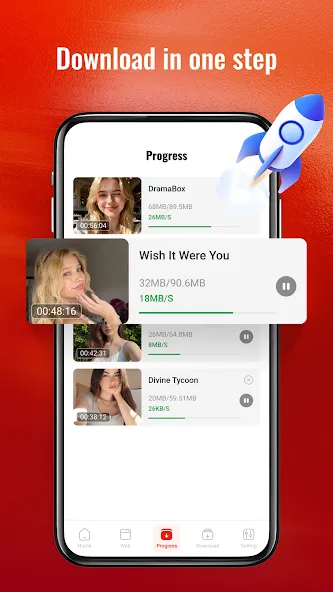
Built-in video viewing and offline saving
Distraction-free environment without unnecessary clutter
Cons
Lacks advanced customization and modern features
Missing robust privacy and security controls
Highlights
You are looking for a clean, minimalist browser that keeps browsing simple and free from distractions
You value smooth performance, with built-in video playback and an easy way to save content for offline viewing
You prefer a browser stripped of all the extras—focused back on the essentials for casual reading, quick searches, and relaxed browsing
Summarize
If you prefer essentials over bloat, this streamlined browser stays simple and dependable for casual reading, quick searches, and video viewing. It gets out of your way so you can browse at your own pace. Download the XV Browser app APK to start with a cleaner, more purposeful setup.





-
Latest Updates
-
Featured Apps