
Walt Browser
Tools
2026-11-11
71.54MB
V3.0.1
Android
285
Screenshots
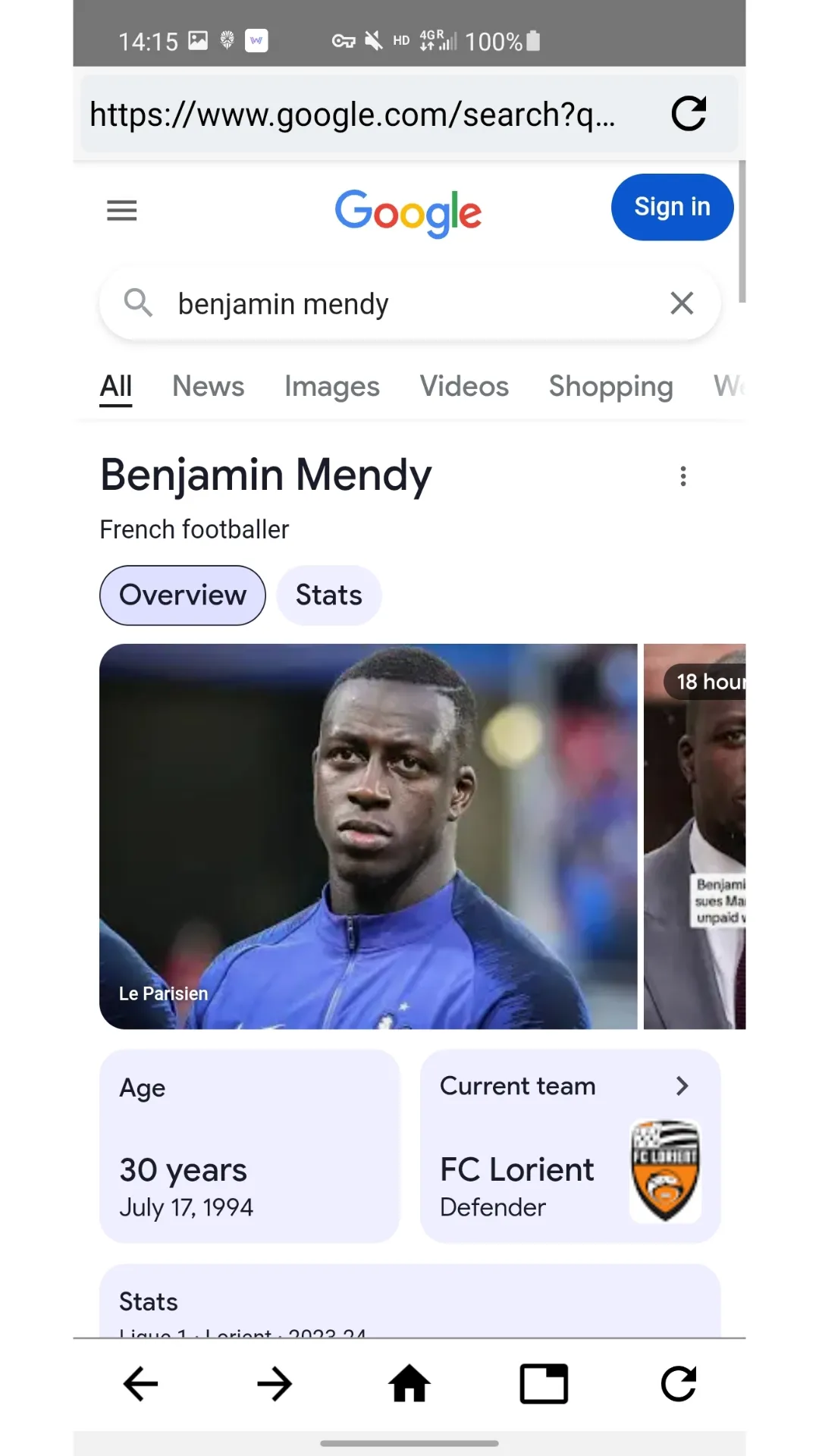
Introduction
Walt Browser is a web browser application designed for Android devices. It features intelligent, context-aware search recommendations, helping users save time when searching. The browser supports multi-tab management and offers built-in shortcuts. A data-saving mode is available to help users effectively reduce data consumption. A history feature allows users to quickly review their past browsing activity, while an "incognito" (private) mode ensures comprehensive privacy protection. The app also supports offline content collection and includes an ad-blocking function, ensuring an ad-free browsing experience.
Features
Smart Search
Walt Browser's Smart Search feature combines results from open tabs and web searches, providing context-aware answers that help you find exactly what you're looking for faster and more accurately. This intelligent search functionality saves you time by delivering comprehensive and relevant information at your fingertips.
Multi-Tab Browsing
Effortlessly manage multiple tabs using Walt Browser's intuitive visual tab manager. This feature allows you to switch between different web pages effortlessly, making it easier to compare information, follow multiple links, and stay organized during your browsing sessions.
Multi-Navigation Browsing
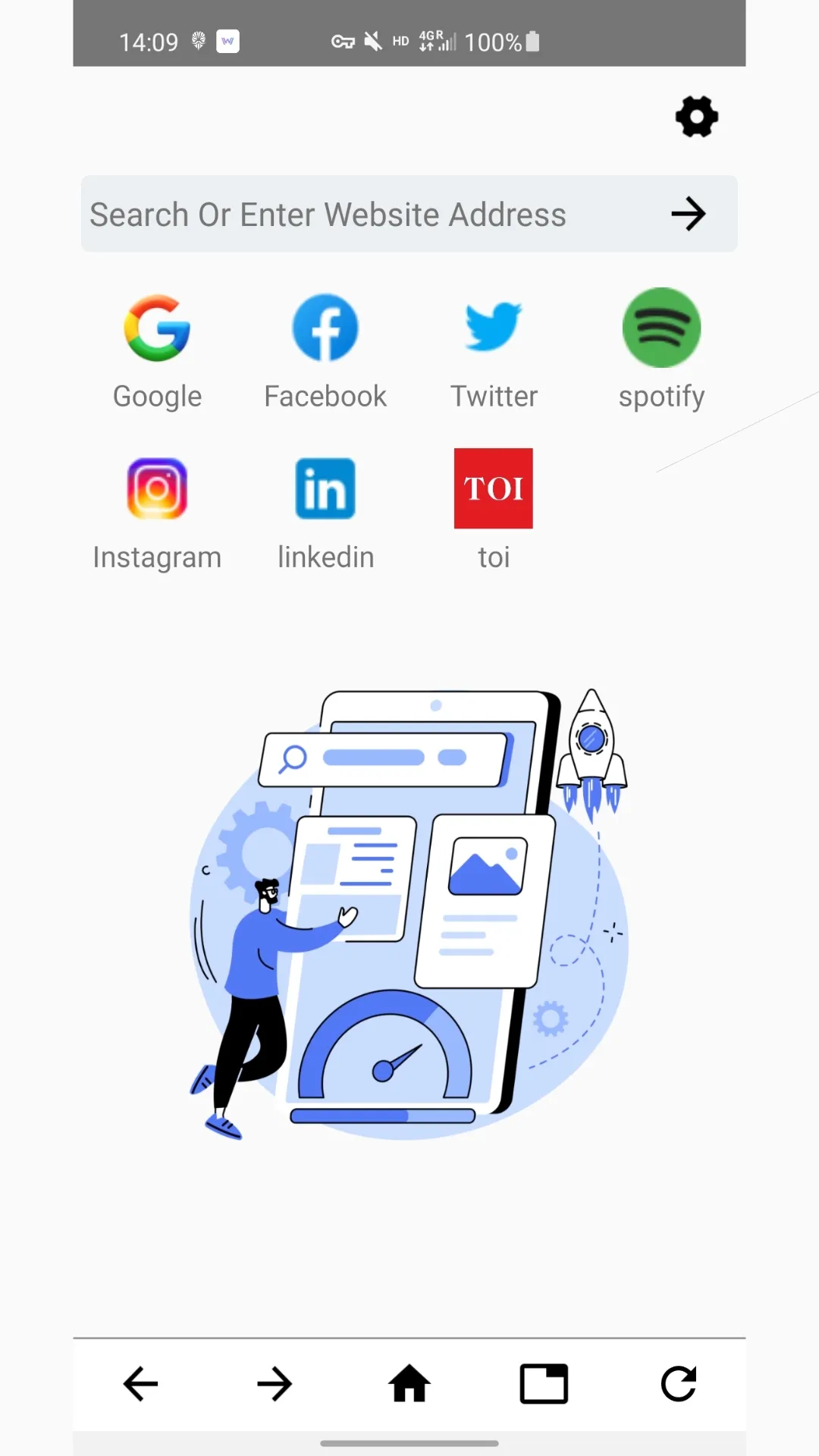
Access your favorite websites quickly and conveniently with Walt Browser's built-in shortcuts. These shortcut icons provide easy navigation to popular sites, eliminating the need to type URLs manually and enhancing your browsing speed and efficiency.
Low Data Mode
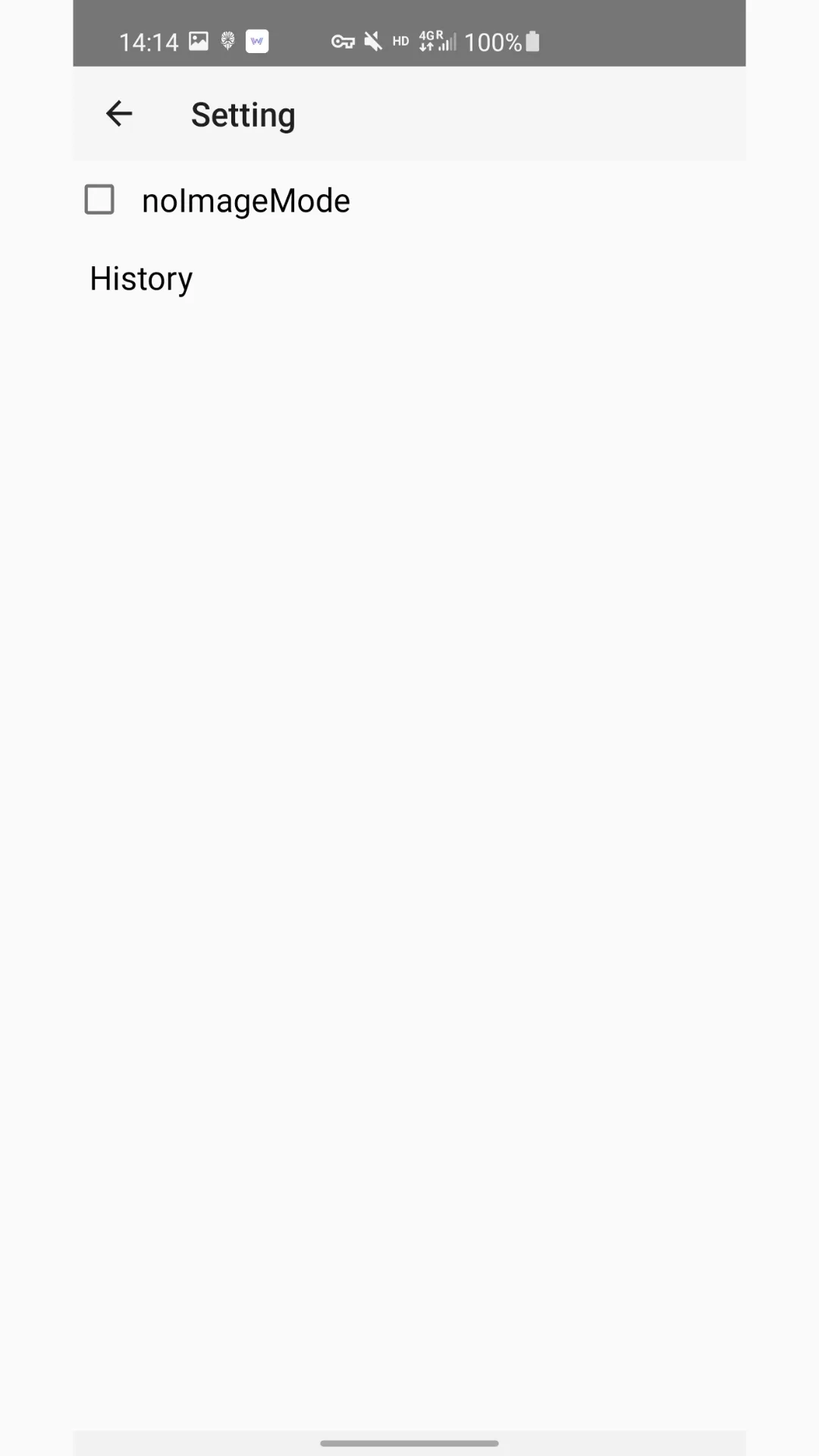
In today’s data-conscious world, Walt Browser offers a Low Data Mode that helps you save on data usage while browsing. This mode optimizes web content to reduce data consumption without compromising the quality of your browsing experience.
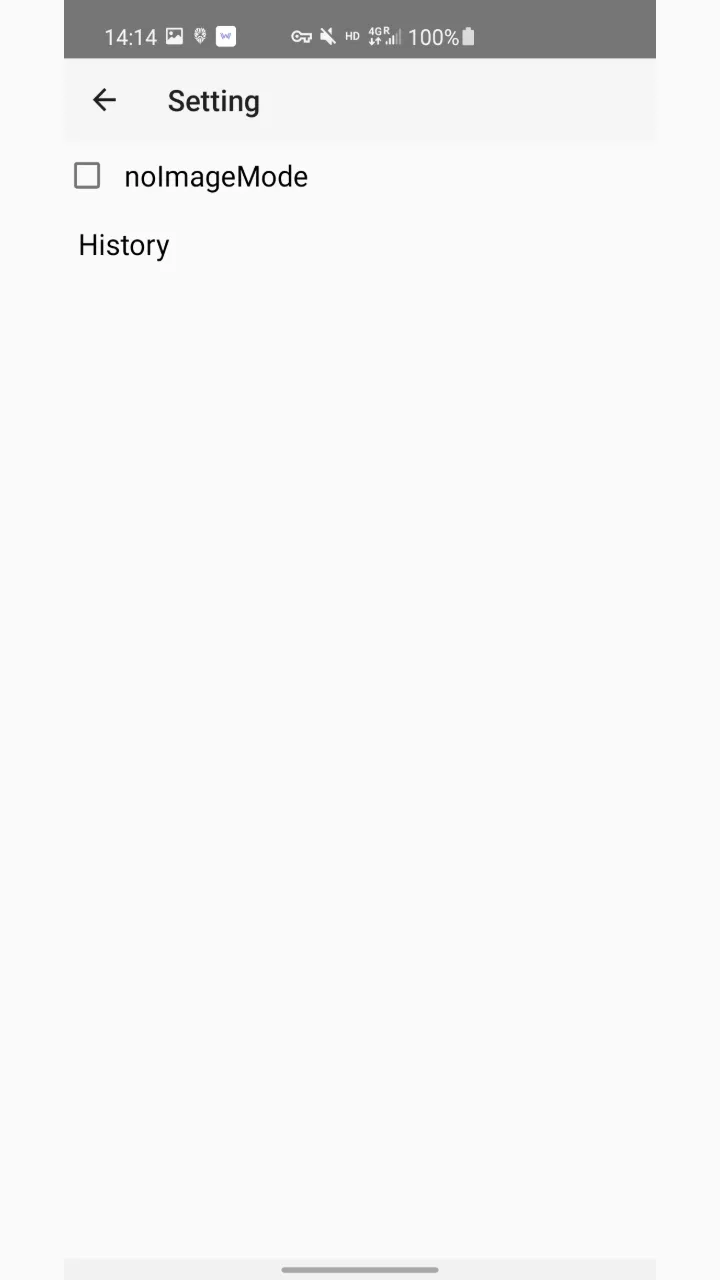
History Mode
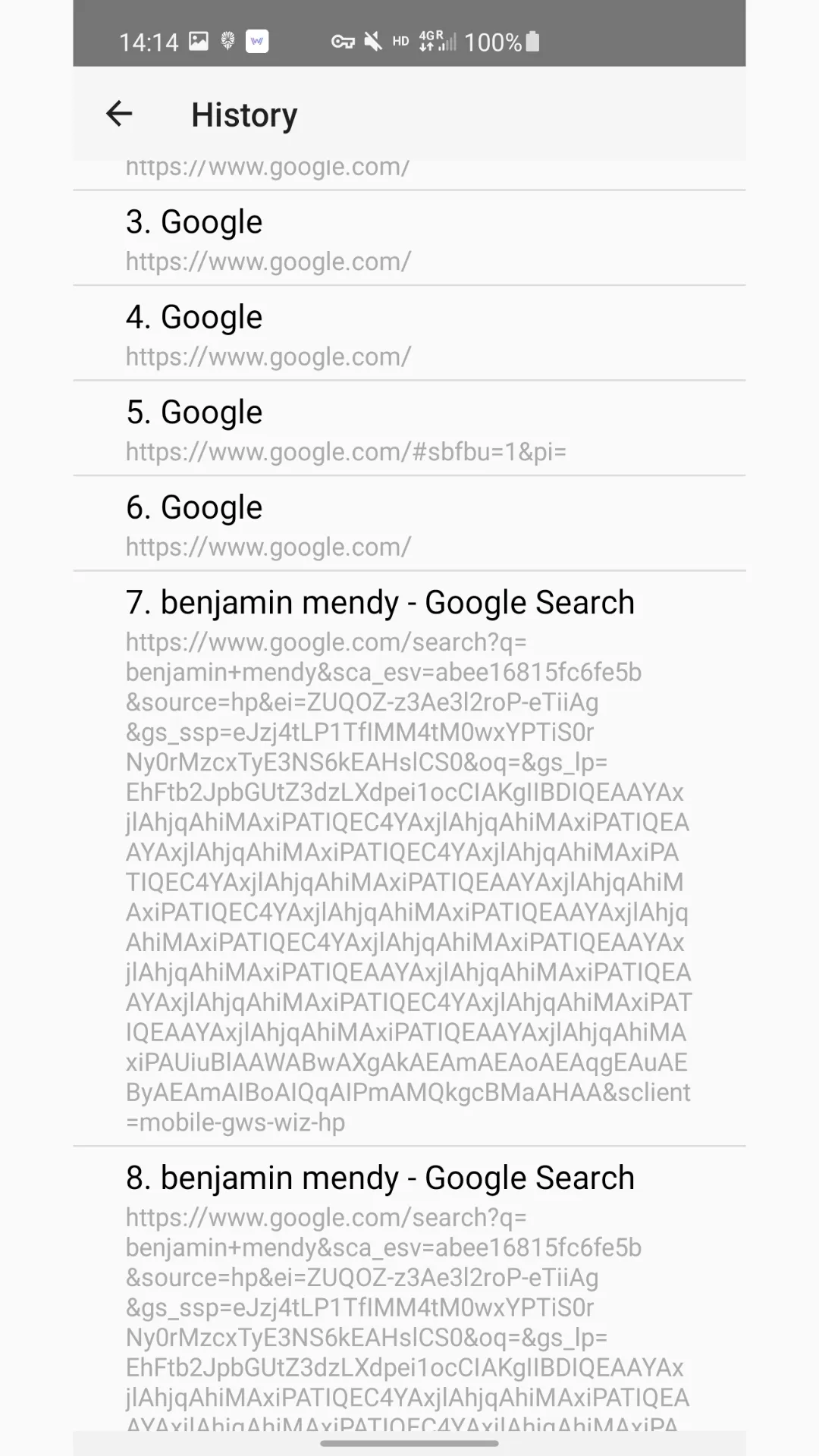
Stay connected with your past browsing activities using Walt Browser's History Mode. This feature provides you with browsing history options, allowing you to revisit previously visited pages, manage bookmarks, and maintain a record of your online journey.
Advantages and disadvantages
Pros
Lightweight and fast: Walt Browser APK is optimized to ensure quick page loads and smooth performance, even on devices with lower specs. This makes it an ideal choice for users who value speed and efficiency in their browsing experience.
Comprehensive privacy features: Users benefit from robust privacy controls, including an ad blocker and incognito mode, which enhance security and keep browsing private without tracking.
Intuitive and customizable user interface: The browser allows extensive customization options, letting users tweak everything from themes to the layout, making their browsing experience uniquely personal.
Offline functionality for convenience: With the ability to save pages for offline access, Walt Browser ensures that you have essential information available anytime, enhancing usability especially when connectivity is limited.
Cons
Limited extension support compared to competitors: While Walt Browser APK offers many built-in features, it falls short in the variety of extensions available compared to browsers like Google Chrome, which might be a drawback for power users.
Occasional minor bugs in rendering certain websites: Users may encounter minor glitches when loading some complex web pages. While these issues are typically resolved quickly with updates, they can be a temporary inconvenience for those relying on flawless browsing.
FAQS
What is Walt Browser?
Walt Browser is a lightweight browser app for Android, designed for fast browsing, privacy features, and low resource consumption.
Does Walt Browser support multiple tabs?
Yes, the browser features a visual tab manager that helps users easily organize, preview, and switch between tabs.
Does Walt Browser have an ad blocker?
Yes, it includes a built-in ad blocker that removes pop-ups and tracking scripts, resulting in faster page loading and data savings.
Can I browse privately in Walt Browser?
Yes. It offers an Incognito Mode that prevents your browsing history, cookies, and login information from being saved on your device.
Who is Walt Browser for?
It is ideal for Android users with older devices, those with limited data plans, or anyone who wants a faster, cleaner browsing experience without distractions.
Summarize
This application is suitable for Android users looking for a fast and lightweight browser. It is ideal for phones with low specifications, users with limited data plans, or anyone who wants to browse the internet without unnecessary distractions.





-
Latest Updates
-
Featured Apps