Mullvad VPN
Tools
2026-11-11
13.75MB
2026.12
Android
273
Screenshots
Introduction
Mullvad VPN is a VPN tool designed for Android devices. Once launched, it establishes an encrypted tunnel between your phone and a VPN server, effectively masking your device's IP address. To use the service, you must create an account—a process that relies on a unique account number rather than being linked to an email address. The app does not track or log any of your mobile activity, and it is designed to be energy-efficient, helping to conserve your phone's battery. It also supports automatic key rotation and provides access to over 700 servers across 62 countries and regions, allowing you to access websites and applications from other countries.
Features
Encrypted browsing through VPN servers
Mullvad VPN creates an encrypted tunnel between your Android phone and its VPN servers. Because of this, websites and internet providers see the server identity instead of your real IP address. This setup helps reduce direct exposure of your location and browsing activity during normal use. It is useful when you connect through shared networks or want a more private browsing session.
Anonymous account setup
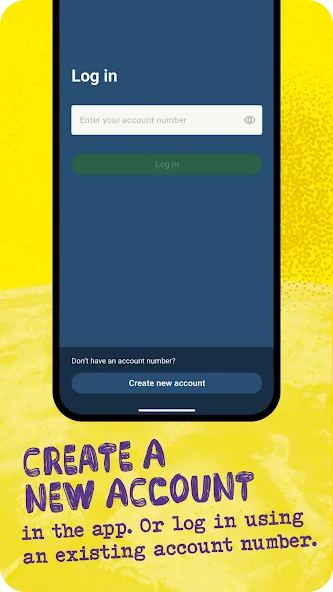
Mullvad VPN does not require an email address or personal details to create an account. Instead, the service uses an account number, which keeps the signup process separate from common identity data. This approach fits users who do not want a VPN account tied to their name, inbox, or other personal records. It also keeps the first setup short, since there are fewer forms to complete.
No activity logs
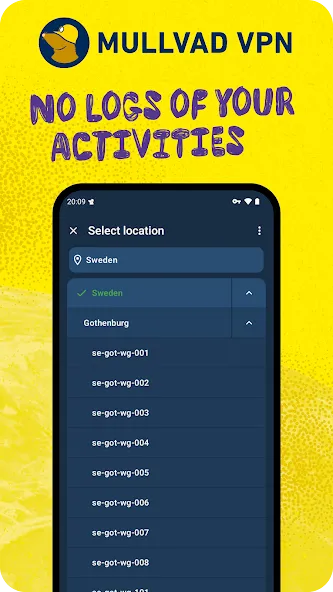
Mullvad VPN states that it keeps no activity logs, so the service is designed not to record what you do while connected. This matters for users who want their VPN use to stay separate from browsing history and identifiable account data. In practice, the Mullvad VPN app focuses on private access rather than profile based tracking. This makes the Mullvad VPN Android experience straightforward for people who want fewer data trails.
WireGuard connection support
Mullvad VPN uses WireGuard to provide secure VPN connections on Android. WireGuard is built for quick connection handling and can use less battery compared with heavier VPN methods. The app also supports automatic key rotation, which helps keep connection keys refreshed over time. For many users, this means the Mullvad VPN latest version can stay practical for daily browsing, messaging, and app use.
Extra tools for control and restricted networks
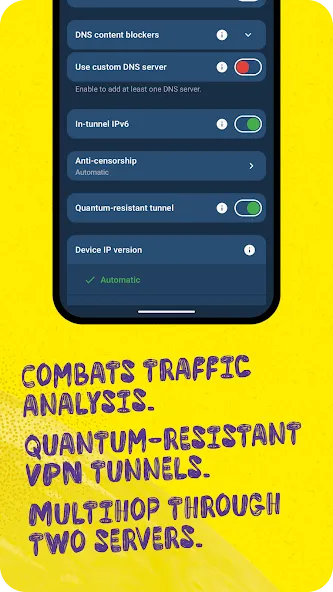
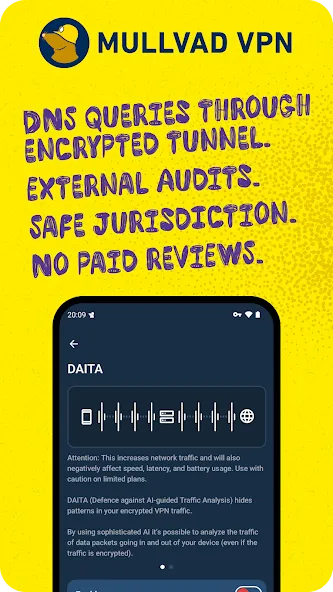
Mullvad VPN includes tools such as split tunneling, an advanced kill switch, traffic obfuscation, Multihop, and Shadowsocks. With split tunneling, you can choose which apps use the VPN connection and which apps connect normally. The kill switch helps stop traffic if the VPN connection drops, while obfuscation and anti censorship tools can help in networks that block or limit VPN traffic. Multihop can route traffic through more than one VPN server for users who want an added layer of separation.
Advantages and disadvantages
Pros
No email address or personal profile required
WireGuard connections with generally stable speeds
More than 700 servers across 62 countries
Split tunneling and DNS-based ad blocking
Cons
Limited selection of advanced controls
Server choice can require manual adjustment
How to Use
Open Mullvad VPN on your Android phone and enter your account number when the app asks for it.
Choose a VPN server location from the available list, especially if you need a specific region for browsing access.
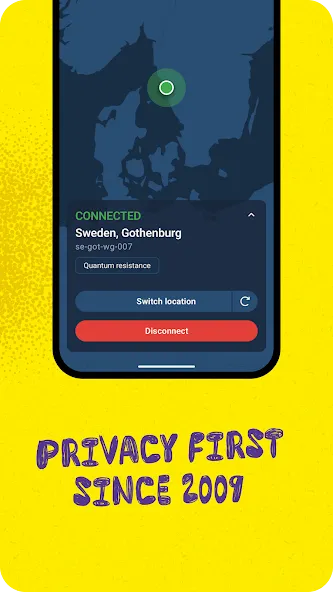
Tap the connect button and wait until the app shows that the VPN tunnel is active.
Open your browser or other apps normally, then check that your connection stays active while you use the internet.
Go into settings if you want to turn on split tunneling, the kill switch, Multihop, or other tools for your own use case.
Summarize
Built for Android, Mullvad VPN encrypts device traffic and substitutes a VPN server’s IP address for the user’s own. Its defining choice is the account system: a randomly generated number replaces the usual email address, password, and personal profile.





-
Latest Updates
-
Featured Apps