
Fake GPS
Tools
2026-09-09
13.73MB
5.8.10
Android
430
Screenshots
Introduction
Fake GPS is a unique location testing application. This app provides a simulated location, misleading other applications into identifying the user's current location. It's typically used for demonstrations or development scenarios and is a valuable tool for developers. The app has a very user-friendly interface; users can easily change their location with just a few taps. Users can customize the simulated location according to their needs and preferences. This app is suitable for a wide range of users, even gamers. Furthermore, the app prioritizes digital privacy, providing a better user experience.
Features
Easy-to-Use Interface: Our app features a user-friendly interface that makes it simple for users to navigate and utilize its features.
Real-Time Location Changing: Users can easily change their location in maps and location-based games with just a few clicks.
Developer-Friendly: Developers can use our app to mock location data for testing purposes, making it a valuable tool for app development.
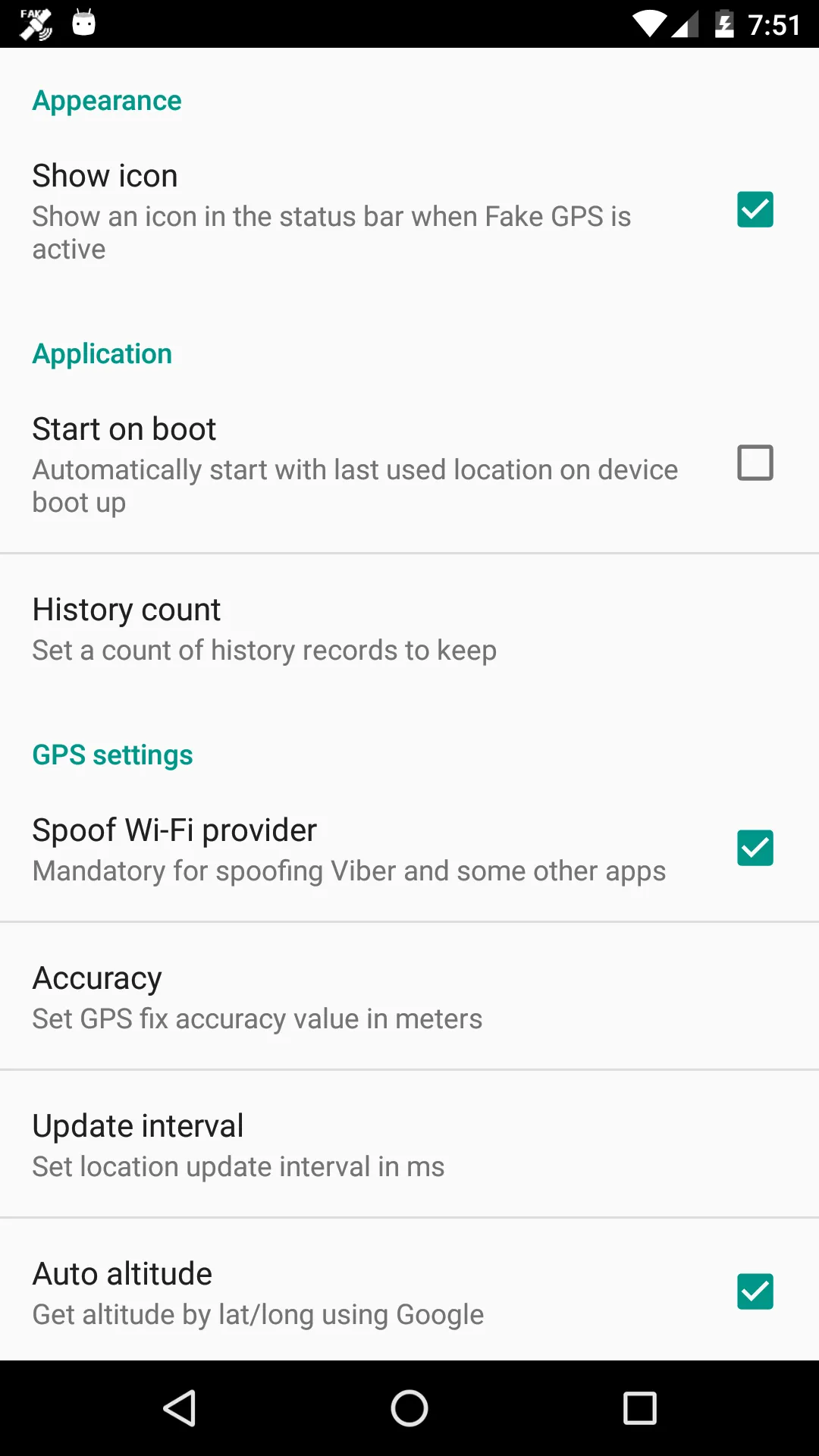
Customizable Settings: Users have the option to customize their mock location settings to suit their specific needs and preferences.
Usage
Open system settings and enable Developer Options, then return to the main settings page.
Find the Developer Options menu and select the mock location app setting, then choose Fake GPS.
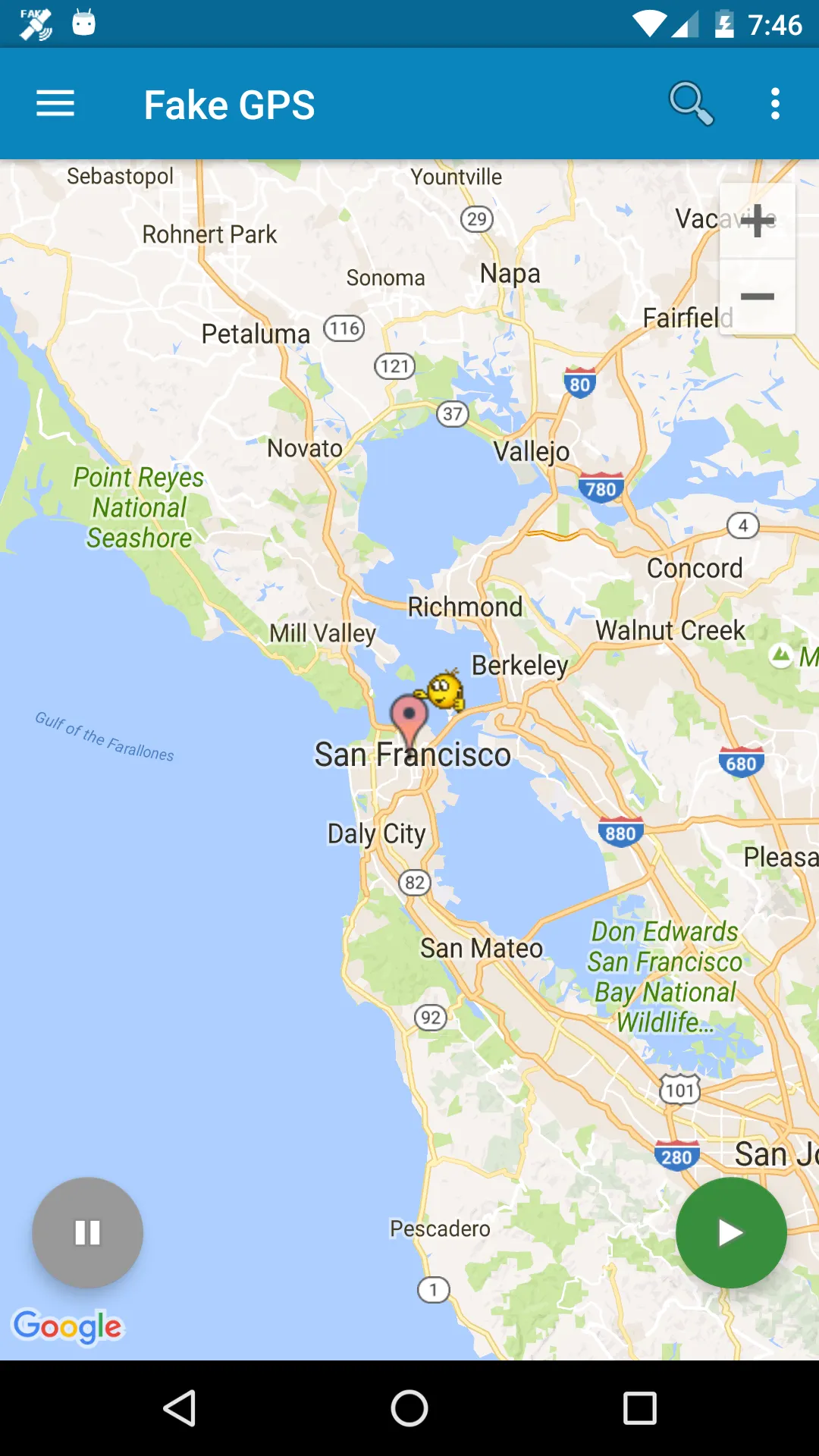
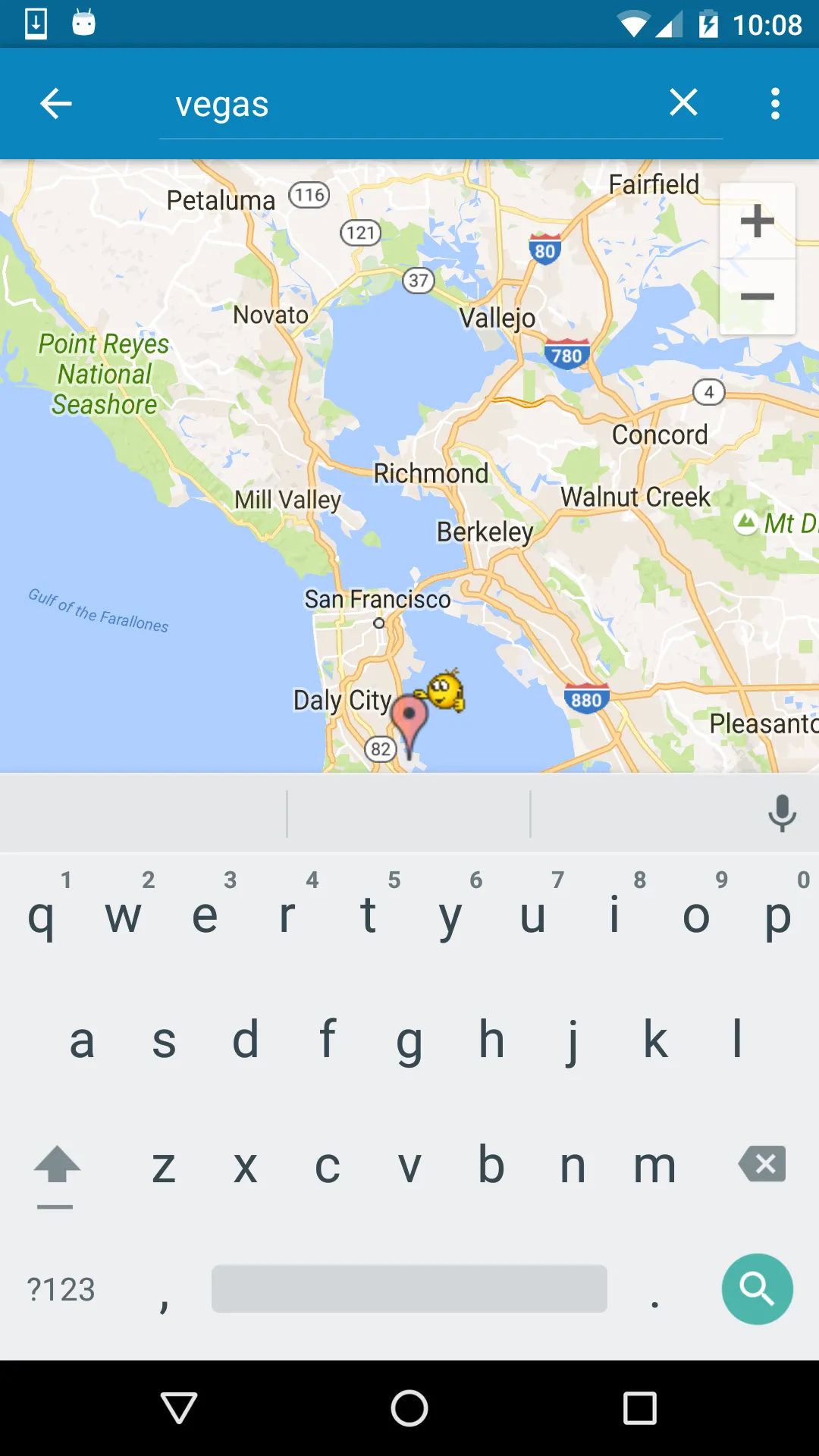
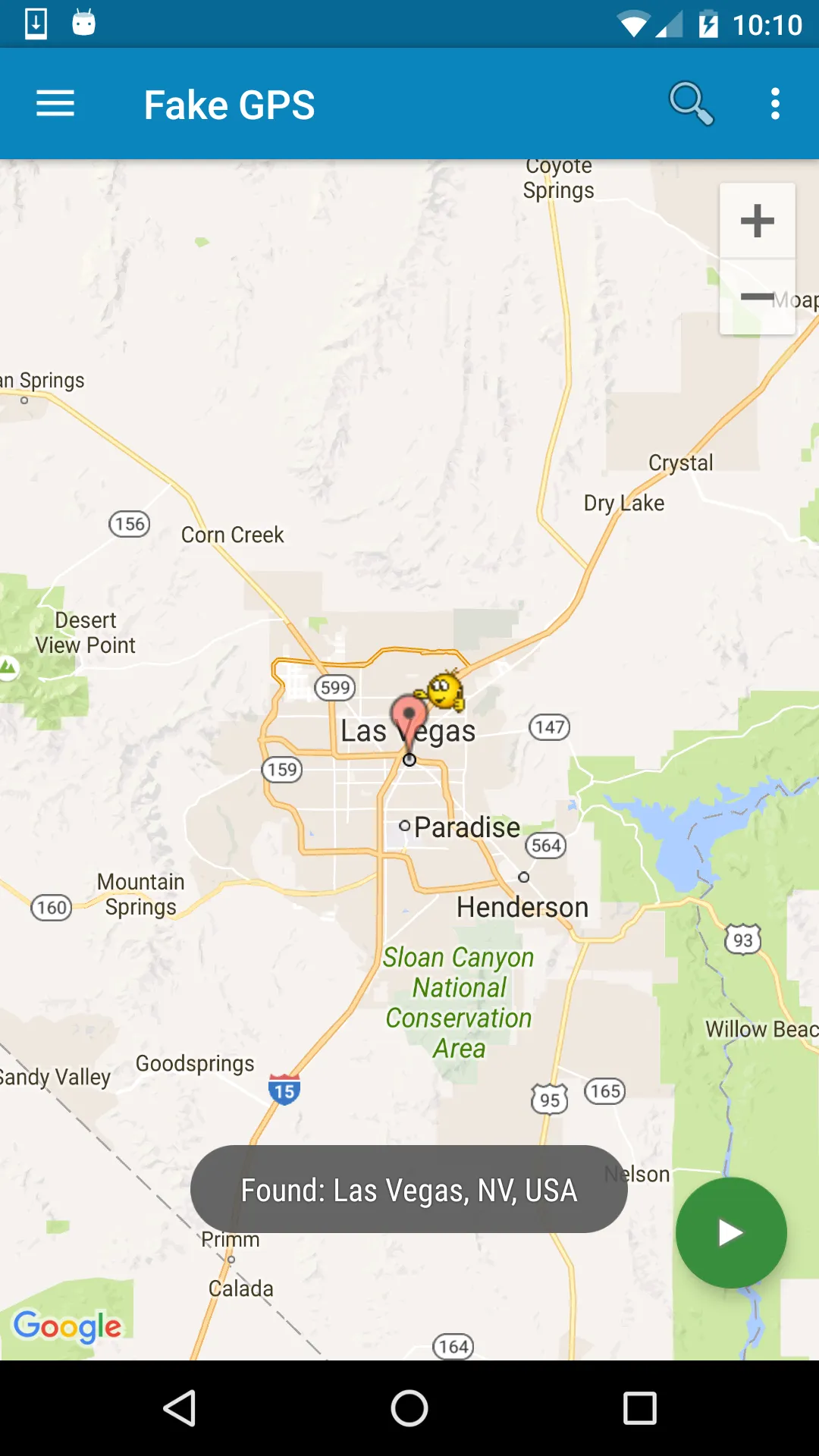
Launch Fake GPS, move the map to your target spot, and start the mock to set that location.
Switch to your location-based app to test behavior, then stop Fake GPS when you finish.
If you need automation, create a Tasker task or use a command-line call to start and stop the mock during test scripts.
Pros and Cons
Pros
Easy to use
ISP spoofing
Automation options
Cons
Persistent bug that breaks GPS functionality
FAQs
What is Fake GPS?
Fake GPS is an Android utility app that lets you simulate your device’s location to any place in the world without physically being there.
How does Fake GPS work?
It overrides your phone’s actual GPS location, tricking apps into reading your set virtual coordinates as if you were really there.
Can Fake GPS cause issues after uninstalling?
Yes, your device may remain “stuck” at the last spoofed location, but you can fix it using a GPS status app or by resetting your real location through Fake GPS.
Is rooting required to use Fake GPS?
No, but rooted devices have extra options like bypassing mock location settings, which can make the spoofing more seamless.
Conclusion
This tool suits a wide range of users. App developers, testers, and even gamers looking to spoof their in-game location will find it extremely useful. It’s also helpful for people who value digital privacy and don’t want their real location constantly broadcast. Just make sure to use it responsibly after all, not all apps or services are thrilled about location spoofing.






