VIMAGE
Photography
2026-09-18
163.80MB
5.1.11
Android
547
Screenshots
Introduction
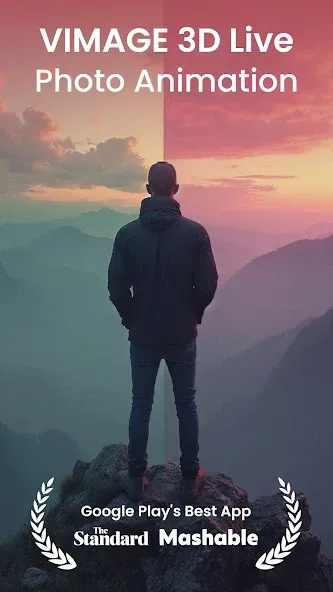
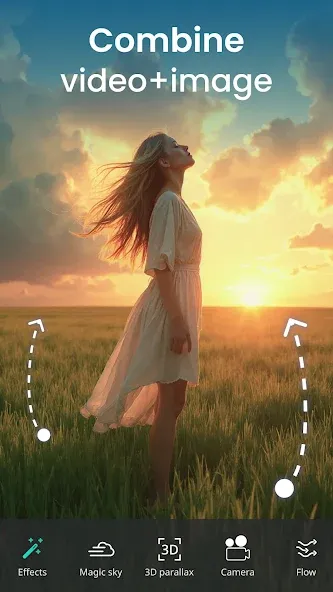
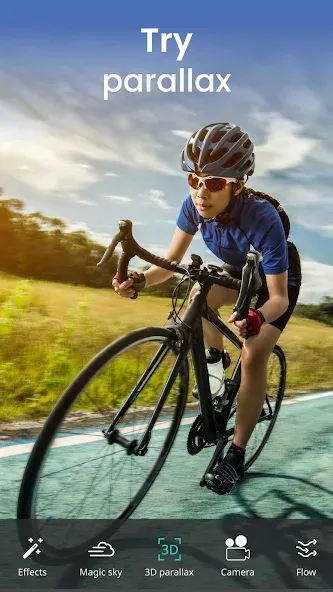
VIMAGE is a photo editing tool for Android devices that offers free AI-powered editing capabilities, allowing users to create the perfect photo in seconds. The app features 3D motion effects that transform ordinary photos into dynamic 3D visuals and enables the creation of animated GIFs. Users can also adjust image dimensions and utilize a wide range of built-in filters and special effects. Operation is simple: just import the photo you want to edit, select a template, and enter a prompt for the AI to generate the final image.
Function
Free AI Editing
It has a free AI editing tool that can help you edit the images with professional touches within seconds. Upload your photo and select the filters and changes you want to apply, and it will perform all the actions automatically.
3D Motion Effects
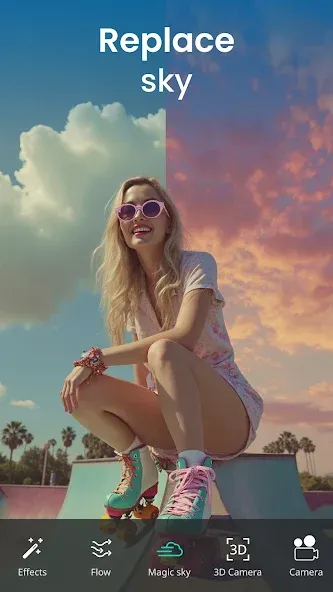
It lets you create 3D motion pictures from your normal boring photos. You can use this tool to change the sky background with clouds, add running waterfall effects, or turn on the winds to blow your hair smoothly.
Create GIFs
You can export your animated images in GIF format to send the GIFs in conversations. You can directly share the photos from this tool to your social profiles and chats or post them on your stories.
Cut, Crop & Resize
If you’re looking for a quick way to cut, crop, or resize images, this tool has shortcuts to help you perform these quick actions without having any knowledge of master editing.
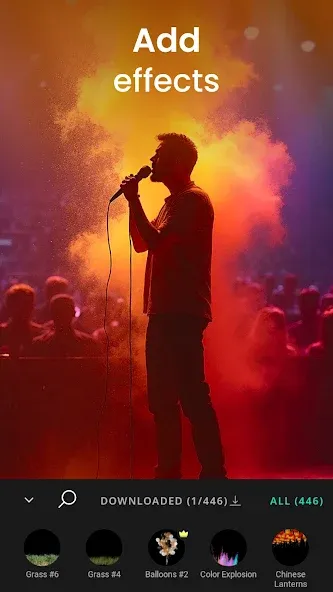
Filters, Effects, and Overlays
Thousands of free filters, effects, and overlays are available in the gallery that you can use to modify the images and enhance the picture quality.
How to Use
Launch the application and tap on the photo you want to edit. This will bring up a range of tools at the bottom of your screen that allows you to customize your image.
Start by choosing from one of the many templates and filters available. You can swipe between them and experiment until you find the perfect combination.
Once you've created your desired effects, save your image to your device. From there, you can either share it with friends or upload it to social media like Instagram or Facebook.
Advantages and disadvantages
Pros
Simple process
Allows users to create unlimited living photos
Comes with photo editing tools
Can be used to reboot old photos
Cons
Limited effects
Free version only supports one overlay per photo
User comments
I always loved the effects. ( You could change the color & positions of all the moving effects. Although, some show up better than others, they all range from cute to gorgeous.) Now however, they have stepped up the pixel motion & made it easier to use. The motions come out sooo much better now. Good Job folks!
By far the best app I've found for bringing nature photos and various other pictures to life. It seems a bit confusing at first, but they give you tutorials that are SUPER easy to follow and once you get the hang of it, you'll be using it for ALL your photos. I DEFINITELY recommend this to anyone into photography, or just interested in bringing new life from your photos.
From the moment I saw the interface, I knew this was a unique app. With vimage you can create high quality .gifs and MP4 versions of your photographs. Originally, it was only possible to use one overlay. Now you can add up to 3 overlays for a multi-layered image that often surpasses what you expected The idea of transforming a still photo into a moving image on my PHONE shows me how far Android technology has come. But mostly I love the fun of experimenting in vimage. You will too.
Summarize
If you want to create high-quality, eye-catching animations for your device, look no further than Vimage APK. It offers a comprehensive collection of tools, effects, and other features that make it easy to create stunning projects without spending hours on complex software.