TapScanner
Photography
2026-09-03
56.59MB
3.1.17
Android 5.1+
410
Screenshots
Introduction
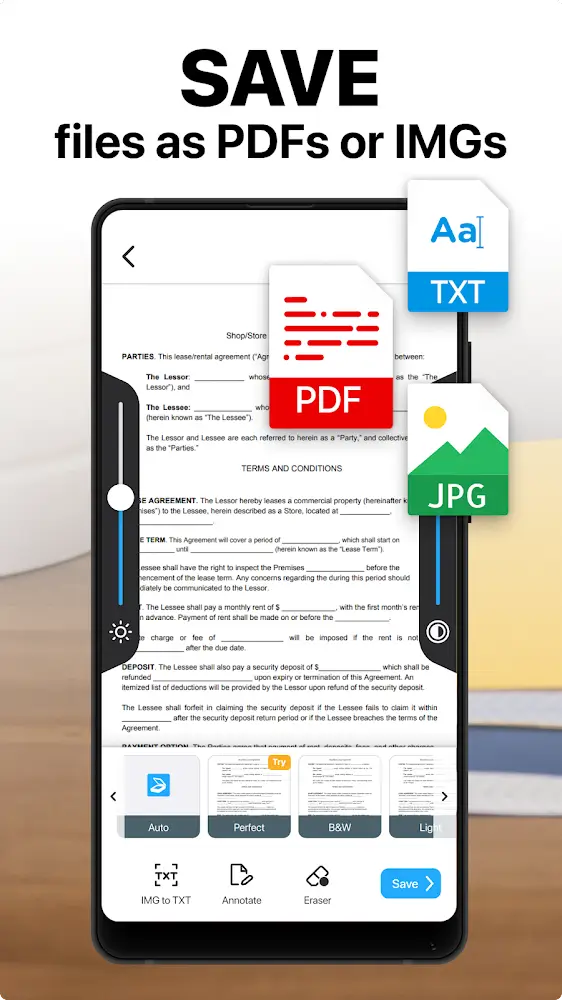
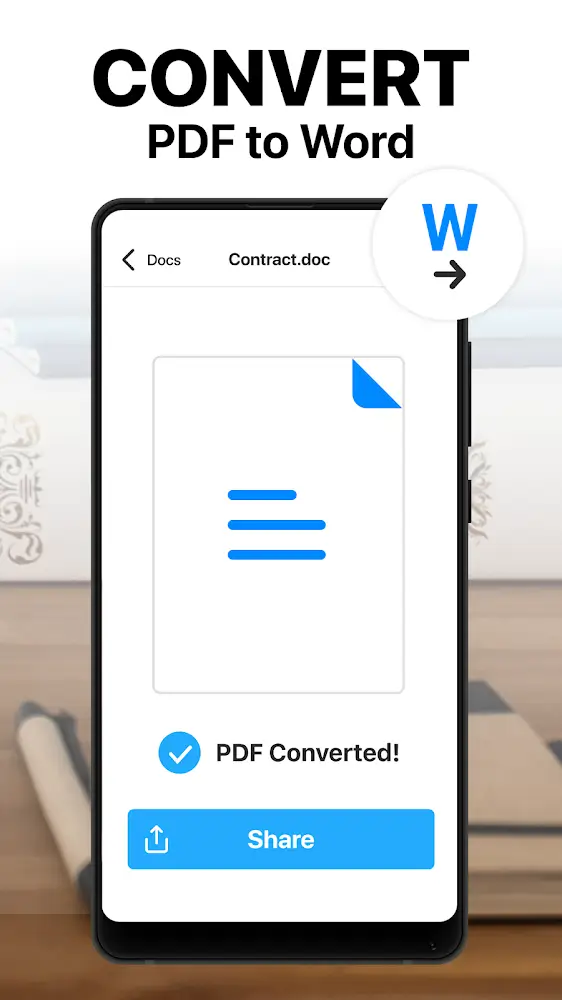
TapScanner is a powerful PDF tool that helps users scan paper documents into electronic PDF files. It also supports conversion between PDF and other file formats. This application allows users to organize all their paper documents into electronic files for easy management. Furthermore, it includes PDF editing capabilities, allowing users to edit the generated PDF files. The application also boasts high security, enabling users to easily back up their data and upload it to the cloud, ensuring that stored files and data are never lost.
Features:
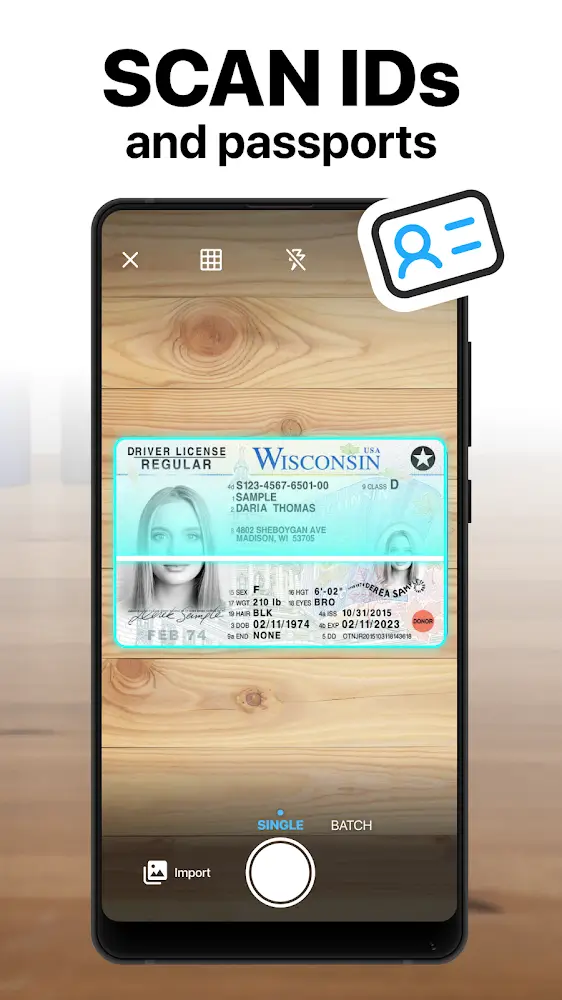
Scan documents, receipts, QR, and business cards
Document Scanner app - Automatically detects borders
Fine-tune the image with many filters to reach perfection
Easily manage your documents
With a high-quality PDF Scanner and PNG output
Sign & Send documents to others for signing with an electronic signature
Cloud integration - backup and sync content to the cloud
Simplify document scanning & signing by adding custom fields to documents
QR Scanner app - scan QR codes and convert them to email, text, and links seamlessly
Highlights:
Easy Backup: When users store their information on the cloud application included in the market app, they will no longer need to worry about data loss. They can always get that data back by accessing the cloud and downloading it back.
Access Anywhere: In addition, users will be allowed to access this data anywhere and anytime as long as they have a device to log in.
Safe Storage: Many users have agreed that they feel safer now that they are no longer so afraid of losing data.
Built-in Reader: The scanning feature already available on the app has been integrated by the developers with reading functionality, allowing users to now use this feature for scanning QR codes.
Supports Many Formats: Besides, this feature is not completely a side feature of the app, but it can be considered a main feature. This shows that the developers have always updated it so that it can support many different types of formats, from URLs to contacts.
Pros and Cons:
Pros
Handles multi-page scanning, reordering, merging, splitting, signing, and annotation
OCR supports more than 110 languages
Cloud backup, password protection, sharing, and Wi-Fi printing cover common document workflows
AI summaries and plant identification extend its uses beyond scanning
Cons
The free trial converts automatically to a paid subscription unless canceled
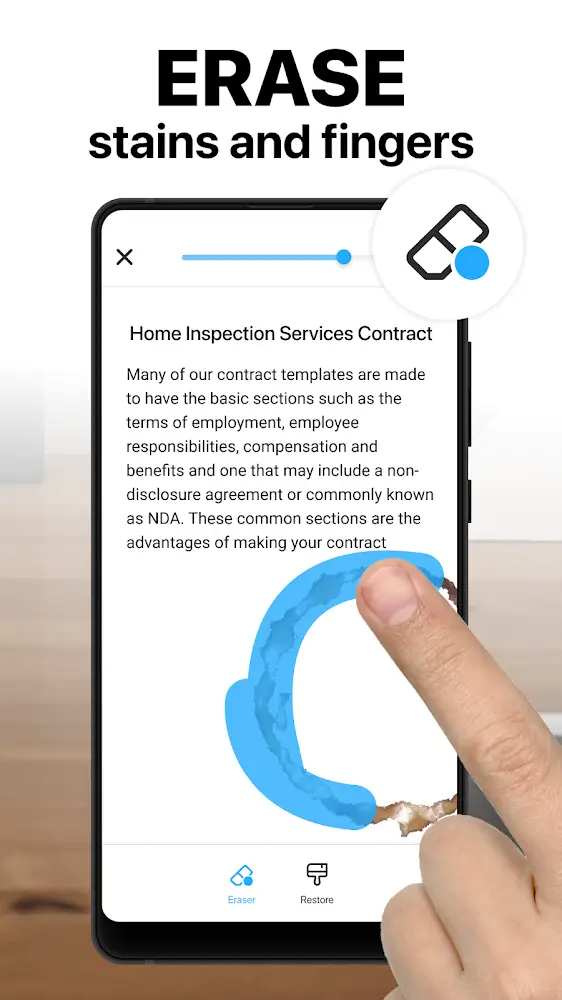
Users report that useful cleanup tools have shifted into the premium tier
Plant identification provides only basic species information
Tips and Tricks:
Open TapScanner and choose the camera scanning option to start a new document.
Place the paper inside the camera view, then let the app detect the page edges or adjust them if needed.
Capture one page or continue scanning more pages when you want to create a single PDF from several sheets.
Review the scanned pages, then use correction tools such as crop, filter, brightness, rotation, or page reorder.
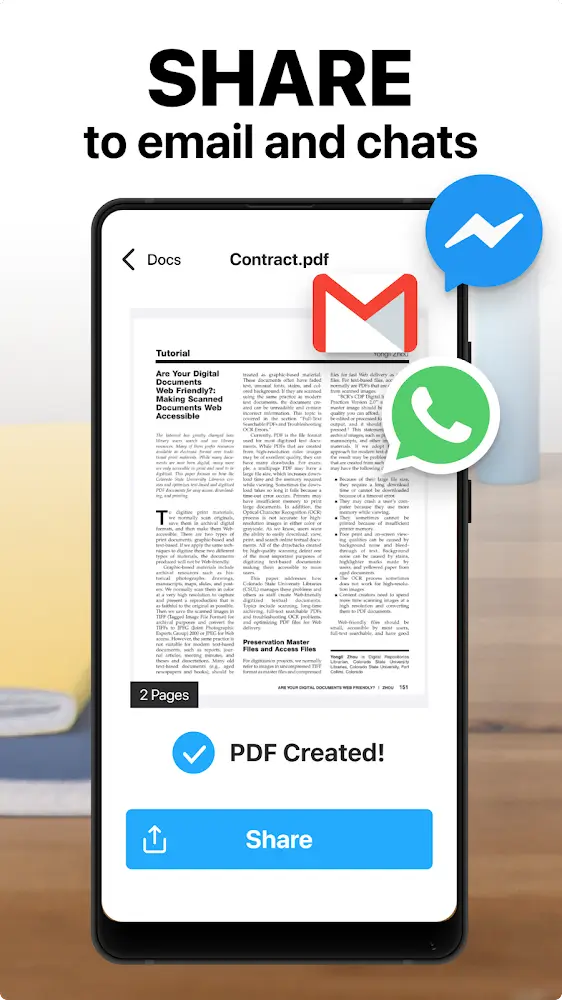
Save the file as a PDF, then rename it, protect it with a password if needed, back it up, or share it through your preferred app.
Conclusion:
Download TapScanner's APK for Android if you want to professionally scan any physical document and digitize it, in seconds, from the comfort of your smartphone. You can even use it to identify plants, so you won't have to download other specialized apps.
-
Latest Updates
-
Featured Apps