
Beauty Plus
Photography
2026-07-14
471.3MB
7.41.0
Android
526
Screenshots
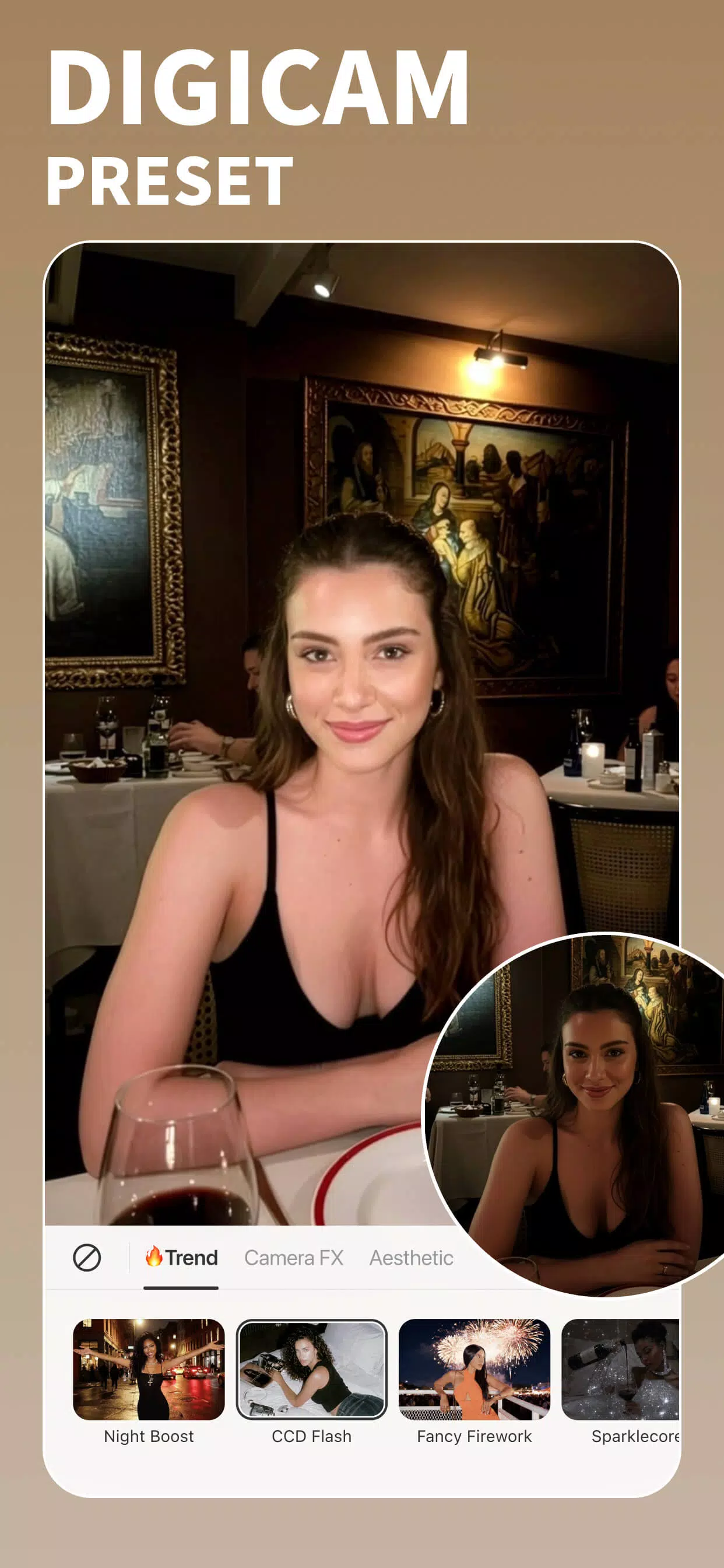
Introduction
Beauty Plus is a photo and video editing application that provides fast AI retouching for selfies and portraits. This app combines AI intelligent editing with a simple and easy-to-use interface, allowing users to quickly smooth skin, remove blemishes, and perform other retouching operations. It offers both manual and automatic tools, making it easy for users of different skill levels to enhance their photos. It also provides a simple and straightforward editing interface that is easy to use and allows most users to get started quickly.
Features:
Smart retouch and makeup
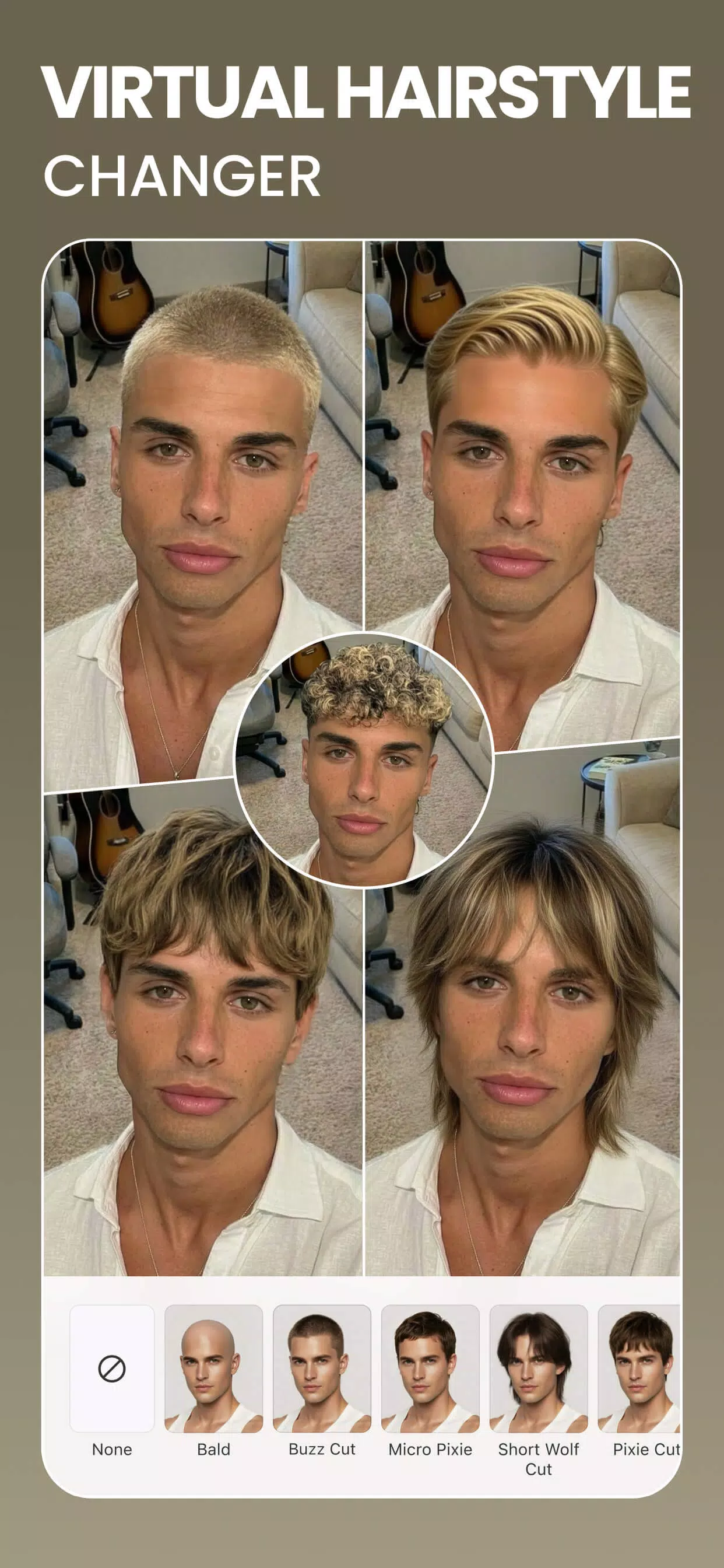
BeautyPlus offers one tap retouch to remove acne, soften lines, and brighten dark areas. You can apply virtual makeup such as lipstick, blush, brows, and contacts with adjustable intensity. In addition, teeth whitening and hair color changes help finish your look without manual masking.
Face and body shaping
BeautyPlus includes precise tools to refine facial contours and adjust symmetry with natural results. You can reshape the waist, arms, and bust, and you can fine tune height and skin tone. Therefore, portraits stay proportional while you keep control with simple sliders.
AI art effects and avatars
BeautyPlus turns photos into stylized images in Anime, Cartoon, Clay, Pixel, or Crayon styles. You can also generate AI Avatars for profile images that stand out. Furthermore, presets make it easy to preview styles before saving.
Background and object removal
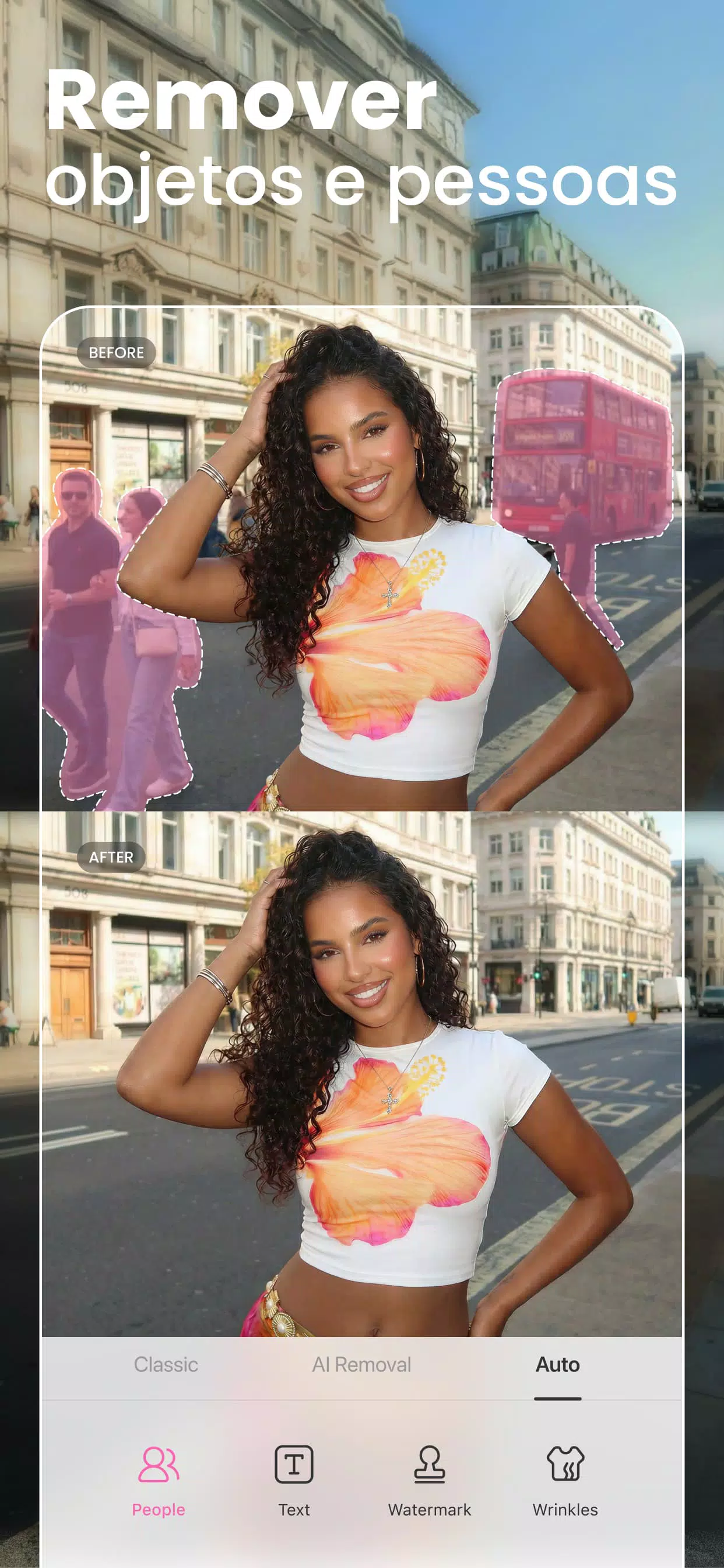
BeautyPlus provides an accurate background eraser and changer that separates subjects cleanly. You can blur backgrounds for depth or replace scenes for a new context. Also, the AI object remover helps clean unwanted items without leaving visible traces.
Quality enhancement and restoration
BeautyPlus includes an AI Image Enhancer that upscales, unblurs, and revives older photos. You can process images in batches for consistent 4K quality when preparing albums or product shots. As a result, low resolution files become ready for sharing or printing.
Video editing and creative assets
BeautyPlus lets you add music, filters, and text to short clips with clear controls. You can apply AI video enhancement and remove backgrounds in videos for quick edits. In addition, a large library of filters, stickers, templates, fonts, and Film Cam effects supports varied styles.
Highlights:
Better selfies in no time
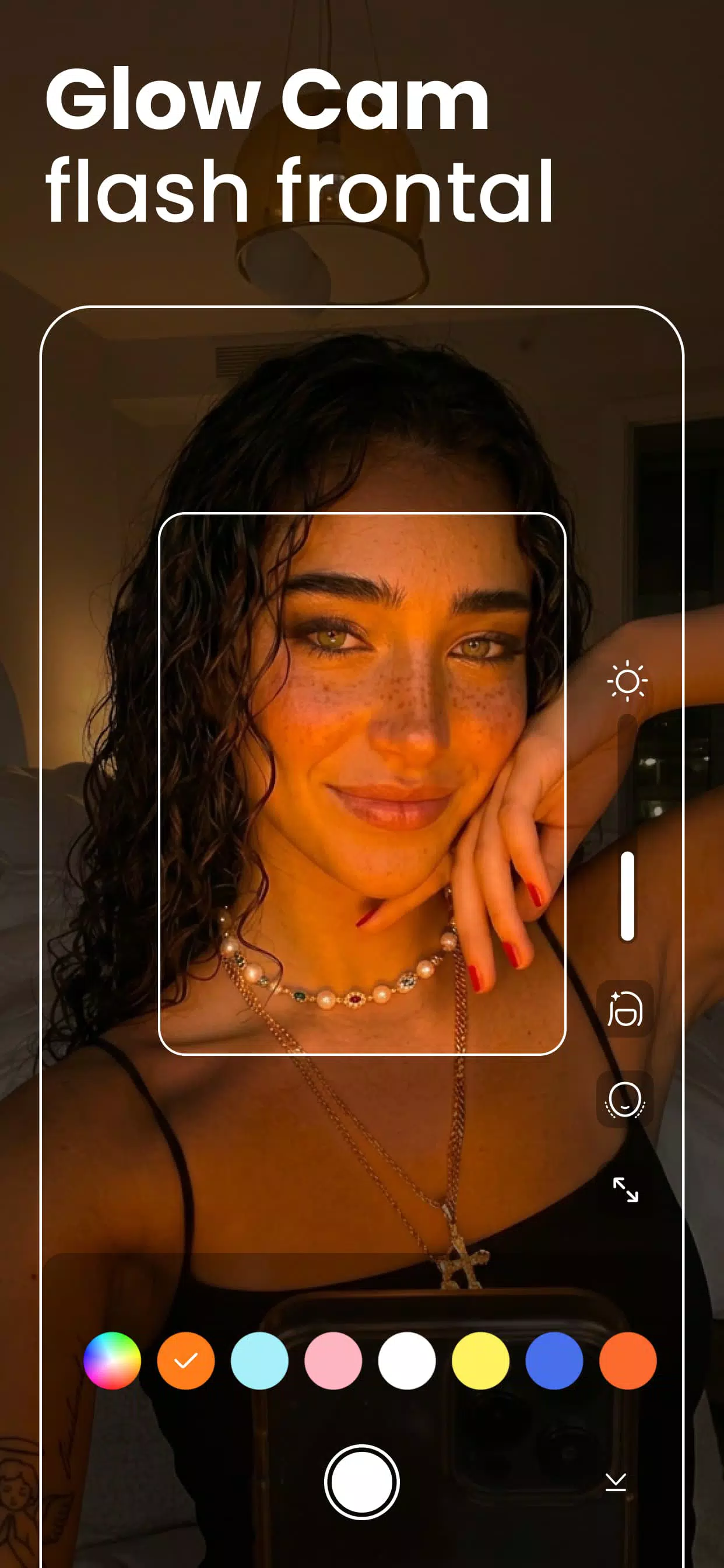
Beauty Plus Editor's main feature is its intelligent camera capable of applying automatic enhancements as the photo or video is taken. You can modify parameters like skin smoothing, facial brightness, eye enlargement, face sharpening and tone correction in real time from the settings menu before taking the photo. This means you'll get a stylized, natural image without the need for further editing, perfect for capturing spontaneous moments with instantly polished results.
Edit photos with professional results
Once a photo has been taken, the app will offer you a number of photo retouching tools to help you modify specific details of the face or body. Whiten teeth, remove pimples or imperfections, correct dark circles under the eyes, reshape eyebrows, adjust the nose or facial contours, and more with this app. The tools are precise, easy to use and allow for a realistic and refined aesthetic without going overboard. It won't look like you have edited the photo at all.
Beauty mode for videos
Beauty Plus Editor also offers real-time video beautification, allowing you to record polished content for TikTok, Instagram or YouTube from the start. The app will provide everything you need to avoid any post-editing, so you can post it directly to your social media channels.
Pros and Cons:
Pros:
Easy to use and intuitive user interface.
Allows users to edit photos with various filters, effects and tools.
Offers various features, such as face recognition technology for perfect selfies.
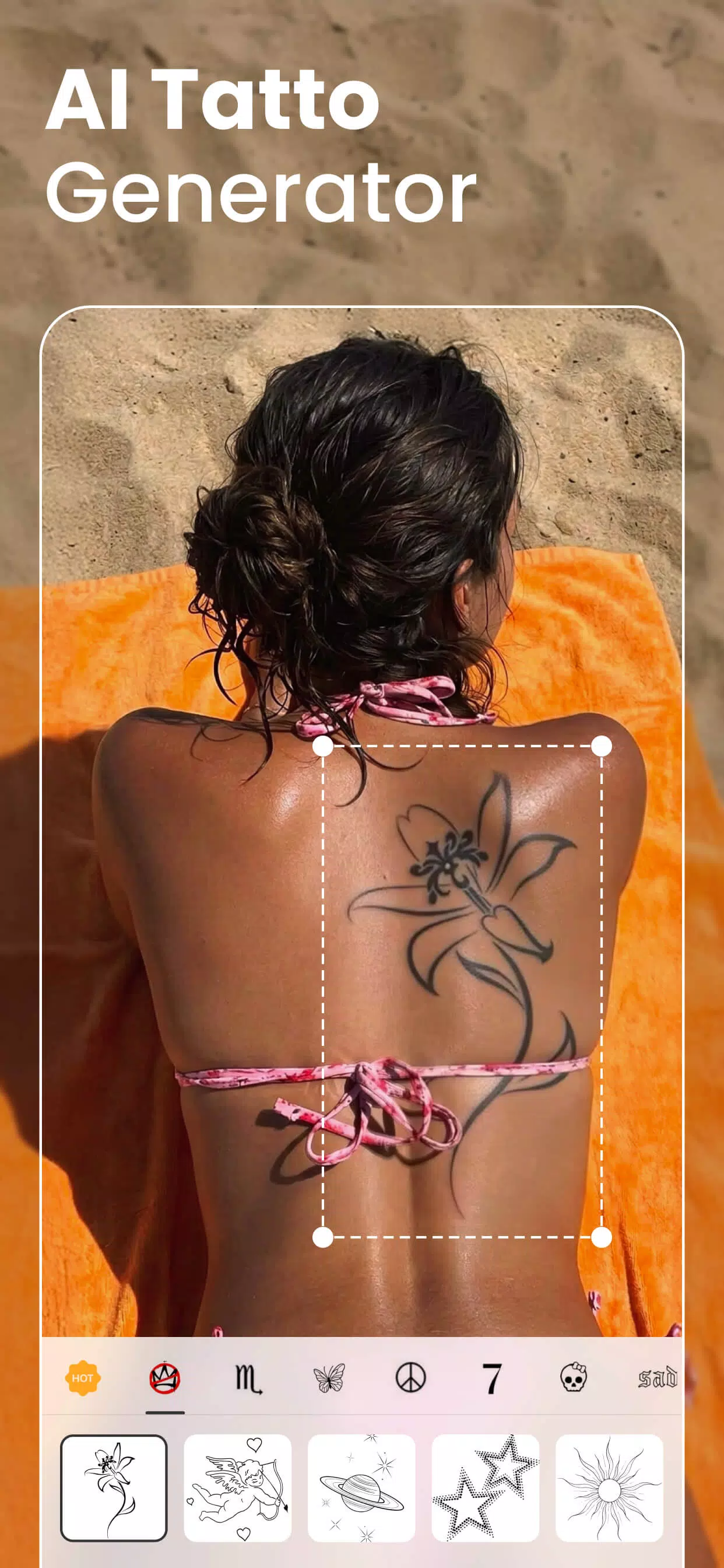
Includes advanced editing options like blemish removal, body reshaping etc.
Enables sharing of edited images on social media platforms directly from the app.
Cons:
The app requires a lot of storage space on your device.
Some features require an in-app purchase before they become available for use.
Ads may frequently appear within the app, which could make it annoying to some users.
FAQs:
What's Beauty Plus APK?
Beauty Plus APK is a modified version of the app built for Android users who might have trouble installing Beauty Plus from the app store. By downloading this version, you get access to all the Beauty Plus features without any installation issues.
Is it safe to install Beauty Plus APK directly on my phone?
Yes, as long as you're downloading from our official site or a trusted third-party APK site, it's safe to install. Since Beauty Plus is super popular, some third-party sites may offer APKs from unknown sources. To keep things secure, we strongly recommend downloading from our official page.
How do I install Beauty Plus APK on my Android?
To get started, just hit the download button on this page. Then, go to your phone's settings, find “Security,” and enable “Unknown Sources.” Next, open your file manager, locate the APK file you downloaded, tap it, and follow the steps to finish installing.
Does Beauty Plus APK have all the same features as the app store version?
Absolutely. With Beauty Plus APK, you'll get all the same features as the version from the app store, so you won't miss out on any editing options.
Is Beauty Plus APK free?
Yep, Beauty Plus APK gives you the same features as the original, including a ton of free options and a few premium ones. Whether you pay depends on which features you want. But most features are free, which is why we've got millions of users and fans.
Conclusion:
Beauty Plus is an image editor specifically meant for selfies. This app is able to smooth out your skin, remove blemishes and make other corrections so that your selfies look as amazing as possible before you share them. It comes with both manual and automatic tools so that users of all skill levels can improve their images. The interface is simple and most users will quickly learn how to make use of all the tools.
-
Latest Updates
-
Featured Apps









