InstaSquare Photo Editor
Photography
2026-08-11
24.35MB
2.7.6
Android
377
Screenshots

Introduction
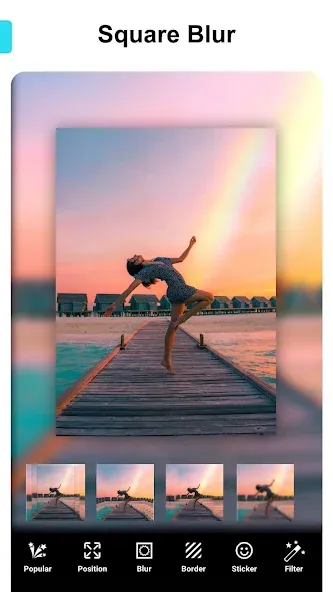
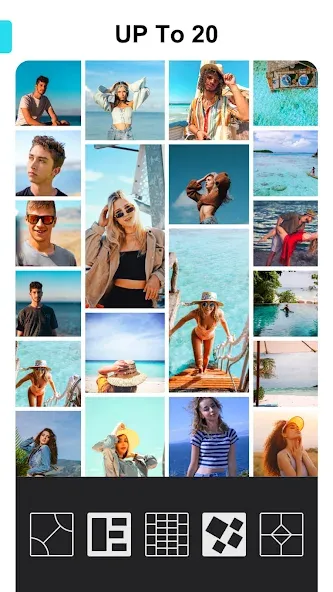
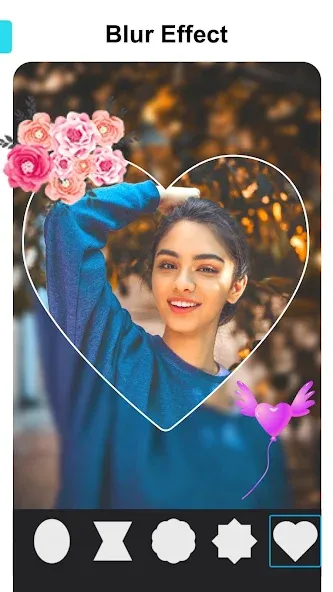
InstaSquare Photo Editor is a photo editing app designed to enhance image quality and add beautiful effects. It offers a wide range of layout options—including customizable grids—allowing you to combine up to twelve photos. You can easily resize images via drag-and-drop, customize backgrounds, and add stylish embellishments. The app lets you create square-format images of any size that fit perfectly without the need for cropping, ensuring no details are lost. If you want to take your photos to the next level, give InstaSquare Photo Editor a try.
Features:
Create collages easily.
Get hundreds of effects.
Extensive background gallery for pictures.
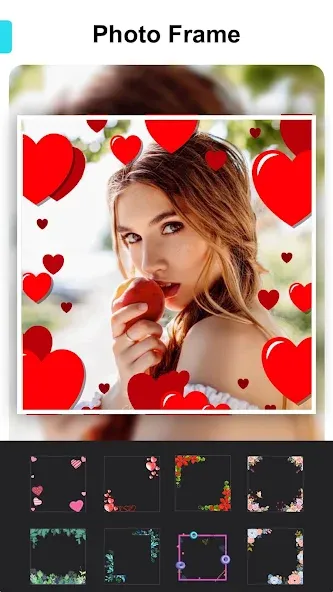
Apply different frames to your photos.
Write text and place it in any format and position that you want.
Create mirror effects for the pictures.
Adjust photo edges.
Change photo proportions and adapt them to the requirements of social network formats, like Instagram.
Share your photos straight onto social networks like Instagram, Twitter or Facebook.
FAQs:
Is InstaSquare Photo Editor safe to download?
W7ghost verifies the InstaSquare Photo Editor APK file’s digital signature and checks it using security engines such as VirusTotal. You can tap the “Trusted App” badge on the app details page to view the available security information.
How much storage space do I need to install InstaSquare Photo Editor ?
The download APK file is 24.35 MB, and you’ll need additional free space to install the app and store temporary files, updates, and cache data. If the installation fails, free up some storage and try again.
How long does InstaSquare Photo Editor take to download?
InstaSquare Photo Editor is 24.35MB. On a stable 4G, 5G, or Wi-Fi connection, the download may take anywhere from a few seconds to several minutes, depending on your network speed.
User comments:
The app is actually quite good to use, though it would be even better if the ads were removed. ?
Aside from the excessive ads, there are no issues at all; it’s really useful and I absolutely love it.
It's great! I haven't encountered any problems so far—very practical.
Advantages and disadvantages:
Pros
Incredible number of options.
Users can use preset aspect ratios or manually enter their own.
Share via social media directly from the app.
More options than most other photo editing apps.
Cons
App includes Caller ID feature which annoys many users.
Summarize:
In conclusion, InstaSquare Photo Editor offers a variety of over 100 cool photo frames to give your pictures a finishing touch and supports exporting high-definition images to your gallery, making it an accessible editing tool for anyone looking to enhance their social media presence with visually striking photos.
-
Latest Updates
-
Featured Apps