Mivi AI
Photography
2026-11-01
147.39MB
2.35.929
Android
512
Screenshots
Introduction
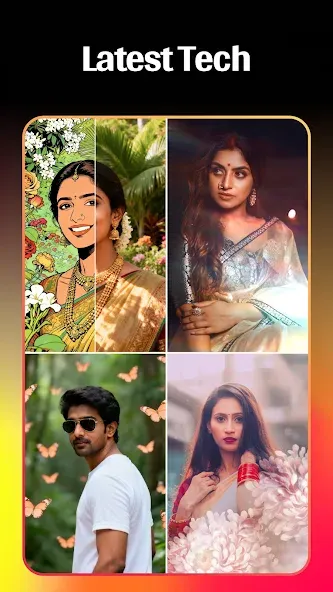
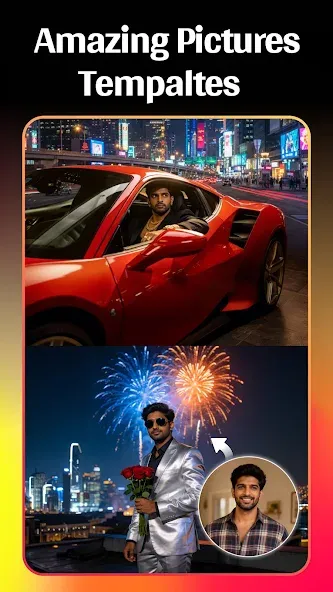
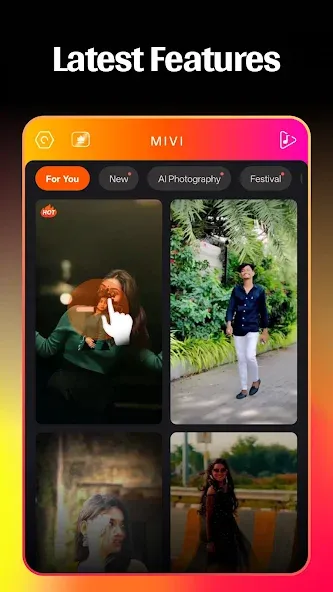
Mivi AI is a video editing tool for Android devices that leverages artificial intelligence to create short videos based on your photos and text prompts. It offers a variety of music-integrated templates, allowing you to quickly produce stunning videos simply by importing your own photos. The app can also automatically generate precise subtitles and captions based on the audio in your video. Additionally, it features an extensive library of visual effects that you can use freely. Mivi AI includes built-in tools for background replacement and blurring, and once your video is complete, you can share it directly to social media platforms with a single tap.
Features
AI Video Creation from Photos and Prompts
Mivi AI transforms photos, selfies, or text prompts into dynamic short videos. Simply provide an image or a creative concept, and the app will automatically apply motion effects, transitions, and visual styles optimized for social media. It is an ideal tool for users who want to create short videos without the need for manual, frame-by-frame editing.
Quick Templates for Music Videos
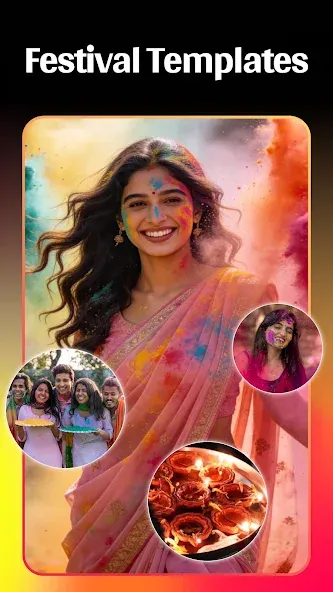
Mivi AI offers a wide range of template categories, making it easy to create music videos from your photos. Choose from styles such as "3D Cinematic," "Parallax," "Magic Effects," "Portrait," "Neon," or "AI Couple Portraits," and import your own images. This feature is perfect for those who need quick, stylish video edits.
Lyrics, Subtitles, and Quotes
Enhance your videos by adding synchronized lyrics, subtitles, quotes, or animated text. You can customize the font, color, size, position, and alignment to ensure the text complements your video’s content and layout. This is excellent for creating lyric videos, romantic clips, birthday tributes, or content featuring meaningful quotes.
Special Effects, Filters, and Portrait Styles
Mivi AI provides an extensive library of visual effects, including cartoon styles, cinematic filters, neon glows, spiral animations, angel wings, emoji effects, lightning, and fluttering butterflies. These effects are specifically designed for social media short videos and portrait-focused content. Since many templates come with pre-set motion effects and visual styles, you simply need to select the look that best suits your photos.
Background Editing and Sharing
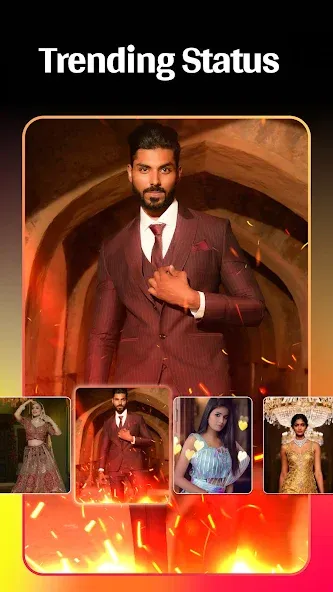
Mivi AI includes built-in tools for background replacement and blurring, helping to highlight the main subject of your video—perfect for when your original background is too cluttered or you prefer a cleaner, more focused portrait aesthetic. Once your video is ready, you can export it in high definition and share it directly to platforms like Instagram Reels, YouTube Shorts, TikTok, Snapchat, Facebook, and various social media status updates.
Advantages and disadvantages
Pros
100+ templates with one-tap video creation
Wide range of animated text and filters
Trendy effects fit social media styles
Background replace and blur for stronger visuals
Cons
No multi-track or timeline-style deep editing
Limited support for long-form video projects
User comments
I've been using the Mivi AI for a while now, and my overall experience has been really positive. The app has a clean, modern, and user-friendly interface, making it easy to navigate even for first-time users. Everything is well organized, so finding the features you need doesn't take much time. One of the things I liked the most is how smooth the app performs. It loads quickly, responds well to commands, and provides a seamless user experience. I didn't experience any major crashes or performa
It is the best app. I have used now to edit my video or my photos. And it also includes to make a good reel or a video which also helps you in what you want.
This app is very important to edit videos. I liked the app very much. It was beautiful and funk songs. Evryone wants to install the app.
Summarize
Mivi AI is an app that will allow us to create videos with spectacular special effects in a very easy way. We’ll just have to choose one of the hundreds of different templates that we’ll find under the app’s main menu, add our own pic and, in a matter of seconds, we’ll be able to export the output on our device’s gallery.

-
Latest Updates
-
Featured Apps