
ToonApp
Photography
2026-08-20
42.84MB
1.0.7
Android
222
Screenshots
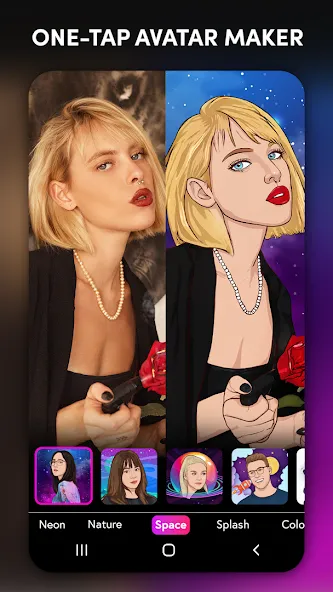
Introduction
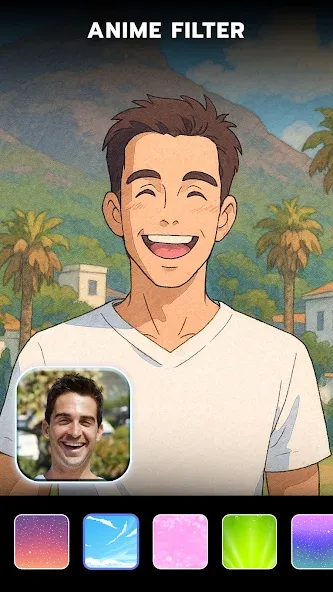
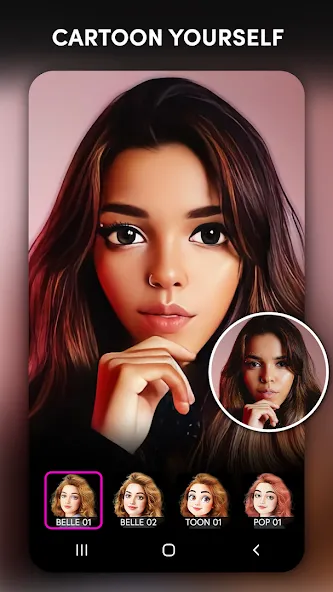
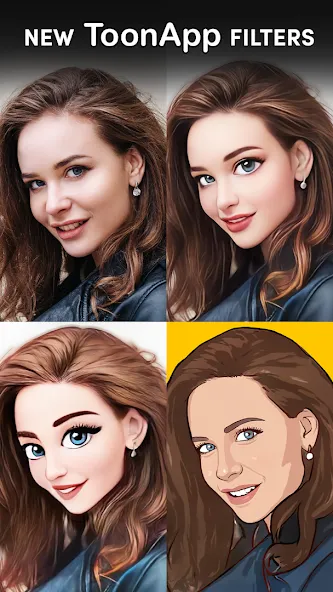
ToonApp is a tool that converts images into anime styles. This software flexibly transforms users' images into the desired cartoon styles. It boasts a rich cartoon library, a simple interface, and a streamlined workflow. Users simply need to find the desired cartoon style and switch with a single click. This powerful tool offers users a brand-new and highly creative experience. It provides numerous filters and effects to choose from, along with a rich database of background resources. Furthermore, the images are of very high quality and are very clear.
Function:
An outstanding cartooning app with extensive features and customization to satisfy everyone’s tastes or styles when converting their beauty.
A fluid and innovative interface for quick navigation or effective editing, and even organize every content neatly through swift actions.
An excellent background removal with high resolutions and can be automated by users in various aspects for whole and magnificent cartoon pictures.
Beautiful cartoon effects for users add extra hilariousness or beauty into their work while emphasizing the main target in the whole picture.
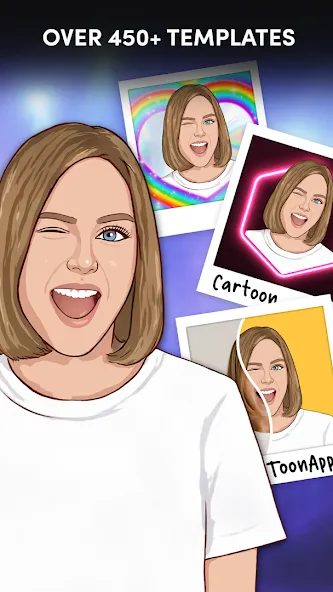
Create new stickers out of the existing avatars and pose them with ease to use widely on various social networks or messaging apps.
Highlights:
Join current trends: Just touch the filter, and you can immediately enter the Big Head event.
Update new things: The application will always refresh its resources to satisfy any user.
Change the background: Unnecessary things can be identified and disappear if your selection is correct.
Many cartoonish elements: With the opportunity to travel to space, you can go to places you’ve seen in the movies.
Many interesting filters: Artistic brush strokes can be easily added to images.
FAQs:
Is the ToonApp free to use?
Yes. The core cartoon photo editor functionality is completely free. Various cartoon and anime filters are also free.
Can the ToonApp draw cartoon objects other than human faces?
It's designed for editing human faces and pet cartoon characters, but it cannot reliably handle cars, objects, or general scenes. For object-level cartoonizing, a separate cartooning tool is required.
Do ToonApp templates require an internet connection?
Yes. The AI cartoon generator's processing runs on Lyrebird Studio servers. A stable Wi-Fi or data connection ensures optimal cartoon output quality.
Advantages and disadvantages:
Pros
Efficient AI-powered photo transformation
Wide variety of filters and effects
Large library of background designs
High-quality output
Cons
Many advertisements
Conclusion:
ToonApp is an exciting and highly creative application that brings a fresh perspective to personal photos. Its AI-powered cartoon transformation feature, combined with a wealth of filters, effects, and backgrounds, makes it a powerful photo editing tool. Despite frequent in-app ads, ToonApp's unique features and high-quality editing results make it a worthwhile application to explore for users interested in cartoon-style photo editing.
-
Latest Updates
-
Featured Apps









