ToonArt
Photography
2026-09-20
35.90MB
2.0.4
Android
442
Screenshots
Introduction
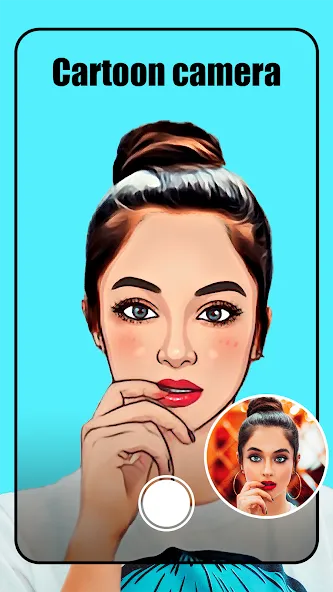
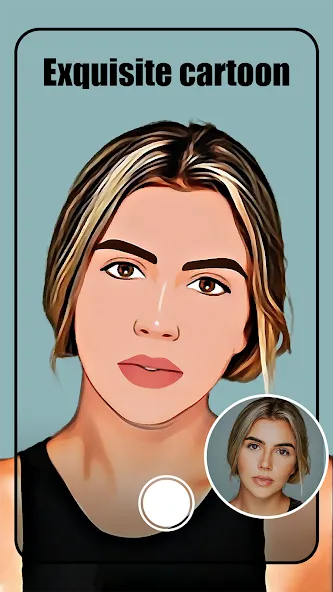
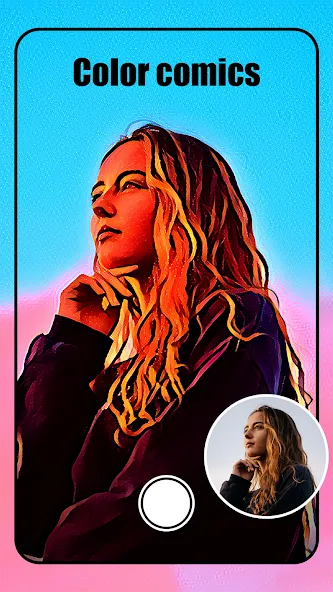
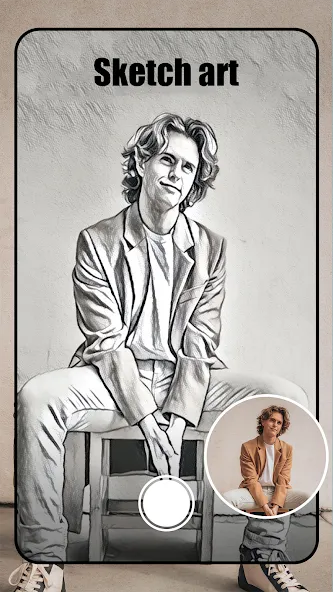
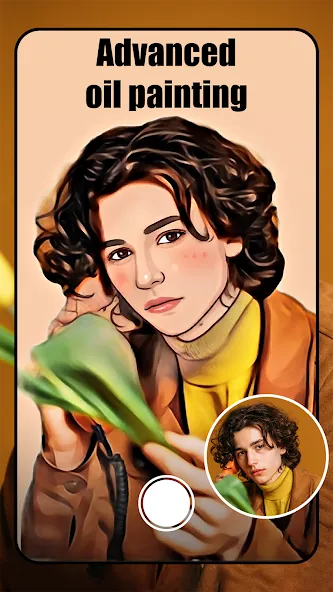
ToonArt is more than just a standard photo editor; it is a tool packed with a vast collection of cartoon and anime-style imagery. Powered by advanced AI, it enables users to effortlessly create stunning cartoon-style pictures. Users can edit their photos by selecting from various artistic styles and generating results instantly. The app offers a wide range of special effects that can be switched at will, and allows for personalized customization by adjusting elements such as image size, background, and color. With its user-friendly interface, the app is easy to master—no prior experience is needed to start editing. Its powerful features allow for one-tap transformations into vivid, adorable cartoon characters. Furthermore, the app delivers high-quality, 3D-style visuals that provide a fresh and engaging experience, making it a comprehensive and cutting-edge photo editing tool.
Features:
TURN ALL PHOTOS INTO A CARTOON LOOK
Simple selfies are too dull, but if you don’t know how to make them unique, ToonArt is a perfect choice. You need to click on the photos you want to edit, and the application will automatically turn them into animated images quickly, thanks to the support of AI technology. With just a few simple touches, you can easily create very satisfactory products and share them with friends on social networks to admire.
VARIETY OF CARTOON FACES
The application also brings a unique feature that you can edit your photos with various filters. When applying any color swatch to the image, several other options immediately appear for you to adjust. One of them can be a face drawing in the animated version, and you can choose your favorite face types, such as cute, baby or fairy. Each face shape will give a different finished product, and you can explore them all to find the most impressive one. Many professional color filters are available to make your photos stand out.
EASILY DELETE REDUNDANT ELEMENTS
The appearance of some elements that do not match the edited image is a problem many users often encounter when using the available templates. Although it doesn’t affect the overall picture too much, it is still annoying for those who are perfectionists. To solve this problem and help users get a better experience, ToonArt has added an eraser feature. You need to adjust the thickness and opacity to remove small details wherever you want. Although it takes quite a while to remove those elements, getting a good photo back manually is well worth it.
USE IMAGES FOR MANY PURPOSES
After going through many editing steps to create a satisfactory product, the last thing to complete is to export the image in high quality and save it to your computer. For some people, when it comes to creative and unique photos, there’s no reason not to share them on social media platforms. Therefore, the application has supported shortcuts for you to communicate quickly with just one touch. Depending on the needs of each user, the photos will be used to serve many different purposes.
Highlights:
3D illustration.
3D illustration with a background.
Charming.
Beautiful.
Fairy.
Cute.
Manga.
Portrait.
Baby.
Drawing.
Angry.
Surprised.
Illustration with various backgrounds.
FAQs:
What is ToonArt?
ToonArt is a tool that uses artificial intelligence to transform photos into cartoons.
Is ToonArt suitable for Android users?
Yes, ToonArt meets the needs of many Android users.
Is ToonArt free to use?
Yes, the app is free to download from this website and offers a great user experience.
Advantages and disadvantages:
Pros
AI-powered cartoonization for quick results
Real-time filters for instant previews
Multiple artistic styles (cartoon, sketch, watercolor, oil)
Integrated beauty/retouch features
AndroidX and modern library support for smooth performance
Cons
No top-list ranking currently; niche appeal may limit discovery
Conclusion:
Want to create epic photo edits and stunning artwork? Then give the cartoon portrait editor and fun caricature maker a try! Transform yourself into a cartoon character with fun anime filters and reimagine your look using the 3D cartoon photo editor! ToonArt features the perfect AI cartoon filters for your avatar—come join the fun!


-
Latest Updates
-
Featured Apps