Focos
Photography
2026-11-05
23.71MB
3.0
Android
159
Screenshots
Introduction
Focos is a powerful camera application. It features a clean, minimalist interface that allows users to get started quickly. The app includes detailed tutorials and explanations to help users understand its various functions and how to use them. With Focos, users can capture stunning photos and fine-tune a wide range of parameters. It offers robust customization options and a variety of special effects and filters, including an extensive selection of classic styles, color palettes, and backgrounds. The app boasts excellent compatibility, supporting a broad range of Android devices and accommodating both landscape and portrait orientations. Images captured and edited with Focos are of exceptionally high quality. Furthermore, users can easily share their photos on social media platforms or send them directly to friends and family.
Features:
Depth and Bokeh Control
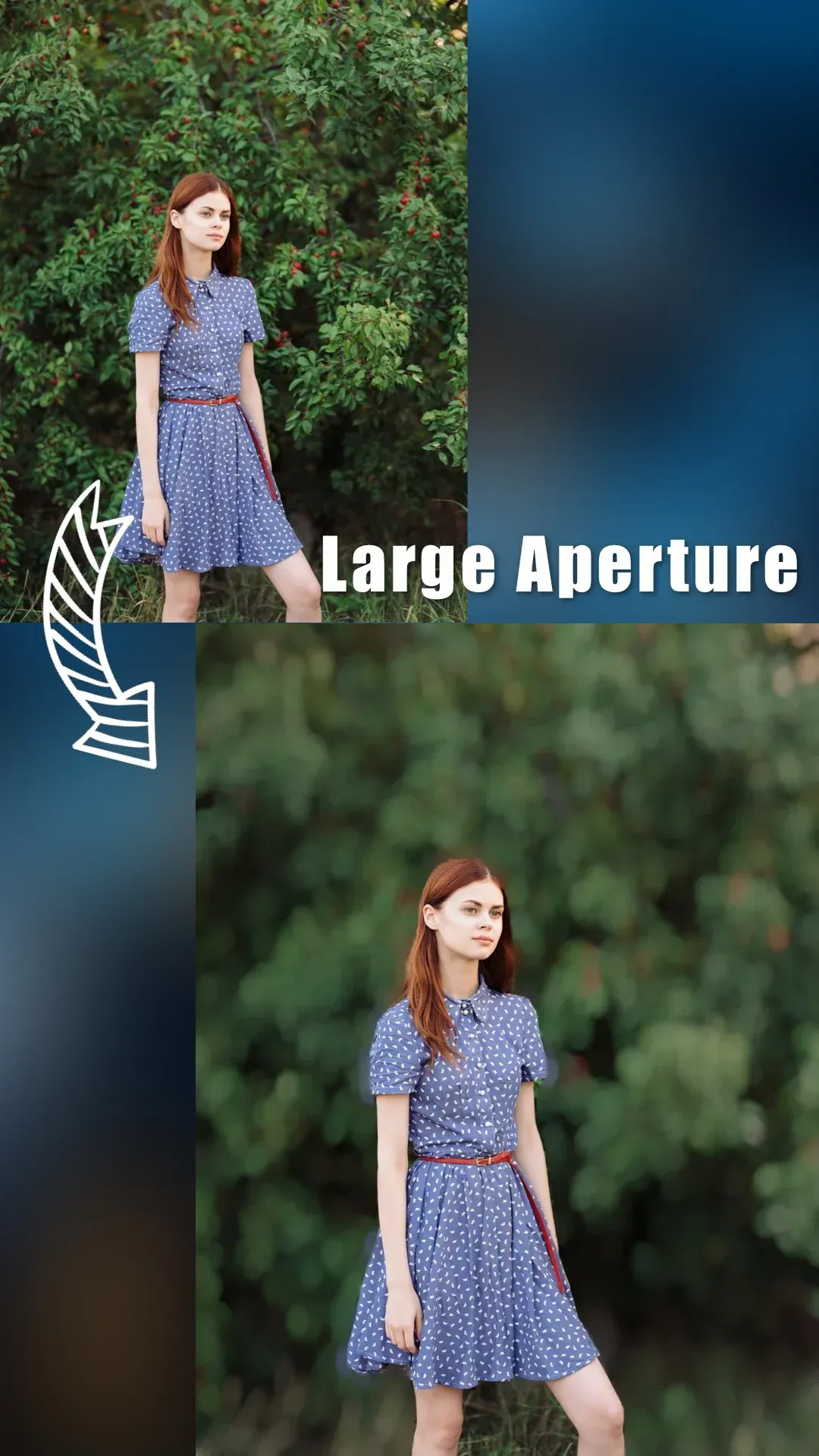
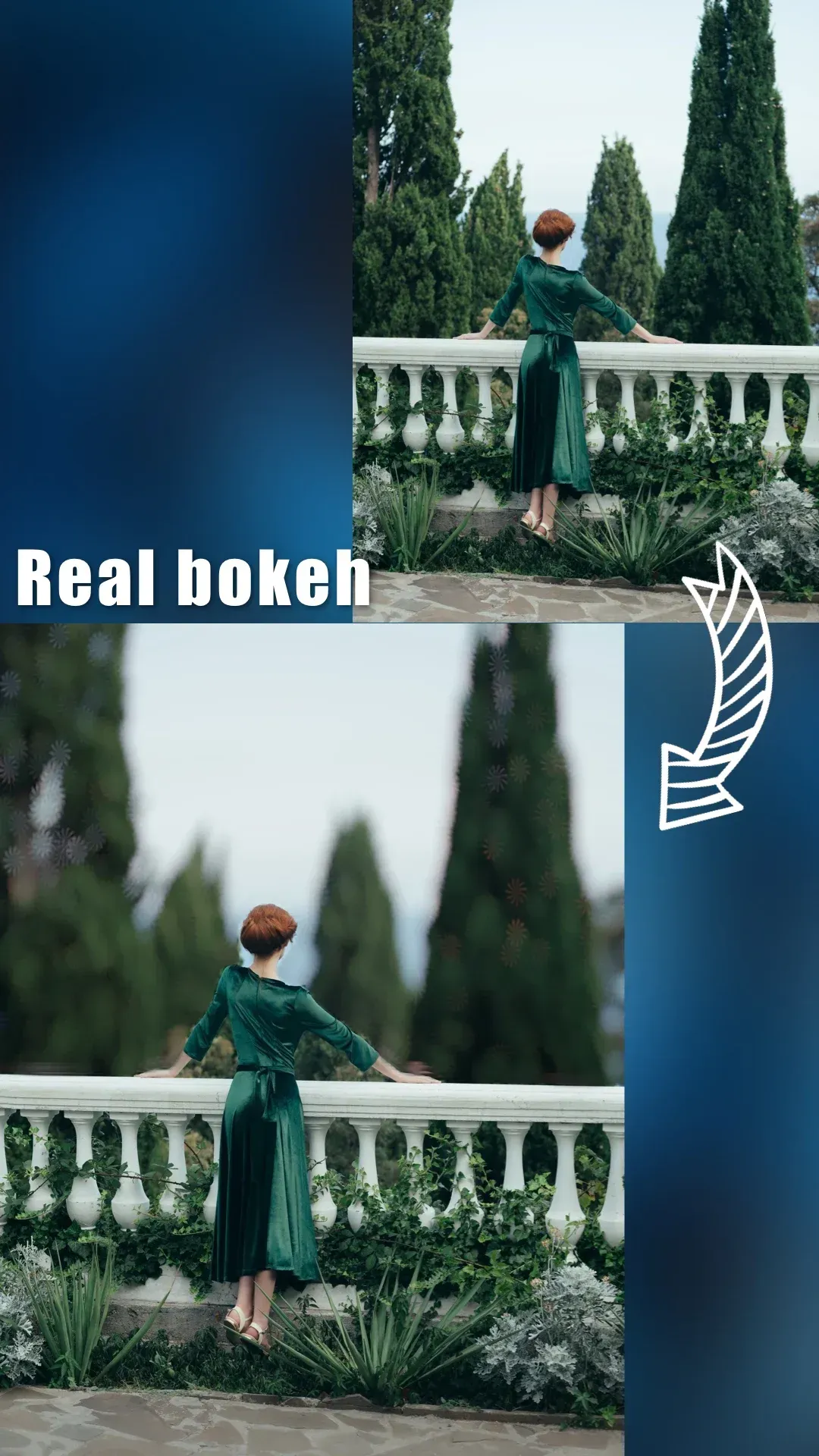
Simulate a wide aperture to blur the background while keeping your subject in sharp focus. You can fine-tune the intensity and range of the blur to suit the scene. You can also choose from various aperture shapes, giving the blurred highlights (bokeh) distinct, stylized appearances.
Tap-to-Refocus
After taking a shot, you can set a new focal point with just a single tap. This is particularly useful for adjusting focus in portraits without needing to retake the photo. You can quickly preview the changes and select the version that works best for your image.
Import and 3D Depth View
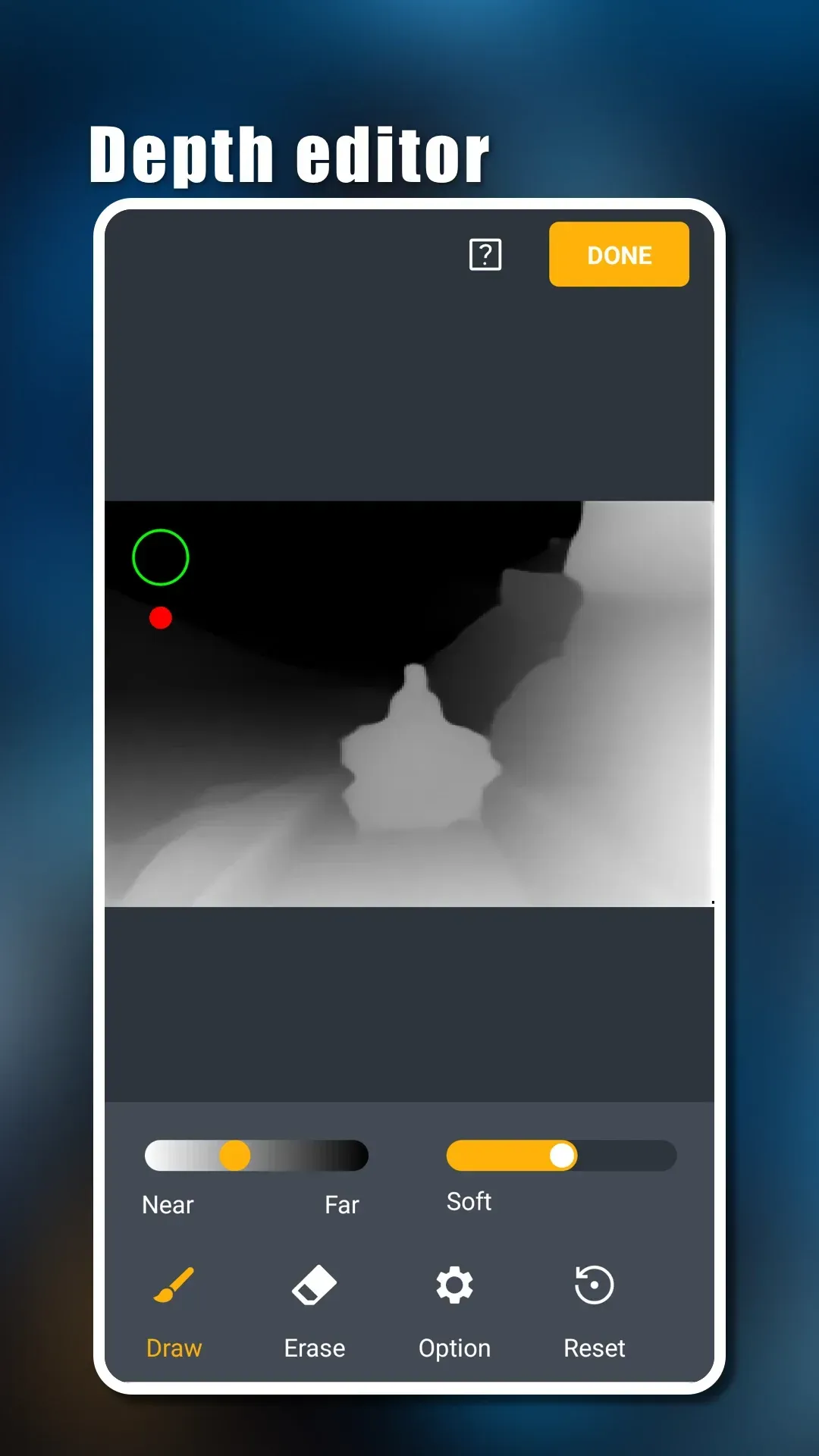
Import existing images and apply background blur effects. A 3D depth visualization tool helps you verify which areas are identified as the foreground and which as the background before you save your work.
Shooting and Guidance Tools
Lock the orientation for photos or videos as needed, and switch between the front and rear cameras at any time. In supported regions, you can also mute the shutter sound.
Built-in video tutorials are available to guide you through key features and operations.
Highlights:
An efficient and easy-to-use photo editor for blurring backgrounds.
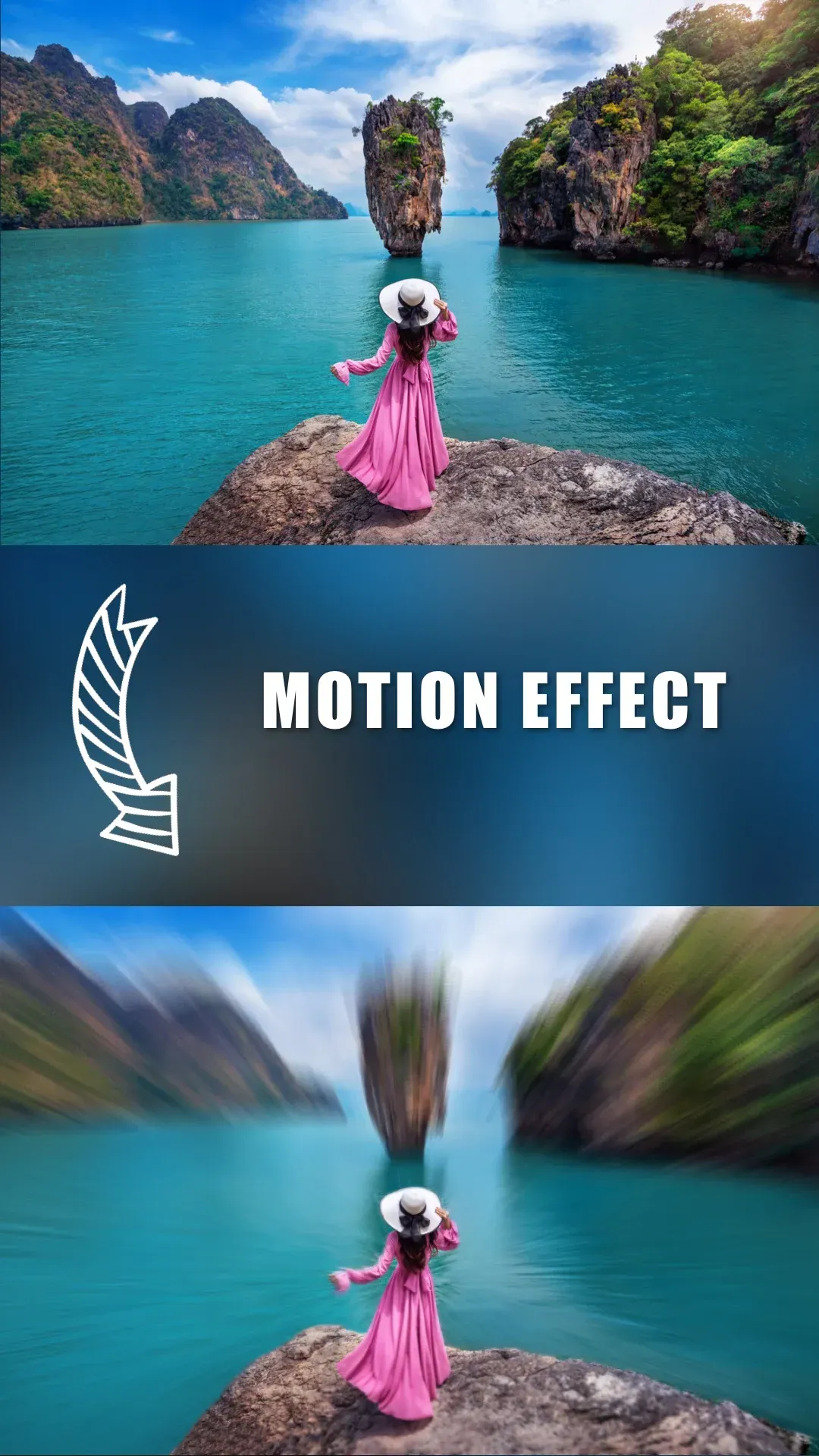
The background blur app offers dozens of different blur effects.
DSLR-style blur effects—a perfect blend of aesthetics and functionality.
Capture photos with a shallow depth of field—no manual painting or complex selections required.
An AI engine automatically calculates the depth of field for any photo.
Simulate a wide aperture to create authentic "bokeh" effects, typically achievable only with DSLR cameras and high-end lenses.
Refocus your portrait photos with just a single tap.
Choose from a variety of simulated aperture shapes to produce distinct bokeh patterns.
Professional-grade options to emulate specific lens characteristics, such as creamy, bilinear, swirly, or reflective bokeh effects.
Intelligent focus-area selection.
Visualize the depth of different areas in your portrait photos via a 3D view, and intuitively apply depth-based filters.
Use augmented reality (AR) to preview your portrait photos in the real world.
Intuitive and user-friendly, with built-in video tutorials.
Create highly realistic background blur—just like a DSLR—using a wide range of aperture styles.
FAQS:
Can I edit the depth of field of a photo using Focos?
Yes, Focos allows you to adjust the depth of field in your photos, giving you greater control over focus and the blur effect (bokeh).
Does Focos support Portrait mode photos?
Yes, it supports editing photos taken in Portrait mode and allows you to enhance the bokeh effect.
Does Focos have a community or sharing feature?
Yes, it includes a community where users can share their edited photos and videos with others.
Advantages and disadvantages:
Pros
Fully featured
Simple to use
Tutorials provided
Cons
Some features require payment
Conclusion:
Focos, an app designed for Android phones and tablets, allows you to take photos just like a professional camera. You can save your images to your photo library or share them on social networks. The creative potential it unlocks is endless—enriching your life in the process.