LumaFusion Pro
Entertainment
2026-09-20
36.14MB
4
Android
189
Screenshots
Introduction
LumaFusion Pro is a tool designed specifically for media editing. It allows you to layer up to six video and audio tracks for editing. The software supports advanced color grading and LUTs, enabling you to achieve a perfect cinematic look. It offers precise keyframe control for creating professional, smooth effects and supports custom fonts for subtitles, allowing users to showcase their unique style. Videos can be exported in high definition with a variety of resolution options. Additionally, the software features cloud services for media management, making it easy for both beginners and professionals to get started quickly.
Features
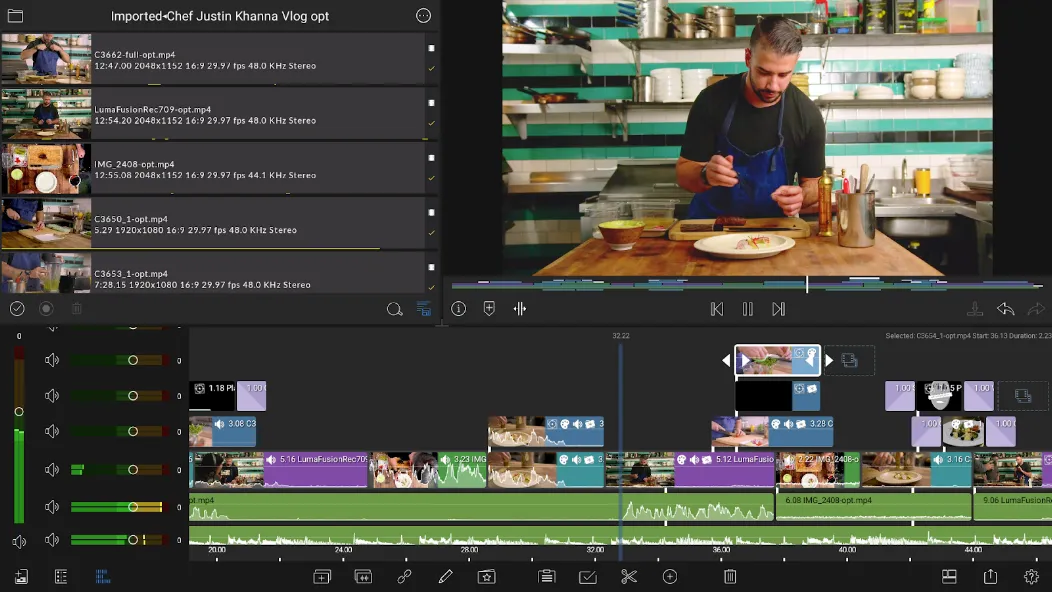
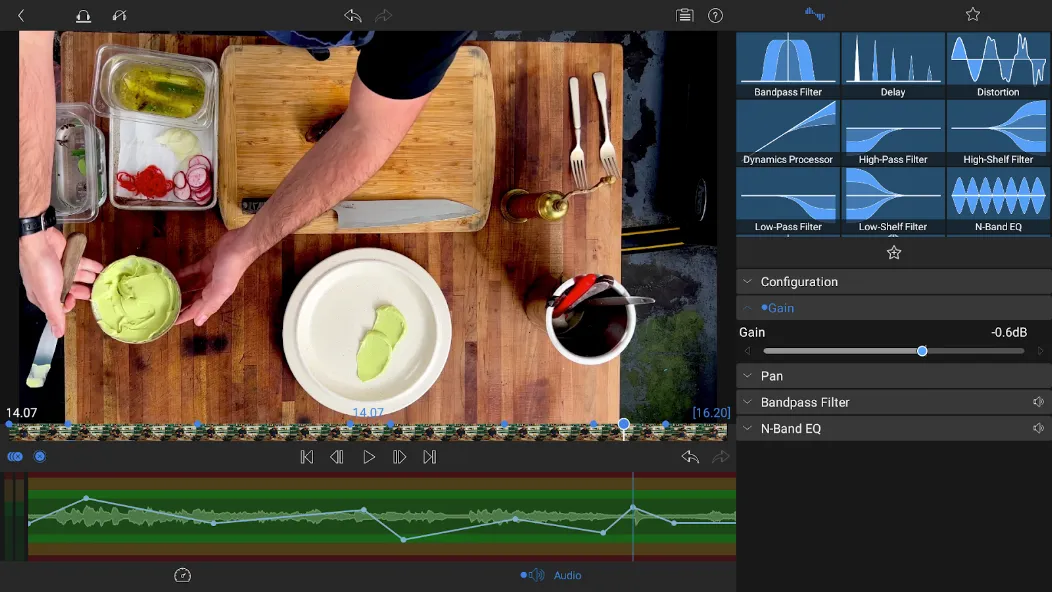
Professional Multi-Track Editing: Utilize up to 6 video and audio tracks for complex layering, plus 6 additional audio tracks for professional sound design, music beds, and voiceovers.
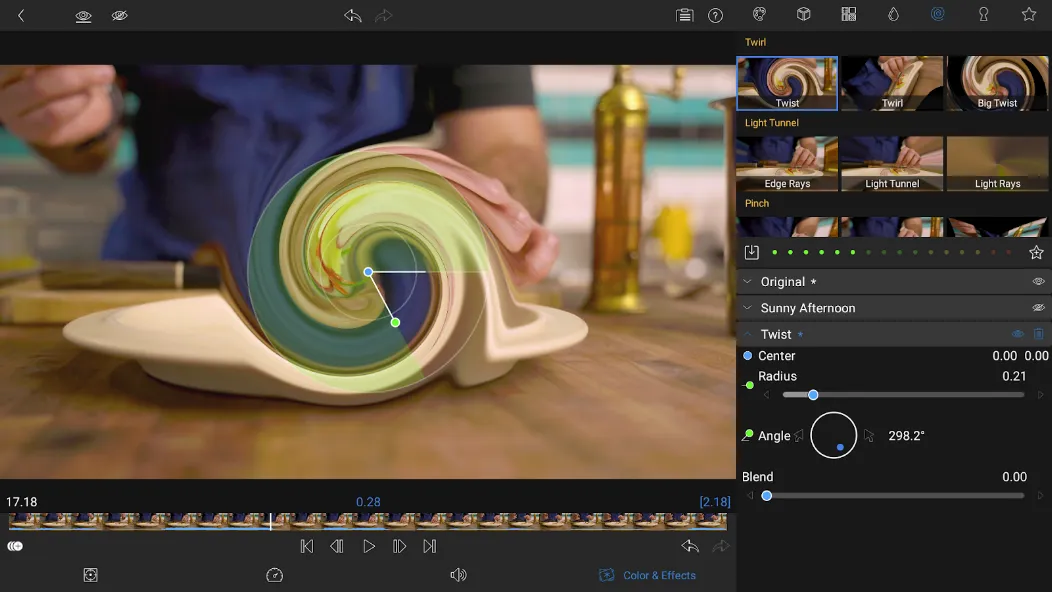
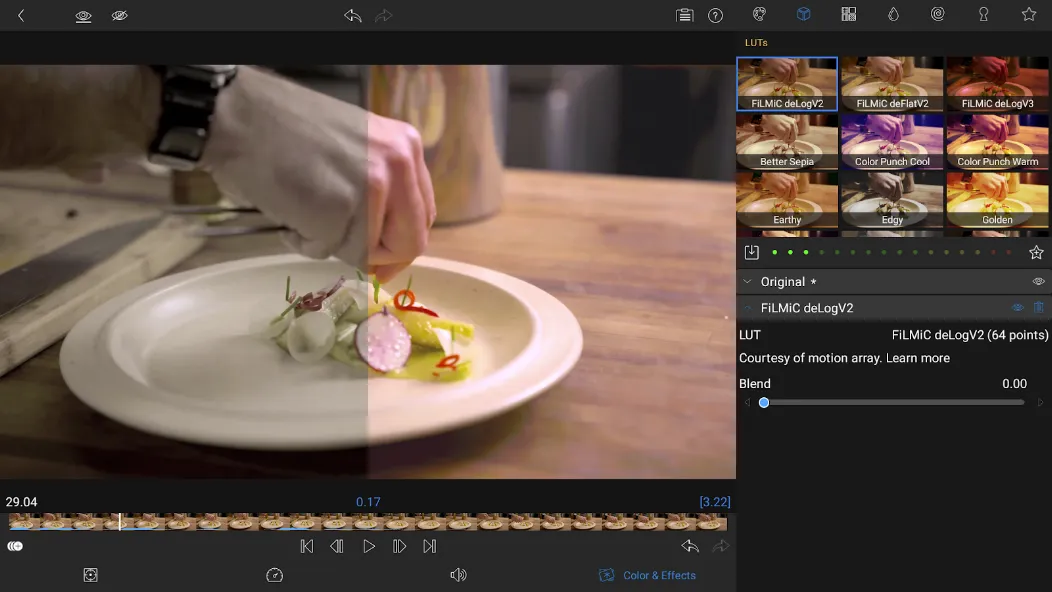
Advanced Color Grading & LUT Support: Access a full suite of color correction tools. Use built-in presets or import custom .cube or .3dl LUTs to achieve that perfect cinematic aesthetic for your footage.
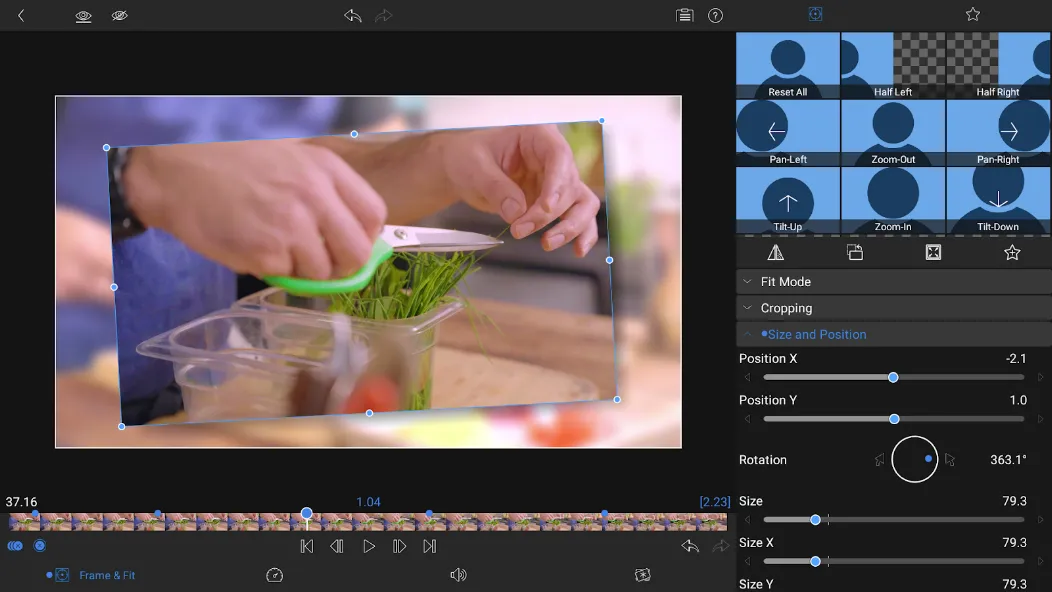
Precise Keyframe Animation: Animate any property—from position and scale to opacity and effects—with total precision using the dedicated keyframe editor for fluid, professional motion.
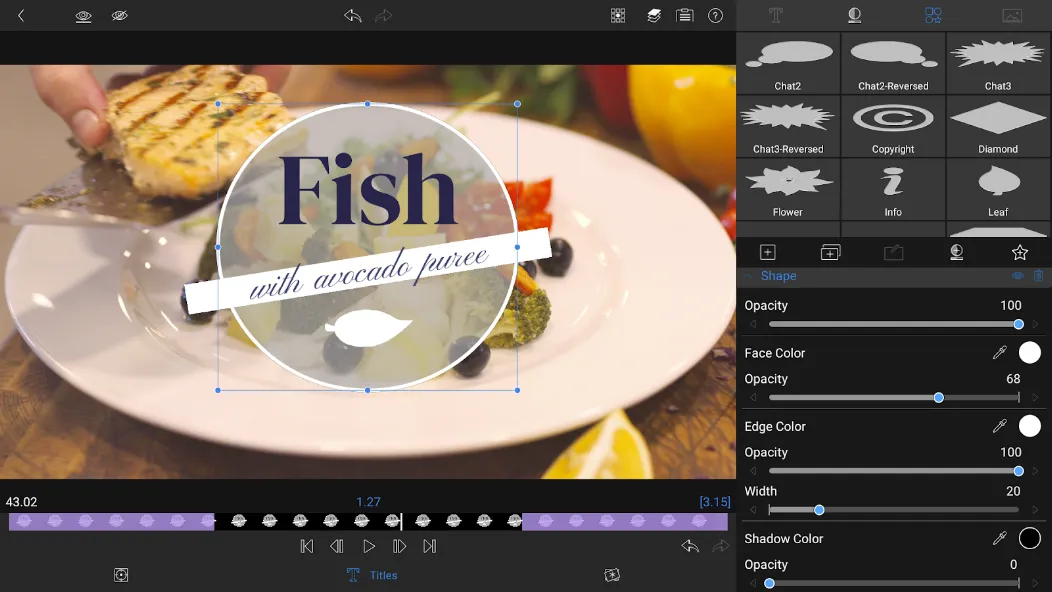
Sophisticated Titling & Graphics: Create multi-layer titles with custom fonts, shapes, and images. Import your own brand assets to ensure every video reflects your unique style.
High-Performance Exporting: Share your projects in up to 4K resolution at various frame rates (up to 60fps) and high bitrates, ensuring your content is optimized for YouTube, Instagram, or the big screen.
Flexible Media Management: Easily organize and access media from your internal storage, cloud services like Google Drive and Dropbox, or even directly from external SSDs.
Advantages and disadvantages
Pros
Advanced multi-track editing
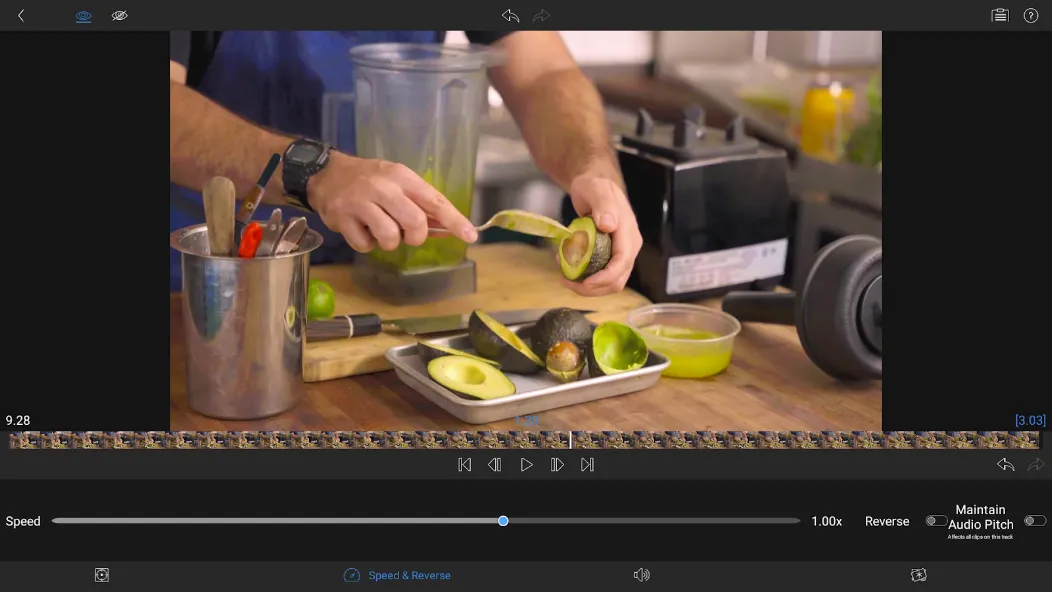
Flexible speed adjustment tools
Rich selection of color effects and title presets
Cons
No video stabilization
FAQS
What is Lumafusion Pro?
Lumafusion Pro is a mobile video editing app designed for creators who need advanced tools like keyframes, chroma key, and multitrack timelines on the go.
Does Lumafusion Pro work for beginners or only professionals?
It’s built for all skill levels — the interface is beginner-friendly, but there’s enough depth to satisfy pro editors with complex projects.
Can you add voiceovers and background music in Lumafusion Pro?
Yes, you can record voiceovers directly into the timeline and fine-tune background music using audio ducking, EQs, and keyframes.
Is Lumafusion Pro available for Android?
Yes, Lumafusion Pro is officially available for Android and supports editing directly from media libraries, USB-C drives, and cloud storage.
What’s included in the Creator Pass for Lumafusion Pro?
The Creator Pass gives access to Storyblocks content, speed ramping tools, enhanced keyframing features, and millions of royalty-free assets.
User comments
Really quite powerful video editor. I use it on my S25 ultra with the s pen. it's very fiddly but that's because it packs a lot in. Took time to get the worklow but now I'm really enjoying using this app.
Exactly what I expected - a fully featured multi-track video editor that allows me to cut and edit 4k video right on my phone. I've only been using it for a day, but it's working very well for me. I haven't run into any issues with exported video either (as some other reviewers have mentioned). Maybe the latest version has fixed the issue. Lots of features. Allows me to color grade and apply various filters besides the basic multi-track editing support.
its user friendly, there are tutorials, I sort of just bumble around on the app. It's helping me make YouTube content. Which makes me endorse this app!
Summarize
Lumafusion Pro supports creators who need full control when editing on mobile. It suits quick social clips, travel vlogs, and detailed tutorials that require organized media and reliable exports. The app brings project management, import tools, an easy timeline, and output settings into one place, so you can move from rough cut to final video on your device. Plus, it keeps projects consistent across edits. For flexible installs and updates, Lumafusion Pro APK is available.