
OLED Saver
Tools
2026-09-14
1.10MB
1.39
Android 5.0+
447
Screenshots
Introduction
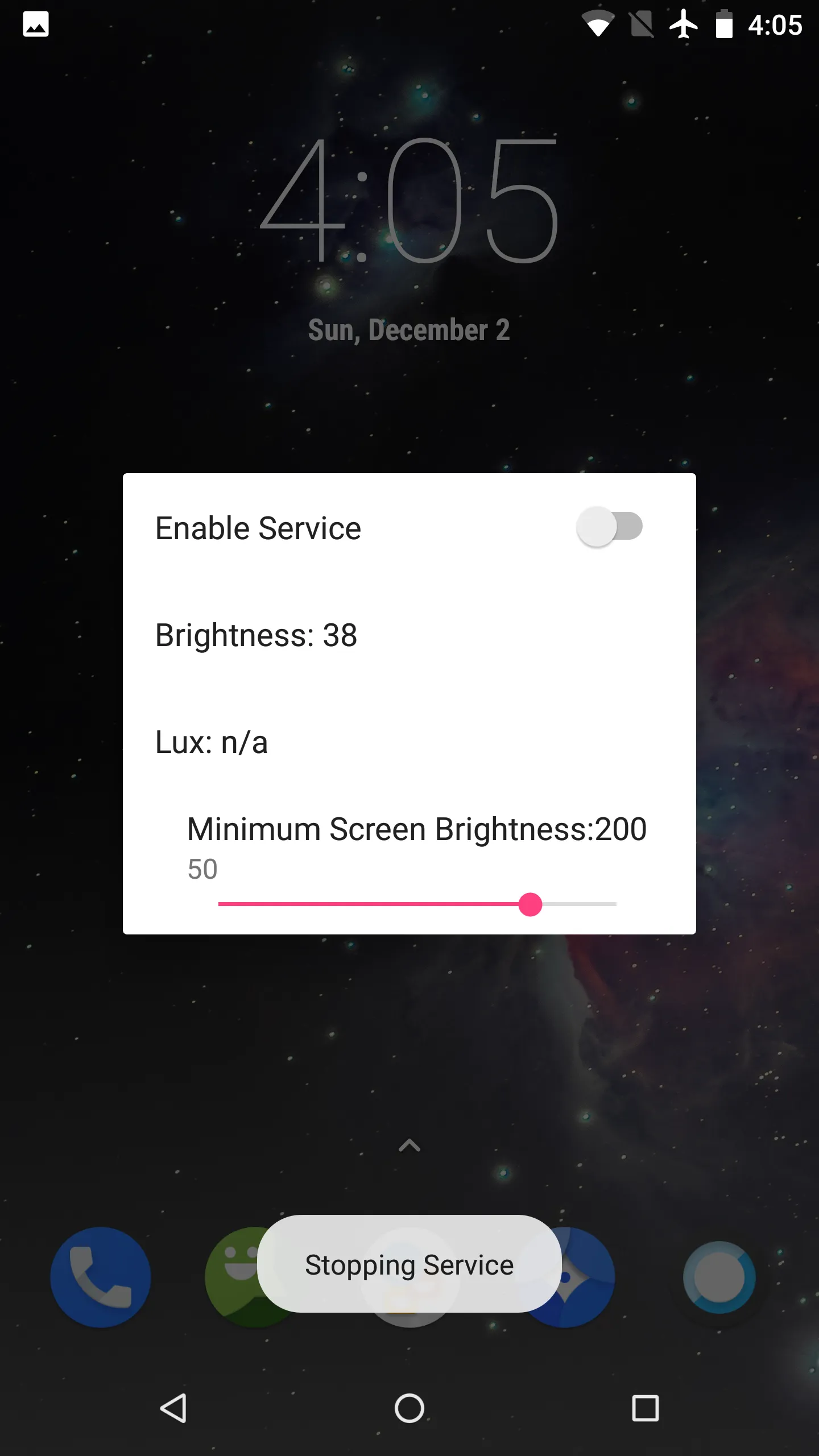
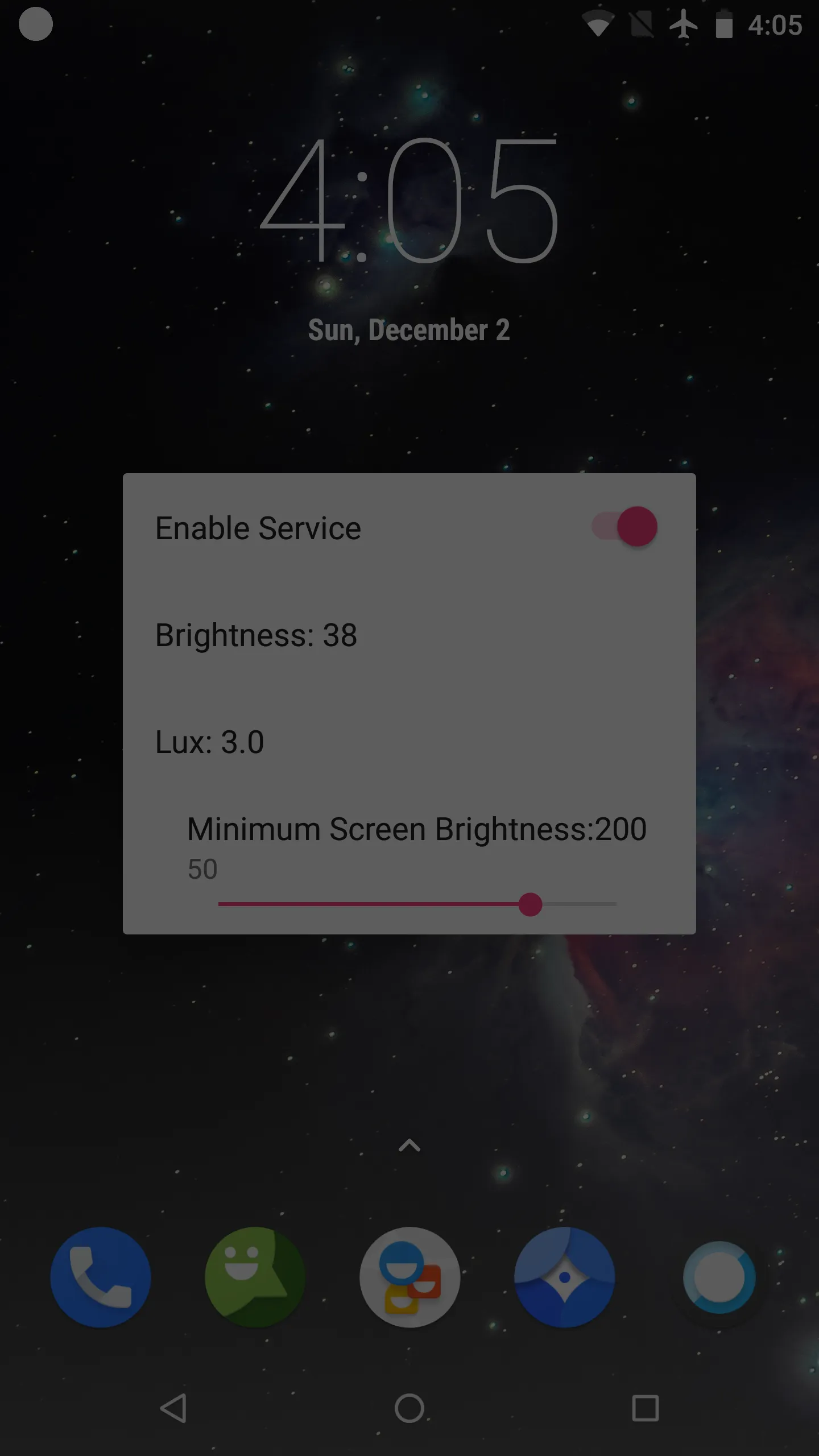
OLED Saver is a display application for Android. This app senses brightness by turning off some pixels in a power-saving mode, thus avoiding flicker and extending battery life. It can also automatically reduce visible brightness based on ambient light, providing a softer visual experience and making smooth adjustments in real time to maintain a consistent viewing experience. Users can also manually control the brightness level and fine-tune it in the control panel to find their preferred settings, providing a smoother and more comfortable viewing experience.
Features
Flicker reduction without lowering pixel current
OLED Saver reduces perceived brightness by turning off some pixels and adding a transparent black mask layer. Because the physical brightness stays high enough, the display avoids the pulsing that can happen at very low levels.
Automatic brightness based on ambient light
It can automatically lower the visible brightness according to ambient light, so your eyes get a softer image in darker places. When conditions change, adjustments apply smoothly to keep viewing consistent.
Manual controls and extra dark levels
Use the control bar to fine tune brightness at any moment.
Dim the screen further than the stock minimum for late night reading.
Quick access on Android O and later
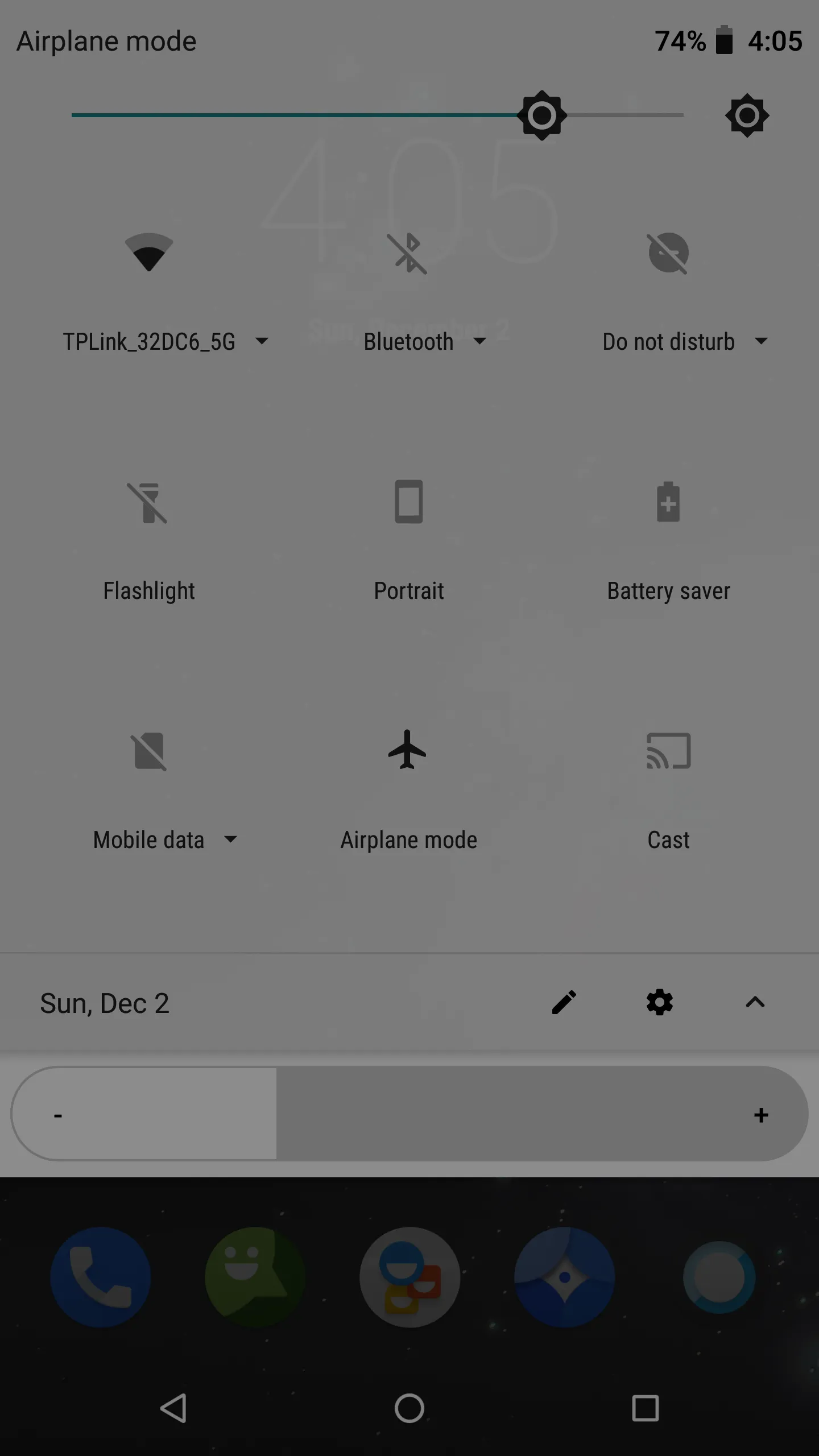
On Android O and later, quick controls remain available in the status bar, the notification dropdown menu, and on the lock screen. Updating to the OLED Saver latest version helps ensure these shortcuts stay accessible during daily use.
Pros and Cons
Pros
Lightweight
Straightforward operation
Simple but effective
Cons
No updates for some time now
Not a guarantee to fix all OLED screens
Changelog
OLED Saver - Version 1.39
What's new
1. Add system brightness adjustment control.
2. Fixed the problem that the brightness automatically became lower under some conditions.
3. Add Traditional Chinese support.
4. Add a pause function (temporarily disable the mask).
If the upgrade user encounters an abnormal situation when the screen is rotated, please uninstall and reinstall the app.
FAQs
What is OLED Saver?
OLED Saver is a mobile application designed to reduce screen flicker and manage brightness on AMOLED displays, offering a smoother and more comfortable viewing experience.
How does OLED Saver prevent flickering?
OLED Saver stabilizes the electrical current running through AMOLED pixels, preventing flicker even when the screen brightness is set to low levels.
Can OLED Saver help extend battery life?
Yes, by reducing the brightness more effectively than manual adjustments, OLED Saver helps save battery life while maintaining display clarity.
Conclusion
In summary, if your device has an OLED display and suffers from flickering issues in low brightness, OLED Saver is a must-try that can help address it. It's simple and intuitive to use, and the single brightness slider is all you need to start calibrating your display. It hasn't been updated for some time now, but it still works as intended.





-
Latest Updates
-
Featured Apps






