Location Changer
Tools
2026-09-23
4.16MB
3.50
Android
586
Screenshots
Introduction
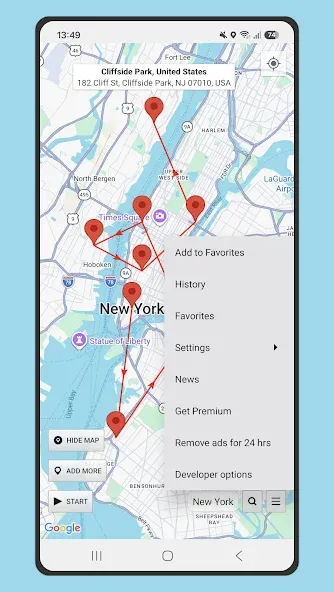
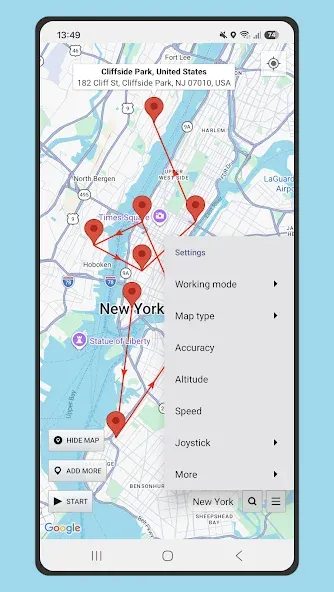
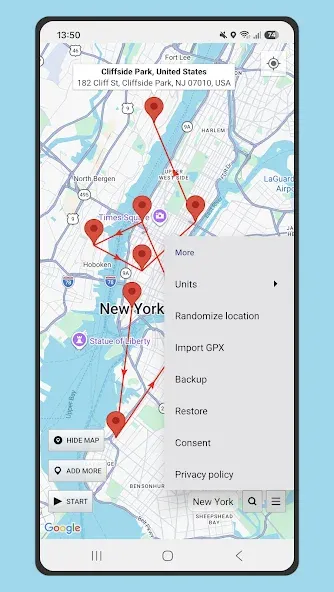
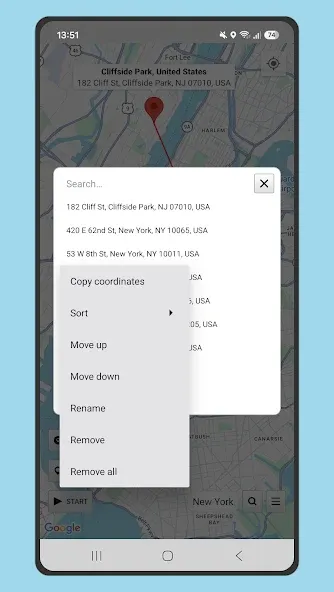
Location Changer is a location-based tool for Android devices. It features a built-in joystick that allows users to simulate their phone's orientation and movement. The app supports multi-point routes and includes a driving mode. It can run continuously in the background on the user's phone, and users can stop the simulation at any time to restore the device's actual location. The app offers clear location guidance, supports fixed location points, and allows for the import of GPX routes. It functions without requiring root access, accurately simulates the user's real-world location, and features an intuitive interface.
Features
Joystick movement with adjustable speed
Location Changer provides a built in joystick so you can move gradually instead of jumping between points. You can drag to reposition the joystick and set a speed that suits navigation testing or slow walking. A quick double tap lets you place or move the joystick without digging through menus. This approach helps you simulate natural movement for apps that expect steady GPS updates.
Multi pin routes and Drive mode
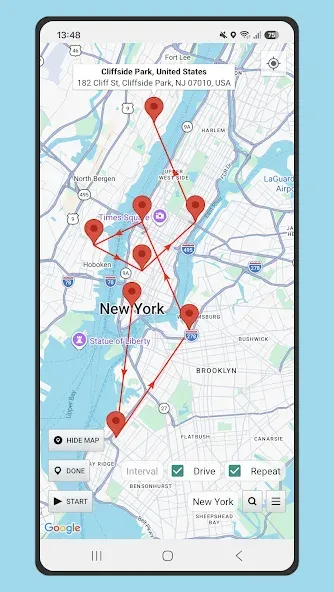
You can add multiple pins on the map and create a route between them for continuous travel. Drive mode follows your path at a speed you choose, which is useful when testing delivery flows, ride tracking, or turn by turn scenarios. Instead of teleporting, the app simulates travel between pins so other apps receive consistent location changes. This keeps your testing closer to real world timing.
Persistent service with quick Stop control
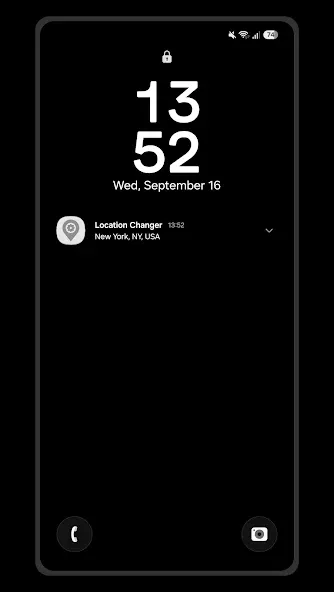
Once started, Location Changer can keep the mock location service active even after a device reboot. This is helpful if you run ongoing tests or need a steady fake location for a period of time. When you are done, you can tap Stop inside the app or use the notification control to return to your real location. The quick Stop option reduces switching time and makes it easy to pause or end a session.
Detailed location status for diagnostics
The app shows clear location status so you can confirm what other apps are receiving. You can view useful details when troubleshooting location-based services or verifying that mock GPS is engaged. This information can help spot mismatches during QA sessions. It also supports faster iteration when adjusting routes or speeds.
Clear guidance for Mock locations setup
Location Changer includes step by step guidance for enabling Developer options and setting the app as the mock location provider. It also reminds you to adjust battery settings so the service is not restricted in the background. These prompts reduce setup issues on newer Android versions. With the correct permissions and whitelisting in place, the mock location remains stable during testing.
Advantages and disadvantages
Pros
Supports static pins, timed sequences, and simulated driving
Joystick includes adjustable movement speed
Imports GPX routes for virtual trail movement
Mock location mode does not require root access
Cons
Does not hide an IP-based location
Some apps can detect Mock locations
Highlights
Mock your GPS location without rooting your device
Maintain your privacy by masking your real location
Works as a reliable location spoofer for Android
Test location-based apps without physically moving
Have fun with friends by changing your location
User comments
easy to use and gets the job done I have no complaints whatsoever!! This app rocks and does everything it says it does in the app description. It give super easy step by step instructions making it really easy to get the program up and running so you can use it when you need it. I am super thrilled with this app and would recommend it to everyone!
Seems to be working perfectly for MHN. Joystick is almost perfect. Would be great to see the joystick movement be independent of compass bearing, as currently facing South and dragging up results in moving North(down), but otherwise, it's all good. Seems to break a bit when using mock location without FLP. In-game location keeps jumping back and forth with that working mode selected. But that's fixed by just using "Mock Location," so it's not a biggie.
This app is the best! My friends are really tricked that i am overseas but the truth is i am just lying in my bed, I use this so they can't invite me for hangovers and trips that i am too lazy for, but there's something that needs to be improved the user interface it looks very plain at least add some primary colors to it but still even with ads this app is very awesome! keep up the good work!
Summarize
For those interested in exploring what Location Changer has to offer, it is readily available for download on the Android platform. As users navigate through the app's features, they can gain a deeper understanding of how to manipulate their device's location effectively. With its straightforward functionality and focus on user control, Location Changer stands out as a practical solution for anyone looking to manage their GPS settings effectively.
-
Latest Updates
-
Featured Apps