YouTube Studio
Tools
2026-10-12
55.70MB
26.40.001
Android 5.0 and up
440
Screenshots
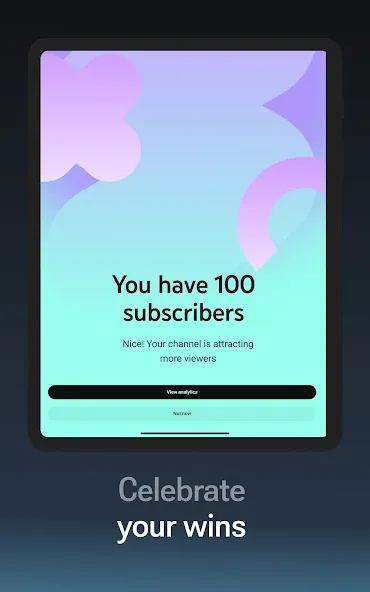
Introduction
YouTube Studio is a video management app designed specifically for Android creators. It features a user-friendly interface that allows for easy navigation and access to its various functions. The app enables creators to monetize their videos and offers tools to view other videos, manage comments and replies, and apply filters. It provides comprehensive video management capabilities, including search functions that support popular and professional keywords, as well as the ability to manage both published videos and drafts. It helps users make informed decisions regarding video production and regularly introduces new features to meet their evolving needs. Additionally, the app fosters a vibrant community where users can learn a great deal about video production.
Features:
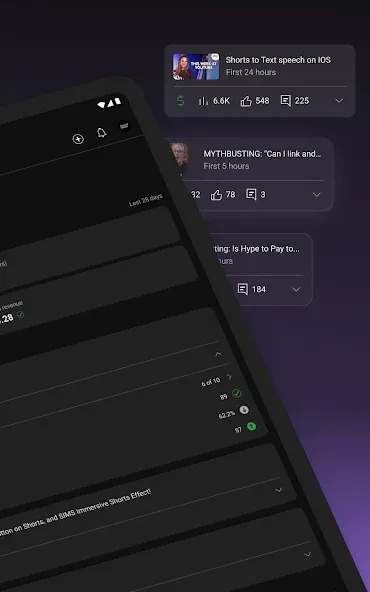
YouTube Studio opens to a dashboard that highlights key metrics and recent activity. You get a quick view of what is trending on your channel, which helps you prioritize time. This snapshot keeps you informed without digging through multiple screens.
Detailed Analytics
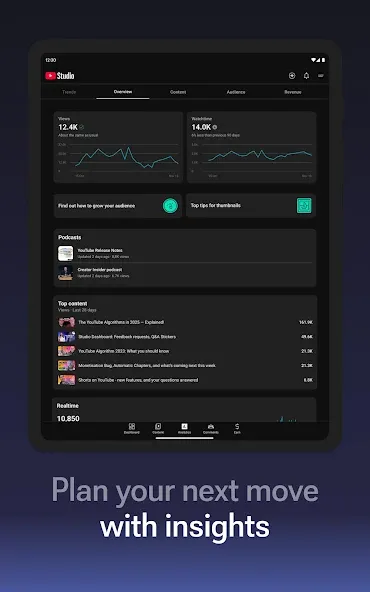
Move from the overview into analytics to see performance for videos, Shorts, and live streams. YouTube Studio organizes data so you can understand what content is gaining traction. For deeper breakdowns and historical comparisons, some charts are available on desktop, so consider mobile for quick checks and desktop for advanced analysis.
Community Management
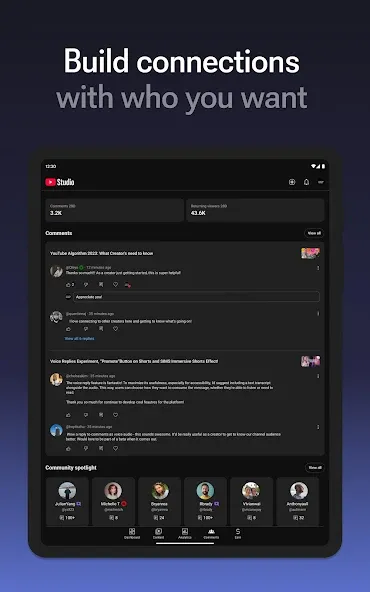
Comments are grouped with sort and filter options, making it easier to find conversations that need attention. You can reply, hide, or review comments in one place, which helps keep your community engaged. This workflow reduces the chance of missing important messages.
Content and Channel Management
Edit titles, descriptions, thumbnails, and visibility settings without leaving the app. You can also adjust the look and feel of your channel to keep information accurate and consistent. Many users request captions editing in the app; currently, that task is better handled in desktop Studio.
Monetization and policy checks
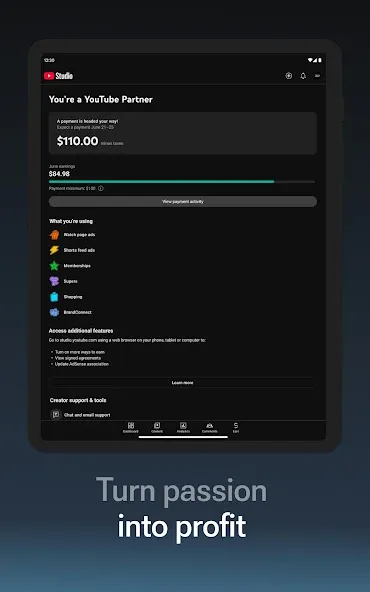
If you are ready to monetize, you can apply to the YouTube Partner Program directly in YouTube Studio. Before publishing, automatic checks screen uploads for potential copyright and monetization issues. These checks help reduce surprises after a video goes live and guide you to resolve flagged items.
Highlights:
Official YouTube app for content creators to easily manage their channel from a smartphone or tablet.
A channel control panel featuring lots of convenient tools.
Information on channel content performance with detailed analytics and statistics.
Tools to manage uploaded content.
Followers counter.
Followers analysis.
Video upload functions.
Functions to sort and filter comments to connect with your audience easily.
Tools to modify the channel design.
Activate content monetization by applying for the YouTube Partner Program.
User comments:
This feature is quite good; it saves the hassle of managing YouTube videos on a mobile device. The functionality focuses on data analysis, though I hope for more features in the future (such as channel management and editing video languages or subtitles).
It works great!!! You can create thumbnails and more!!! I hope they release even more useful features~ Even though the current capabilities are already excellent—I highly recommend it to any YouTuber.
It’s fantastic—five stars. The features are comprehensive; you can reply to viewer comments in real-time. It’s an essential tool for YouTubers, allowing you to view data on your uploaded content (including views, likes, watch time, and the number of subscribers gained from specific videos) and edit thumbnails, tags, and descriptions directly within the app. Feel free to search for my name to check out my original YouTube videos!
Advantages and disadvantages:
Pros
Earn Returns
Detailed Steps
Popular Searches
Cons
Contains Ads
Conclusion:
Download YouTube Studio to unlock the full potential of your YouTube channel. With this app, you can take control of your channel and make informed decisions using data from your videos and community. If you are considering turning YouTube into a career, this is the perfect place to start.
-
Latest Updates
-
Featured Apps