EZView
Productivity
2026-10-29
55.84MB
2.60.120
Android
523
Screenshots
Introduction
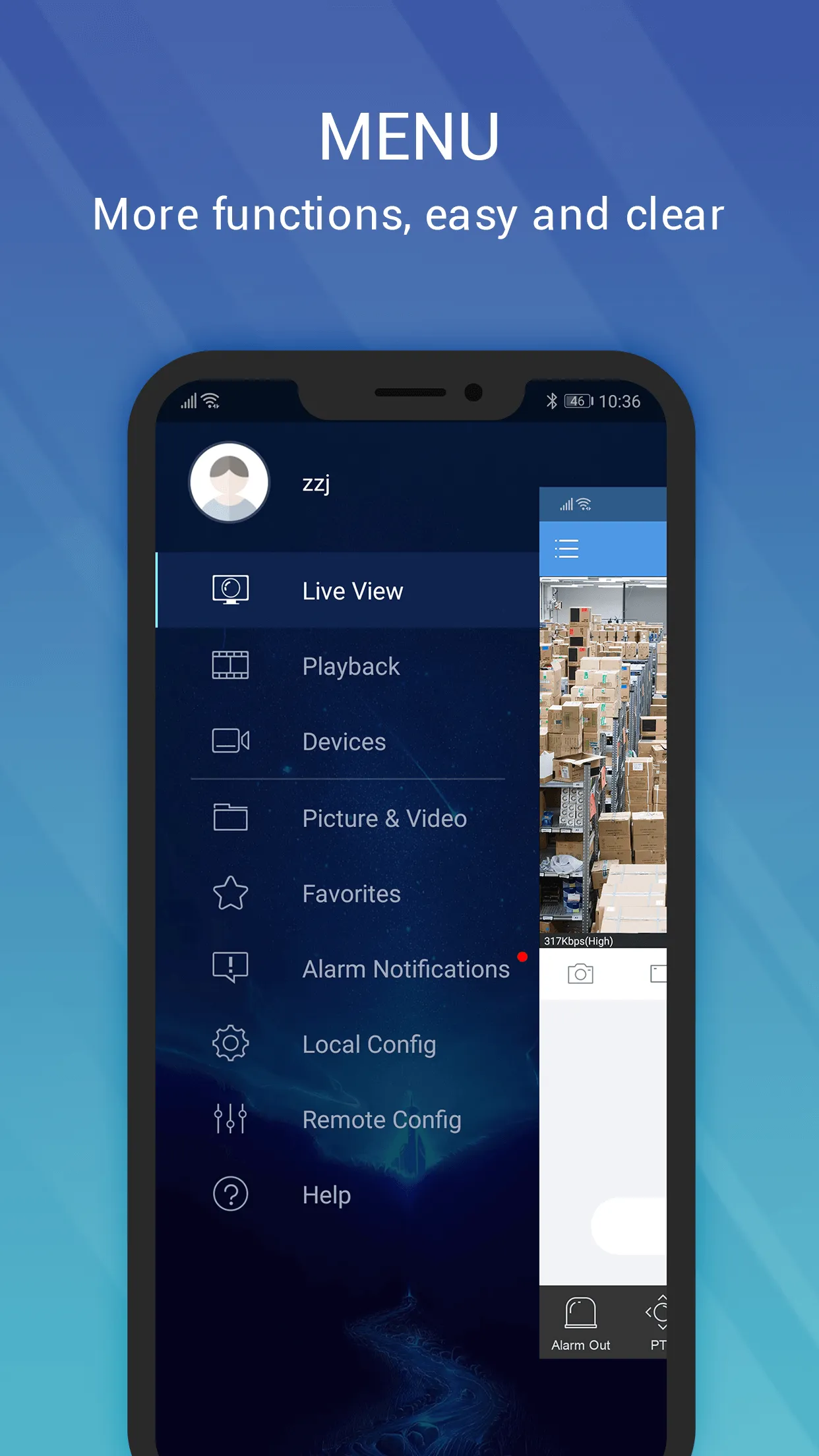
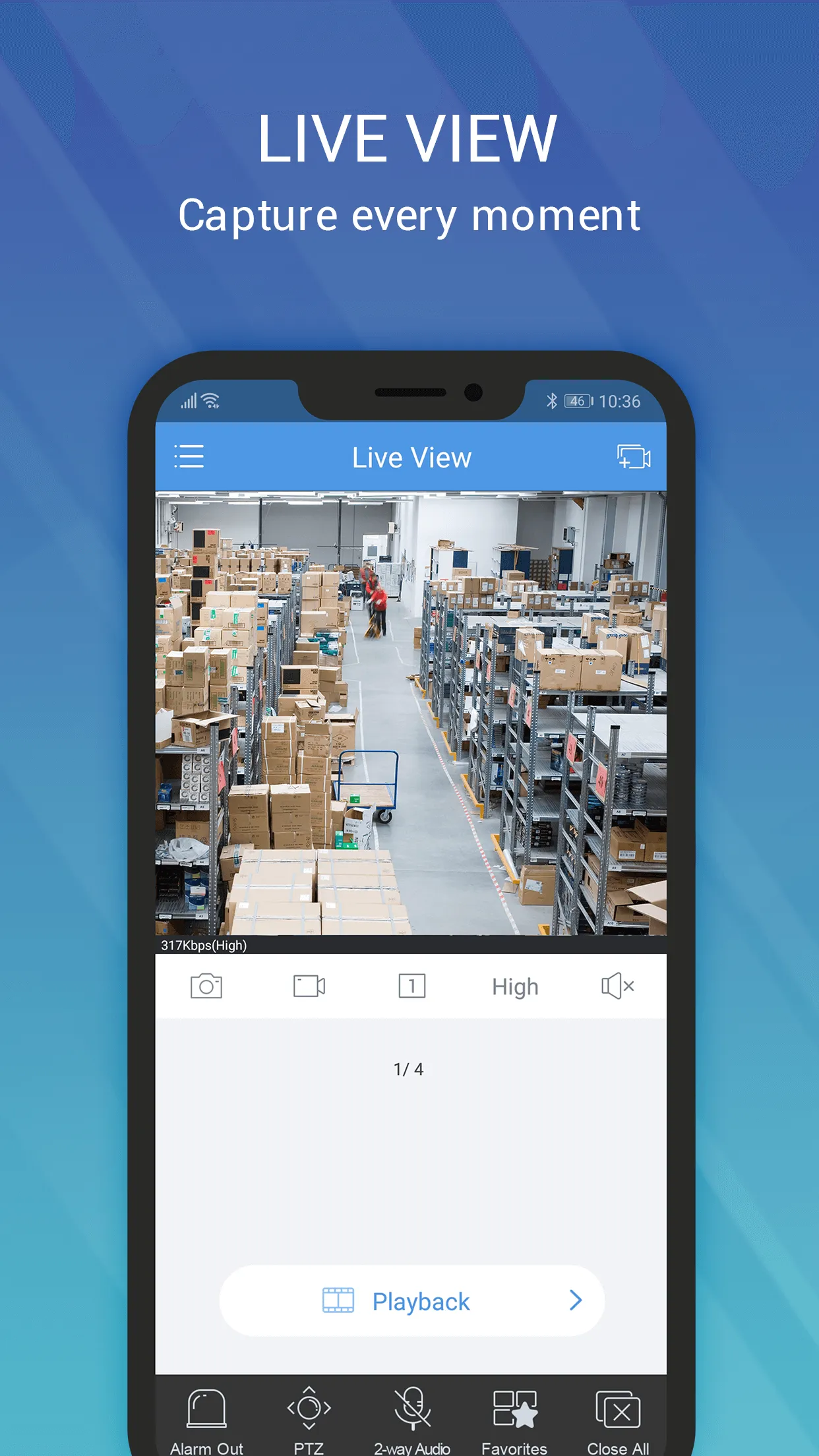
EZView is an application designed for real-time access to surveillance feeds. It features a highly user-friendly interface, allowing users to get started quickly and easily. Through this app, users can view live surveillance footage directly on their mobile devices. The video quality is exceptional, offering high clarity and a high frame rate. The software boasts excellent compatibility, supporting a wide range of Android devices and various image formats. It also prioritizes security, ensuring that user data remains protected and privacy is safeguarded. Surveillance footage is stored in an organized manner, and an integrated alarm system enables rapid response in the event of an unexpected incident. Additionally, the app includes a playback feature for historical recordings, allowing users to quickly locate and view footage by specifying a particular point in time.
Features:
View Your Cameras in Real Time
Watch live feeds from your cameras with smooth, crystal-clear video quality. Whether you are at home, in the office, or on the go, you can monitor your premises in real time with exceptional image clarity and stability. Plus, you can switch between all your connected cameras with a single tap, making it easy to keep an eye on every room you need to monitor.
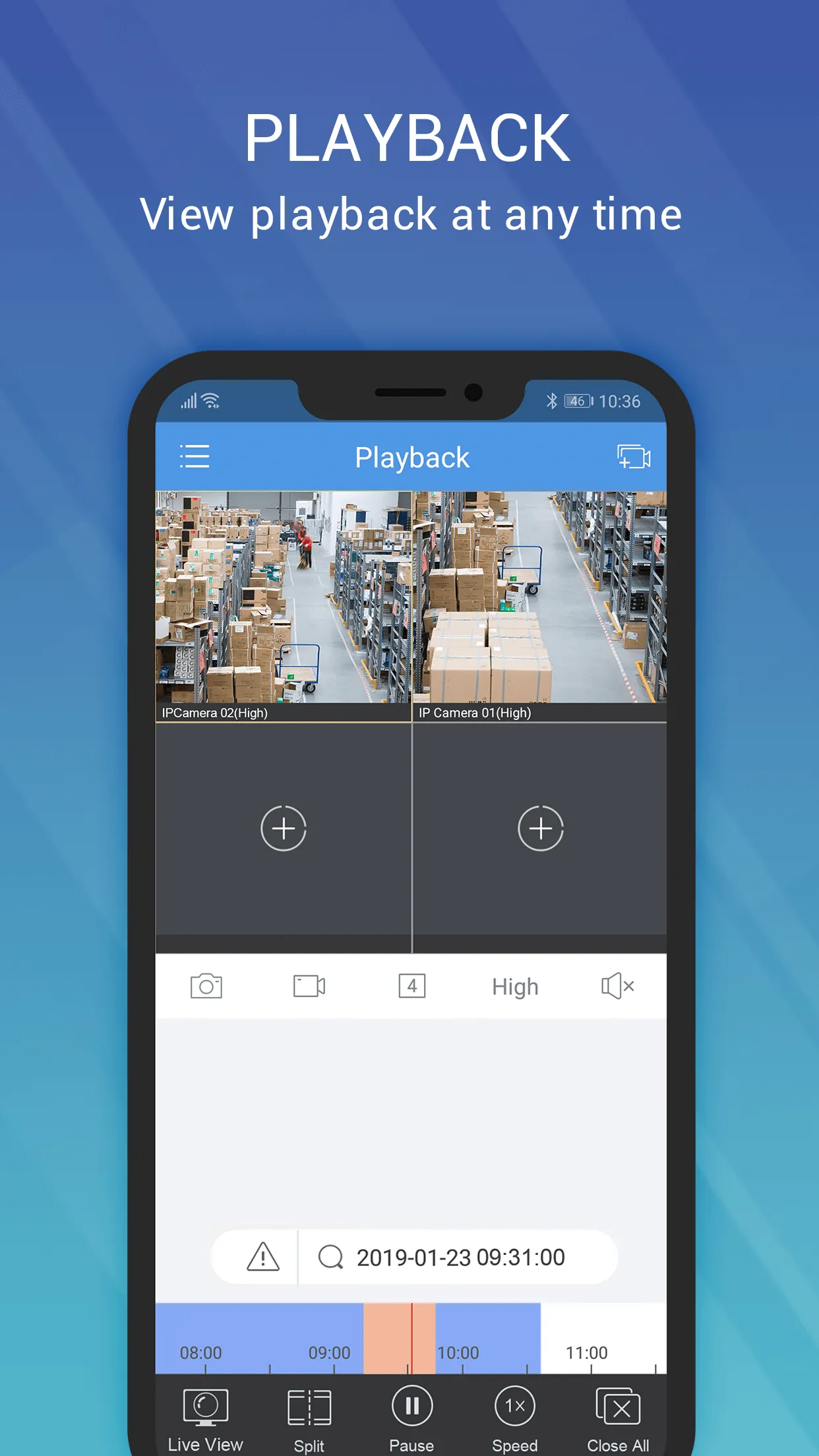
Playback Recordings Anytime
Access the footage stored on your surveillance devices to review past events—ensuring you never miss a single detail. Whenever you need to look back, you can easily retrieve your video recordings. If you have questions about a specific moment or simply want to see what happened on a particular day, just locate the relevant recording and jump straight to the exact time you wish to view.
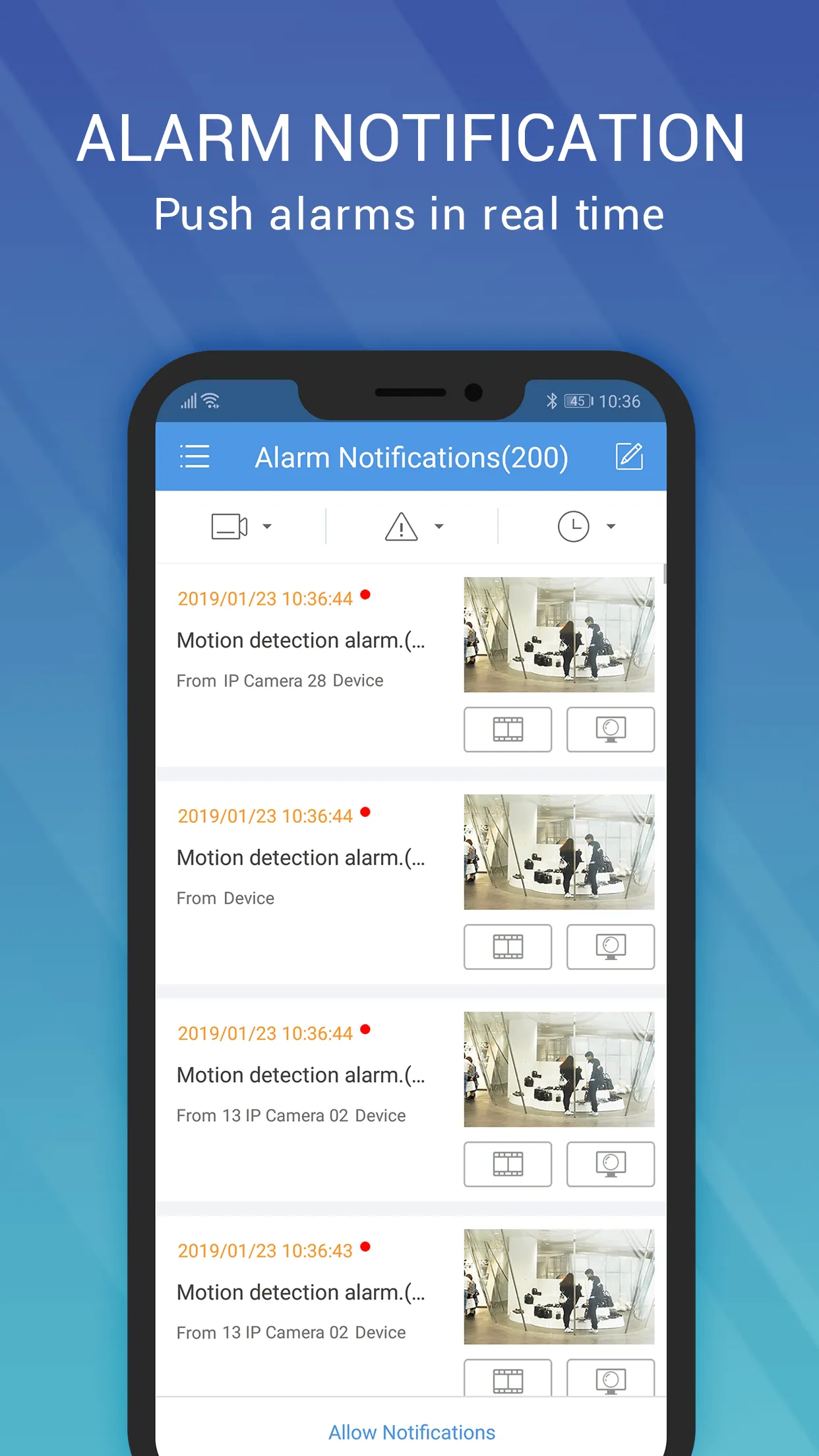
Receive Instant Alerts
Our real-time notification system keeps you informed about any significant events detected by your cameras. These alerts ensure you can respond quickly to urgent situations, enhancing security for both you and your business.
Highlights:
Real-Time Video Access
The platform ensures smooth, high-definition video streaming, allowing you to instantly grasp the situation on-site and respond rapidly to any unexpected events—providing essential security for your property and family.
Enhanced Security Features
Robust encryption protocols are employed to safeguard your data. By establishing a secure connection between your smartphone and the surveillance system, the platform prevents unauthorized access and ensures the privacy of your video footage. Users can monitor their premises with peace of mind, knowing that video streams are protected against potential threats, thereby maintaining the integrity of the security infrastructure.
Effortless Navigation
With just a few taps, users can easily switch between multiple cameras, review historical footage, and adjust settings. This intuitive user experience ensures that even those new to video surveillance can quickly master the controls, transforming complex security tasks into simple, manageable actions. The clear layout further enhances ease of use for everyone.
Remote Control Capabilities
The platform offers comprehensive remote management features, giving you full control over your surveillance cameras. This includes remote operation of Pan-Tilt-Zoom (PTZ) functions on compatible cameras, enabling dynamic monitoring of specific areas. This flexibility turns your smartphone into a powerful command center, allowing you to actively engage with your surveillance system—anytime, anywhere—and optimize your monitoring strategy.
FAQS:
What is EZView used for?
Its primary purpose is to monitor CCTV cameras from your computer.
Is my video stream secure when using this application?
Yes, the application incorporates robust security protocols to ensure a secure connection between your smartphone and your surveillance system, protecting your video data from unauthorized access.
What is the EZView app?
It is video management software designed for monitoring surveillance cameras.
Advantages and disadvantages:
Pros
Supports remote monitoring and control
Live and recorded video viewing
Real-time alerts and notifications
Remote configuration of system settings
Multi-user access and sharing
Built-in security and protection features
Cons
Limited to Uniview ecosystem
Conclusion:
If you own a Uniview camera system, you can use EZView to manage it and monitor live video feeds from your computer—eliminating the need to access the cameras directly. That covers everything you need to know about this CMS application; we hope this information proves helpful.





-
Latest Updates
-
Featured Apps