TimeTune
Productivity
2026-08-05
7.53MB
5.5
Android
145
Screenshots

Introduction
TimeTune is a scheduling app for Android devices that helps users plan their schedules, daily routines, and set time limits. It helps users create structured schedules, making their lives and work more organized, saving time, and improving efficiency. The app also provides users with numerous templates and rich customization options, allowing them to complete tasks according to their own preferences.
Features:
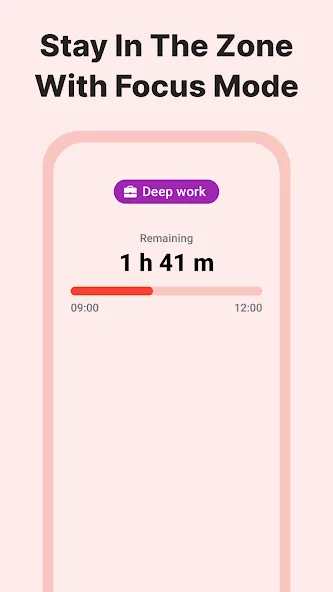
Increase your focus and productivity
Organize your agenda and reach your goals
Improve your time management skills
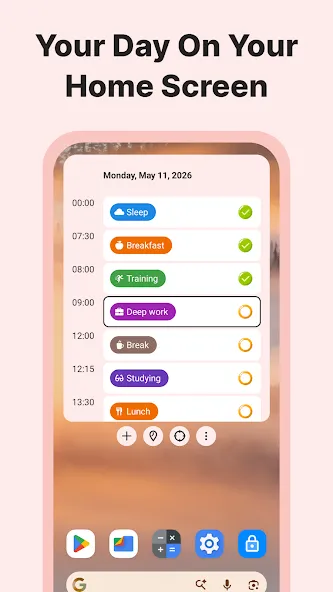
Plan your daily routine
Set routines, timetables and work shifts
Have a structured agenda
Use it as your daily planner and routine planner
Remove routine tasks from other calendars
Analyze your time and discover time leaks
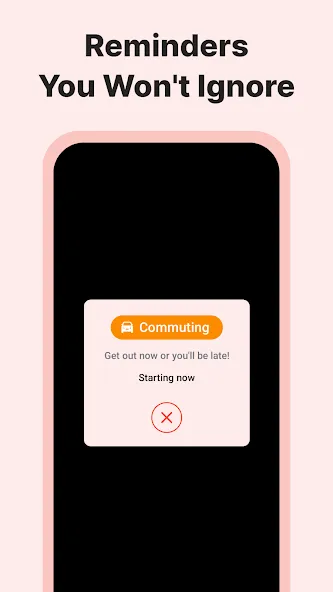
Add custom reminders (ideal for ADHD)
Free up time for yourself
Organize your life with a better work/life balance
Avoid anxiety and burnout
Do everything in your agenda
Do tasks in time if you have ADHD
Highlights:
Optimize Your Time
Do more things with your time
Increase your productivity
Improve Your Daily Routine
With templates, statistics and tons of customizations
Increase Your Productivity
Squeeze every minute and do everything in your schedule
Working principle:
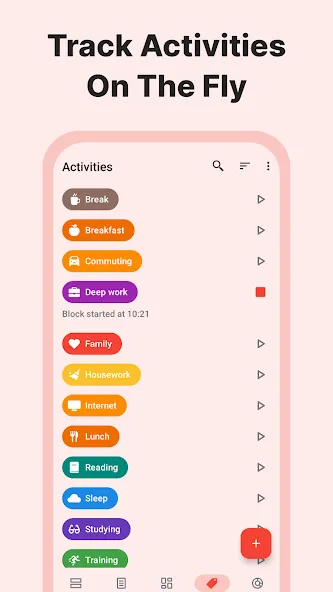
TimeTune provides users with blocks, each representing a specific activity or task such as work time, rest time or morning routine. You just need to arrange these blocks into your schedule to have a more scientific and effective working day.
The application also allows you to create and save schedule templates so that you can reuse them to avoid wasting time arranging daily habits or fixed work shifts.
You can also track statistics on the application to know how much time has been allocated and arranged during the day. This helps you evaluate whether you are using your time effectively or not and find ways to improve your working habits.
Changelog:
The 'done' checkmark is now free for everyone!
Marking blocks as completed now plays a sound
Marking blocks as completed now plays a vibration
New interface settings to control the checkmark effects
Adapted to Android 17
New purchase screen design
New upgrade button in settings screen
We reduced the onboarding process to four steps
Conclusion:
For those wishing to reclaim control over their schedule, increase focus, and achieve a balanced work-life dynamic, the platform offers a comprehensive toolkit to support these goals. Whether it's executing tasks punctually, managing a complex agenda, or simply freeing up time for personal leisure, the flexible platform is designed to accommodate and advance a user's everyday life.
-
Latest Updates
-
Featured Apps