Adobe Reader
Productivity
2026-10-21
178.20MB
26.8.3.49043
Android 7.0 and up
333
Screenshots
Introduction
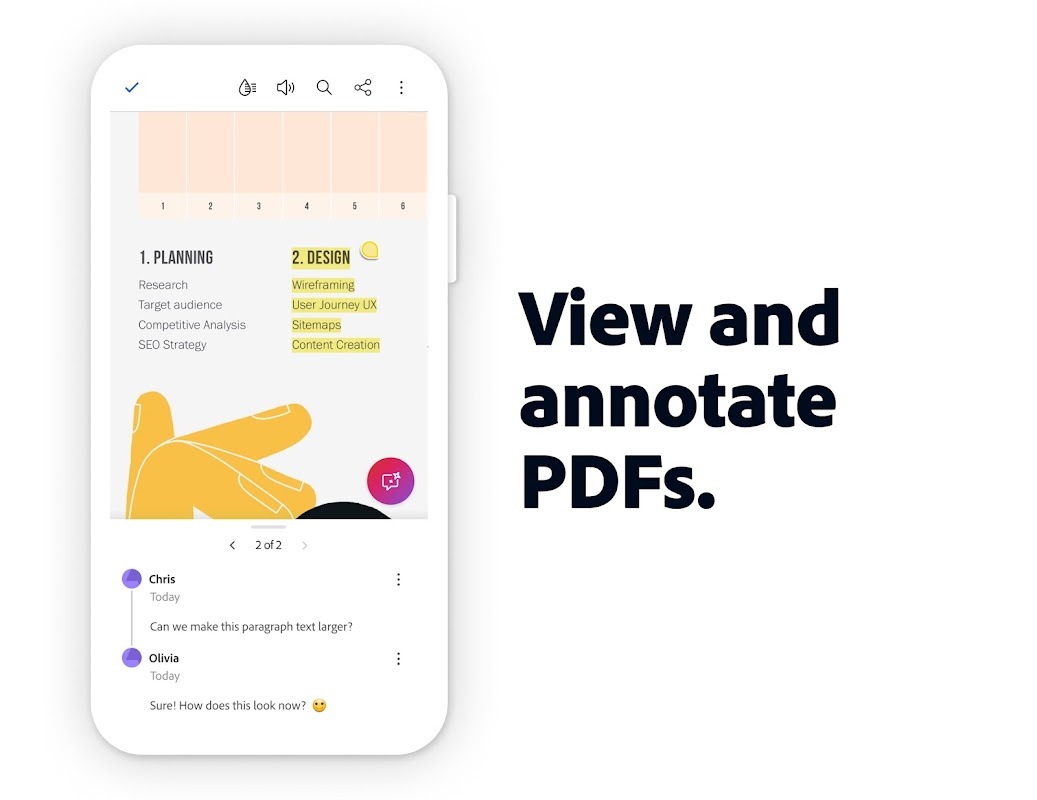
Adobe Reader is a powerful PDF tool that offers a comprehensive suite of features, enabling users to view and annotate PDF documents directly on their mobile devices. The app supports multi-file handling and includes an AI assistant—accessible via voice or text commands—designed to help users complete tasks more efficiently. Additionally, an AI summarization feature allows users to extract key information from PDF documents and generate concise summaries. With its clean and intuitive layout, the app ensures that all its features are easy to access and use.
Features:
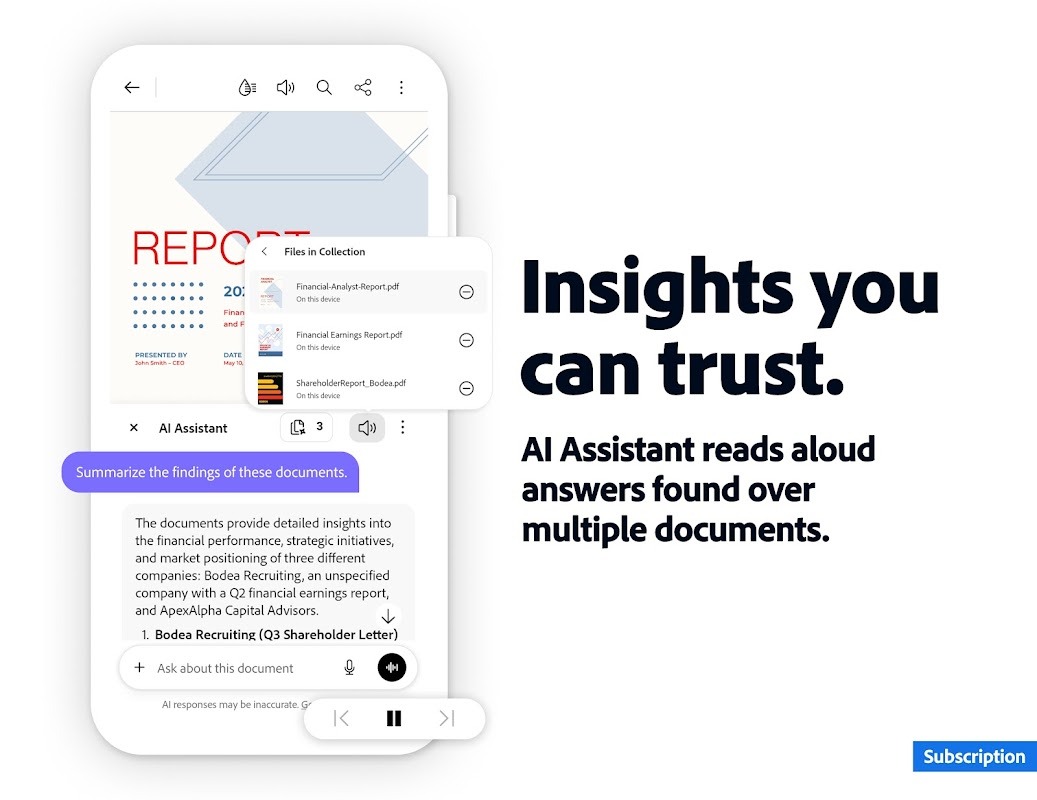
Work across multiple files in one place with PDF Spaces. Collaborate, store, and use AI Assistant across files
Use voice or text prompts with AI Assistant chatbot
Ask questions and get cited answers about info in your document, including charts, graphs, and tables with Figures Q&A
Easily share the responses you get
Try voice support to ask queries and have answers read aloud.
Instantly generate summaries from your PDFs with Generative AI Summaries
Get content for emails, text, study notes, blogs, and more
Highlights:
Clean feature lineup
Supported file formats and fast searches
Security tools
Configuration settings
A top PDF viewer on the market
Pros and Cons:
Pros
Fast and Easy to Use Reads most documents (50MB or smaller) fast and features an intuitive user interface.
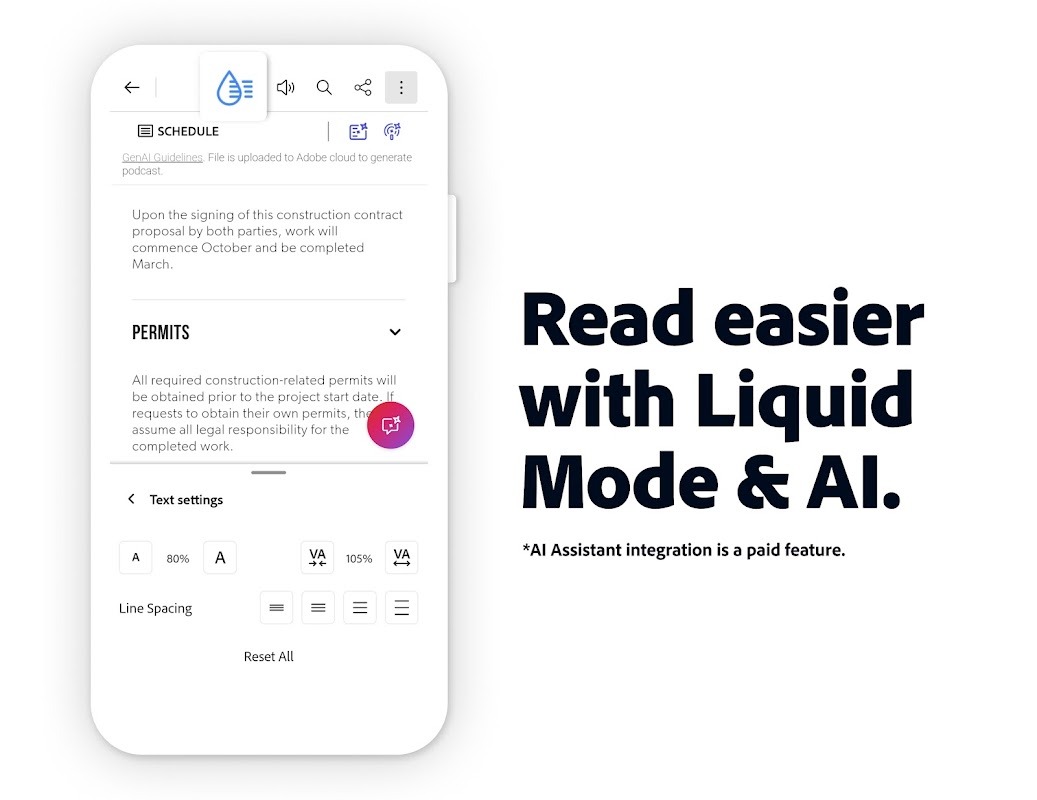
Liquid Mode Not all documents work in portrait mode! Search, navigate and adjust the font size or spacing to read your documents the way they were meant to be read.
Share and Complete Documents You can annotate, fill, sign and share sections, images, whole documents and more from right within the app.
Cons
Free Version Not as Powerful as the Subscription Version Advanced editing, OCR, PDF conversion and other tools require payment.
Can’t Create Folders You can mark files as favorites, but you can’t create folders to organize your files.
FAQs:
Is Adobe Reader free to use?
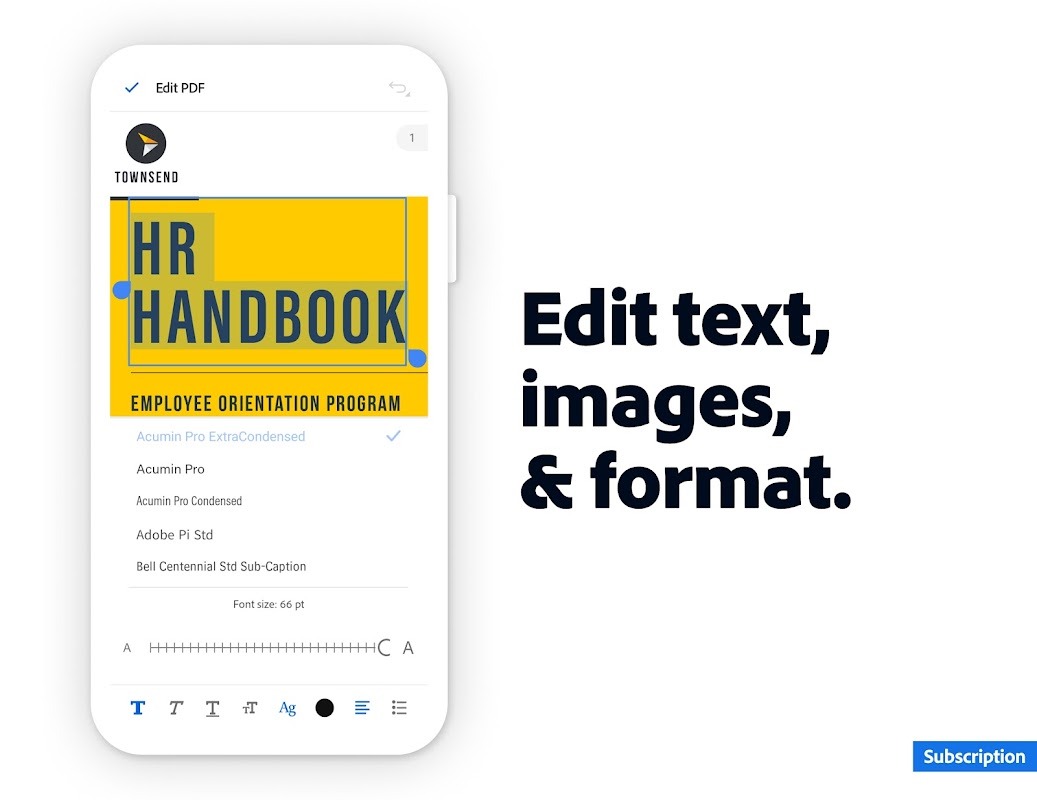
Yes, Adobe Reader offers a free version with core features for viewing and annotating PDFs. Premium features, such as editing and converting PDFs, require a subscription.
Can I edit PDFs with Adobe Reader?
While the free version allows basic annotations like highlighting and adding comments, editing PDFs requires a subscription to Adobe Acrobat Pro DC.
How does the AI Assistant in Adobe Reader work?
The AI Assistant uses advanced algorithms to understand the content of your PDFs and provide intelligent answers to your questions, helping you extract key information quickly and efficiently.
Is Adobe Reader safe to use?
Yes, Adobe prioritizes security and regularly updates Adobe Reader to protect against potential vulnerabilities, ensuring a safe and reliable experience.
Conclusion:
Adobe Reader consolidates key functionalities into one accessible package, which is essential for anyone working with PDFs. The balanced design and comprehensive features help create a smooth document-handling experience. Download Adobe Reader to get a trusted standard in digital document management. Its free availability, consistent updates, and integration with other Adobe products are why it's the go-to choice for many professional and casual consumers.
-
Latest Updates
-
Featured Apps