iTranslate Translator
Productivity
2026-08-08
97.51MB
7.1.0
Android
158
Screenshots
Introduction
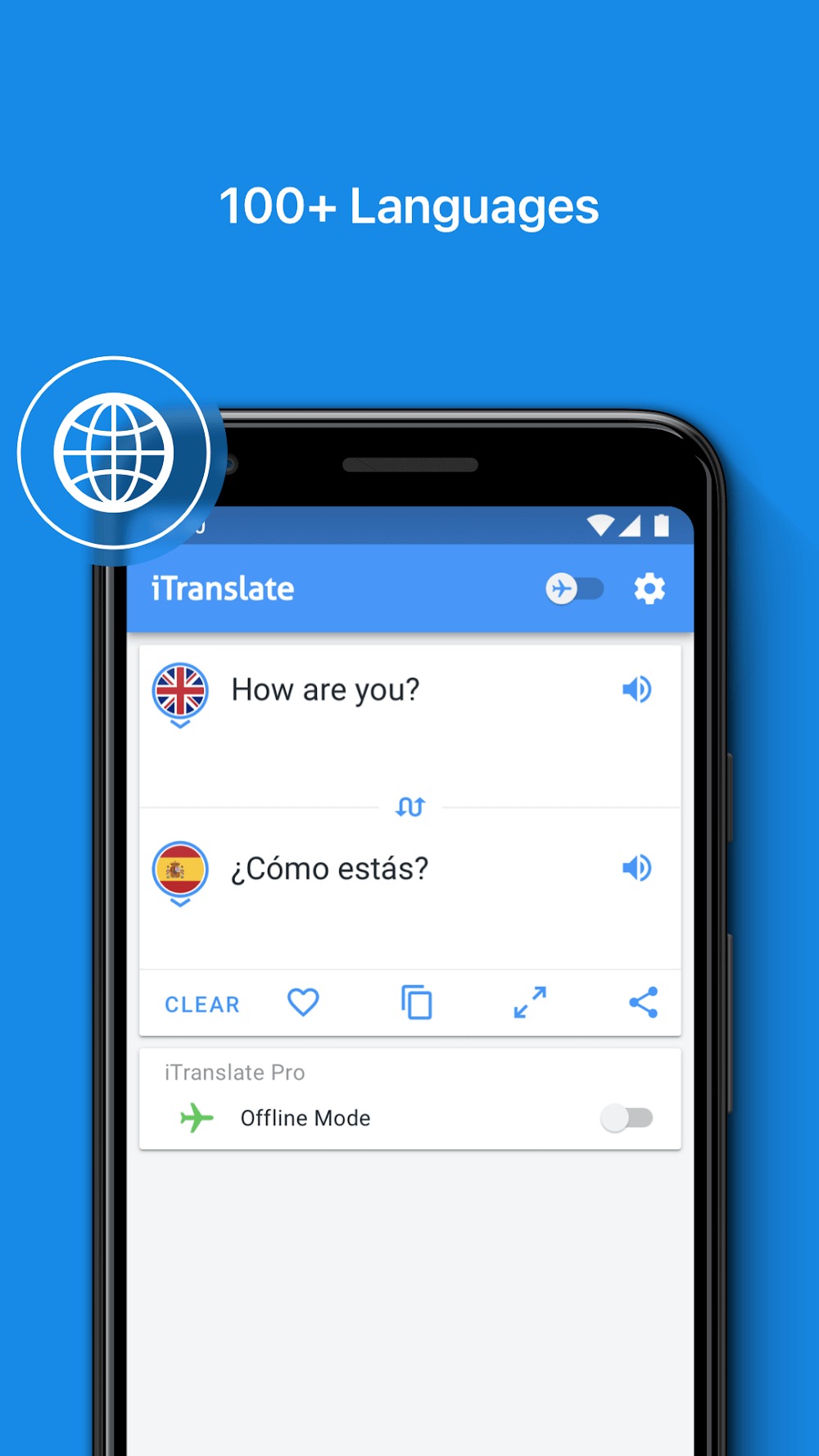
iTranslate Translator is a translation app for Android devices. This app supports translation of over 100 languages and offers various translation functions, including text translation, voice translation, camera translation, offline translation, and keyboard translation. Each function is convenient and quick, making it easy for users' daily lives. The app also records your previous translations for easy retrieval later. You can also customize the app's interface to better suit your usage habits.
Features:
Text translation: With iTranslate, you can translate text in over 100 languages. Type or paste the text you want to translate into the app and select the language you want to translate it to.
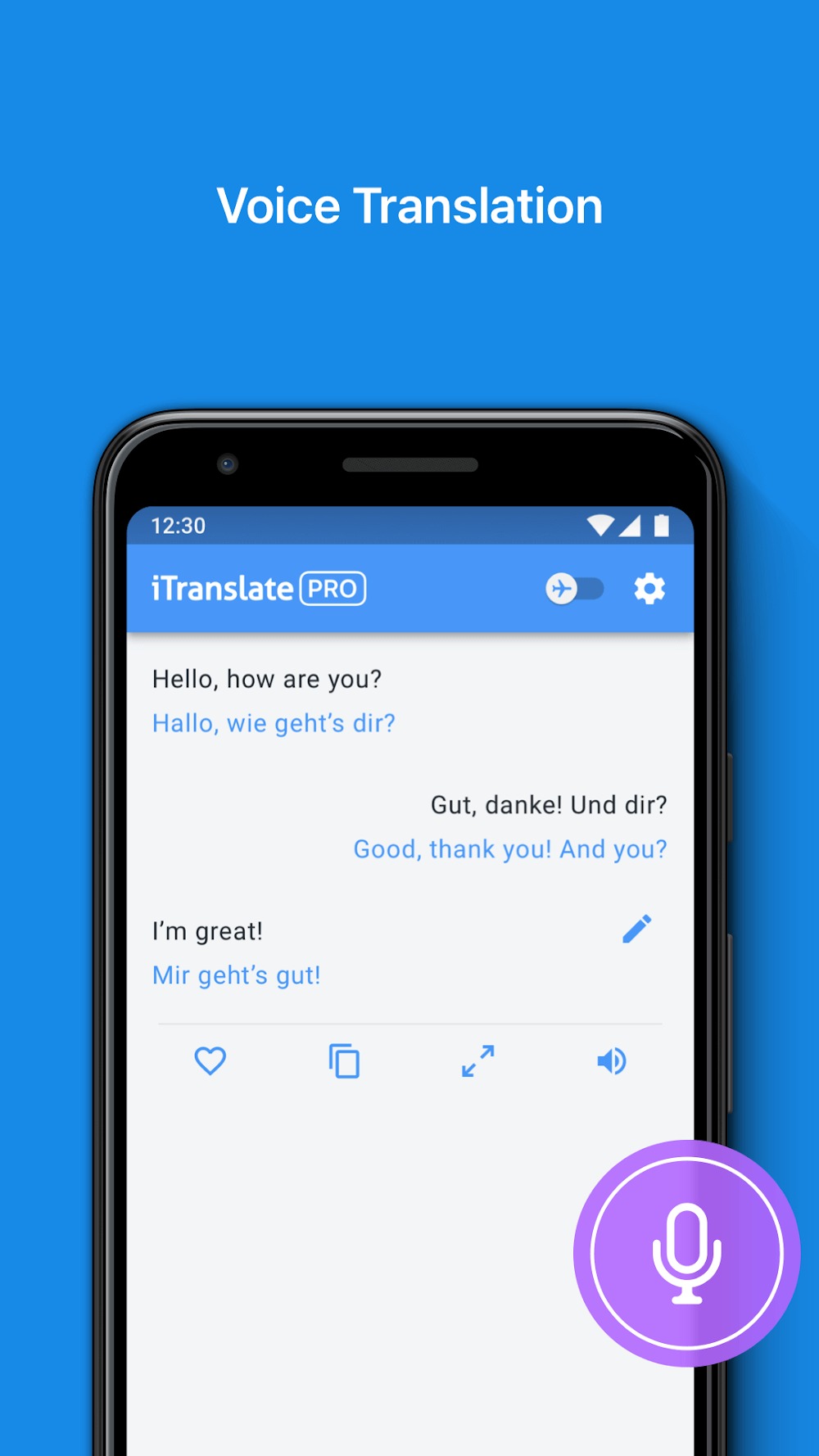
Voice translation: iTranslate also has a voice translation feature that allows you to speak into the app and have your words translated into another language. You can use this feature to converse with someone who speaks a different language.
Website translation: You can use iTranslate to translate entire websites in just a few clicks. Enter the website URL you want to translate and select the language you want to translate it to.
Offline translation: iTranslate allows you to download language packs for offline use, so you can use the app even when you don't have an internet connection.
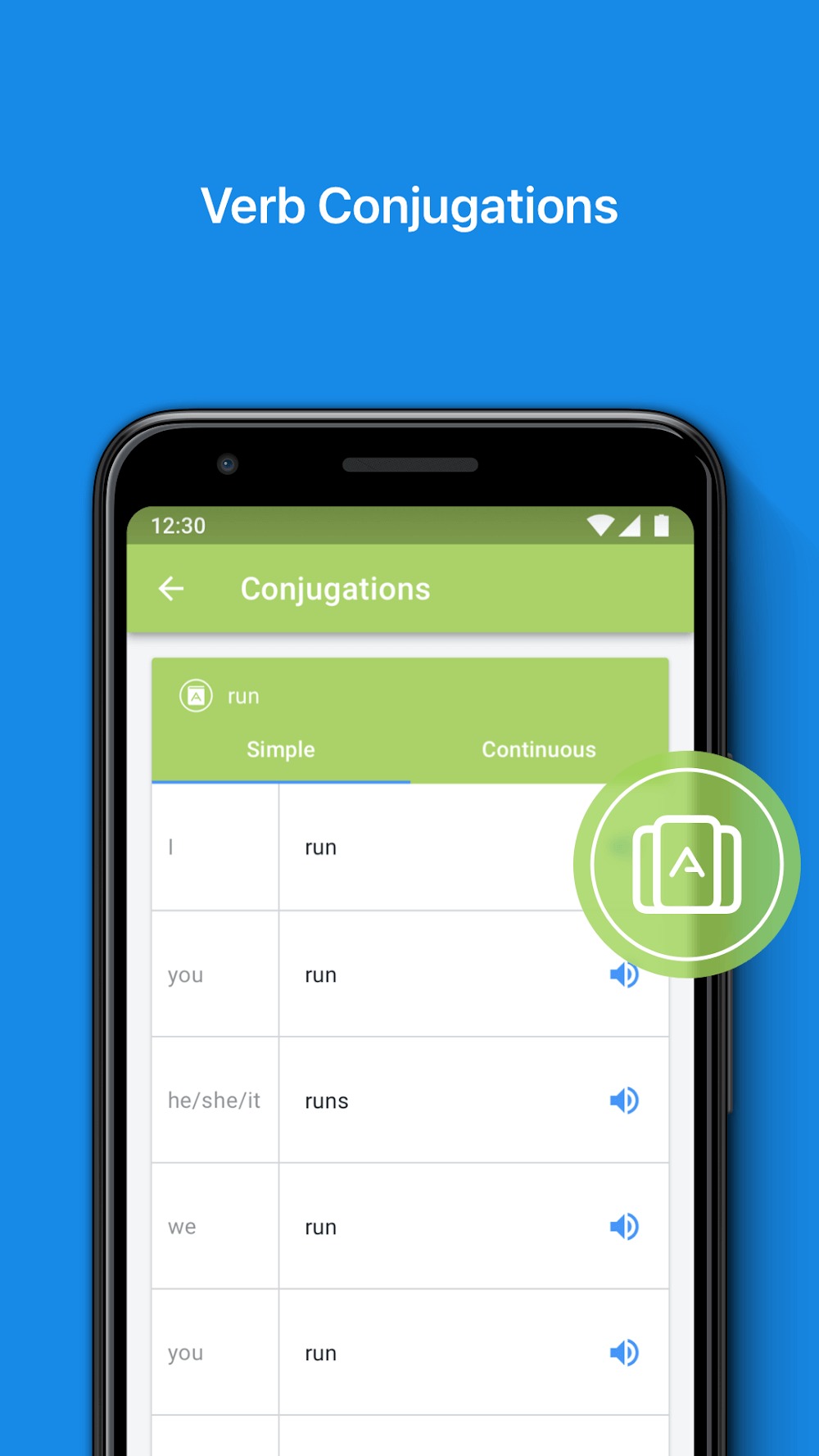
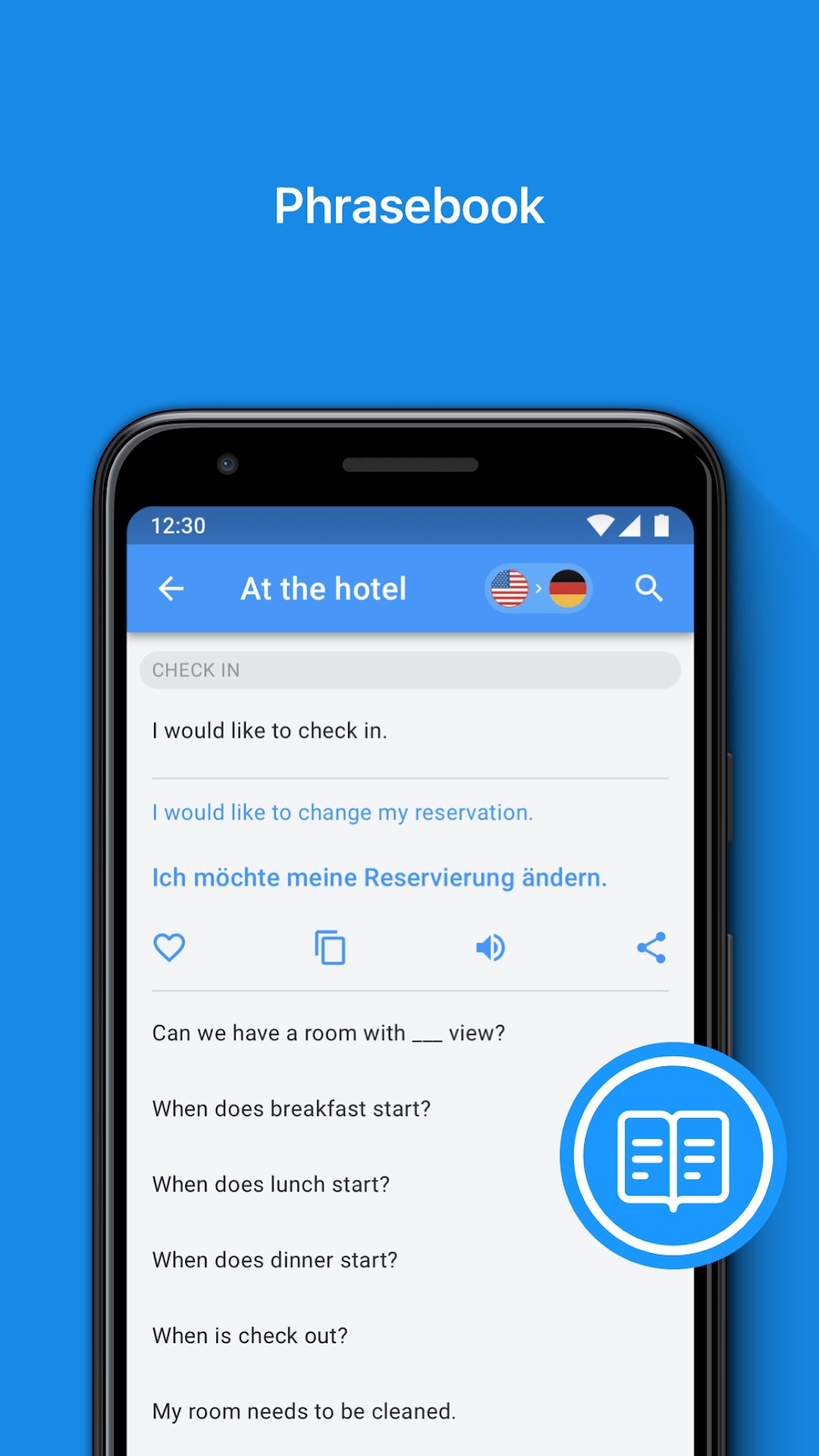
Dictionary: iTranslate includes a built-in dictionary that allows you to look up words and phrases in various languages.
History: The app records your previous translations, so you can easily access them later.
Customization: You can customize the app's interface by changing the font size and color scheme.
Integration with other apps: iTranslate integrates with other apps, such as Safari, to translate text and websites directly from those apps.
Highlights:
Translate anything with ease and precision with over 100+ supported languages.
Various input methods for flexible situations or preferences.
Built-in audio recorder for real-time conversation even with zero communication or verbal interaction skills.
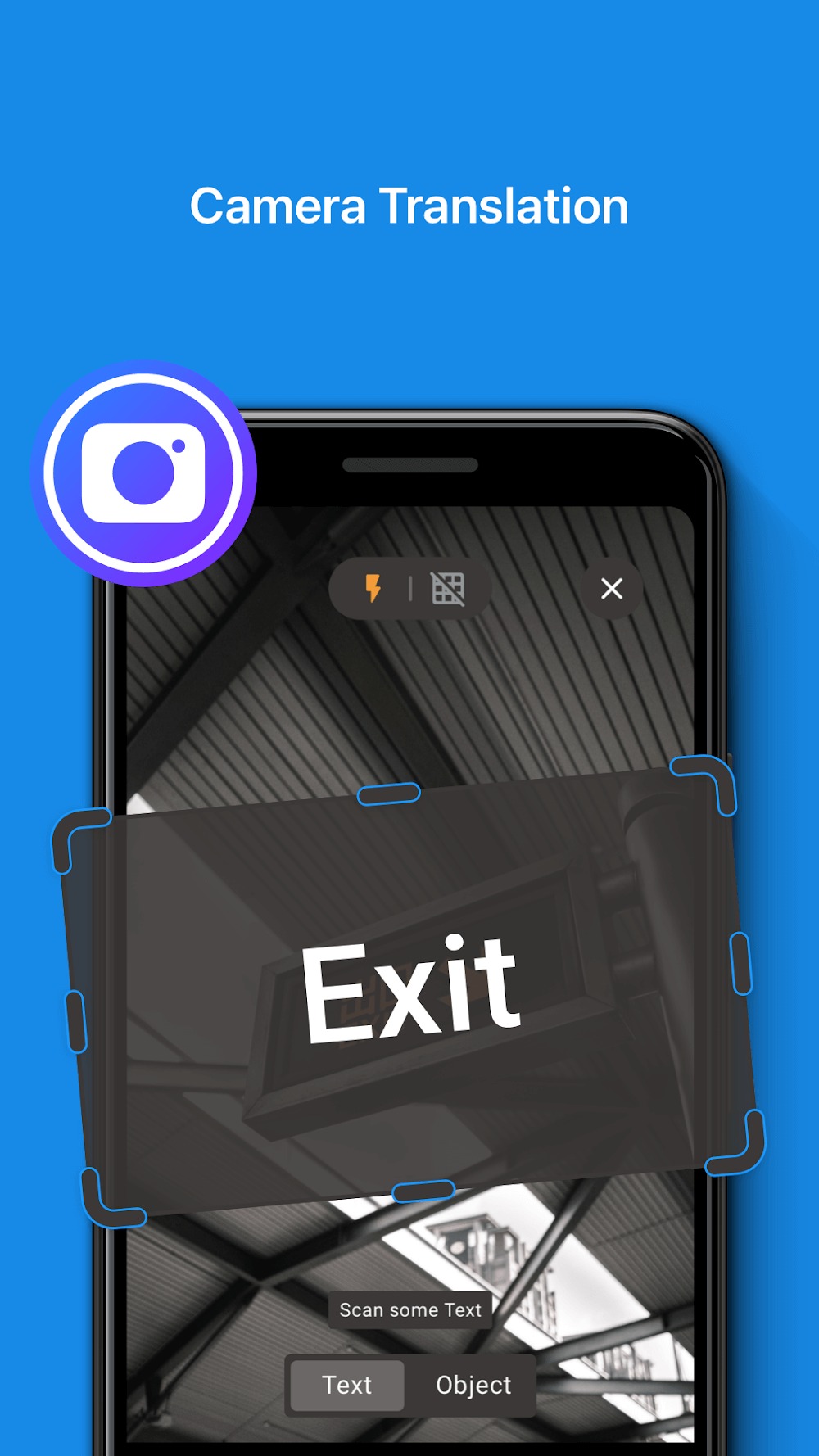
Translate the paragraph or anything through the picture scanner.
Offline translating for the maximum performances.
Pros and Cons:
Pros
Simple and intuitive interface.
Ability to translate text and spoken words.
Quick and efficient translations.
Saves translations for future reference.
Can communicate verbally in up to sixteen languages.
Cons
Requires internet connectivity for use.
Some features require in-app purchases.
Changelog:
This major update does not only include improved translations and bug fixes but also comes with an entirely fresh look for your favourite features!
Say "Hello" to our brand-new Text Translation feature that now gives you an even better overview of every translation and the chosen languages!
Welcome as well to our rejuvenated Voice Mode that makes real-time conversation in foreign languages a piece of cake!
See for yourself and let us know what you think!
Conclusion:
iTranslate Translator stands out for its comprehensive feature set and user-friendly design. It is especially useful for frequent travelers, professionals, and language learners who need reliable access to various translation modes. Its premium price and some limitations in photo translation are the main drawbacks. Overall, it delivers solid performance for those who will make regular use of its capabilities.
-
Latest Updates
-
Featured Apps