Outlook Lite
Productivity
2026-10-27
16.46MB
3.83.0-minApi24
Android
526
Screenshots
Introduction
Outlook Lite is an Android application featuring a user-friendly interface that allows for a quick and intuitive onboarding experience. Designed as a lightweight tool for managing emails, contacts, and calendars, it helps users organize their mobile device more effectively. It offers excellent compatibility across a wide range of Android devices—including older models—and provides calendar scheduling features to help users manage their time efficiently. By effectively handling junk mail, it boosts productivity while conserving device storage. With its small file size, the app ensures fast downloads, quick installation, and stable, smooth performance.
Features:
Lightweight performance on any network
This email app is optimized for devices with limited storage and low memory. It launches quickly and runs smoothly during everyday use, remaining stable even in areas with limited 2G or 3G network coverage.
Organized inbox and multi-account support
Use a variety of tools to keep your emails organized, including conversation grouping, smart filtering, swipe actions, flagging, and folders. Connect accounts from Outlook, Hotmail, Live, MSN, Exchange Online, and Google to view all your emails in one place—making it easier to focus on what matters and clear out what doesn’t.
Calendar and meetings in one place
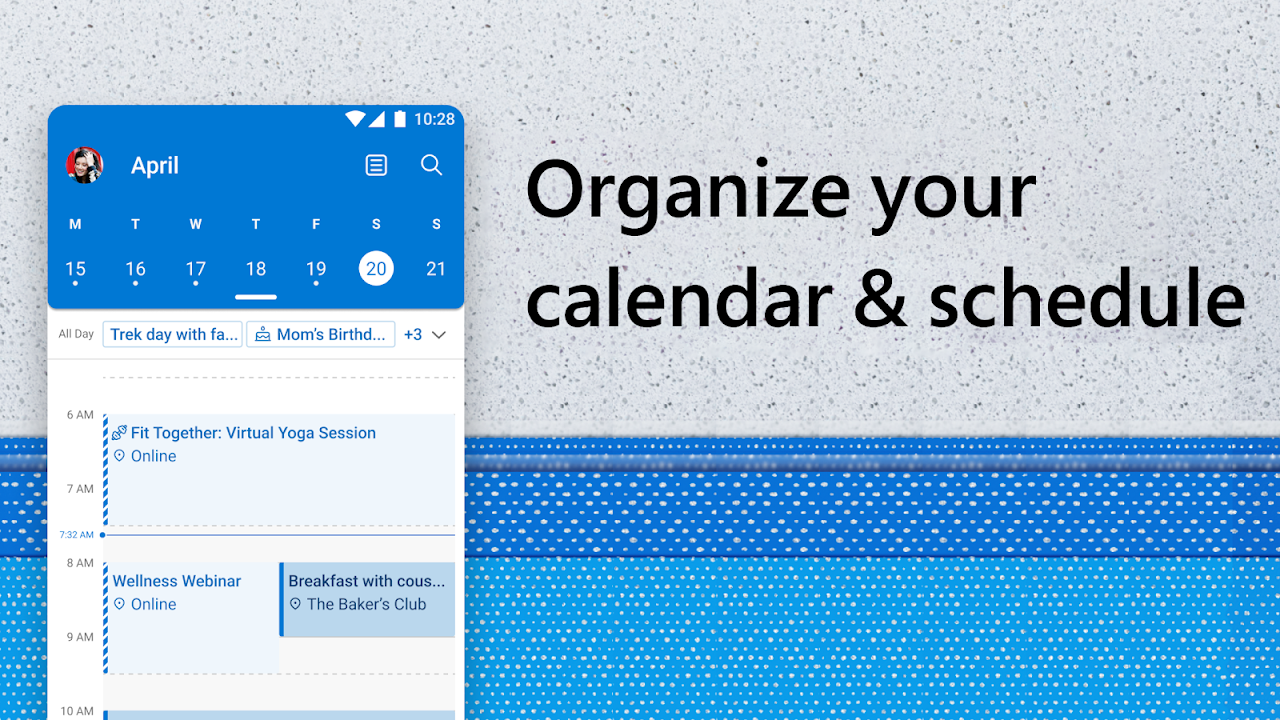
Plan your schedule, create events, and respond to invitations directly from your email. Join online calls from calendar entries and manage changes without ever leaving the app. Stay on top of your schedule and manage meetings with ease, wherever you are.
Security and spam protection
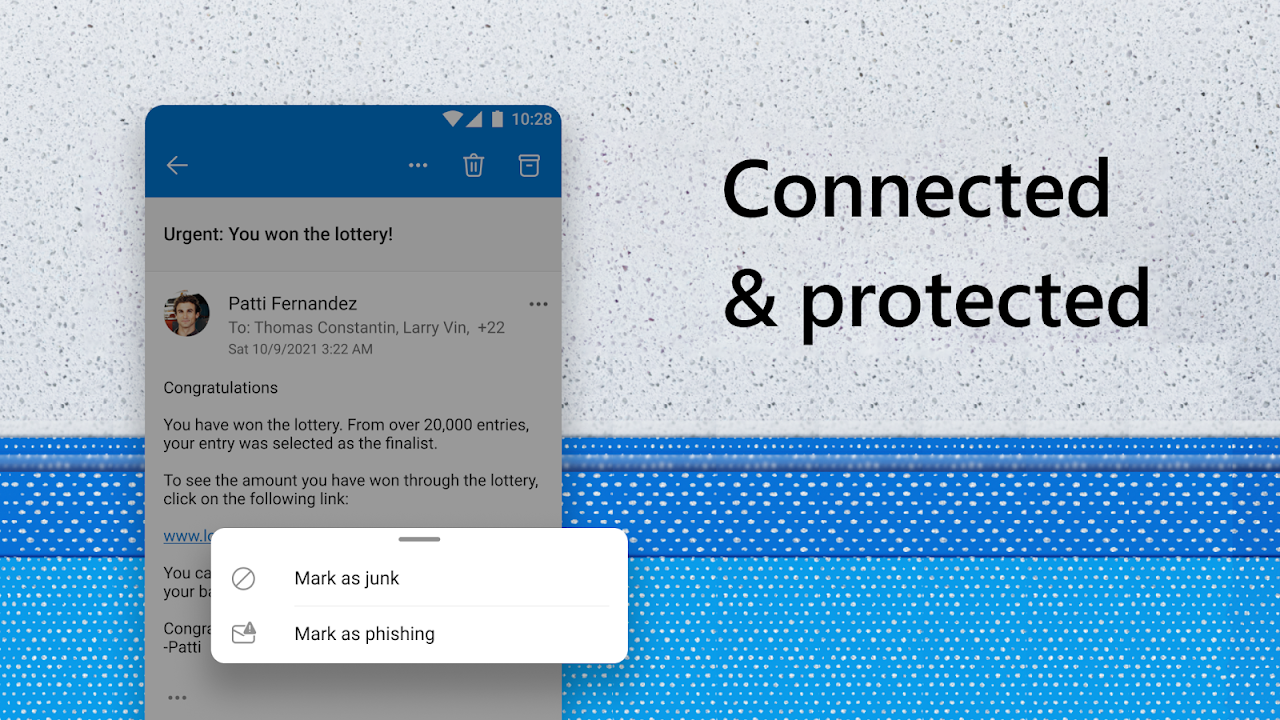
Secure sign-in helps protect your identity. Built-in spam and phishing detection automatically moves dangerous messages to the junk folder. Protection against malicious content helps keep your attachments and links safe, ensuring your inbox stays clean and secure.
Highlights:
Compact size—this lightweight app has a small download size and takes up minimal storage space on your phone.
Fast performance—optimized to run quickly on all devices, including those with 1GB of RAM.
Low battery consumption—lightweight design helps conserve your phone's battery.
Works on all networks—performs well even on 2G and 3G networks.
Advanced protection—safeguards your information against phishing attacks and other cyber threats.
Microsoft security and privacy features keep your emails, calendar, contacts, and files secure.
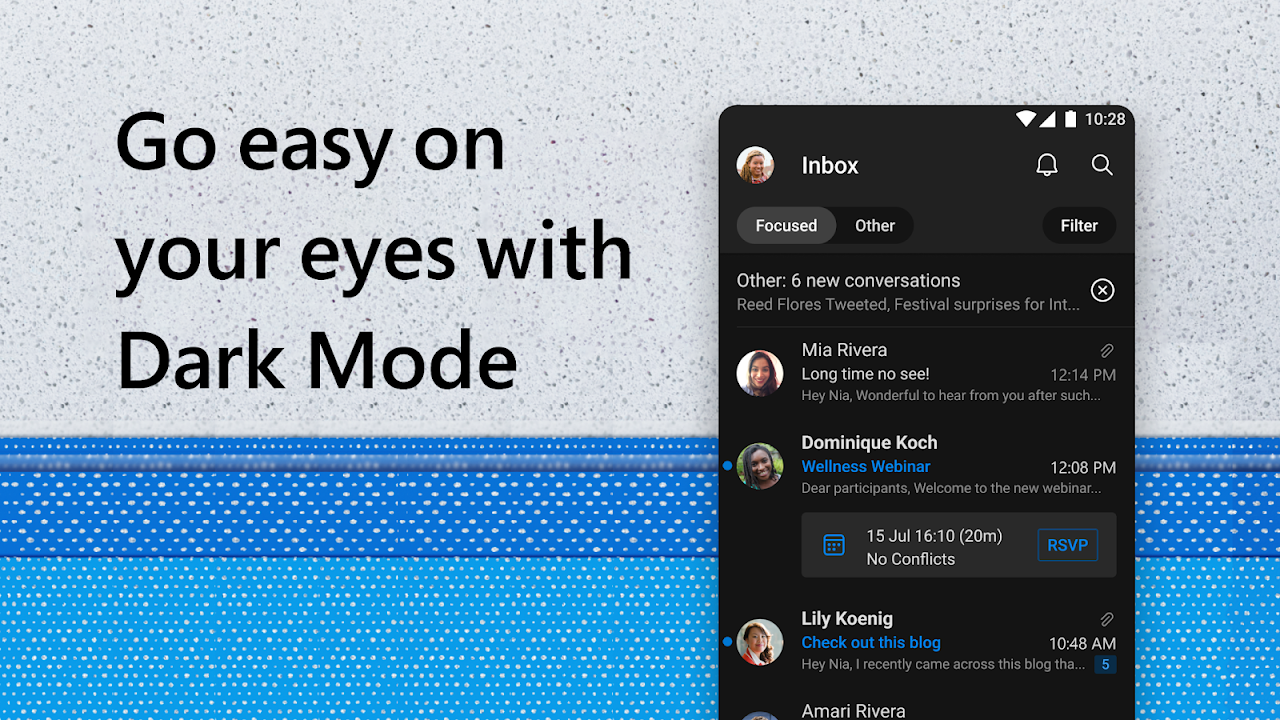
Inbox organizer—groups emails and conversations by topic, making them easier to track within your inbox.
Automated email management—use swipe gestures and smart filters to prioritize your most important messages.
Advantages and disadvantages:
Pros
Official Microsoft Outlook client in a compact, resource-friendly form
Uses far less storage, roughly one twentieth of the full Outlook app
Clean, minimal interface that feels familiar to Outlook users
Reduced mobile data usage compared with the standard client
Cons
No obvious in-app feedback or support channel
Conclusion:
Outlook Lite brings all your favorite organizational and planning features together in one place, making your life easier and more convenient. Send and receive emails and manage your schedule—anytime, anywhere. Now, you can connect your email account to Outlook Lite and stay connected on the go.
-
Latest Updates
-
Featured Apps