Clone Master
Tools
2026-09-18
12.12MB
2.8.0.10
Android
117
Screenshots
Introduction
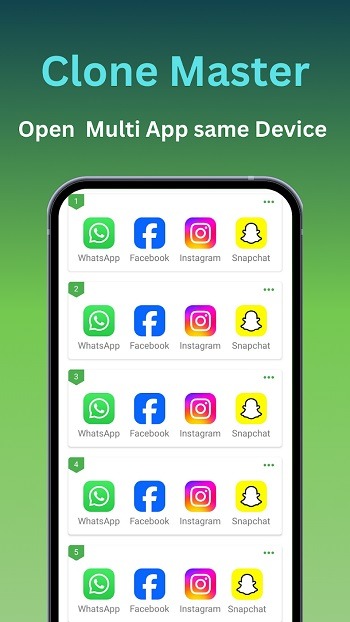
Clone Master is a powerful app cloning tool that allows users to clone applications requiring multiple logins, enabling the simultaneous use of several accounts. The cloned apps operate independently of the originals, ensuring there is no risk of data conflicts. The app features a clean, intuitive control panel that allows users to manage cloned apps with a simple tap. It does not require root access, so users can use it without security concerns. Additionally, it offers customization options, allowing users to assign unique names and icons to their cloned apps for added convenience.
Features:
Parallel accounts without logouts
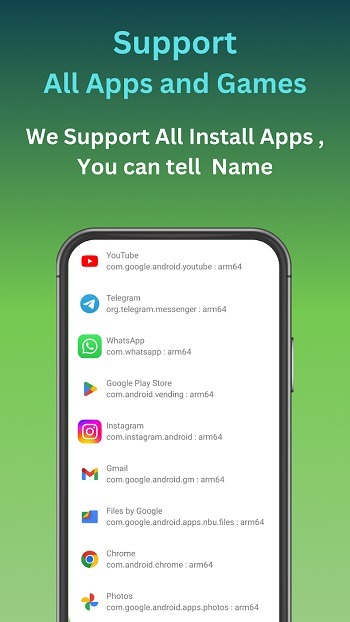
Clone Master lets you run multiple accounts for the same app at the same time. You can keep WhatsApp, Telegram, Instagram, Gmail, or Netflix profiles separate and active in parallel. This avoids repetitive sign outs and keeps conversations, inboxes, and watch lists independent. It suits a daily routine where you switch contexts often and need both profiles available.
No root setup and quick switching
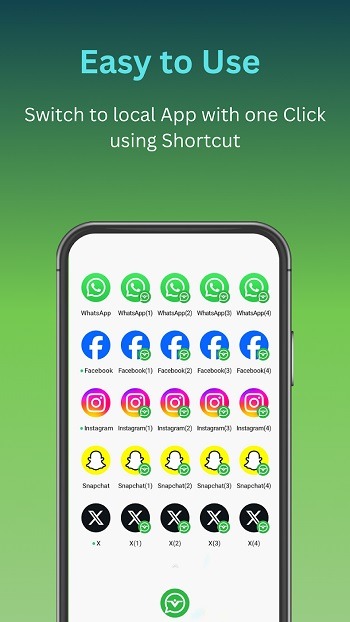
You do not need root access to clone or manage apps. Clone Master provides a simple control panel where you create, open, rename, and remove clones with a few taps. Shortcuts help you launch the exact profile you need from the home screen. As a result, switching feels direct and predictable, even when several clones exist.
Custom names, icons, and alerts
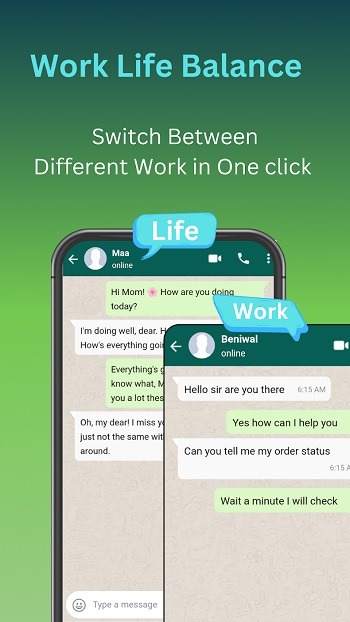
You can give each clone a unique name and icon to avoid mix ups. Custom notification labels and tones make it clear which profile is sending an alert. Permission controls help you decide what each clone can access, such as contacts or storage. This approach supports a clean work and personal split, since every clone is easy to identify at a glance.
Data isolation and incognito login
Each clone keeps its data, cache, and cookies separate from the original app and other clones. This isolation reduces cross account leaks and accidental data sharing. An optional incognito login avoids saving credentials on the device, which adds another layer of separation on shared phones. Together, these safeguards support clear boundaries for sensitive chats and accounts.
Optimized for Android 15 and battery control
Clone Master is tuned for Android 15 to handle performance and background activity more efficiently. Clones pause when idle to reduce battery drain, while active sessions stay responsive. You can also adjust sync and refresh behavior per clone to match your usage pattern. This gives an Android app cloner feel that balances speed with resource awareness.
Highlights:
Enhanced Privacy and Security
Digital privacy is a growing concern, and this platform addresses it by offering an extra layer of protection for your cloned data. It provides a secure vault where you can hide your duplicated apps from prying eyes using specialized locks or invisible gestures. This means your sensitive work conversations or private gaming progress remain strictly confidential and separated from the main phone interface. The architecture ensures that no data leaks occur between the original software and its duplicated counterpart.
Personalized Interface Customization
A great user experience depends on how easily one can distinguish between different active accounts. Clone Master offers intuitive customization options, such as renaming cloned icons or adding unique badges to help you identify which profile is currently active. This visual organization prevents accidental posts to the wrong account and makes navigation across the dashboard feel natural and fluid. Tailoring the look of your duplicated shortcuts ensures that your home screen remains clean while still being highly functional.
Seamless Notification Syncing
Staying updated with real-time alerts from multiple accounts can often become overwhelming or messy. This system handles notifications intelligently, delivering pings from all active instances without them getting mixed up or lost. You will receive timely updates for both your primary and secondary profiles, ensuring you never miss an important message or a limited-time event in a game. The integration is so tight that it feels like the Android OS natively supports multiple simultaneous logins.
Pros and Cons:
Pros
Lets you run multiple accounts at the same time through app cloning
Custom names and icons make profiles easier to organize
Cons
Cloned apps can take extra storage space
Some apps do not clone reliably due to stricter security controls
FAQs:
What does Clone Master help users do on Android?
It lets users create cloned copies of installed apps so they can run multiple accounts at the same time with separate data and logins.
How does Clone Master handle account data between cloned apps?
Each cloned app runs in an isolated space, so its files, settings, and login details stay separate from the original app.
Which types of apps work best with Clone Master?
Messaging, social media, and some game and streaming apps usually work well, while high-security apps may block cloning.
Does Clone Master require root access on the device?
No, it uses a virtual container method, so most users can clone apps without rooting their phones.
Who should use Clone Master the most?
People managing multiple social, work, or gaming accounts on one device will find it the most practical.
Conclusion:
This utility supports cloning a wide range of everyday applications, allowing users to switch between profiles without the need to log out or carry an additional device. The setup process is straightforward, catering to users seeking efficiency without delving into complex settings. Basic customization options, such as altering names and icons for cloned apps, help in managing multiple copies.




-
Latest Updates
-
Featured Apps