zFont 3
Tools
2026-09-21
28.35MB
3.9.2.2
Android
391
Screenshots
Introduction
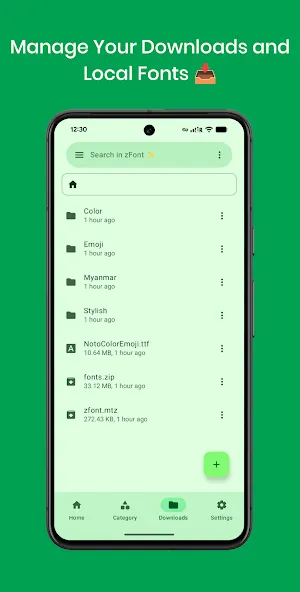
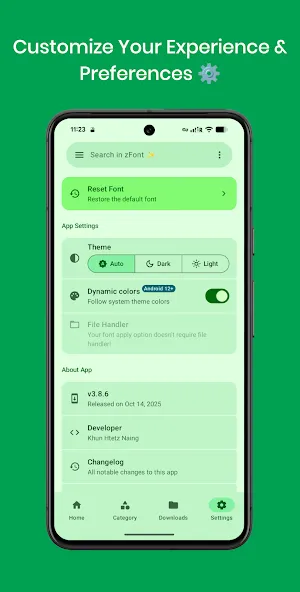
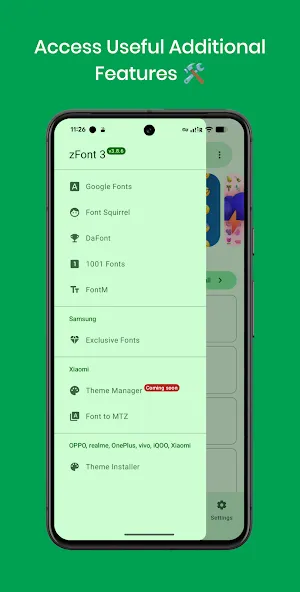
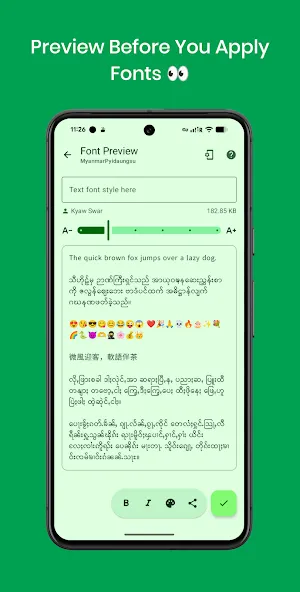
zFont 3 is a theming app for Android devices that supports all Android versions. It allows users to switch regions and modify fonts, with functionality tailored to various device types. Users can change system fonts and emojis without requiring complex system permissions, though rooted devices offer deeper customization options for emojis, including the ability to import custom ones. The app is safe, compatible with mainstream smartphones, easy to use, and lightweight, making it suitable for most devices.
Function
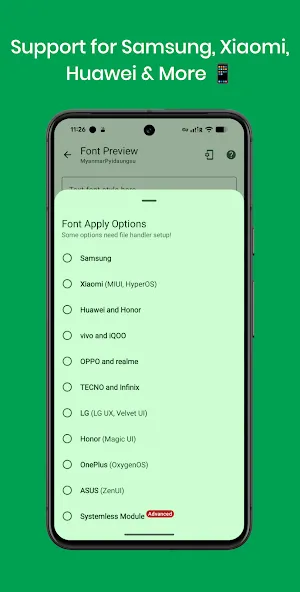
On Samsung, zFont 3 works from KitKat to Android 14.
On Oppo and Realme up to Android 9. On newer versions, Myanmar region switching may enable font changes.
On OnePlus, the Theme Store with the Myanmar region option can apply changes.
On Vivo and iQOO, support covers up to Android 12. After Android 13, compatibility may vary.
On LG, Huawei, Honor, Tecno, Infinix, Xiaomi MIUI or HyperOS, and ASUS, all versions are supported.
FAQS
What is zFont 3 used for?
zFont 3 is used to change system fonts and emojis on Android devices, helping users customize text appearance without complex system modifications.
Does zFont 3 require root access?
Root access is optional. Many devices work without root, while rooted phones can apply deeper system-wide font and emoji changes.
Which Android phones support zFont 3?
The app supports many brands such as Samsung, Xiaomi, Vivo, OPPO, Realme, Huawei, Honor, ASUS, Tecno, and Infinix, though compatibility depends on Android version.
Is zFont 3 safe to use on Android?
When downloaded from a trusted source and used as instructed, zFont 3 works as a customization tool without modifying core system files on non-rooted devices.
Advantages and disadvantages
Pros
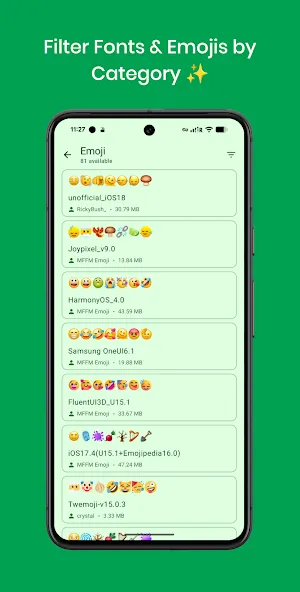
Well-categorized fonts
Supports many major smartphone brands
User-friendly interface
Multiple font categories to choose from
Cons
Not compatible with older devices
User comments
Amazing app but I can no longer apply any custom fonts as of late May 2026 knowing that I have Samsung Galaxy A54 android 16 one ui 8.0. I hope there will be a solution to new devices and versions one day. There's no need to give 1 star to the app, it's not their fault that the fonts no longer work.
To all those having problems using the app, it's quite easy now. Open zfont, download or choose your font, apply it . if you are using infinix go to xtheme and touch the three lines at the top left, you will see fonts, touch it and apply mikota or Alismag depending on what they show you and your new font will be added automatically to your device, same with all phones just go to your font and you will see the font you downloaded. kudos, five star ratings.
The Best Custom Font changing app, Kudos to the Developer for this Amazing piece of work. To all Samsung users, stop leaving Negative Rating just because Samsung decided to lock us out of using custom fonts. Developer is trying his best & he deserves all the stars he needs, Kindly review & support him until he can get a fix, Thanks All.
Summarize
zFont 3 is a mobile utility app made for Android users who want to change fonts and emojis on their phones. It works as a system customization tool rather than a game, focusing on visual style and text appearance across supported devices.
-
Latest Updates
-
Featured Apps