Video Downloader Pro
Tools
2026-11-03
119.37MB
11.0.0
Android
455
Screenshots
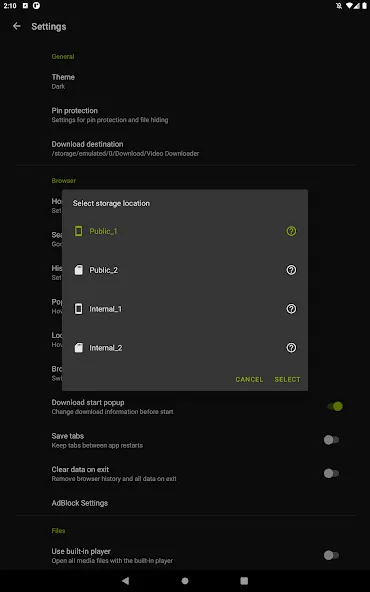
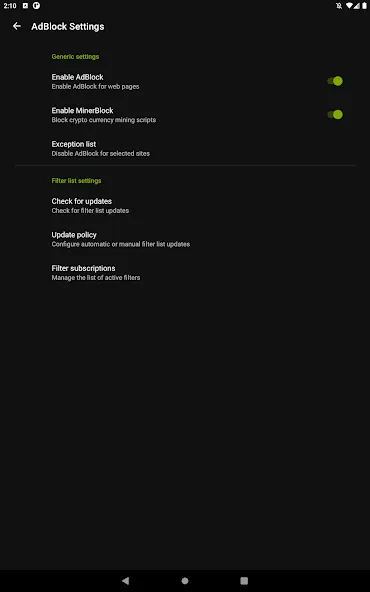
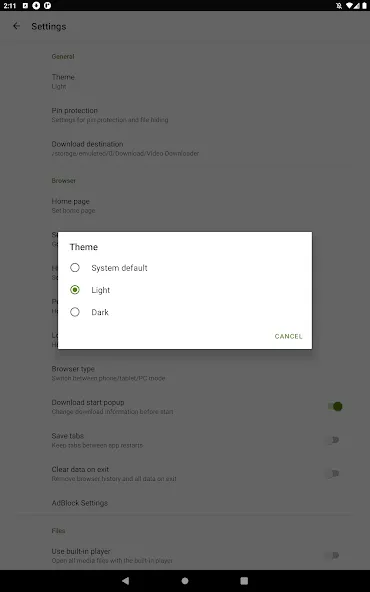
Introduction
Video Downloader Pro is a video downloading tool designed for Android devices. It can automatically detect media files on web pages, allowing you to save content such as tutorials and educational materials. The download process is highly streamlined—tasks can be completed with just a single tap—and the app supports a wide range of file formats. Once downloaded, videos can be played offline, and the app supports background downloading. Users can freely select video resolutions, benefit from concurrent data transfer, and view real-time progress and file size information.
Features
Automatic Video Detection
The application’s system is designed to be simple and streamlined. As you browse the web, Video Downloader Pro automatically identifies video files; with just a single confirmation from you, it can quickly initiate bulk downloads.
This feature is particularly handy when you want to save tutorials, educational materials, or any other downloadable content to view later.
Simplified Download Process
Integrating this application into your web-browsing experience makes the download process significantly easier. Before performing a bulk download, you simply follow a straightforward workflow: browse the content, preview it, select the desired files, and download them—all within the same application.
Support for Various File Formats
Video Downloader Pro is more than just a tool for downloading videos; it also supports a wide range of other file types, including videos, audio, documents, and more.
Offline Video Playback
Once you have successfully downloaded a video using Video Downloader Pro, you can open and play it directly within the application. This minimizes unnecessary steps while ensuring an efficient experience for both downloading and viewing your files.
Background Downloading and Storage Optimization
The background downloading feature is particularly useful, as it eliminates the need to wait for a file to finish downloading, you can continue using other tabs or applications while the file downloads in the background.
Advantages and disadvantages
Pros
Clean keyword-based search interface
Multiple formats and resolutions up to 720p
Concurrent transfers with progress and file-size details
Supports external video and audio players
Cons
No longer supported by the developer
Update command redirects to an error page
Highlights
DOWNLOAD VIDEOS IN MULTIPLE RESOLUTIONS
When downloading, choose between mutiple quality options like SD, HD, and 4K to get the file size you need. Preserve quality or save storage space – the choice is yours. The powerful download manager handles even large high-res videos with ease.
CONVERT AND SAVE VIDEOS AS MP3
For audio lovers, downloaded videos can be converted and saved as MP3 music files. Create an offline playlist from YouTube music videos to listen anywhere. The ultimate tool for saving audio from video sources.
PROTECT DOWNLOADS WITH PASSWORD ENCRYPTION
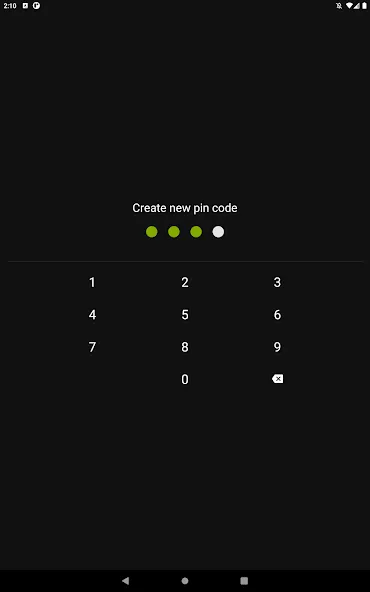
Privacy is ensured with the ability to move downloaded videos into a password-protected folder. Keep your video collection safe from prying eyes. Peace of mind for your downloaded media.
Summarize
Built to save online videos for offline viewing, Video Downloader Pro is a free Android app from Ishaq M Musa with a notably uncluttered search interface. Its choice of file formats and resolutions once gave it useful flexibility, but discontinued support now overshadows everything it does.





-
Latest Updates
-
Featured Apps