AI Video Editor:ShotCut AI
Tools
2026-11-03
43.36MB
1.3
Android
189
Screenshots
Introduction
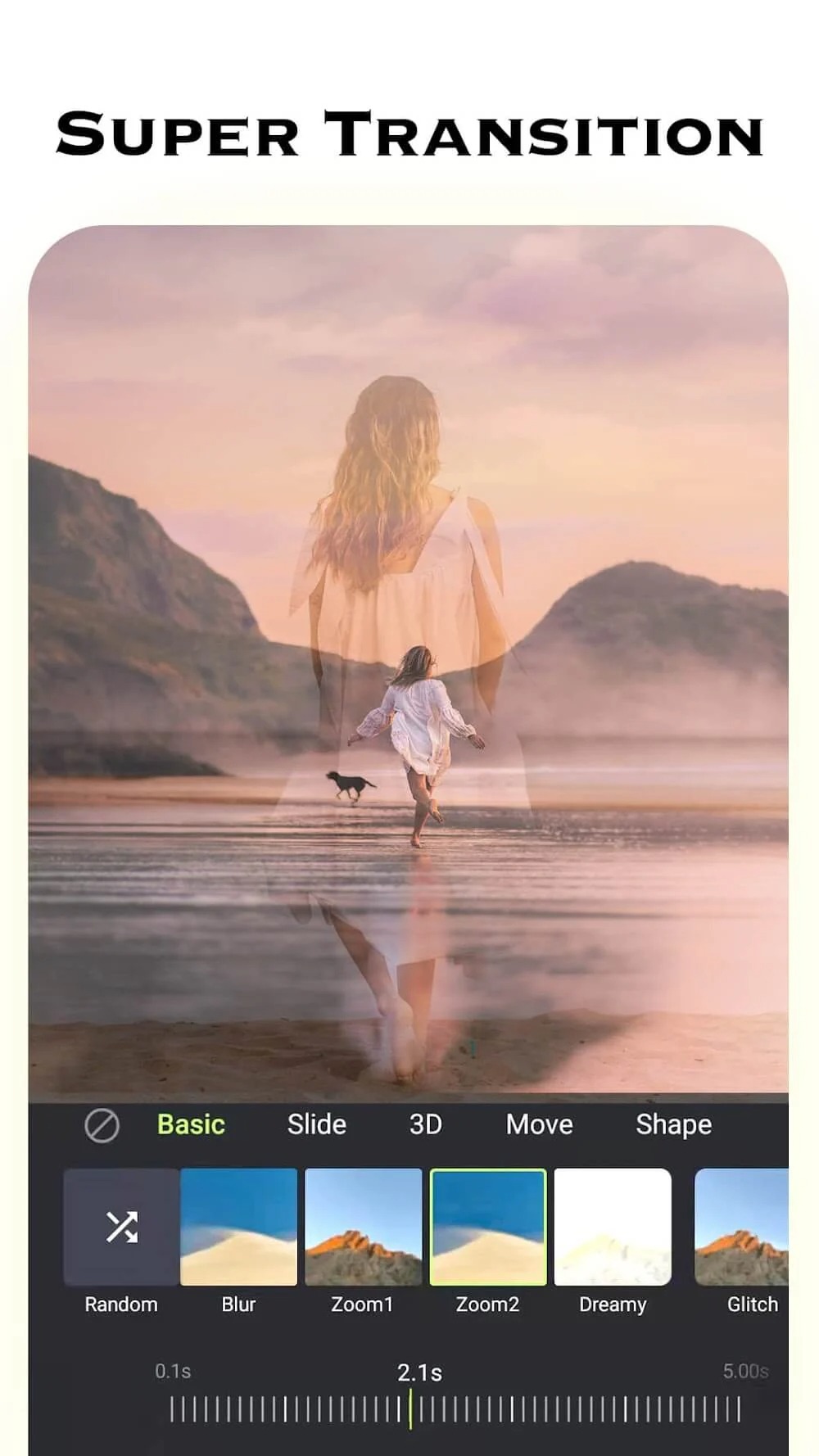
ShotCut AI is a comprehensive photo and video editing application. Featuring a clean interface and intuitive tools, it enables users to create stunning photos and videos. You can edit your selected media—trimming clips, adding transitions, and applying professional-grade effects—or leverage artificial intelligence to generate high-quality videos with a single tap. You can also enhance your videos with custom music. The app delivers exceptional quality and high-definition visuals, and it is compatible with a wide range of Android devices. Once your projects are complete, you can easily share your photos and videos on social media platforms or with friends and family.
Features:
All-in-One Video Creation & Editing
Combine photos and videos with a single tap to quickly create seamless video and photo sequences.
Effortlessly cut, merge, duplicate, and split your videos.
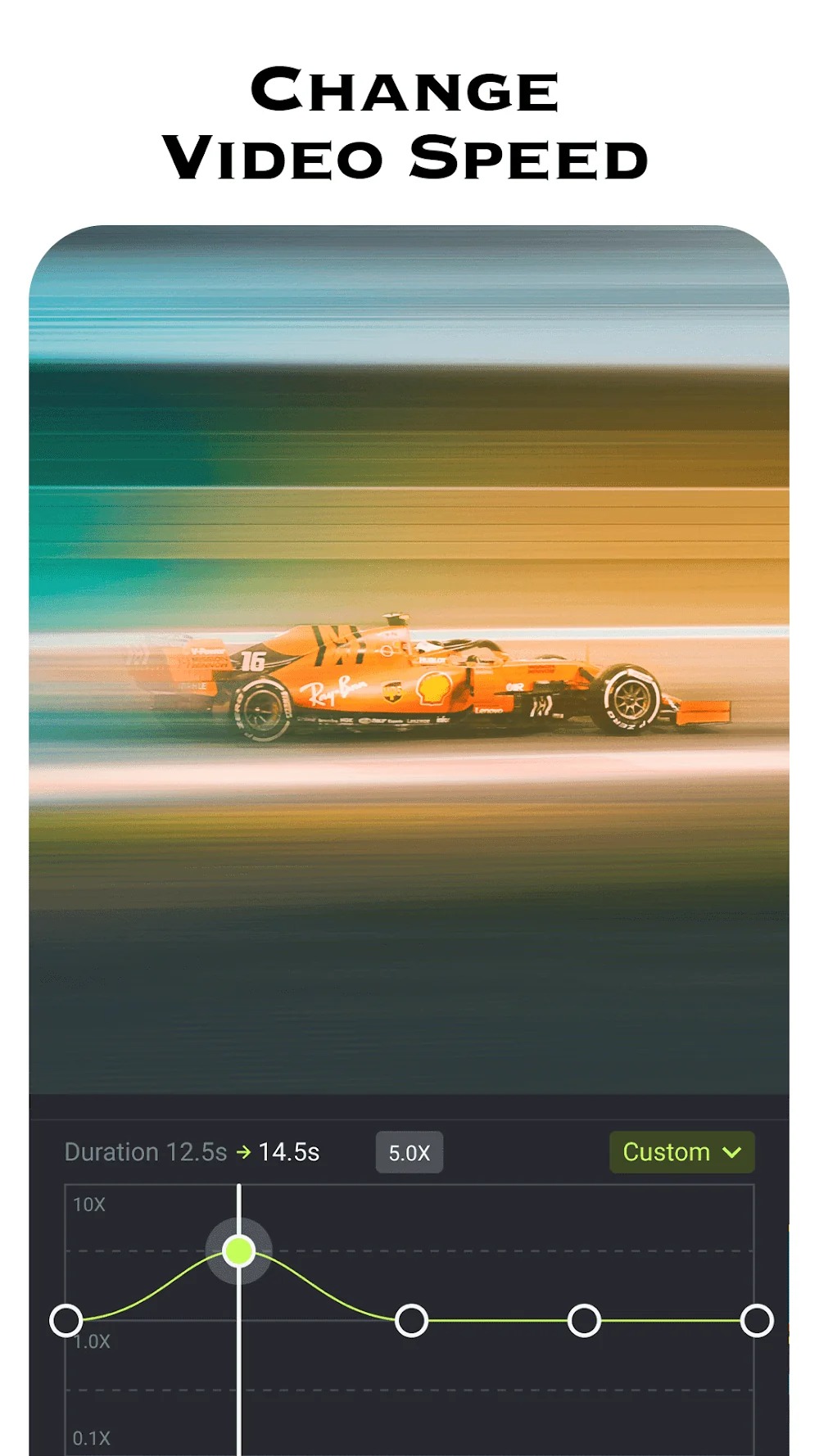
Adjust video speed: Speed up your footage by 1x to 8x to control the pace, or add slow-motion effects to highlight key moments.
Rotate videos by 90° or play them in reverse—take control of time itself!
Trending Video Effects & Photo Filters
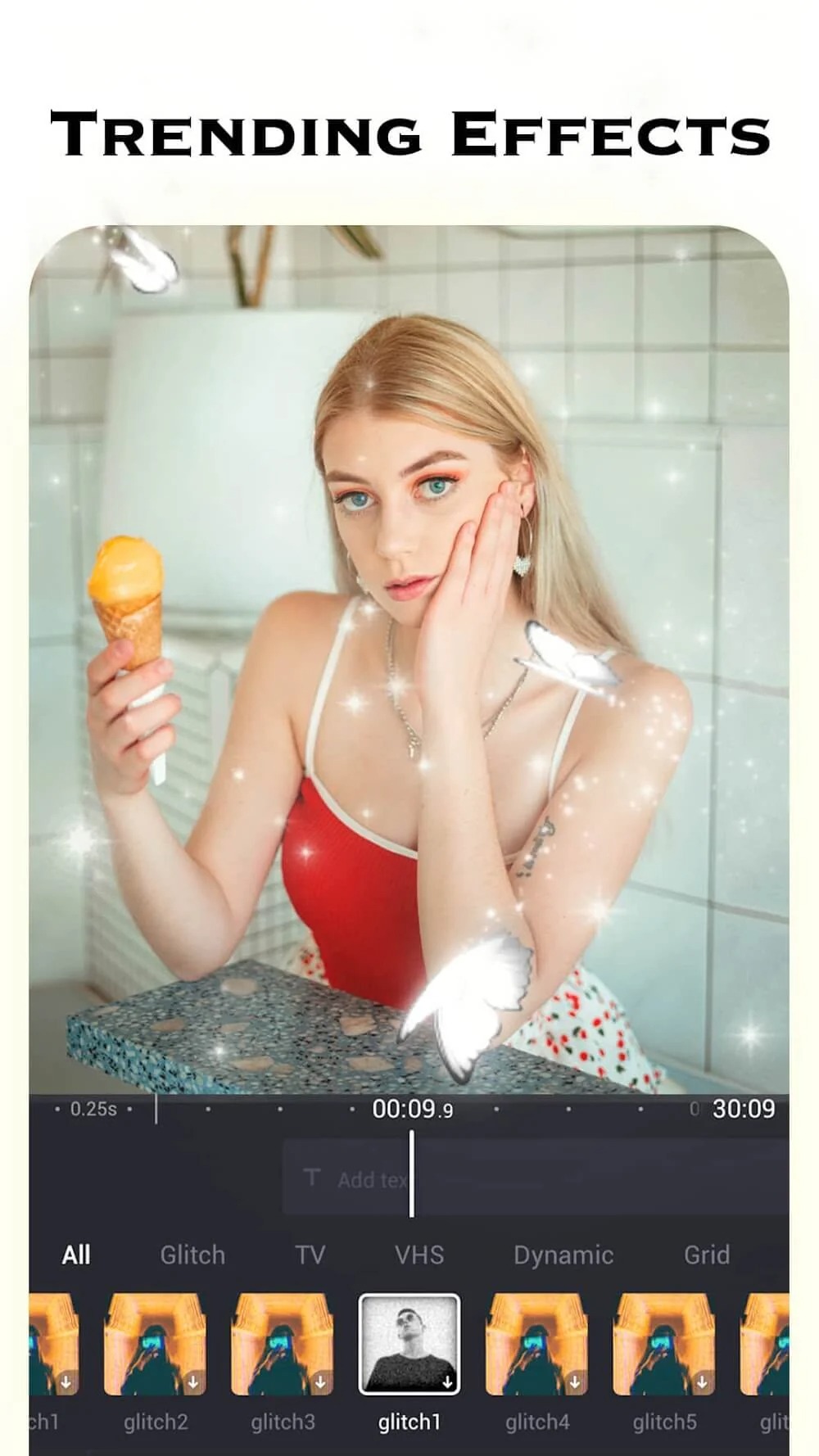
Apply popular Glitch or VHS effects to instantly transport your footage back to the 80s and 90s.
Stand out from the crowd with cool effects like Lo-fi, Old TV, Mirror, Split-screen, or Shattered Glass.
Have fun with quirky zoom, distortion, and psychedelic effects, or add dreamy, sparkling bling-bling overlays.
Enhance your footage with stunning filters tailored for various subjects—from portraits and nature to food—and experience the magic of light and shadow.
Extensive Music Library
Turn your everyday photos and videos into musical slideshows or music videos; easily add background tracks or create beat-synced edits.
Choose from a vast collection of music for any occasion—whether you need high-energy beats, soft and melodic tunes, instrumentals, or ambient sound effects.
Import your own local music or extract audio directly from other videos—you’ll never run out of the perfect soundtrack!
Dynamic, Stylish Text
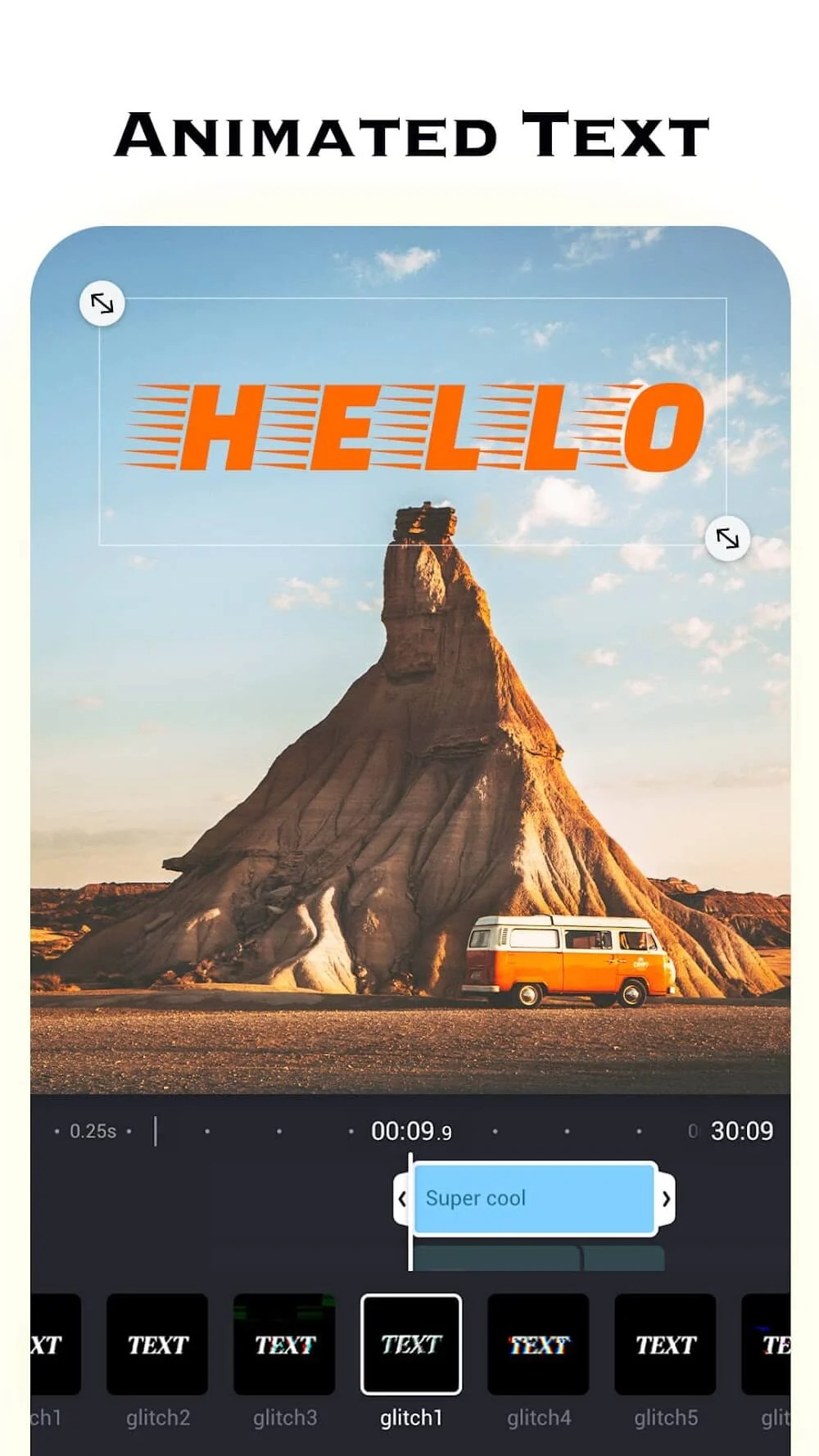
Easily add text effects and subtitles to clearly express your ideas.
Choose from a wide variety of fonts and unique text animations to bring your thoughts to life.
High-Definition, Watermark-Free Export
Export your videos in high definition without any watermarks—enjoy a cinematic, 1080p-quality look.
Share your creations instantly across social media platforms and start racking up likes and recommendations!
Highlights:
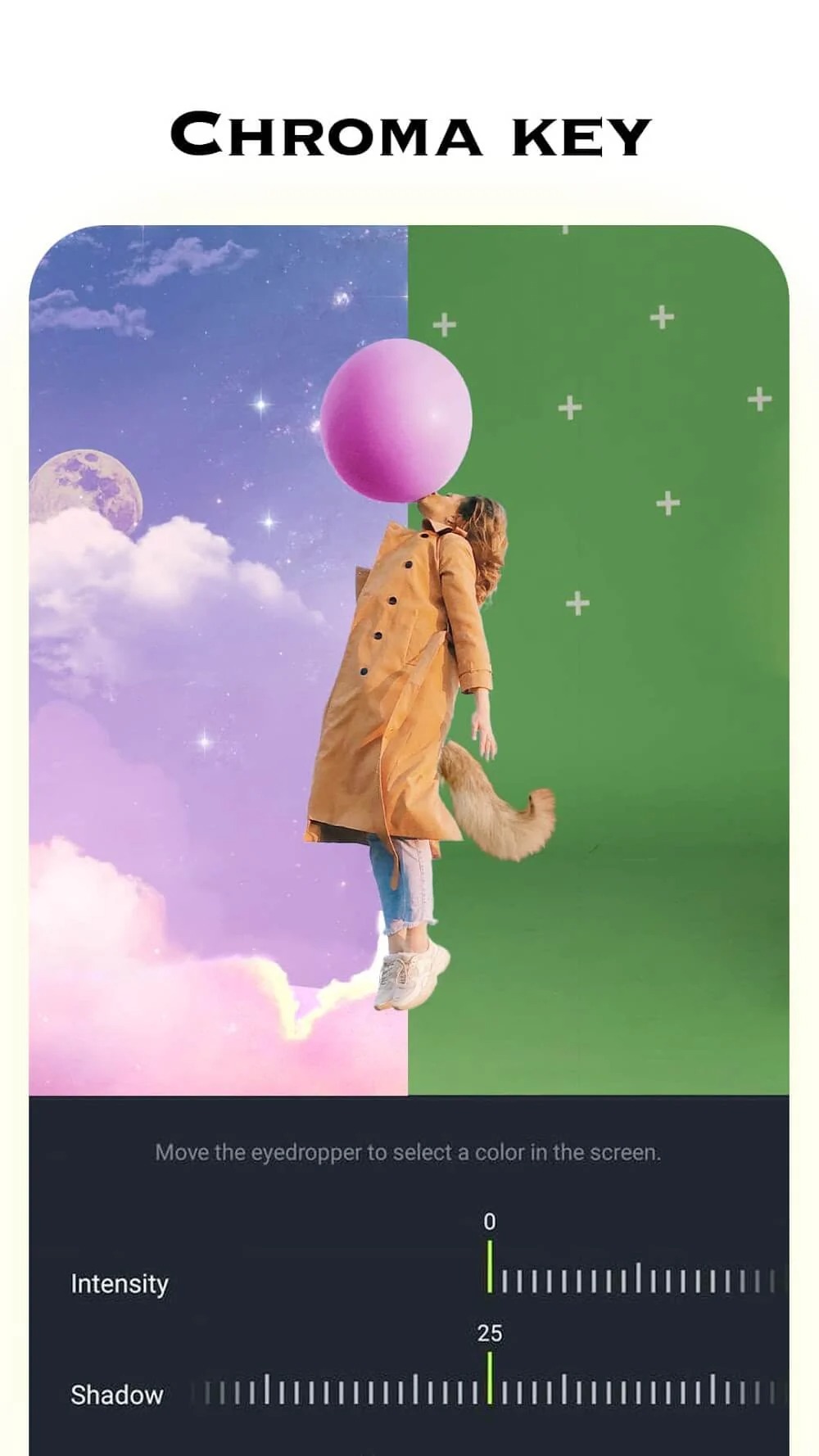
Many advanced tools: Besides the basic features, chroma keys, transitions, and more are ready to appear in your productions.
Add simple effects: Adding to videos is easy, and you’ll see its effect in a short preview.
Record your screen easily: With device-compatible platforms, recording a variety of moments is a no-brainer.
Added content: The application can allow you to create tutorials and video presentations based on real-time notes.
High-quality products: Any videos have a quality of 720p or higher and help you be more confident in sharing content on social networks.
Convenient for sharing: The point to pay attention to during the editing process is the most optimal format for transmission because most popular file types are supported.
FAQS:
AI Video Editor: ShotCut AI – What video formats can be imported?
AI Video Editor: ShotCut AI is designed to be compatible with video formats commonly used on Android devices, including MP4 and other widely supported formats. Compatibility may depend on your specific device and the codecs used in the source files.
What AI-assisted editing features are available?
The app helps streamline routine editing tasks, such as trimming clips, adding visual effects, enhancing video footage, and creating content for social media. The specific tools available may vary depending on the version and your device.
Can I edit videos without an internet connection?
Once the app has finished loading, basic editing functions may be available for offline use. However, features that rely on cloud-based processing, online templates, or other external content may require an internet connection.
Advantages and disadvantages:
Pros
Free-to-use Android editor with a beginner-friendly design
Solid set of basic tools for trimming, cutting, cropping, reversing, and merging clips
AI video enhancement, HD export, compression, and conversion in one app
Rich selection of modern effects, filters, blur/pixelation, slow-motion and stop-motion options
Cons
Customization options are limited for users who want detailed control
Conclusion:
AI Video Editor:ShotCut AI stands out among the many video editing apps available, distinguishing itself through an exceptional user experience and a powerful feature set. Whether you are a budding video creator or an experienced editor, this app provides the tools you need to unlock your full creative potential. If you are looking for an application to edit and produce high-quality videos, download the AI Video Editor:ShotCut AI APK here.




-
Latest Updates
-
Featured Apps