Cinema FV-5
Photography
2026-09-30
2.35MB
4.0
Android
412
Screenshots
Introduction
Cinema FV-5 is a highly professional video recording application equipped with advanced features that enable users to record and produce professional-grade video and audio. It boasts a user-friendly interface that allows for a quick learning curve and immediate usability, supported by dedicated tutorials and comprehensive documentation to help users get up to speed. The app offers a robust suite of video recording capabilities, delivering high-definition image quality and allowing users to manually adjust settings—such as focus and exposure balance—to create professional-quality videos. With excellent compatibility across a wide range of Android devices, it instantly transforms your phone or tablet into a professional mobile video camera.
Features:
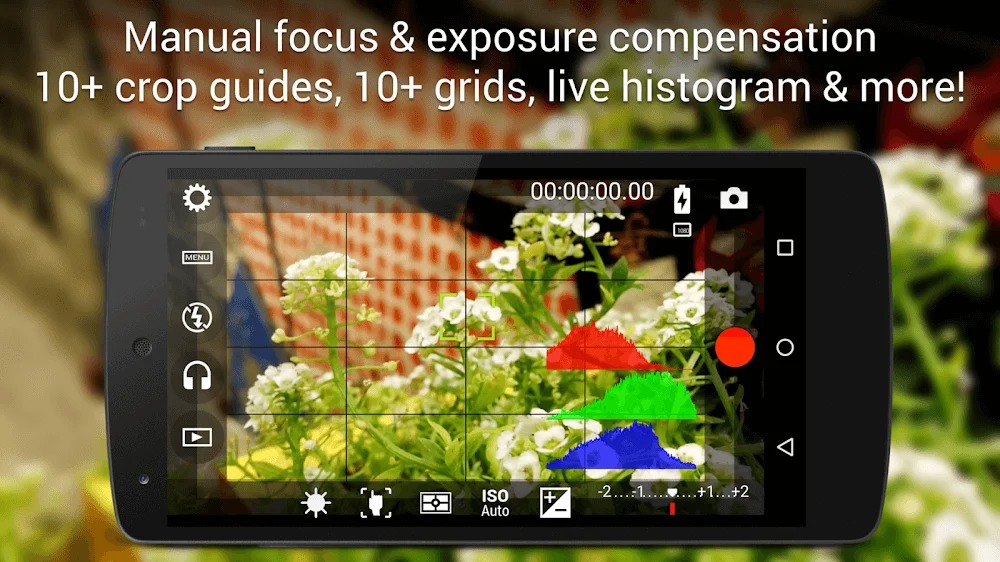
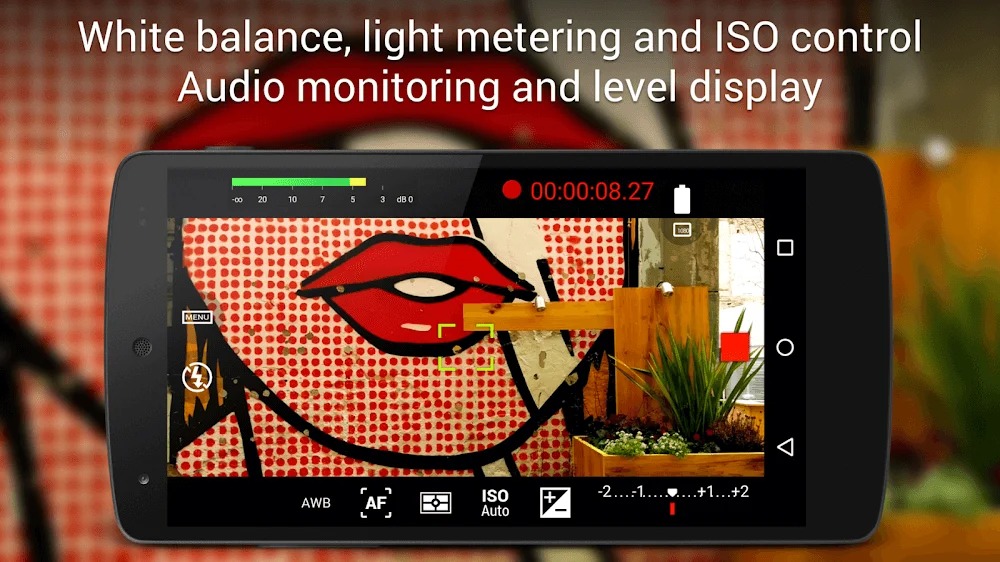
Adjust all the image sensor parameters that you only thought pro-videocameras had: exposure compensation, ISO, light metering mode (matrix/center/spot), focus mode and white balance.
Change sensor parameters (like ISO, exposure compensation or white balance) also during recording.
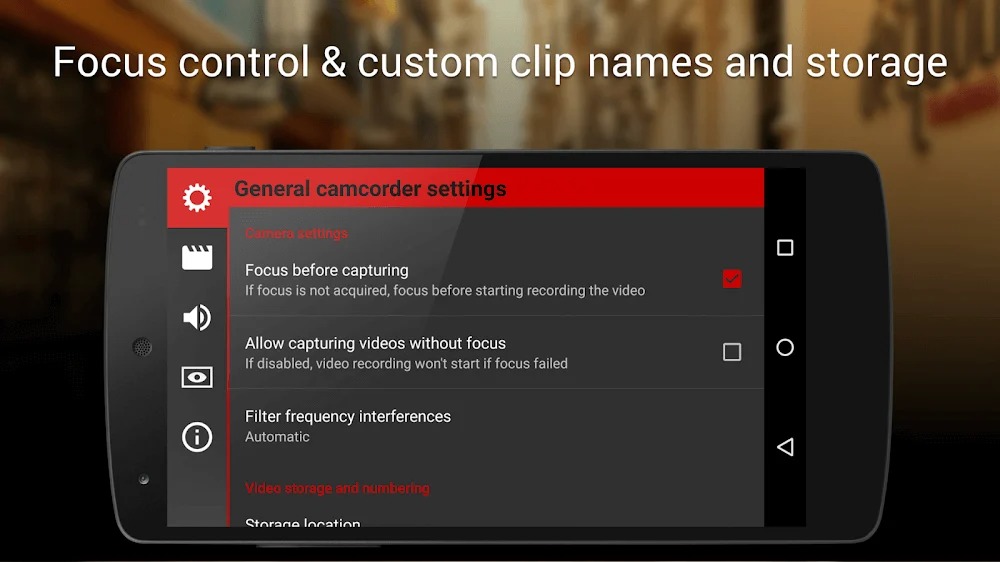
Focus adjustments during recording: lock focus on your subject before recording and change focus planes while recording.
Professional viewfinder: 10+ compositing grids, 10+ crop guides available, safe areas display and much more.
The most advanced electronic viewfinder on a video camera: live RGB and luminance histogram are available also during recording.
Professional sound metering options: display audio peaks and sound clipping warnings during recording.
Use any audio input source for your video: built-in microphone, external (wired) microphone or wireless (Bluetooth) headset.
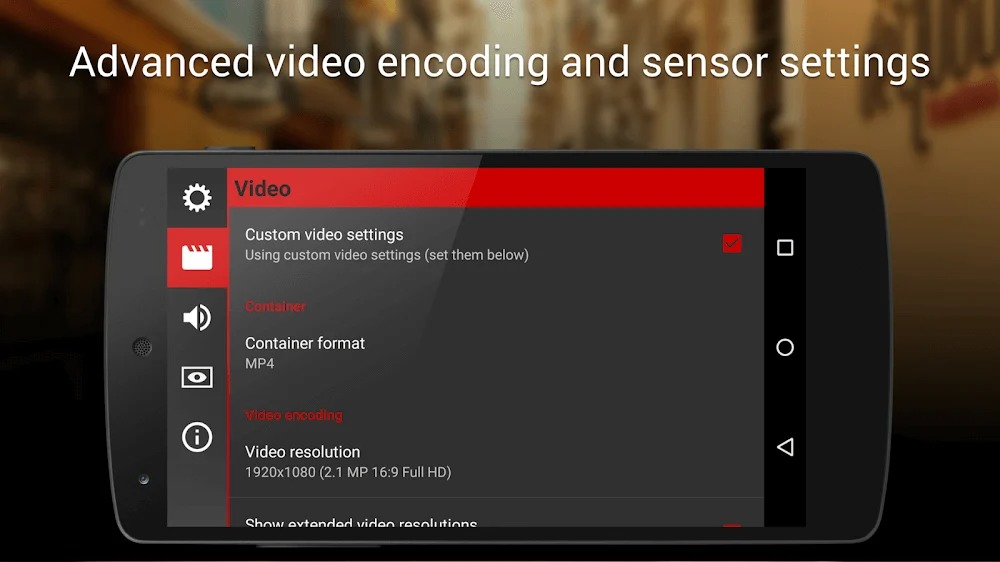
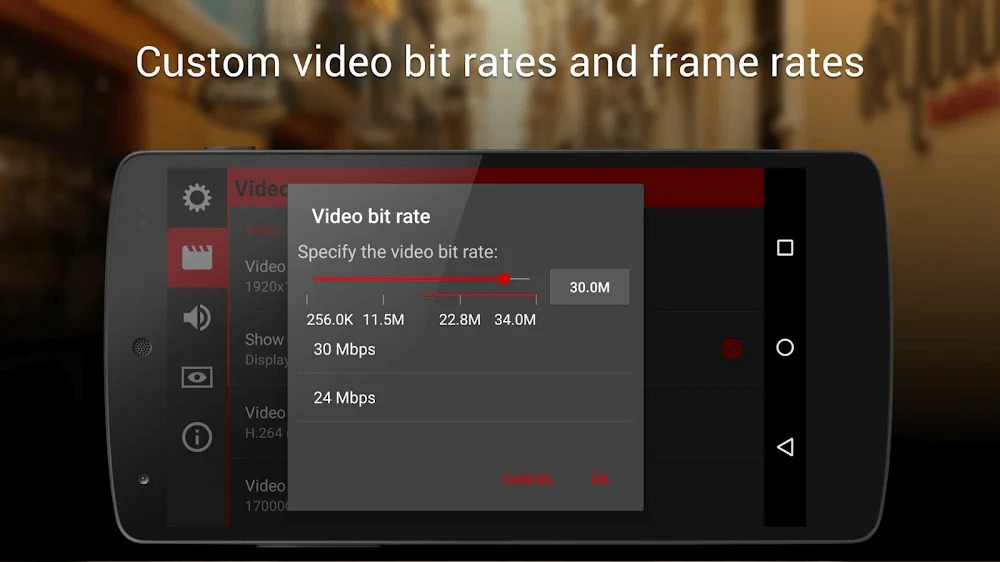
Choose video and audio codec, adjust the bitrates, audio sampling rates and number of channels.
Record in 4K UHD (Ultra High Definition) video on supported devices.
All camera functions assignable to volume keys. You can adjust EV, ISO, color temperature, zoom and more using volume keys (including those in cable-headsets) as well as focusing and recording. Devices with hardware camera shutter keys are also supported.
Video geotagging support.
Autofocus, macro, touch focus and infinity focus modes, plus a focus lock switch (AF-L).
Highlights:
Manual adjustment: Color and lighting elements can all be changed until you feel it’s right.
Flexible and agile: There are no fixed factors because they can change to adapt to each situation.
Find the most impressive product: You will experiment many times and gain experience in fine-tuning colors.
Add different overlays: Special colors, effects, and properties can appear and be combined with the product easily.
Receive instructions from the application: Through warnings from the application, you will know how you should tweak the features.
Use appropriate codec: Choosing the appropriate decoding method is for the most stable product.
Reviewing is easy: All the information comes together for complete audio or videos that meet your needs.
The experience will change: Through free editing from users, the working speed will be many times faster.
FAQs:
What is Cinema FV-5?
It is a professional video recording app for mobile devices that offers a wide range of recording control options.
What makes this app unique?
It features a professional viewfinder that provides over 10 composition grids and 10 cropping guides.
Is it safe to download and install Cinema FV-5?
To ensure safety and security, you should download it from a reliable source like this website.
Advantages and disadvantages:
Pros
Access to its full feature set
Pro-grade options
Highly configurable
Cons
Limited recording length
Conclusion:
The Cinema FV-5 app is a true boon for mobile filmmaking enthusiasts. With its professional-grade controls, convenient settings, and intuitive user interface, users can capture stunning footage and fully unleash their creativity. The era of mobile filmmaking has arrived—turn all your cinematic visions into reality.
-
Latest Updates
-
Featured Apps