Luminar: Photo Editor
Photography
2026-09-28
472.08MB
4.4.1
Android
375
Screenshots
Introduction
Luminar is a powerful photo editing tool featuring an extensive library of creative editing options. Users can select from a wide range of themes, styles, and unique, aesthetically pleasing filters to enhance their images. With robust customization capabilities, users can crop and edit photos to suit their specific needs. The software boasts a user-friendly interface that makes it easy for both beginners and experienced users to achieve professional-quality results. Powered by advanced AI, Luminar allows users to create stunning, vibrant photos effortlessly. It also offers excellent compatibility, supporting various devices as well as high-definition images and formats. Finished photos can be easily shared with friends or on other platforms, making it a highly practical photo editor.
Features:
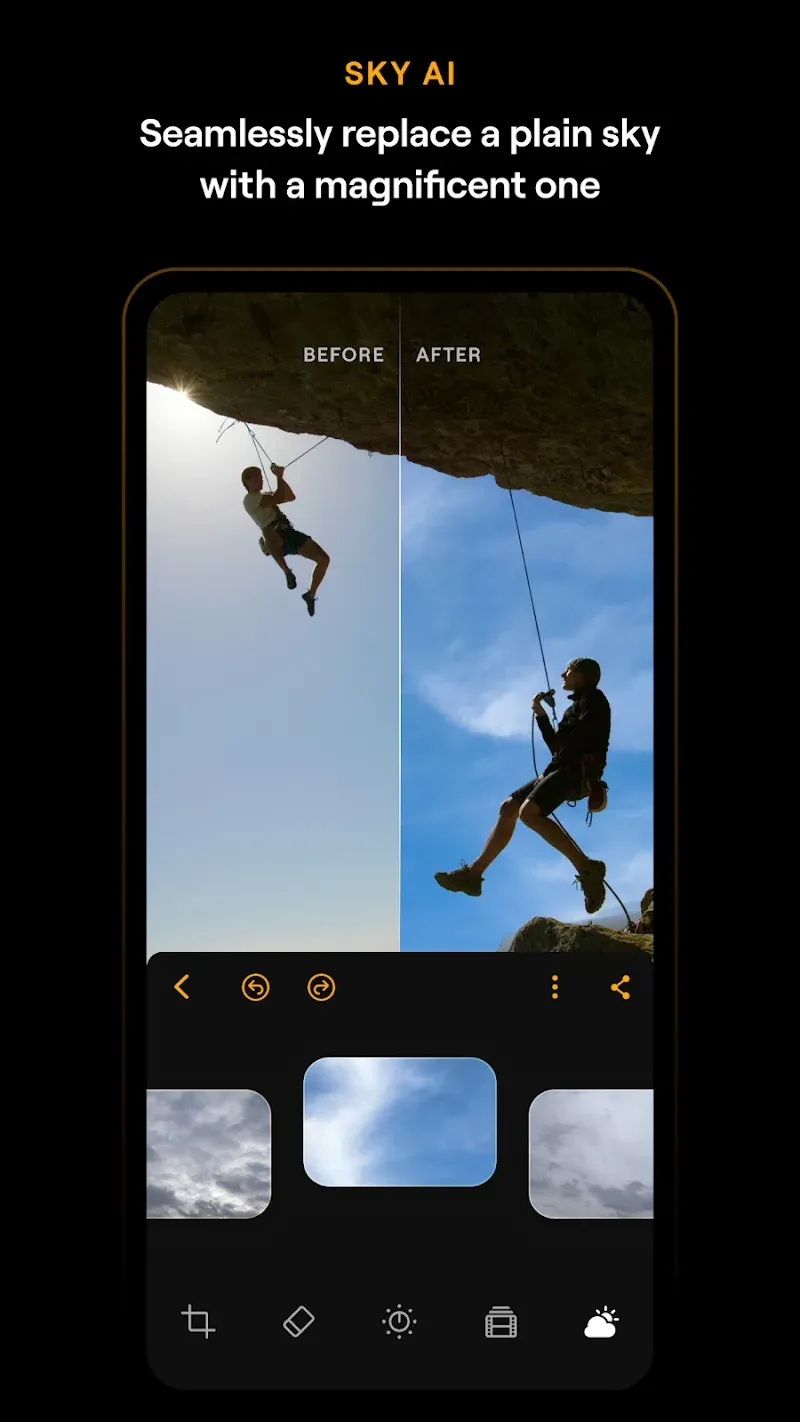
Intelligent AI Sky Replacement: Instantly swap dull, overcast skies for dramatic sunsets or clear blue horizons with one-touch technology. The AI automatically masks the horizon for a seamless blend.
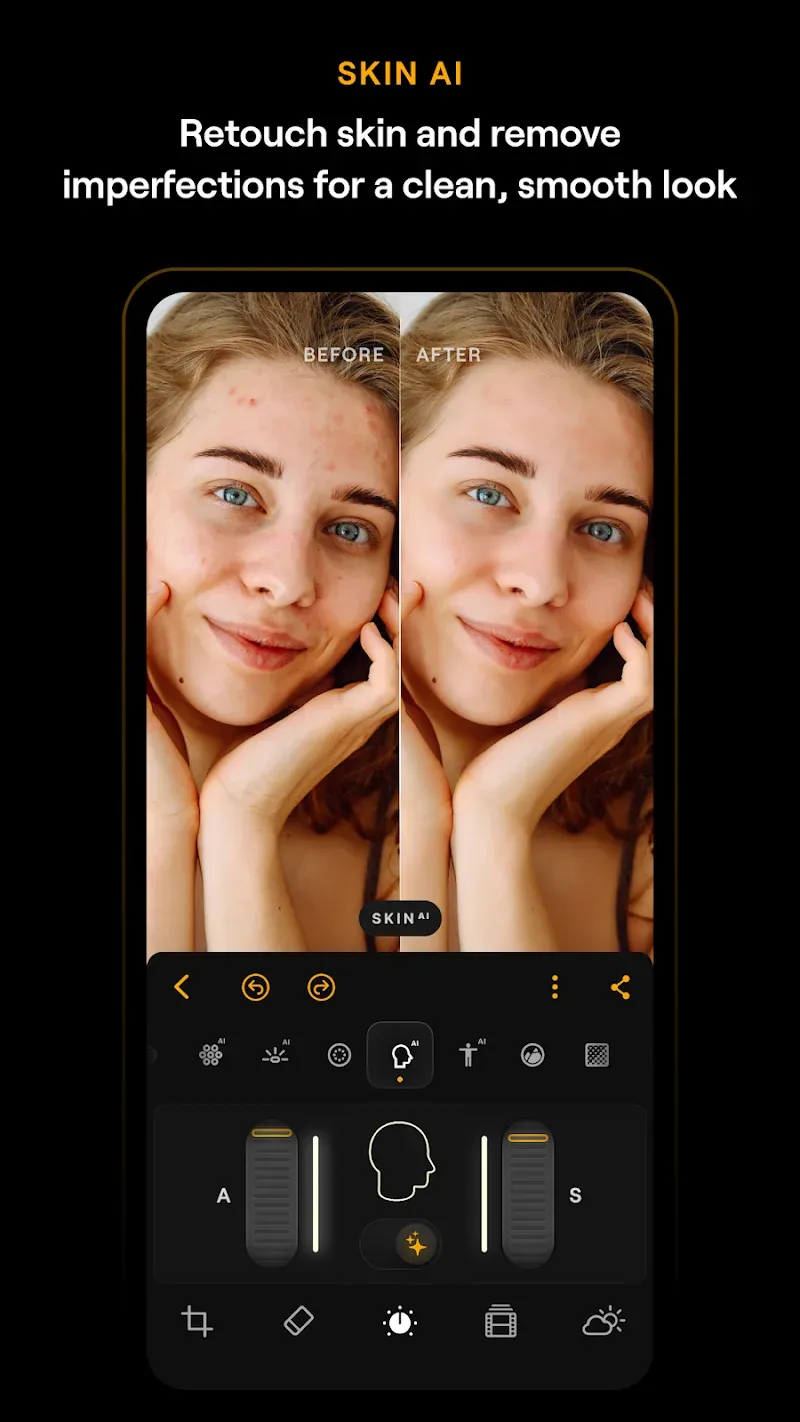
Flawless Skin Retouching: Achieve studio-quality portraits using advanced retouching tools that smooth skin, remove imperfections, and enhance facial features naturally.
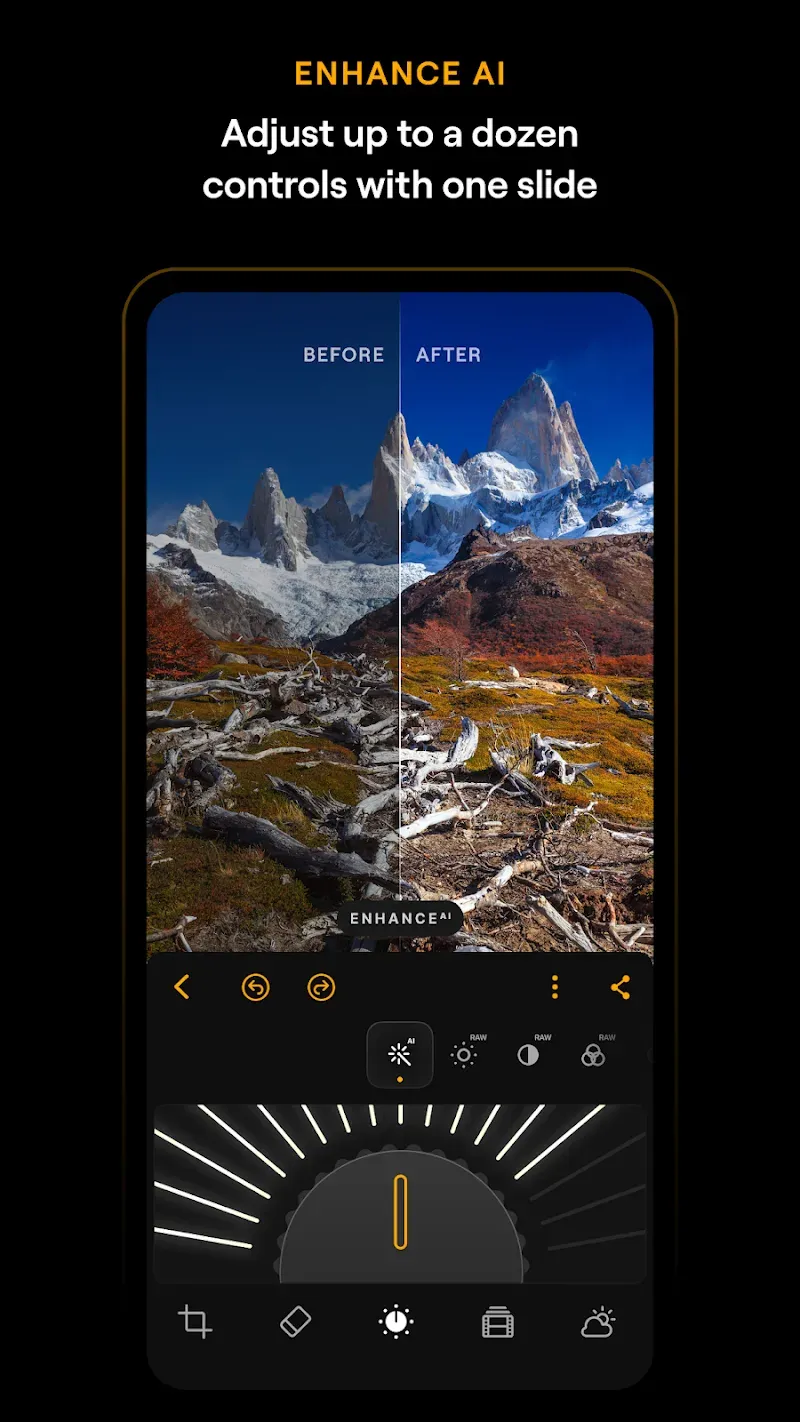
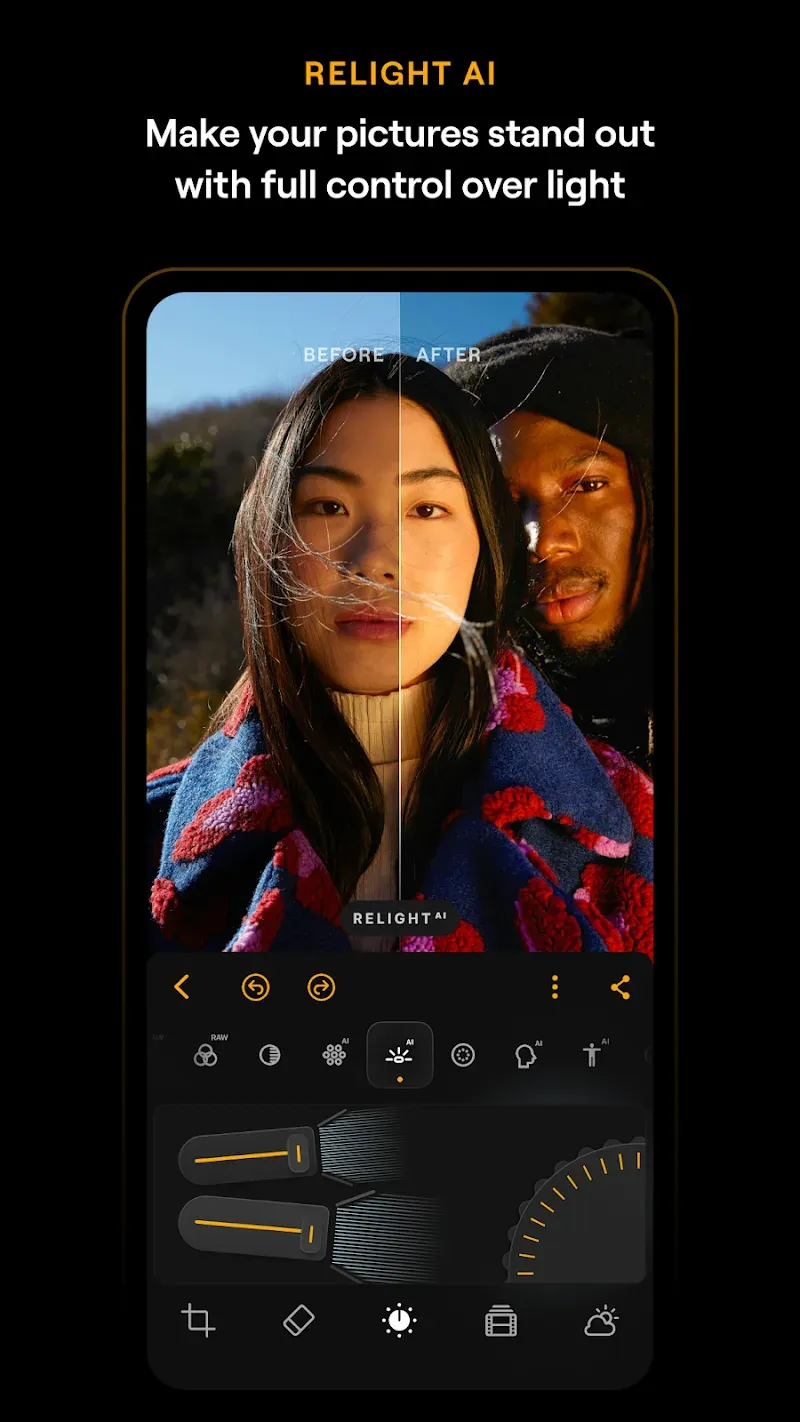
Professional Light Control: Master the lighting in every shot. Adjust exposure, shadows, highlights, and relight your scenes to mimic professional studio conditions.
Comprehensive RAW Support: Edit with the highest quality possible. Our app supports RAW files, ensuring you retain every detail, dynamic range, and color nuance from your camera sensor.
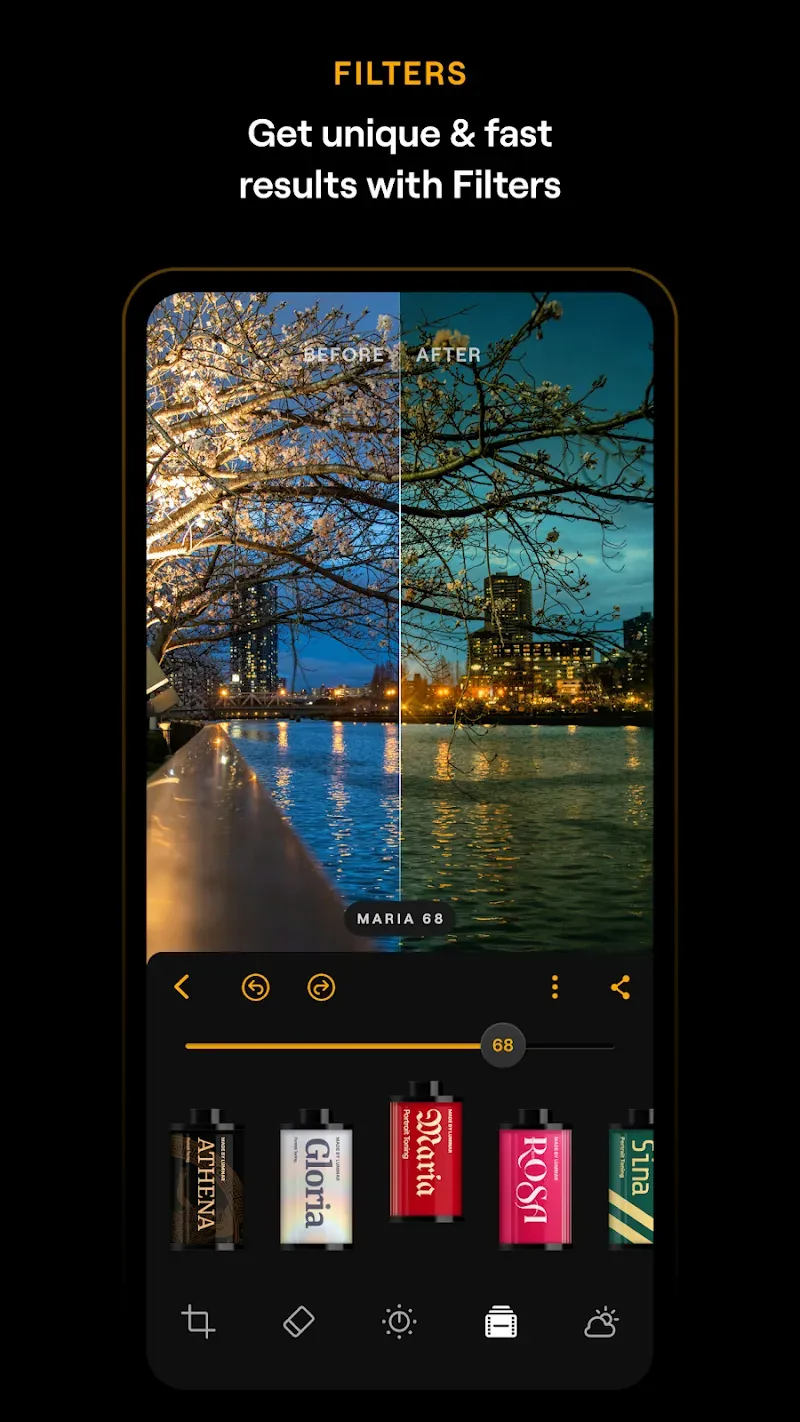
Expansive Creative Filter Library: Access a massive collection of stylized filters and artistic effects across various themes to find your unique visual aesthetic.
Precision Adjustment Tools: Fine-tune your images with professional-grade sliders for contrast, saturation, sharpness, and temperature.
Highlights:
Sky Replacement: With this application, you can replace your sky quickly and easily with just one touch, without having to use professional equipment or professional editors.
Skin Retouch: The application can also quickly edit your skin. You will immediately own flawless skin for yourself. Bringing you extremely interesting and attractive experiences.
Light Control: In this application, you can also adjust the light of your photos according to your wishes and style. Bringing you the most perfect and standard photos as if taken by a large studio.
RAW Support: The application also supports Raw for you. You will quickly have professional and perfect photos. Making you extremely satisfied when seeing the final product, as if you own photos taken by a professional studio.
Precise Adjustments: In this application, you can quickly control and edit your photos easily. Bringing you extremely attractive and interesting experiences. You can edit carefully to every small detail without too much difficulty.
Creative Filters: You will come to extremely diverse and rich filters with diverse themes. Bringing you endless options for you to edit easily. Without any difficulties or limitations, we will give you perfect and extremely professional photos.
FAQs:
What features does the photo editor app for Android offer?
It is a comprehensive, all-in-one editing solution equipped with practical tools such as erase, crop, filters, and photo adjustment capabilities.
Which devices does Luminar: Photo Editor support?
Our Android photo editing app supports Android and ChromeOS, and is compatible with devices running Android 11 or later.
Is Luminar: Photo Editor beginner-friendly?
Yes! Our Android image editor is designed for users of all skill levels.
Advantages and disadvantages:
Pros
Clean interface
Good compatibility
Powerful AI
Cons
Contains ads
Conclusion:
If you are looking for a fully featured AI photo editor with premium capabilities unlocked, Luminar: Photo Editor APK is the ideal choice; it handles everything from everyday photo editing to advanced professional workflows. With powerful features such as AI enhancements, RAW editing, professional retouching, object removal, and creative effects, Luminar: Photo Editor APK delivers a comprehensive toolkit within a single Android app.
-
Latest Updates
-
Featured Apps