Builda
Tools
2026-11-04
142.62MB
1.86.0
Android
553
Screenshots
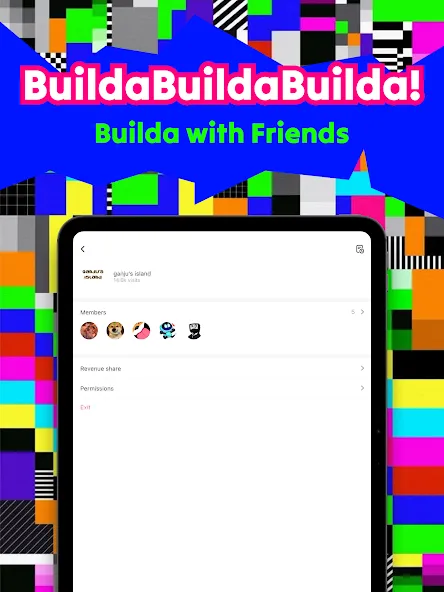
Introduction
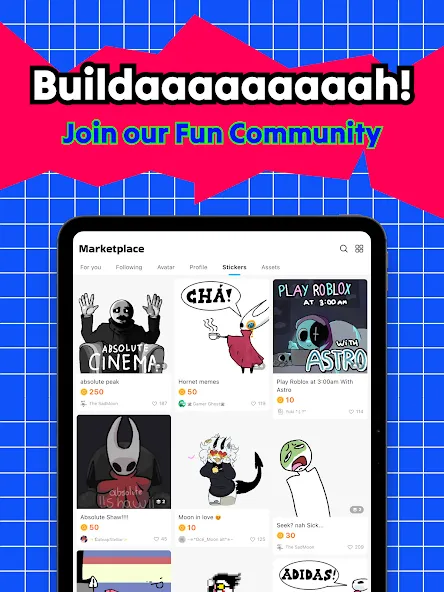
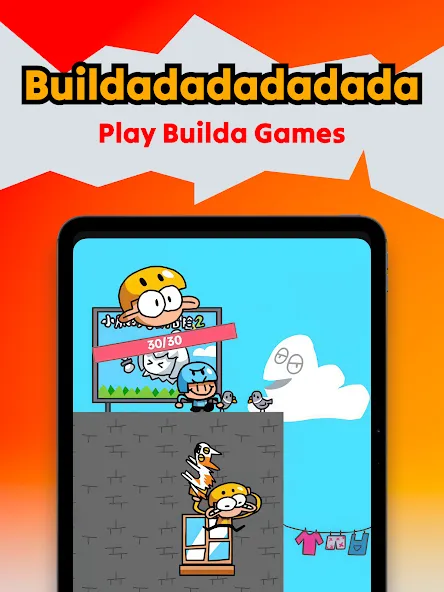
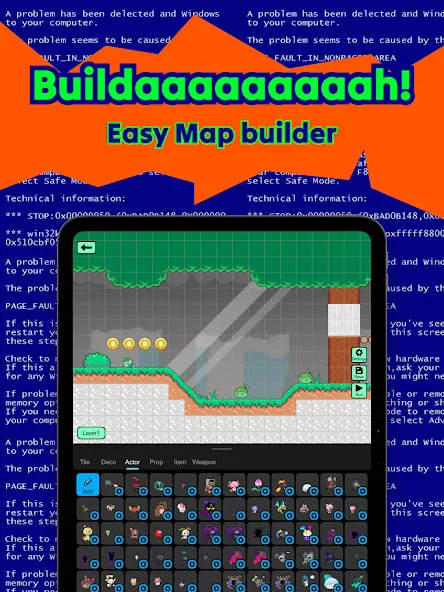
Builda is a game creation platform designed for Android devices. It allows users to collaborate with others to build games—designing game environments, illustrating characters, and producing animated effects. The platform offers extensive customization options, including an anime-style aesthetic, and features a community space where users can exchange tips and techniques. Built on a modular logic system, it enables the rapid creation of games without the need for any programming knowledge. Furthermore, it is simple and intuitive, with a user interface that is exceptionally easy to get the hang of.
Features
Collaborate in real time
Builda lets you team up to design scenes together, test levels as a group, and play side by side. Live editing helps everyone stay in sync as you place objects or adjust rules. As changes roll in, you can quickly check how they affect the level and keep moving without stopping the session.
Draw and animate characters
You can sketch sprites, layer frames, and refine motion using onion skin tools. Builda supports reusing characters across projects, so a finished hero or enemy can appear in multiple levels. This saves time and keeps your style consistent as you expand a series or try new ideas.
Build gameplay with block logic
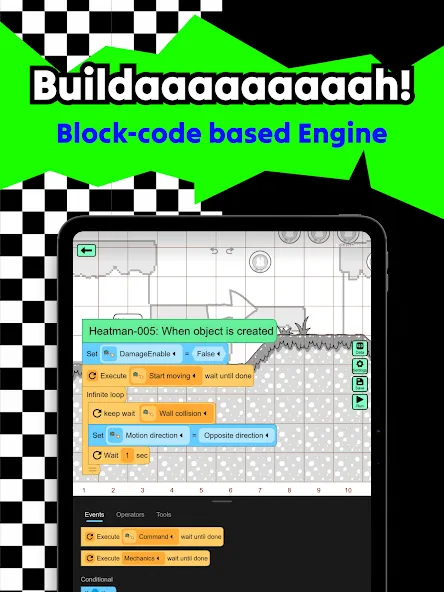
Block based tools let you add movement, goals, and win conditions without writing code. You can prototype quickly and adjust rules as the level evolves. Since each block is clear and visual, it is easier to spot what drives a behavior and fix it when something does not feel right.
Remix and customization
Start from community projects to learn, then adapt them to your own style. Builda supports importing custom characters and personalizing your avatar, which helps your identity stand out as you publish and collaborate. Remixing is encouraged, and clear attribution practices make it simple to credit original creators.
Play, publish, and chat
Discover a global feed filled with community games and featured builds. Publishing is straightforward, so you can invite friends to try your level and gather comments in group chats. This flow supports regular iteration and keeps conversation close to the projects that need attention.
How to Use
Sign in or create an account, then tap New Project to start a fresh build.
Choose single player or multiplayer, so the level structure matches your plan from the start.
Open the drawing tools to sketch a character, then add a few animation frames for basic movement.
Go to block logic and add movement rules, a goal object, and a clear win condition.
Test the level, adjust anything that feels off, and publish when it plays as intended.
Advantages and disadvantages
Pros
Block‑based logic system enables no‑code game creation
Integrated drawing and animation tools support custom art and motion
Remixable templates and community sharing encourage exploration
Cons
Does not support live co‑editing of projects
Game sharing is confined to the Builda ecosystem
Highlights
Collaborative Game Creation: Team up with friends to build games together.
Character Design & Animation: Draw and animate your own unique characters with easy-to-use tools.
Game Remixing: Put your own spin on existing games by adding custom characters and animations.
Avatar Customization: Express yourself by creating a unique avatar.
Summarize
Builda is a game creation platform and social space where users design, build, and share games alongside community-created content. The app merges tooling for game development with a connected network focused on collaborative creation and gameplay experiences.





-
Latest Updates
-
Featured Apps