Virtual Master
Tools
2026-10-08
439.44MB
3.2.77
Android
500
Screenshots
Introduction
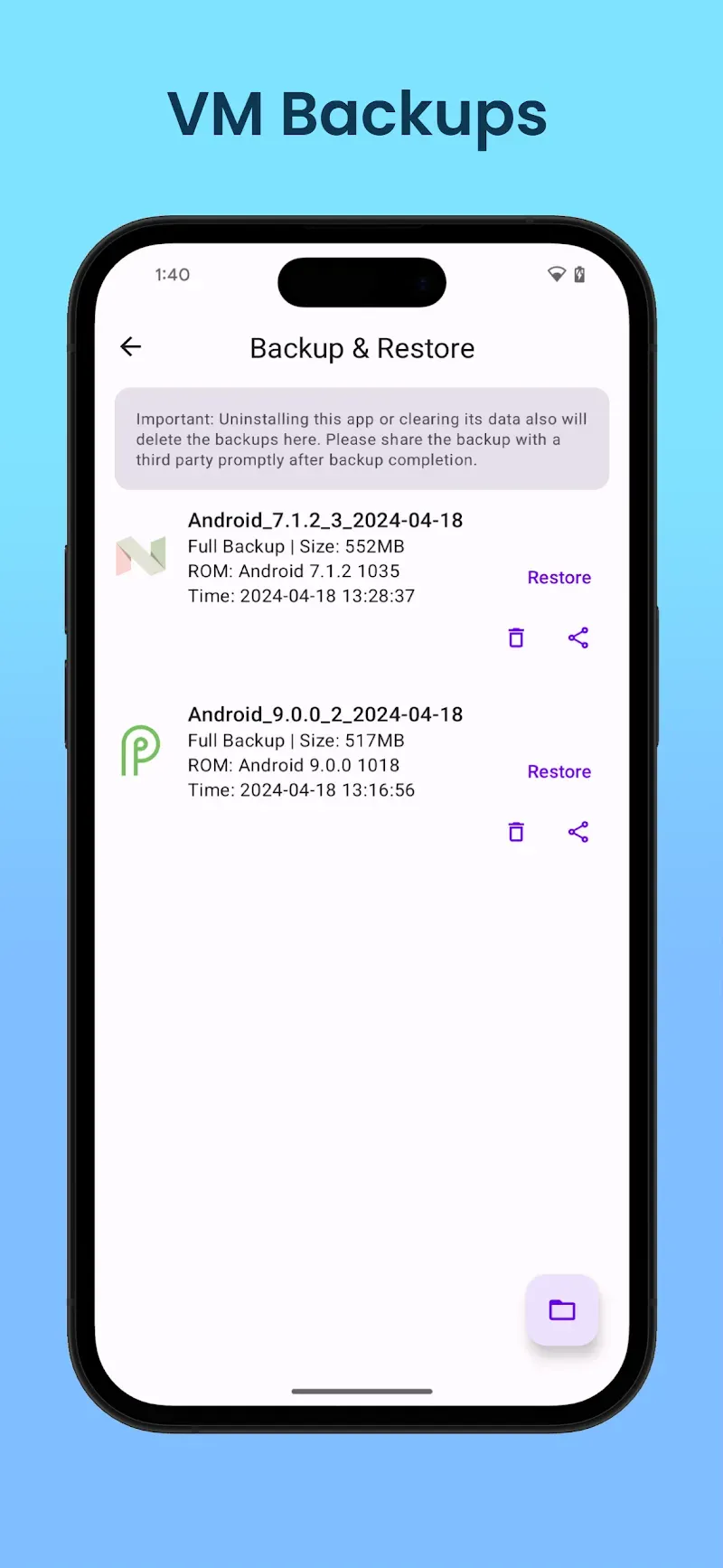
Virtual Master is an exceptionally powerful Android system emulator. It allows users to run a virtual Android system on their mobile phones, enabling them to test various applications within that environment. This virtual system operates independently of the host system, ensuring there is no interference between the two. This setup facilitates multitasking and offers enhanced privacy protection, allowing users to log into different accounts on a single device. Additionally, the app runs locally on your device and supports offline use, providing a seamless experience anytime, anywhere.
Features:
Isolated privacy sandbox
Virtual Master runs apps inside a sealed Android system, which keeps them away from your main data. Apps in the virtual space cannot read your contacts, SMS, or device ID, so sensitive information stays out of reach. This structure helps you try tools or social apps without exposing your primary phone content.
Multi‑account for social and games
You can clone apps inside the virtual system and sign in with different accounts on the same device. This setup fits players who run daily tasks on multiple game profiles and users who separate personal and work logins. It also keeps accounts organized since each clone stays inside its own virtual environment.
Background running for continuous tasks
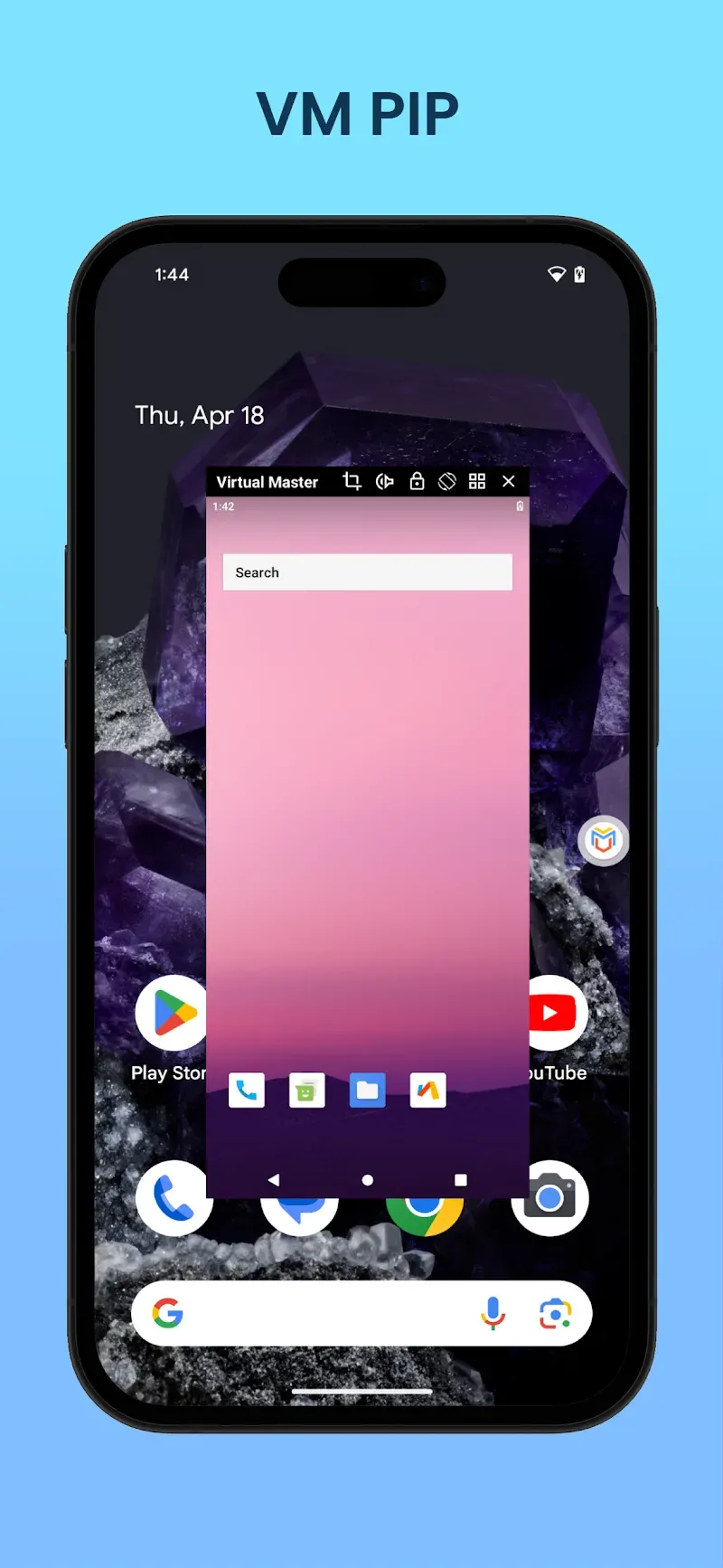
Virtual Master lets apps and games in the virtual system keep running while you use other apps on your main phone. This helps with auto tasks, downloads, or long game sessions that need to stay active. As a result, you move between spaces smoothly without stopping the activity inside the virtual OS.
Vulkan support for better game performance
With Vulkan enabled inside the virtual Android system, many high‑end games can run more smoothly. This matters for users who push graphics or maintain multiple game accounts. If your titles support Vulkan, you may see steadier frames during extended play in the virtual environment.
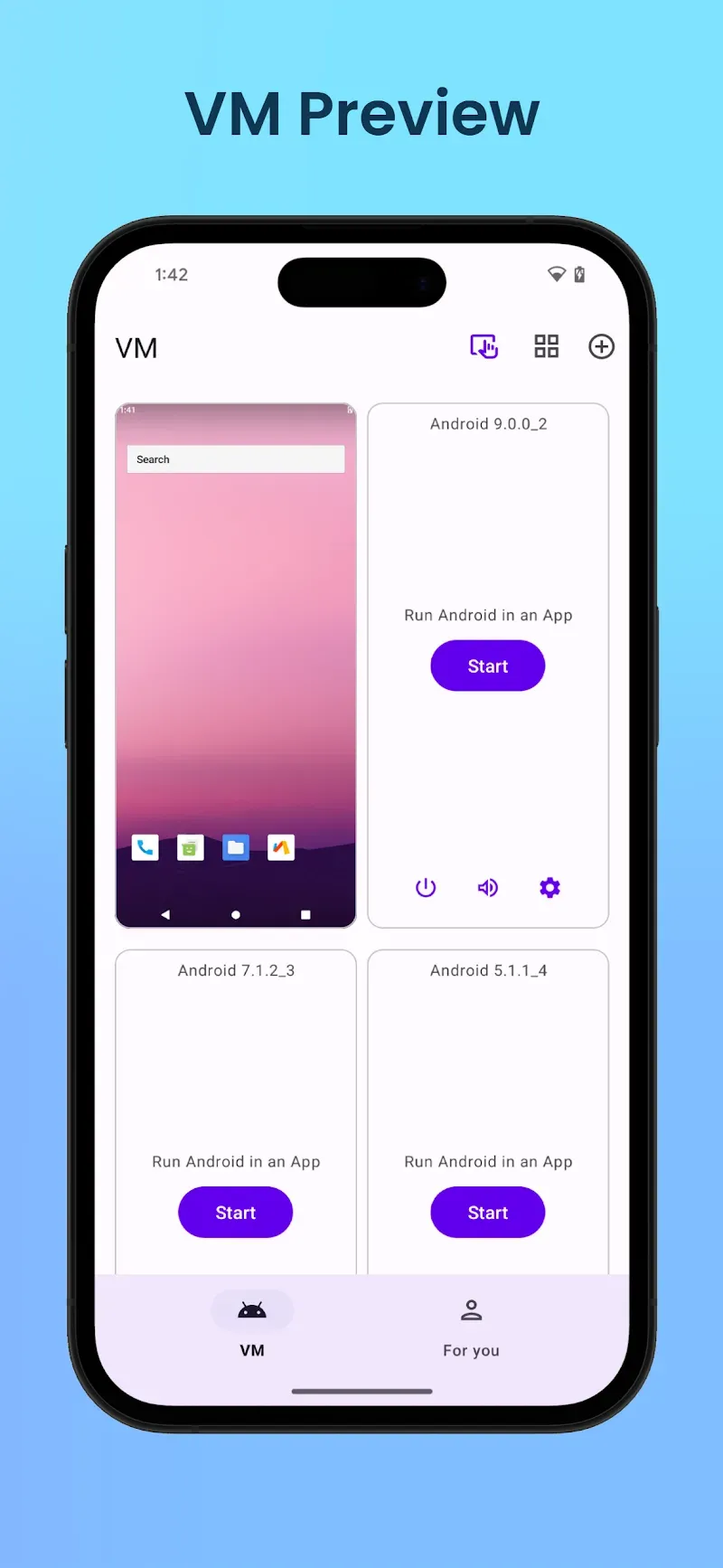
Multiple virtual systems with customization
Virtual Master allows you to set up separate systems for different goals, such as Work, Game, or Privacy. You can customize the launcher and wallpaper in each system, then switch between them as needed. Compared with simple app cloning tools, this gives a complete OS per setup, which keeps workflows and data cleanly divided.
Highlights:
Multi System Control: You can control the systems on your device quickly and easily. You don’t need to use supporting applications or professional equipment. Yet, you still get the best results.
Full App Isolation: Applications in each system are isolated. You won’t encounter any difficulties or confusion when using it. It will make you extremely happy and satisfied.
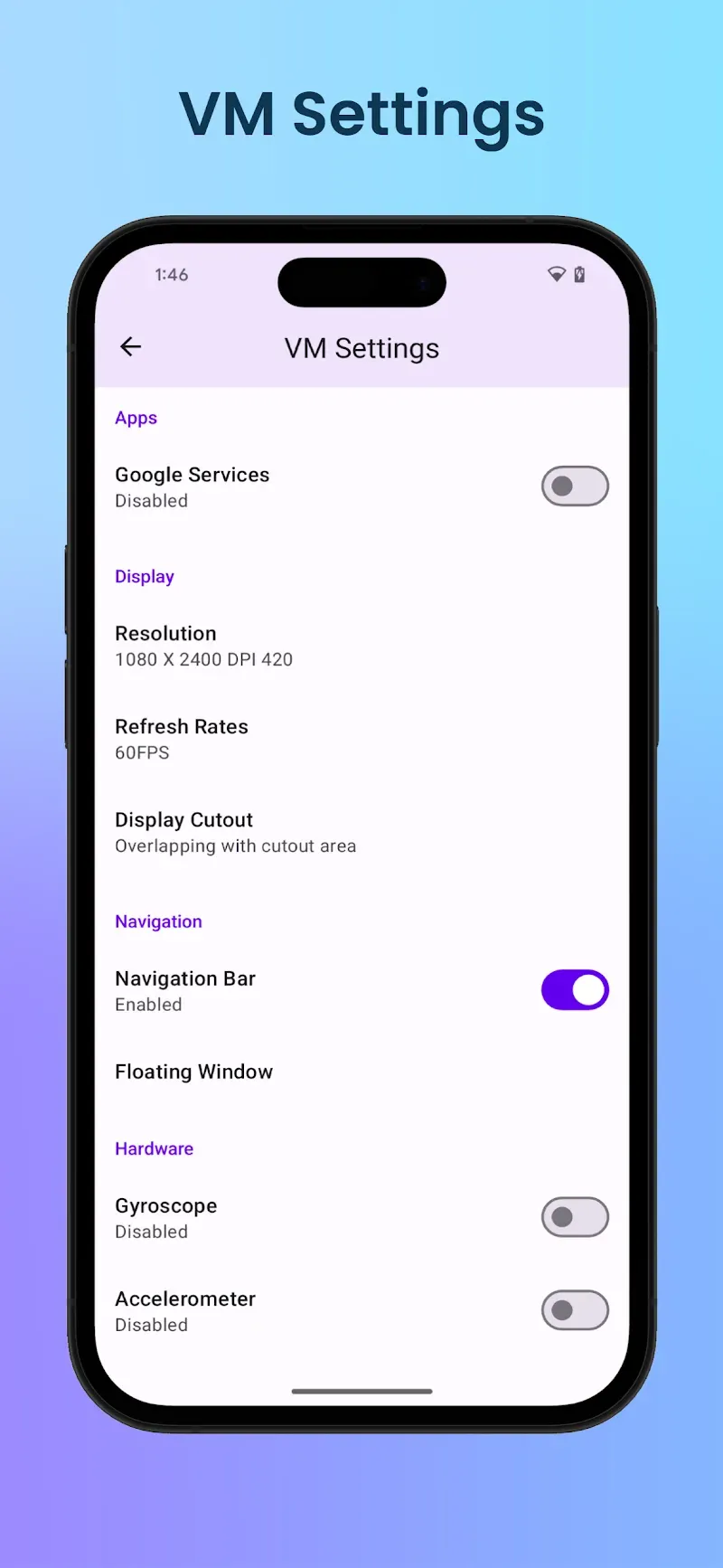
Deep Customization Freedom: With this application, you can freely customize your devices without any difficulties or limitations. You will have a familiar phone that best suits your usage.
Multiple Account Login: With this application, you can log in to multiple accounts simultaneously on your device without needing to use other devices or supporting applications.
Background App Running: The application will also always maintain your login status while running in the background. You don’t need to log in multiple times, saving you time and hassle.
Emulator Level Performance: With this application, you’ll experience an extremely smooth and seamless system. You can use it continuously and quickly without encountering any difficulties or lag. It provides you with the perfect and engaging experience.
Pros and Cons:
Pros
Free emulator that runs a separate Android system inside your device
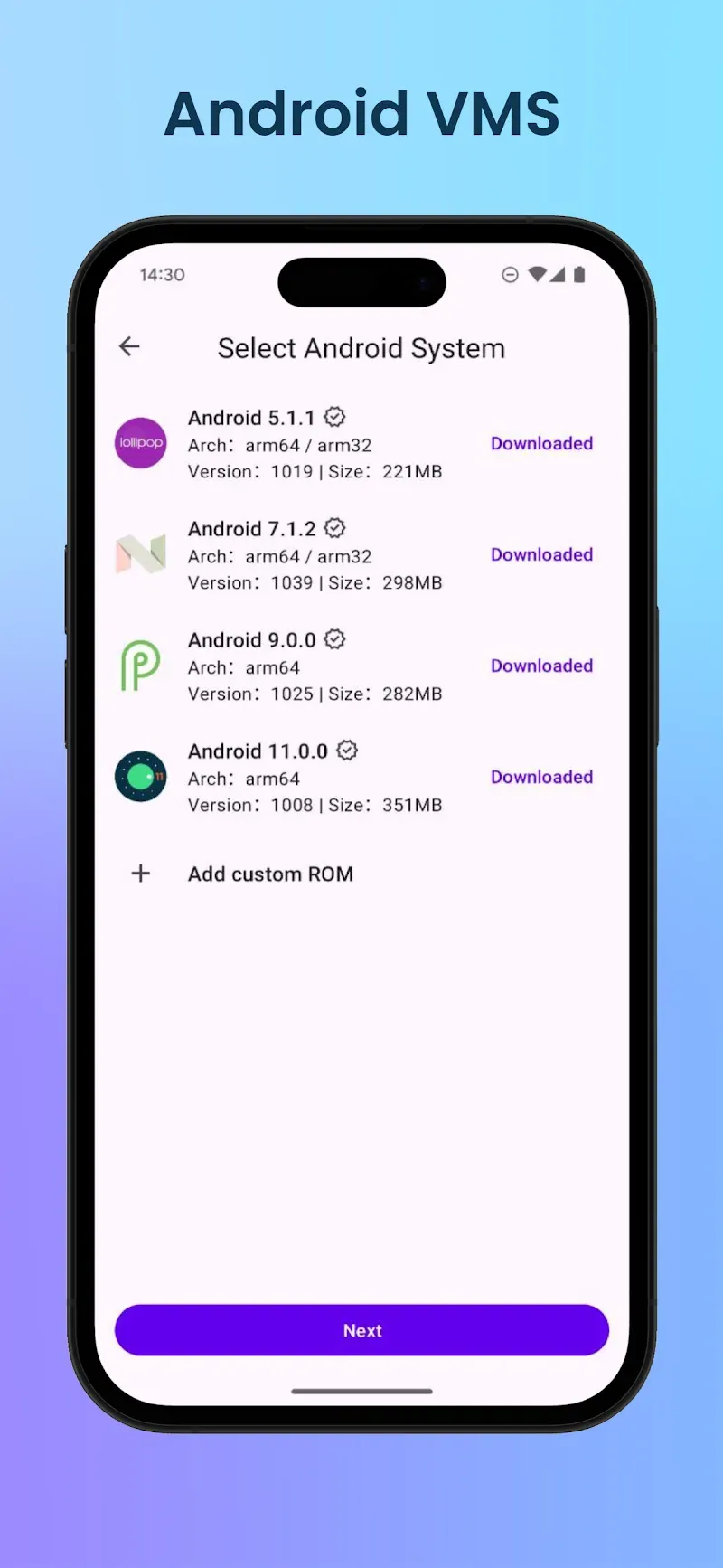
Supports several Android versions, including 5, 7, 9, and 11, useful for legacy apps
Lets you run multiple accounts for apps and games on one phone
Vulkan graphics API support can improve gaming performance and frame rates in compatible titles
Sandboxed environment that helps protect contacts, SMS, and other sensitive data
Cons
Stability issues, including crashes and freezes during use
Virtual system can fail to boot after certain phone security updates until fixed
FAQs:
Q: What is the app?
A: It is an app that allows users to create an isolated Android system for multitasking and privacy.
Q: Can I install apps in the virtual system?
A: You can install and manage apps independently in the virtual system.
Q: Does it work offline?
A: It operates locally on your device without an internet connection.
Conclusion:
If you're looking for a way to be able to run multiple app and game accounts on a single device, Virtual Master is a solid option worth checking out. It supports various versions of Android and its self-contained virtual environment ensures your personal data is safe.
-
Latest Updates
-
Featured Apps