
App Lock Fingerprint
Tools
2026-08-08
40.45MB
1.6.3
Android
444
Screenshots
Introduction
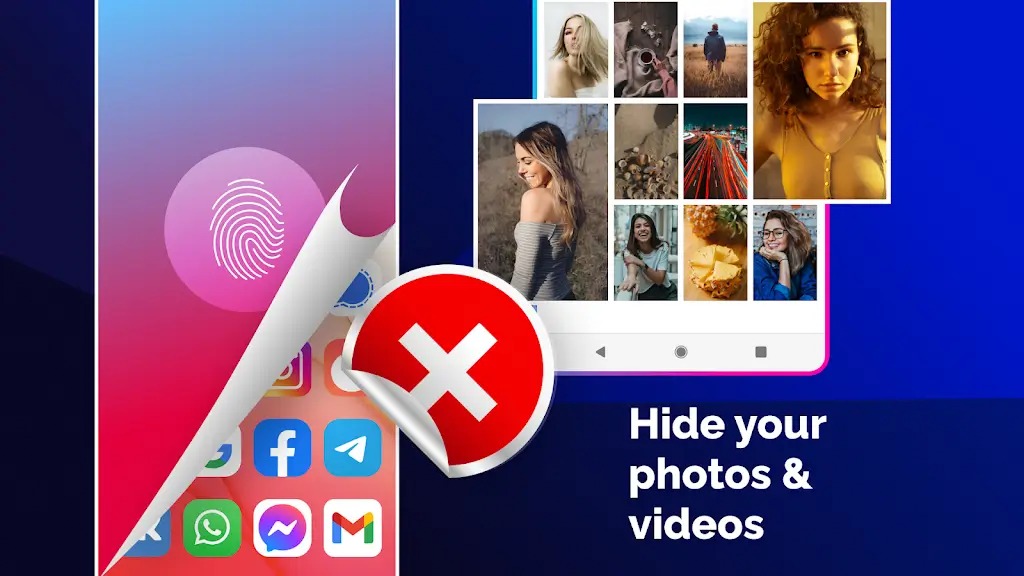
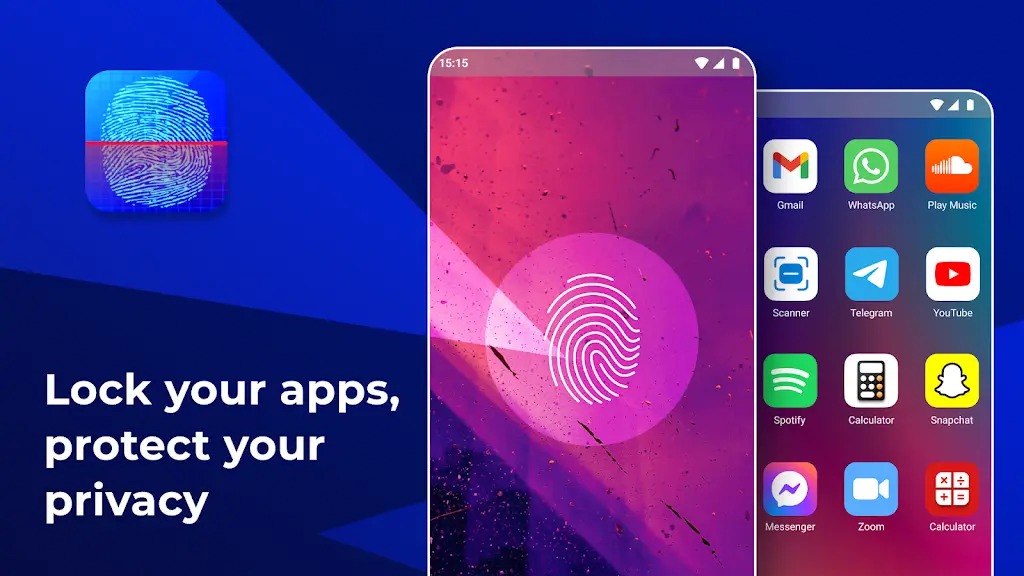
App Lock Fingerprint is an app lock for Android devices that allows users to set passwords for their apps. This prevents others from easily opening these apps and protects your privacy. A unique feature of this app lock is its built-in camera, which helps users take photos of people using your apps. Not only will anyone trying to sneak into your locked apps fail, but a photo will also be saved on your device. This app lock is aesthetically pleasing and comes in a variety of colors, ensuring your privacy is always protected.
Features:
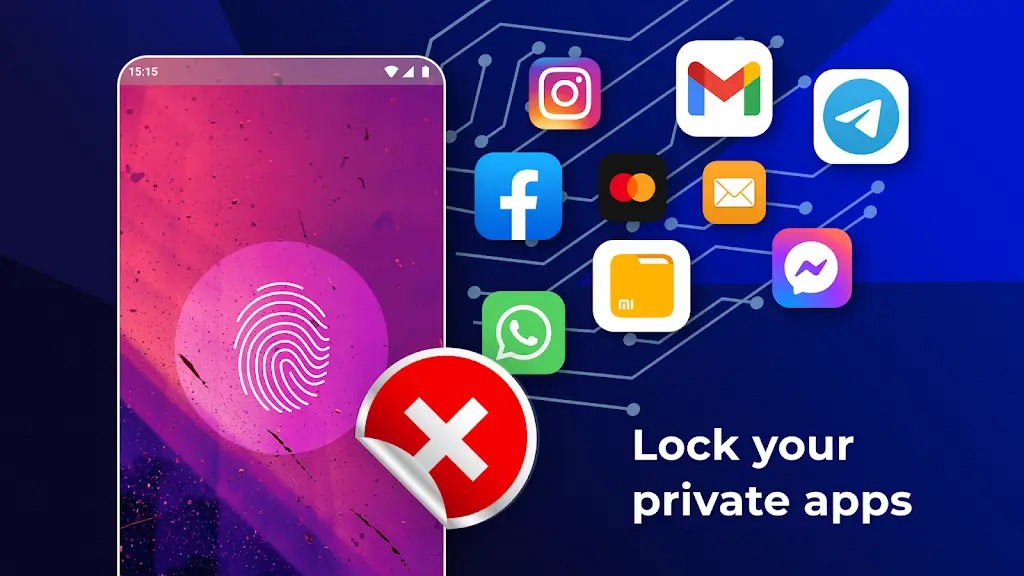
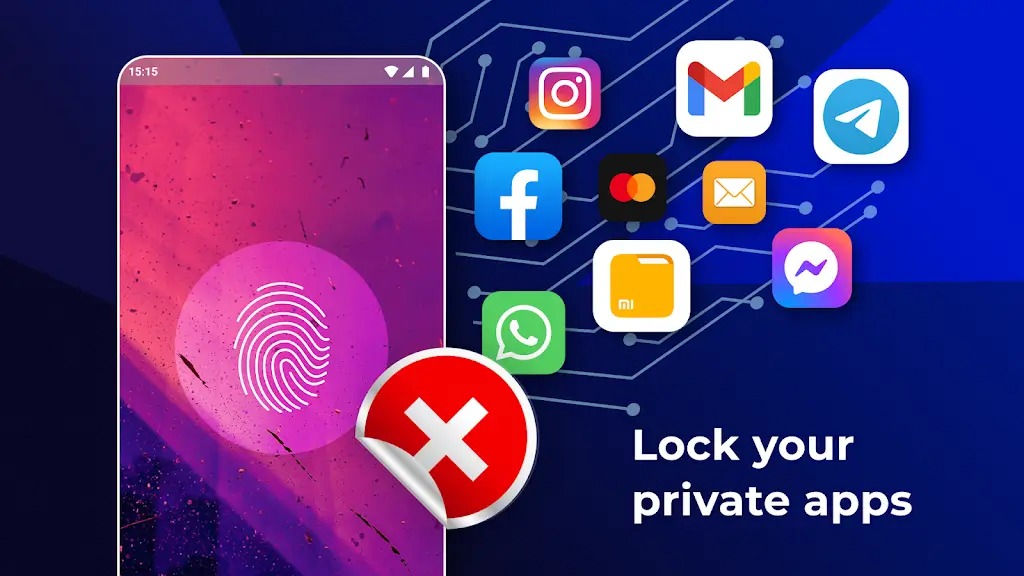
App locker is to lock System apps, social network apps, Gallery apps and games.
Unlock with Passcode, Pattern or Fingerprint (On Android 6.0 above).
Support Locking newly installed apps, a notification will appear right after installing an app to help protect your privacy.
Fingerprint app lock: Instant unlock with your fingerprint for fingerprint supported devices (on Android 6.0 above).
Automatically set color in app lock screen for popular apps and system apps.
Easily search for apps to lock
Change application lock screen Wallpaper with extremely beautiful templates available
Beautiful and colored application lock screen interface compatible with the application.
Highlights:
PRIVACY AT YOUR FINGERTIPS
Imagine having your privacy under your fingertips, quite literally. That's what App Lock Fingerprint offers. It's more than just a lock and key; it's a lock, key, and gatekeeper rolled into one. Whether you prefer passwords, patterns, or your very own fingerprint (if your device supports it), it has you covered. Say goodbye to prying eyes and enjoy the peace of mind of knowing your apps are secure. But that's not all. You also get to customize the theme and background style to your liking because, let's face it, we all love a good personal touch.
A CAMERA WITH A SPY'S EYE
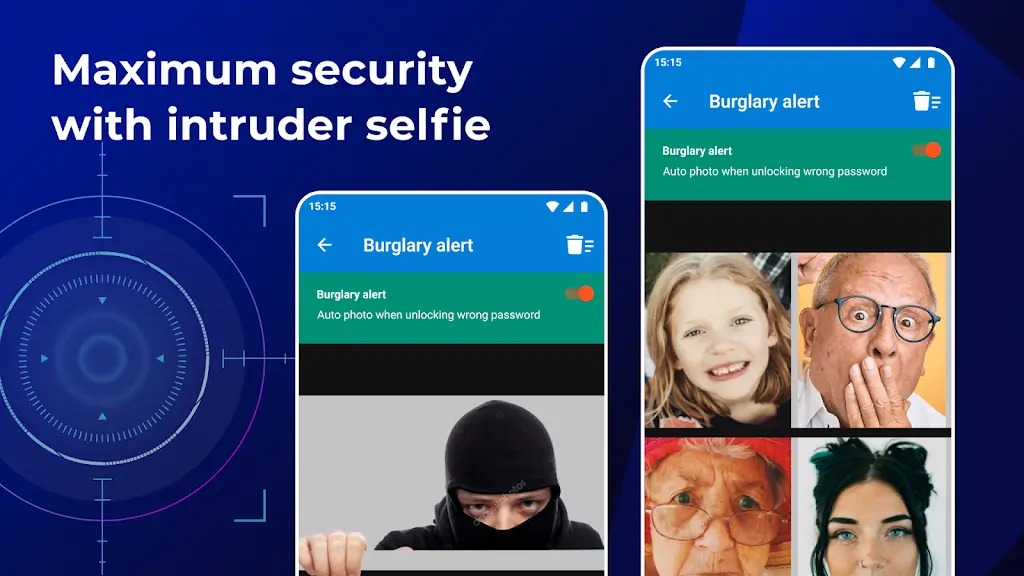
Intruders, beware! App Lock Fingerprint has an inbuilt spy camera. Picture this: someone tries to sneak into your locked apps, and instead of gaining access, their selfie is taken and saved on your device. It's like a modern-day booby trap that's not just secure but also downright hilarious. Just imagine the face of the intruder when they realize they've been caught red-handed… or should we say, red-faced?
SECURITY WITH STYLE
Privacy doesn't have to be boring, and App Lock Fingerprint is proof. From picking an image from your gallery to choosing different lock types, this app ensures you can have your privacy with a side of personality. Whether you are into invisible patterns or the classic fingerprint, you can guard your privacy the way you want.
Pros and Cons:
Pros
Low RAM Usage
Remote Lock and Unlocker Feature
Supports Pattern Unlock and Random Password Button
Backup and Restores Your List of Protected Apps
Cons
Easy to Uninstall
Fingerprint Feature is Unusable Sometimes
Notifications Are Still Seen for Locked Apps
Sometimes Crashes or Lags
Changelog:
New Features added
Bug fixes
Android 11 issues fixed
Bug fixes
New Faster lock method using draw over other apps
Dark Color as default for lock, can be changed from settings
Calculator lock
Multi language support
Android 4.0+ users supported
Pattern View Vibrate Alert
Selfie-on Wrong attempts
Random Pass Code
Hide App Icon
Warning Sound
Hide Pattern Lock
Activate Deactivate Finger lock
Application Size Optimization
and more..
Conclusion:
To enhance protection, App Lock Fingerprint Password includes settings to prevent uninstallation without a password, safeguarding the app's presence on your device. Anticipate future updates that promise even more features like app data security and the ability to hide apps directly from the home screen for added discretion. Whether you're keeping sensitive emails, SMS, call logs, or media files secure, this app offers a comprehensive security solution that's easy to manage.









