ColEm
Tools
2026-11-01
3.84MB
5.6.14
Android
408
Screenshots
Introduction
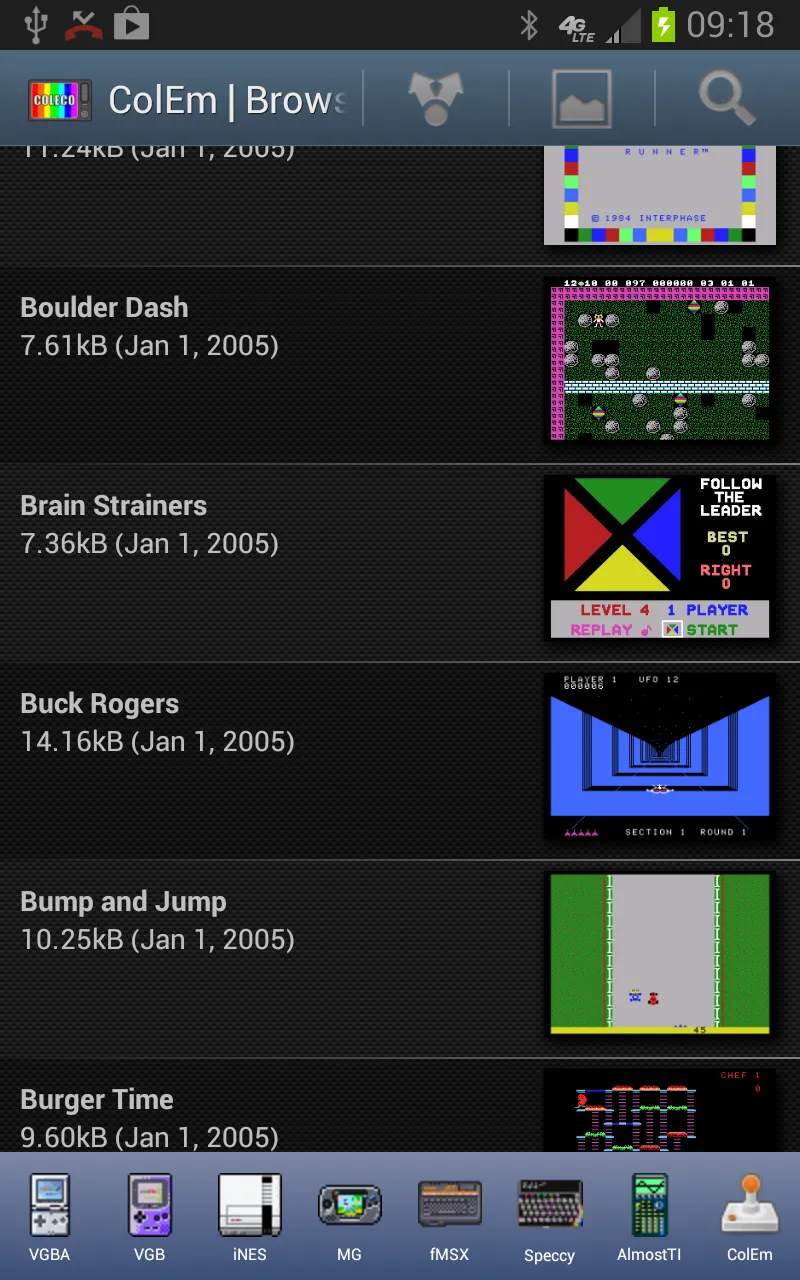
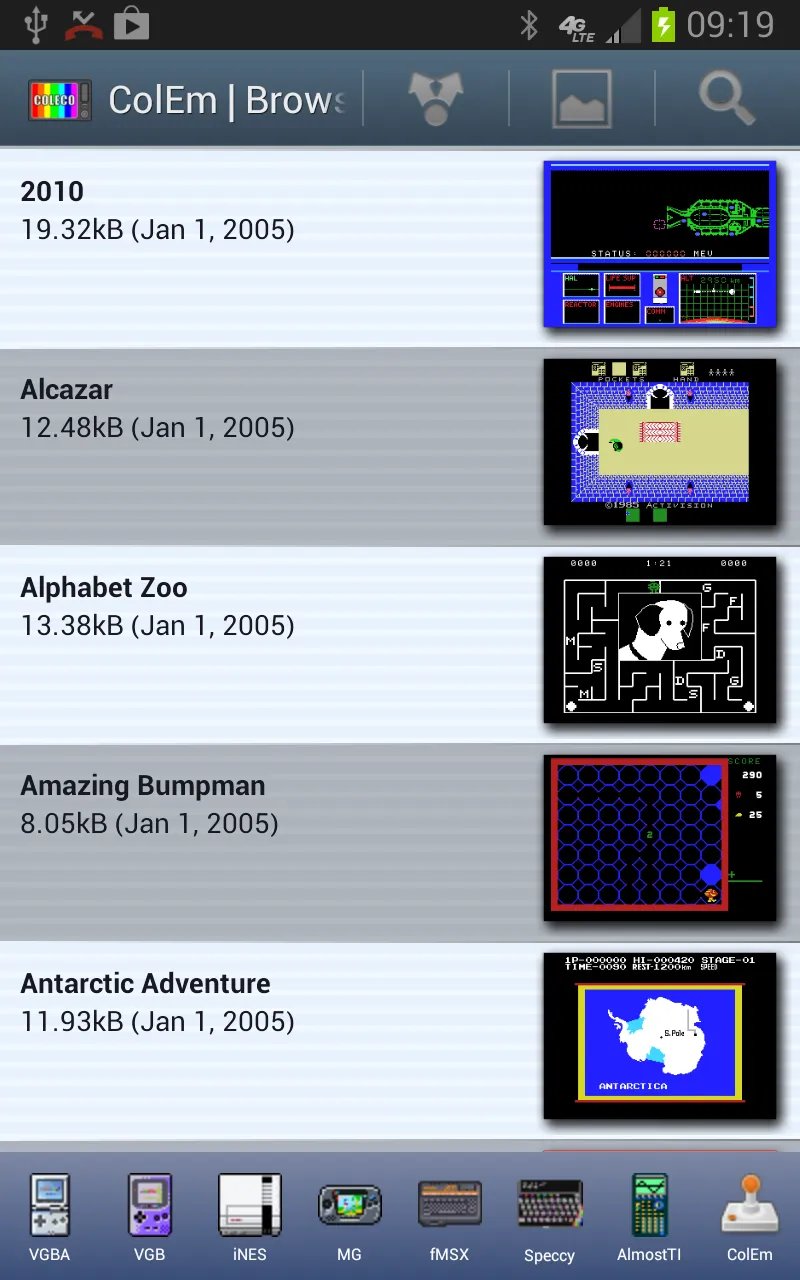
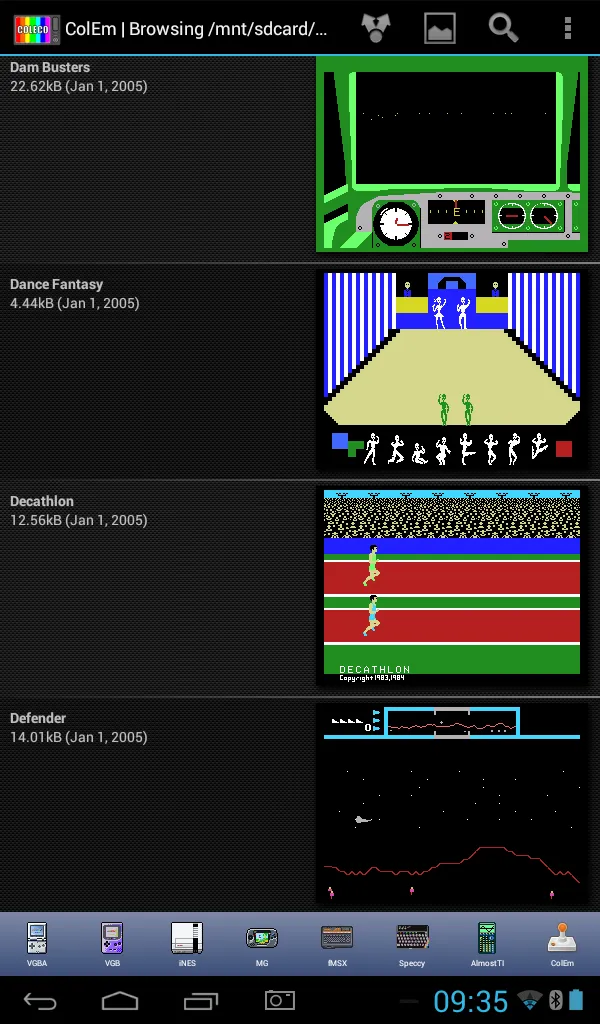
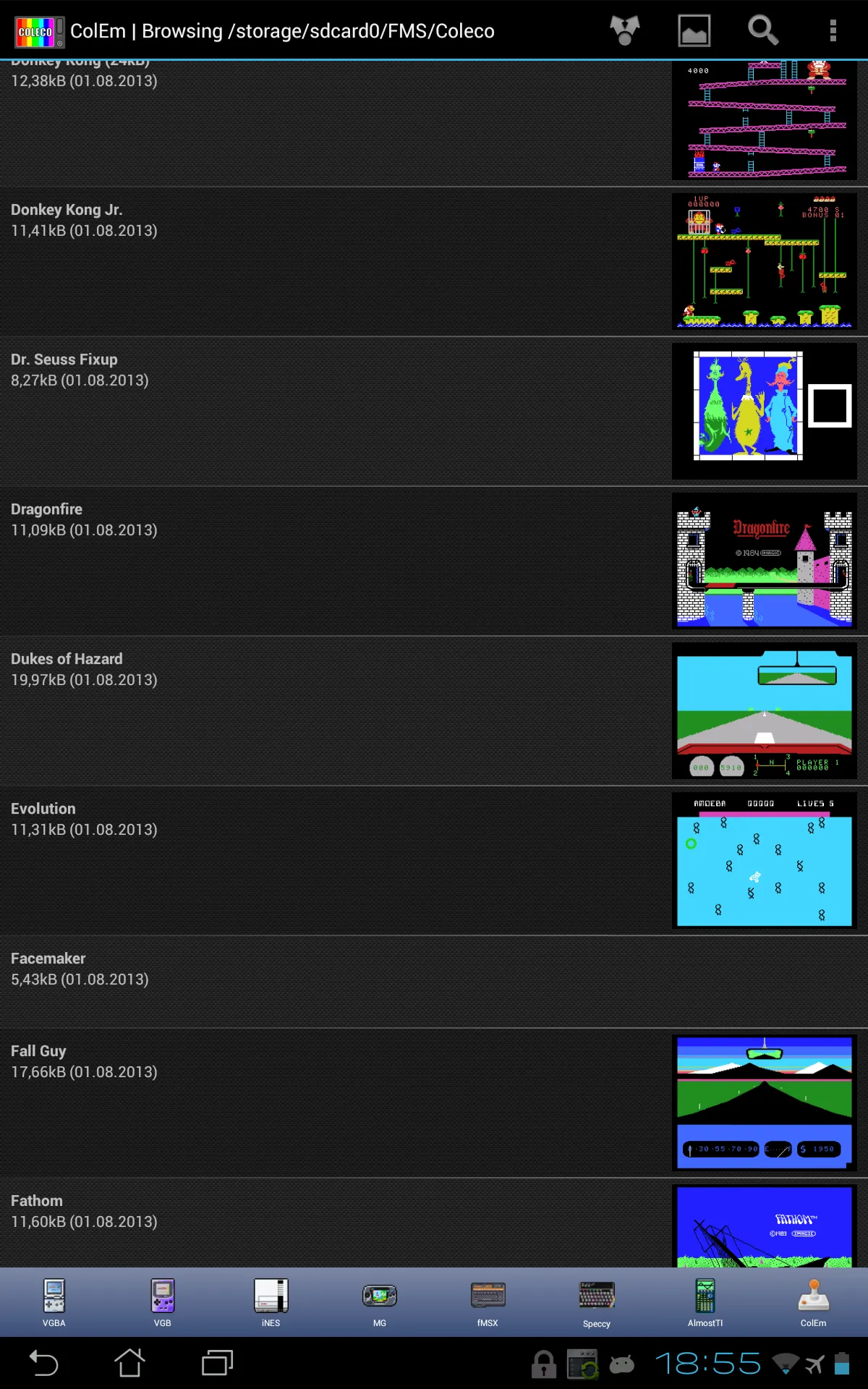
ColEm is a game emulator designed specifically for Android devices, allowing users to play Coleco games on their Android phones. The emulator offers a variety of control schemes, giving users the freedom to choose their preferred way to play. It also features multiple screen modes, providing different viewing perspectives for a diverse gaming experience. The app has been deeply optimized for Android devices, ensuring a smooth and seamless Coleco gaming emulation experience for Android users.
Features:
Optimized for Android devices using assembler and 3D hardware, and running Coleco games at the fastest possible speed.
Full screen portrait or landscape mode emulation, with options for simulating TV scanlines and fuzzy TV display.
Emulates joystick using touch screen, Bluetooth gamepads, Xperia gaming buttons, Moga gamepad, iCade joystick, physical keyboard, or accelerometer.
Highlights:
The emulator is optimized for speed and provides full-screen portrait or landscape mode emulation with options for simulating TV scanlines and fuzzy TV display, giving players an authentic retro gaming experience. Users can save their progress and restart from the same point if they get defeated. Additionally, ColEm enables players to record ColecoVision music to MIDI files, which can be used as ringtones on their devices. The app comes in both free and paid versions, with the paid version (ColEm Deluxe) offering additional features such as better joystick support, network play, and the ability to share saved game play with others. However, the emulator itself does not include any games, and users need to provide their own legally owned game files to run on ColEm.
Changelog:
What's new
Fixed file selector running underneath system UI.
Fixed changelist dialog running underneath system UI.
Fixed other activities to avoid system UI.
Conclusion:
ColEm is a ColecoVision emulator designed for Android devices, allowing users to enjoy Coleco games on their smartphones and tablets. This emulator offers various ways to play games, including with Bluetooth gamepads, USB joysticks, hardware buttons, or a virtual gamepad. Players can save their progress at any point and resume the game after losing a life. Additionally, users can record ColecoVision music to MIDI files for personal use, such as setting them as ringtones. ColEm supports multiplayer gameplay over WiFi or the internet using NetPlay.





-
Latest Updates
-
Featured Apps