Video Downloader App
Tools
2026-11-04
119.37MB
11.0.0
Android
565
Screenshots
Introduction
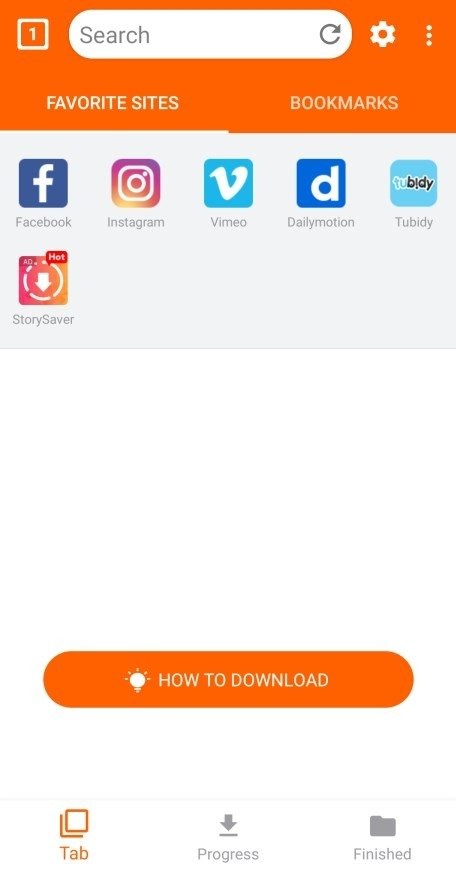
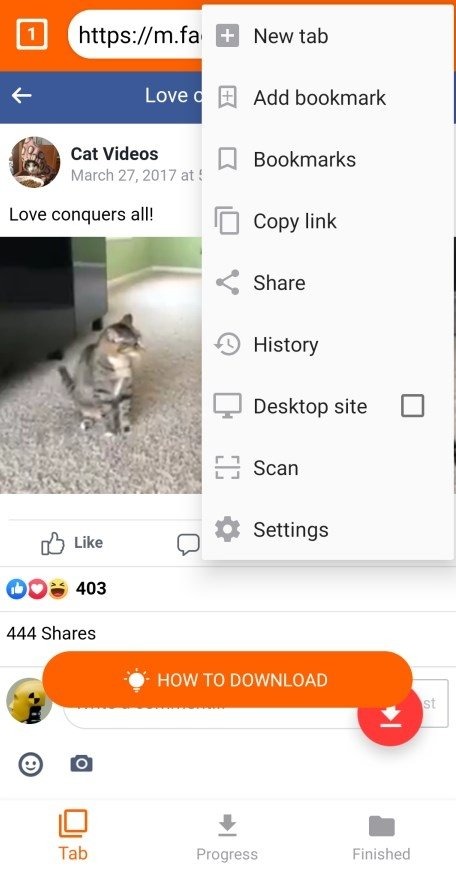
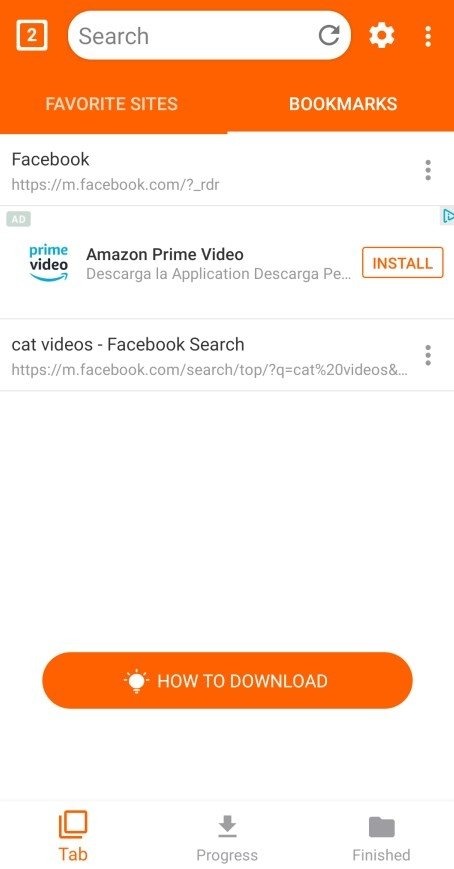
Video Downloader App is a video downloader designed for Android devices. It features a built-in browser that allows for quick web browsing and access to various social media platforms. The user interface is simple, enabling fast downloads with high speeds. The app supports a wide range of video formats, automatically detects downloadable content, and identifies various streaming protocols. It offers batch downloading capabilities, supports background operation, and allows for offline playback. Files can also be saved to an SD card and secured with a password.
Features
Ability to download videos from various websites, including YouTube.
Easy and intuitive user interface for downloading videos quickly and efficiently.
Support multiple video formats such as MP4, AVI, MOV, etc.
Option to pause or resume downloads in case of network issues/interruptions during the process.
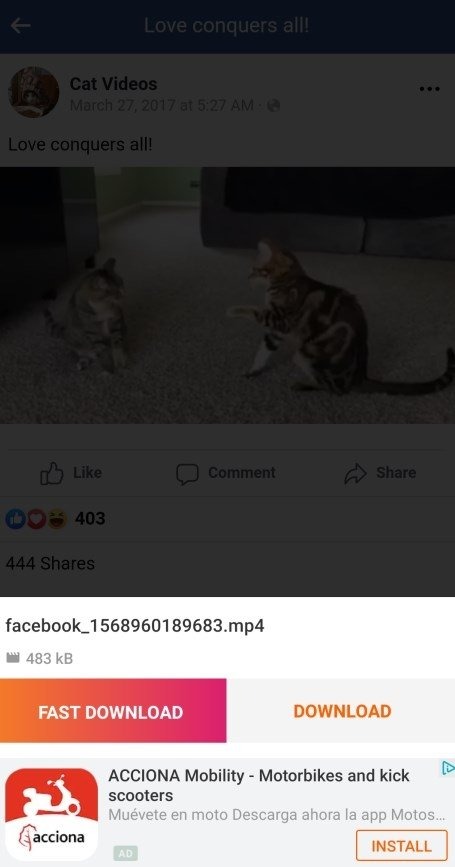
Automatically detect downloadable content on a web page with one click option available for a quick selection of desired files before initiating the download process.
Capable of recognizing different types of streaming protocols (HTTP/HTTPS) used by most popular sites like Vimeo & Dailymotion while downloading online media content without any hassle.
The built-in search feature allows users to find their favorite movies or TV shows directly within the app instead of having them browse through external sources first and then initiate file transfer afterward.
It supports batch processing which allows simultaneous downloads at once, saving time significantly compared to other apps that can only handle single files.
Advantages and disadvantages
Pros
Automatically detects media in its built-in browser
Pauses, resumes, and runs multiple background downloads
Supports previews, SD cards, and password-protected storage
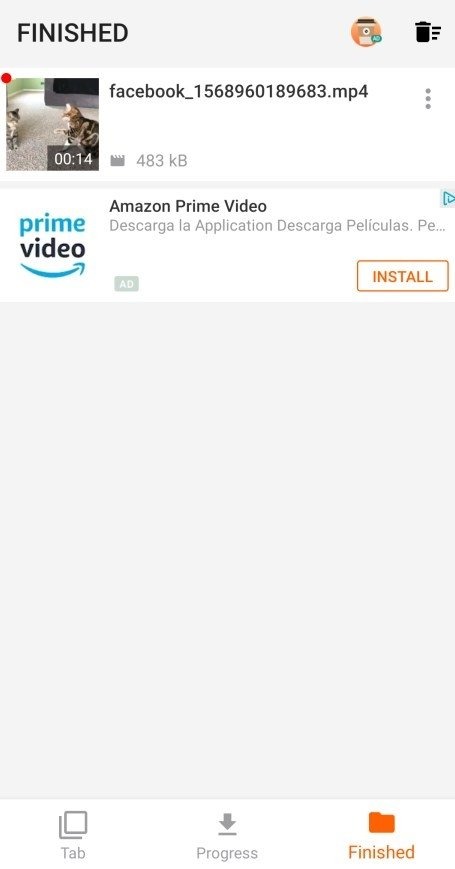
Includes an offline video player
Cons
Pop-up ads frequently interrupt the workflow
Crashes may result in lost downloads
User comments
Really great—the design is very elegant. My only minor issue is that I can’t seem to change the download directory, and the download status bar uses a bit too many colors, which feels slightly out of sync with the system’s overall aesthetic. That said, it doesn’t detract from the fact that it’s an excellent app.
Fantastic! Unlike other similar apps on the store, this one is completely ad-free. It offers fast download speeds and even lets you choose the video quality.
Extremely useful—it’s capable of downloading high-quality, clear video files that other similar tools simply can’t extract.
Summarize
Video Downloader App is an outstanding browser that lets you download videos directly to your smartphone. To use it, just browse as you would normally. Then, whenever you see a video on a website you're visiting, you can tap a button to download it. That said, you can't download videos from YouTube, but you can download any video found on any other platform or website.





-
Latest Updates
-
Featured Apps