Virbo AI
Tools
2026-10-21
65.02MB
3.0.13
Android 7.0 and up
556
Screenshots
Introduction
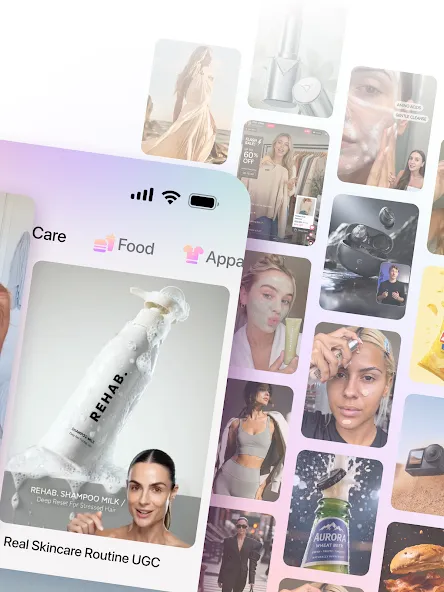
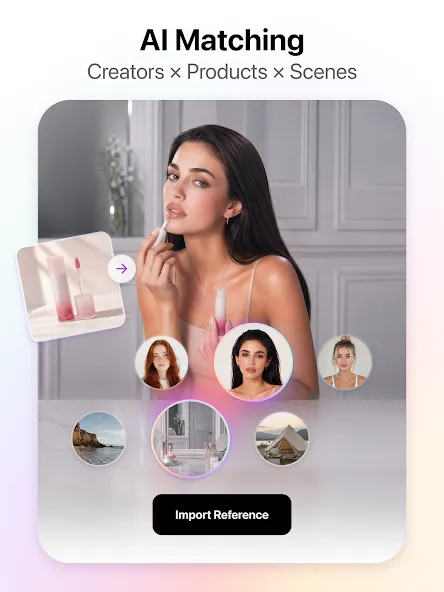
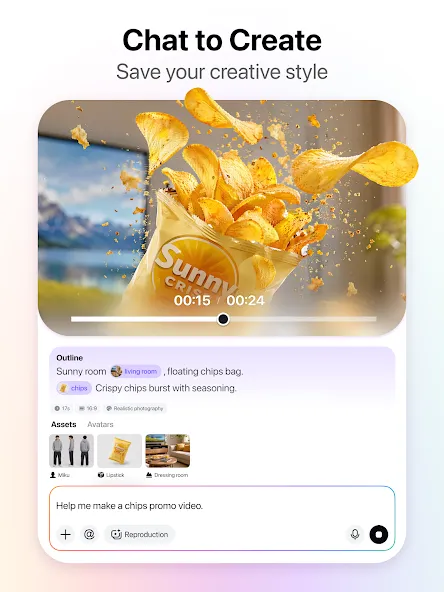
Virbo AI is a video generation application for Android devices that leverages artificial intelligence to create videos. Equipped with powerful AI agents, it utilizes digital avatars and text-to-speech capabilities to rapidly convert text into video. The user-friendly interface ensures a quick learning curve, allowing you to produce high-quality videos in a very short amount of time. The software is cross-platform compatible, highly affordable, and suitable for a wide range of professional use cases across various industries. Whether you are a beginner or an experienced user, you can get started with ease. Additionally, the platform supports multiple languages.
Features
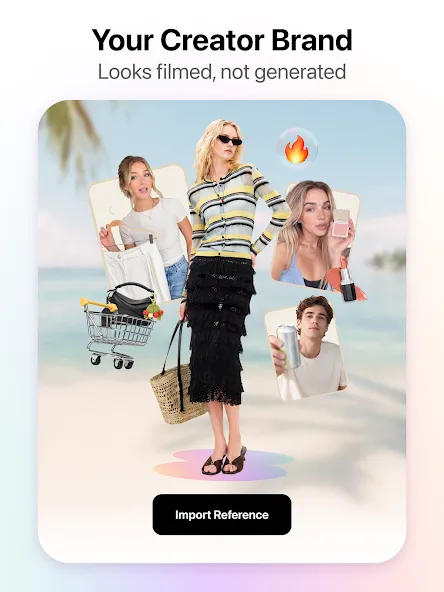
AI Makes Videos for You: Virbo AI uses artificial intelligence to create videos that look professionally made. With AI avatars and voices, you can turn text into engaging videos in just a few taps.
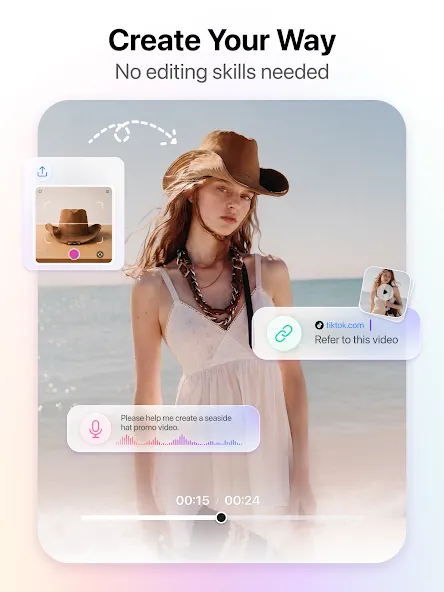
User-Friendly Interface: The app is designed to be intuitive and easy to use. You don’t need to be a video editing expert to create unique content with Virbo AI.
Time-saving: Instead of spending hours filming and editing, you can produce high-quality videos in a fraction of the time. This is perfect for those who need to create content regularly but have limited time.
Versatility: Whether you’re on an Android device, iOS, or Windows, Virbo AI has got you covered. This means you can create videos on the go, no matter where you are.
Advantages
Time-efficient: Generate High-Quality Videos in a Fraction of the Time Compared to Traditional Methods
Cost-effective: Save on Expenses Related to Equipment, Actors, and Location Rentals, Allowing for More Strategic Resource Allocation
Versatile: Ideal for Social Media Videos, Marketing Campaigns, Product Demonstrations, Brand Promotion, Online Education, Training, and More
Accessible: Regardless of Technical Background or Virbo AI Production Experience, Virbo AI Empowers Users to Create Professional-caliber Content with Ease
Update Log
Add the Motion animation mode option, which offers more lifelike hand gesture effects than the Standard mode.
Bring Photos to Life: Simply import, export, and transform your photos into talking masterpieces.
More Trending Effects: Jurassic world, Fantastic Four, Beauty, Muscle Surge, Superman, Dreamy wedding, Captain America, Fortnite, Barbie, Victorian Lady and more.
Versatile Audio Options: Choose from online recording, local upload, or voice extraction to customize your talking photos.
FAQS
Q: Is the app suitable for beginners?
A: Yes, the app has an easy-to-use interface ideal for users with no editing experience.
Q: Can I use the app to create videos in multiple languages?
A: Absolutely! The app supports multilingual content creation to cater to diverse audiences.
Q: What type of videos can I create with this app?
A: You can create talking videos, podcasts, educational content, and more.
Q: Does the app include cloud storage for projects?
A: You can securely store and access your projects via cloud integration.
Summarize
Virbo AI Video AI Generator is an Android multimedia app from GIYASTAR that streamlines video production. Using advanced AI, it helps users produce polished videos quickly by combining realistic avatars, professional voiceovers, and a growing library of ready-made assets.
-
Latest Updates
-
Featured Apps