XShare
Tools
2026-10-27
48.85MB
3.7.1.004
Android
205
Screenshots
Introduction
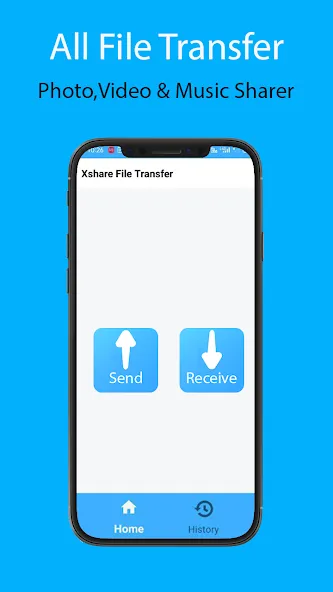
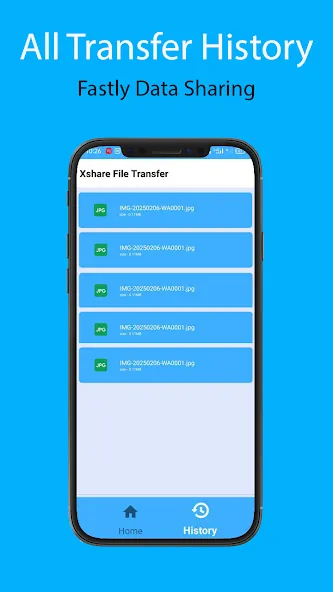
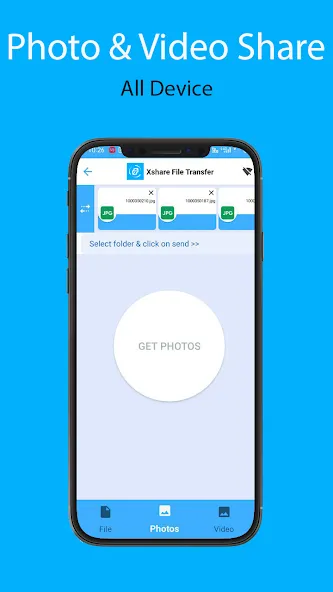
XShare is a file-transfer application designed for the Android operating system. It features a clean, minimalist interface that allows users to get started quickly and easily. Its intuitive functionality enables the rapid transfer of images, videos, and various other file types. Users can transfer multiple files simultaneously, which significantly saves time and boosts productivity. The app supports various transfer methods, including QR code scanning and Bluetooth. It ensures a highly secure transfer process, preventing data loss through robust encryption and comprehensive privacy protections. No internet connection is required, allowing for lightning-fast transfers anytime, anywhere—with no speed limitations. Additionally, a built-in file manager makes the user experience even more convenient.
Features:
Offline Sharing Without an Internet Connection
Send files without needing Wi-Fi or mobile data. You can share files while on a train, in a classroom, or outdoors. This saves on data usage and keeps transfers local, ensuring a reliable sending process.
Fast, Local, Peer-to-Peer Transfer for Large Files
XShare utilizes a direct connection that is faster than Bluetooth—ideal for transferring large videos or batches of files. When devices are in close proximity, even large folders can be transferred in just a matter of minutes.
Quick One-Tap Connection or QR Code Pairing
Set up the sender and receiver with a single tap. Alternatively, you can pair devices instantly by scanning a QR code. This eliminates the need for manual input and reduces the risk of connection errors during setup.
Share a Wide Variety of File Types and Folders
Support includes apps, photos, videos, music, documents, ZIP archives, and entire folders. You can send APK files for later installation or share complete project directories. You can even queue a mix of different items together to save time.
Built-in File Manager for Selection and Cleanup
Browse your storage, select specific files, and remove unwanted items before sharing. This ensures that only the intended content is transferred and helps prevent the accidental sending of duplicate files—a highly useful feature when organizing large collections of data.
Highlights:
Speed Limits
Enjoy faster transfer speeds now—a file-sharing app that’s even more convenient than Bluetooth!
Ultra-secure transfers
with no need to worry about privacy leaks. Send files securely using Telegram!
All-new user interface
delivering a fresh user experience—start your transfer journey today!
Ultra-secure transfers
with no need to worry about privacy leaks. Send files safely and reliably!
Zero cellular data usage
Exchanging digital files locally consumes no mobile data. The app creates a private, offline hotspot connection between devices.
Batch processing capabilities
Transfer multiple files at once, saving you valuable time when migrating your content.
FAQS:
Which file formats are supported?
Users can transfer all common digital file formats, including images, videos, audio files, and documents. The application handles mixed selections of files without requiring any format conversion.
What are the actual transfer speeds?
Under ideal conditions, transfer speeds can reach up to 20 megabytes per second. Consequently, transferring large video files is significantly faster than using a standard Bluetooth connection.
Are there any file size limits?
There are no strict file size limits built into the application's architecture. Therefore, users can transfer large files, provided the receiving device has sufficient storage space.
Advantages and disadvantages:
Pros
Transfers files without internet access or cables
Supports multiple files in one batch
Organizes many file types into clear categories
Includes QR code pairing and a file manager
Cons
Requires Wi-Fi Direct support
Conclusion:
XShare ensures high-quality transfers. The app supports sharing various types of files, allowing users to easily send large files and even switch mobile data between devices. What are you waiting for? Download it now and experience it for yourself!




-
Latest Updates
-
Featured Apps