Screen Mirroring & Sharing
Tools
2026-09-23
32.49MB
1.9.12
Android
301
Screenshots
Introduction
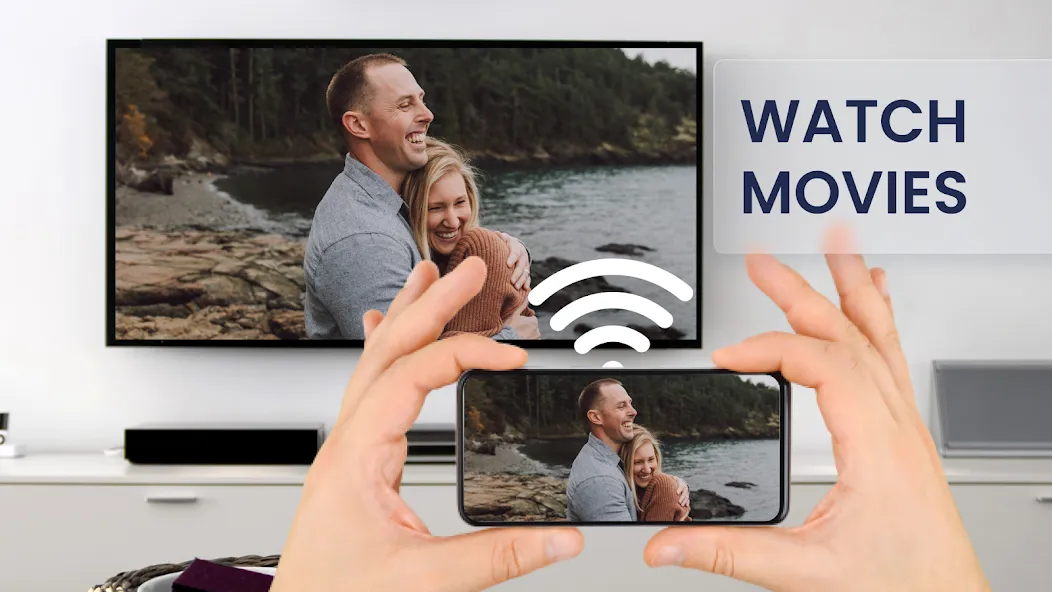
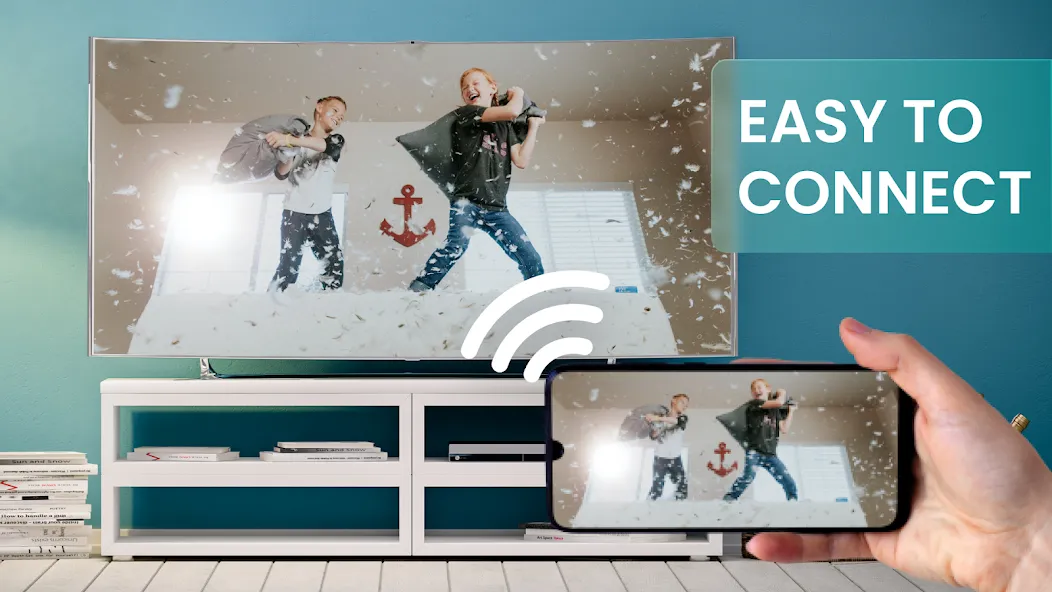
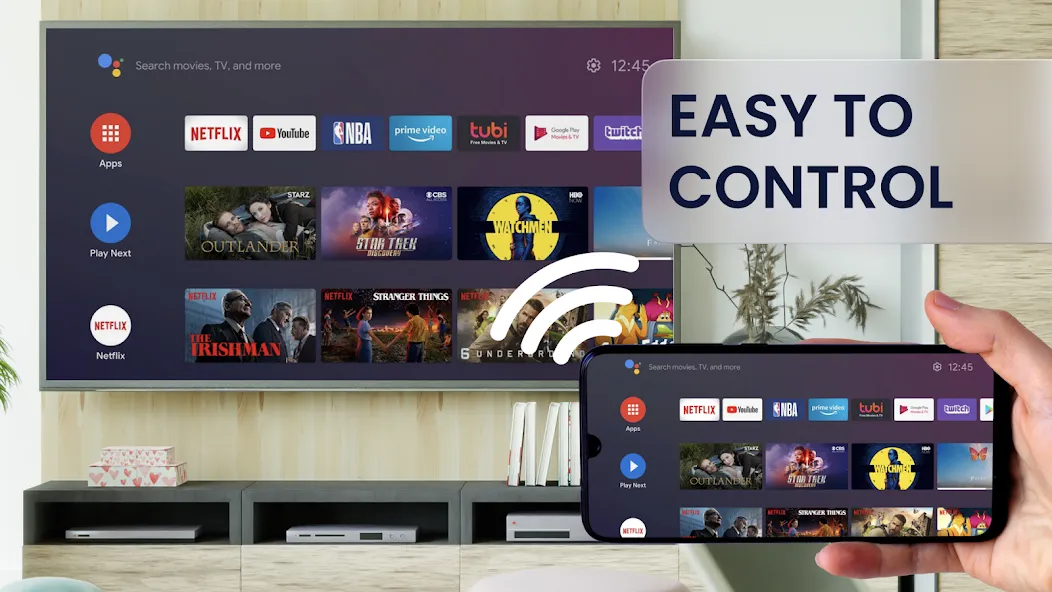
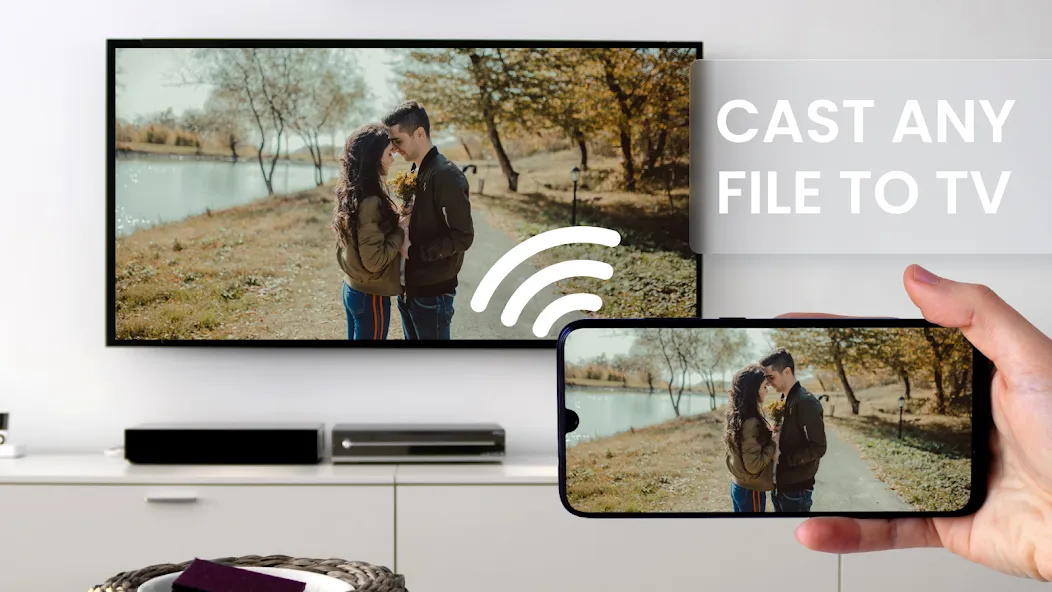
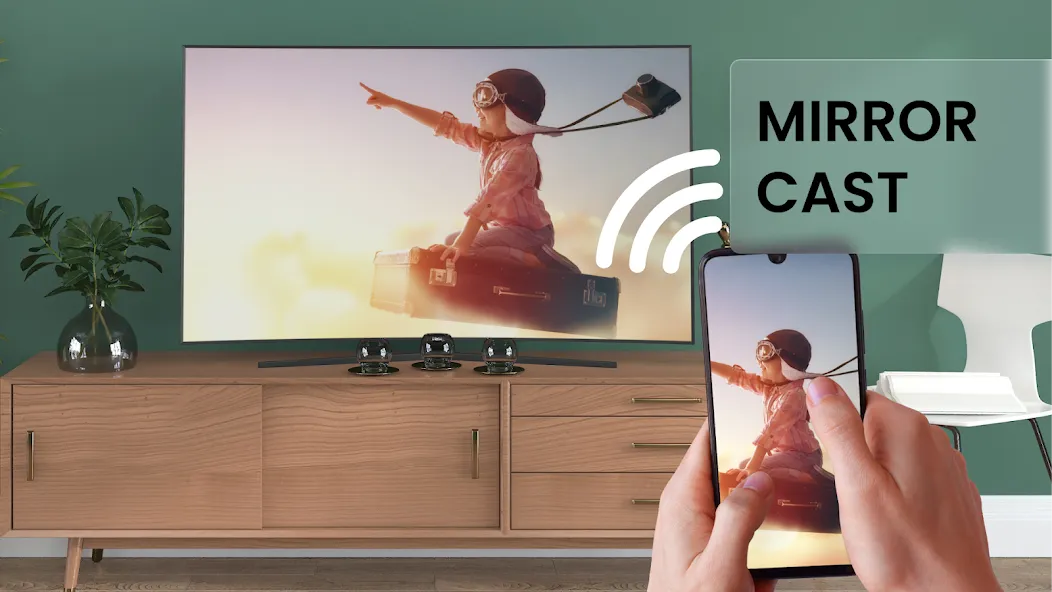
Screen Mirroring & Sharing is a utility app for Android devices designed to cast the device's screen onto other displays—a process known as screen mirroring. It allows users to cast content, such as videos playing on their phone, to a TV; this feature requires an internet connection to ensure real-time video transmission. The app supports various types of media, including games, videos, and music, making it suitable for use cases such as office presentations and briefings. It features an intuitive interface that allows users to get started quickly. Additionally, the app has a small footprint, making it well-suited for low- to mid-range devices.
Features
Screen Mirroring requires that your Android device and your target device are on the same WiFi network.
SmartTV's might not work since some of their browsers do not support the needed features for Mirror app.
Furthermore, an internet connection is required for screen mirror - cast to TV or other devices.
Screen Mirroring & Sharing app requires Android 5.0 or higher.
Please be aware that Screen Mirroring transmits the content of your display (share screen), but not your device's audio signals.
Screen Mirroring & Sharing app works great with Google Chrome, Apple Safari, Firefox, and Samsung MU Series.
Advantages and disadvantages
Pros
Mirrors games, photos, videos, music, PDFs, and e-books
Useful for both family viewing and presentations
Advertising appears limited to a small banner or opening ad
Cons
Requires compatible wireless display or Miracast support
Phone and receiver must use the same Wi-Fi network
Update Log
Android 11 Support
Fix for Tethering mode
New pro features: Orientation Mode, Manual Connection Mode, Auto Stop
New feature: toggle screen visibility by pressing key 'b' on the keyboard of your target device
Improvements and bugfixes
User comments
Great app. No problems. Some reviews State that the target device That is the device you are wanting to watch It turns off in about 15 or 20 minutes but it doesn't really turn off that's your screen time-out feature Activating . Your screen will dim just a little before the screen turns off at that point simply touch the screen and it reactivates the screen timeout Timer . I know this because I thought my target device was turning off and on but it wasn't it's the screen timeou
Good app. But does not route the audio which screen sharing like chromecast. App should be available for the destination mirrored device as well for better and easier connectivity
I love it but you should be able to hook it up to anything that's in your house even your TV but it's still pretty good it's helpful when you're watching Netflix on your phone but you hook it up to your computer any uses up on my battery so then I can't watch Netflix for that long
Summarize
Screen Mirroring & Sharing is versatile and useful at home and in professional environments. Whether it's for a movie night at home or to make a presentation at a business meeting, the app can adapt to different needs and situations, making it easy to project your content on a larger screen. Download Screen Mirroring & Sharing for free and enjoy your cell phone on a larger screen thanks to all the included functions.
-
Latest Updates
-
Featured Apps