Photoshop Touch
Tools
2026-10-24
47.39MB
1.7.7
Android 4.4 and up
101
Screenshots


Introduction
Photoshop Touch is an image-editing application. Featuring a well-designed interface, it allows users to get started with photo editing quickly. The app offers a comprehensive and intuitive set of tools, including options for color correction, cropping, and the addition of various special effects. Even users with no prior experience can produce professional-quality images. It supports working with multiple layers, enabling the seamless integration of various elements. Furthermore, the app boasts excellent compatibility, allowing users to easily share their creations on social media or with family and friends. With its small file size, it can be downloaded and installed rapidly, and all of its features remain fully functional even without an internet connection.
Features:
Create stunning images using essential Photoshop Touch features, including layers, selection tools, adjustments, and filters.
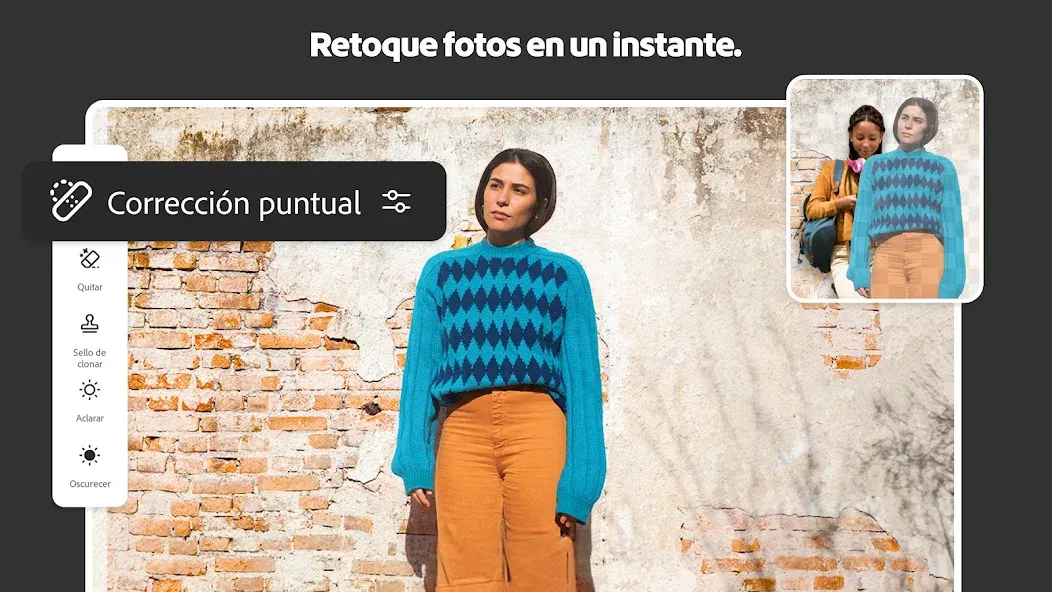
Enhance the quality of your photos and bring out the best in your work with classic Photoshop Touch tools. Apply precise tonal and color adjustments to your entire composition, specific layers, or selected areas.
Produce extraordinary, otherworldly creations using artistic effects, filter brushes, and more—let your creativity run wild with Photoshop Touch.
Bring your images to life with graphic text; apply strokes, add drop shadows, incorporate fade effects, and much more.
Use your device’s camera to fill specific areas within a layer via the unique "Camera Fill" feature.
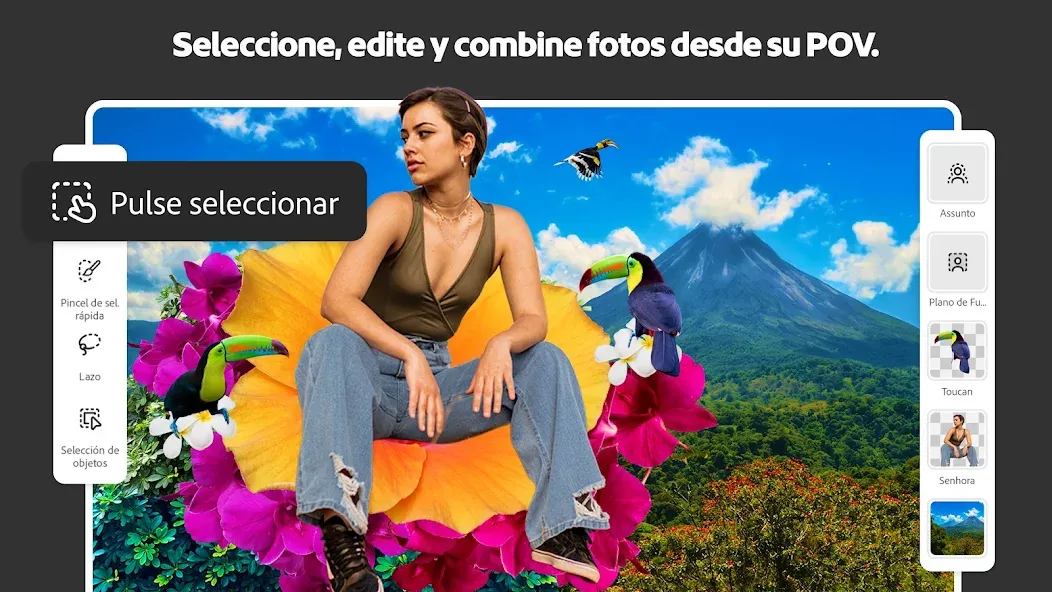
Combine images quickly: simply use the "Scribble Selection" tool to loosely mark an area you wish to extract. Use the "Refine Edge" feature to easily capture complex elements—such as hair—with just a swipe of your finger.
Work with high-resolution images while maintaining top-tier quality; the app supports images up to 12 megapixels.
Highlights:
Create and edit images on the go with an array of professional tools.
Access Adobe Creative Cloud to sync projects across devices.
Use layers, selection tools, adjustments and filters to create stunning artwork.
Combine photos together in a layered collage using up to 12 different images from your photo library or online sources.
Share creations directly via Twitter, Facebook or email
User comments:
It’s really handy for everyday photo editing; the interface feels more intuitive, and the noise reduction feature, in particular, is excellent. One thing to note: when processing RAW files, even if you reset the temperature and tint sliders to zero, the resulting image still looks different from the original, unadjusted version.
Fantastic! The best photo editing app on mobile! It’s packed with features—pretty much everything you could want—and it’s incredibly easy to use. Plus, there are no ads; it’s clean and straightforward. Highly recommended—definitely a 5-star app!
The built-in filters are gorgeous. Just a few quick adjustments, and your photos will be ready to impress all your friends on social media. The best part is that the filter previews are applied directly to the photo you’re currently editing. Many other apps just show you their own sample images, leaving you to guess what the effect might actually look like on your own shots—but not this one!
Advantages and disadvantages:
Pros
More feature-packed as compared to Photoshop Express
Integrated Google Image Search
Ad-free navigation
Unique camera fill
Cons
No printing capabilities
Conclusion:
With its extensive range of image-editing features, Photoshop Touch makes it easy to combine multiple photos using blending modes and complex selections, while also providing all the essential tools for retouching and correction. Click the button above to download the app now. Once installed, you can start using it to edit stunning photos.





-
Latest Updates
-
Featured Apps