
SaveTube
Tools
2026-10-10
38.05MB
2.0
Android 6.0+
157
Screenshots



Introduction
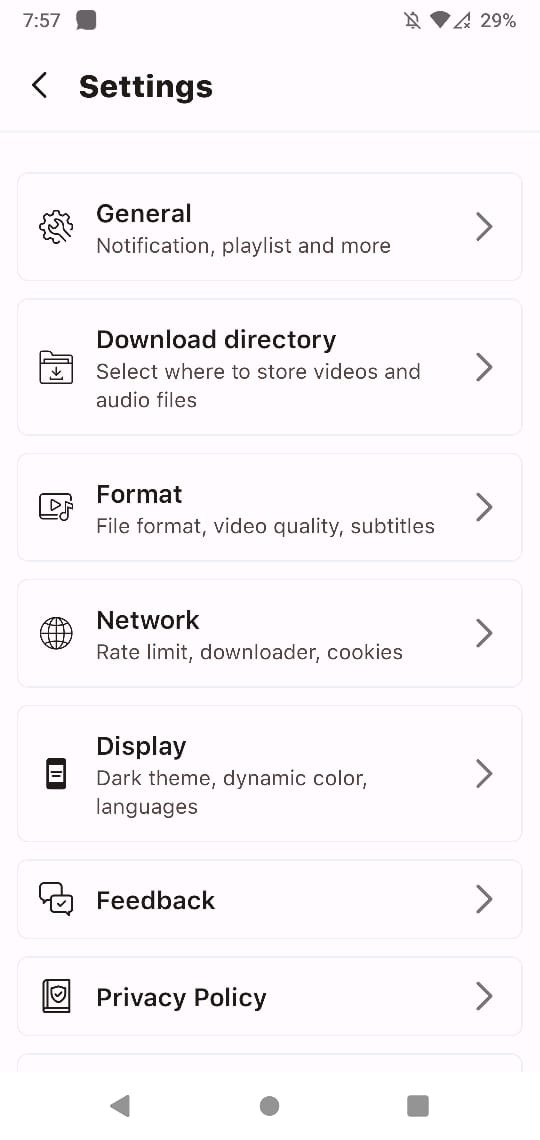
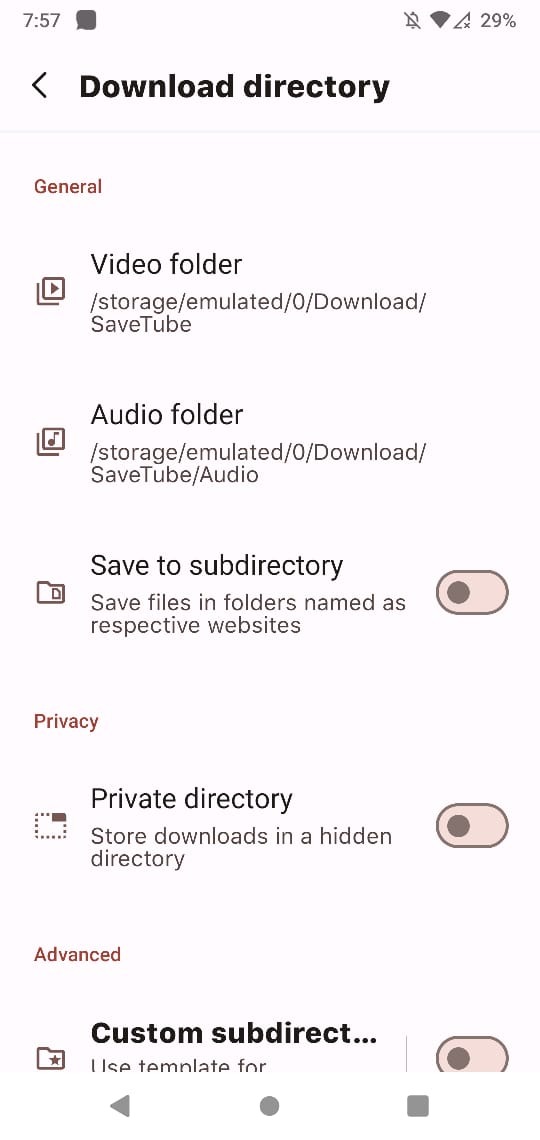
SaveTube is a powerful video downloading application that allows users to download videos directly from major popular websites. It supports background downloading, enabling users to browse and watch videos while downloads proceed. The app offers extremely fast download speeds and displays progress indicators so users can easily track the status of their downloads. It also provides multiple quality options, allowing users to choose between high video quality and lower storage usage based on their device's capabilities. Additionally, SaveTube supports batch downloading, letting users download multiple videos simultaneously for a more flexible and convenient experience.
Features:
Background Downloads
Automatic Gallery Savings
Quick Download Speed
Download Progress Indicator
Select Desired Video Quality
Support for Large Files
Get notified as soon as your video download is complete
Highlights:
Supports many social media platforms, including YouTube, Facebook, Instagram, and more.
Allows users to download videos in various resolutions, from low to high quality.
It provides fast download speeds, allowing users to quickly and efficiently save their favourite videos.
Easy-to-use interface with a straightforward and intuitive design.
Usage:
Open the popular app (like tik tok, reels, shorts, twitter, vk etc)
Click on a share button
Click the copy link button.
Open the SaveTube app and click Get Video.
Conclusion:
In addition to its core downloading functionality, SaveTube includes features such as batch downloading, allowing users to queue multiple videos for download simultaneously. The app also provides options for selecting audio formats, making it a versatile tool for users who want to extract sound from videos. Overall, SaveTube caters to users seeking a straightforward and efficient way to manage their video downloads.









