PDF Reader Pro
Productivity
2026-09-07
89.36MB
7.4.1
Android
483
Screenshots
Introduction
PDF Reader Pro is a powerful document processing tool that allows users to easily read and edit PDF files. The application offers a wealth of PDF editing features, including adding annotations, underlines, strikethroughs, and more. Users can also add bookmarks for easy reference later. Furthermore, it includes a file conversion function, enabling users to convert PDF files to other formats or vice versa. Users can also quickly scan paper documents into electronic files with excellent scan quality, greatly enhancing user convenience.
Features:
View and Annotate PDFs
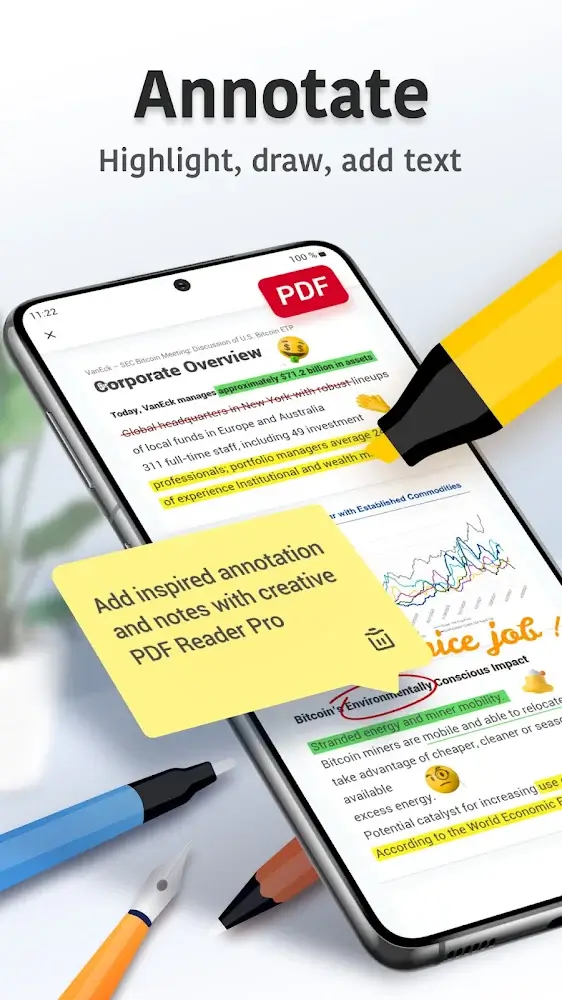
You can easily read for free with the help of PDF Reader Pro. It can also add PDF notes to it, along with it you can also use comments, highlight, underline and strikeout text. You can search the text and do it in PDF documents. You can also bookmark the Important PDF for future reference.
Convert PDFs to Word, Excel, PowerPoint
You can easily export PDF files to Microsoft Office Word, Excel, or PowerPoint with the help of this application. And you can create a new PDF by opening any existing image. In this you can add, delete and edit documents and files. With the help of PDF files, readers can easily read PDF.
Edit Text and Images
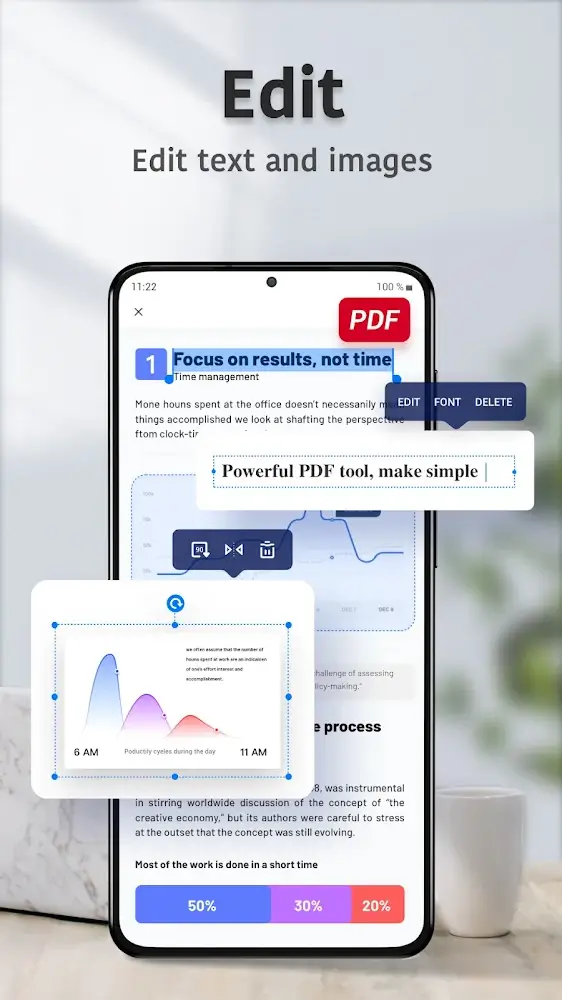
Through this app you can easily edit PDF text and images that too directly. You can merge and split PDF files and documents at any time, delete extra pages, change page order, and insert blank pages. Apart from this, you can add, rotate and delete images. You can also draw anything on PDF.
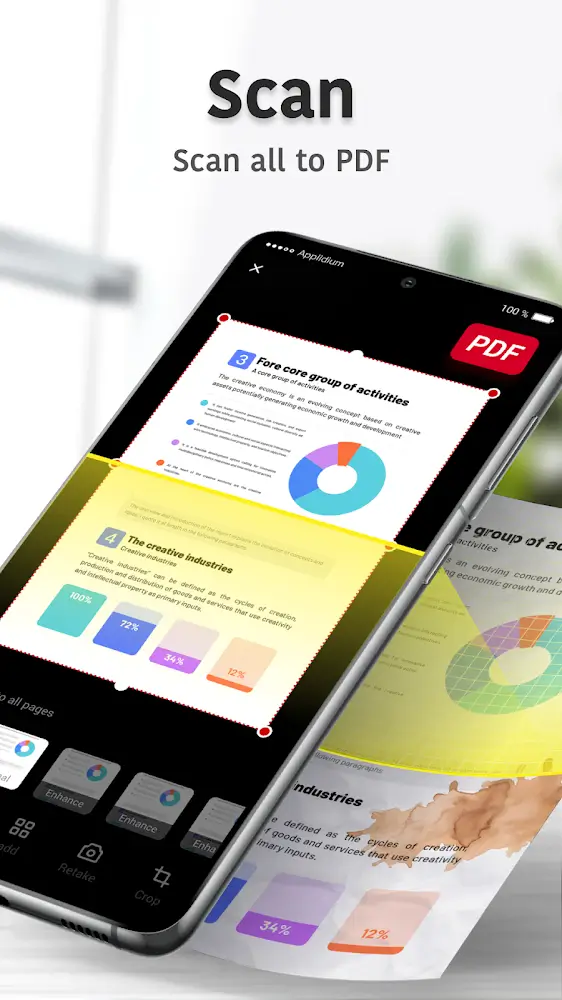
Scan Documents
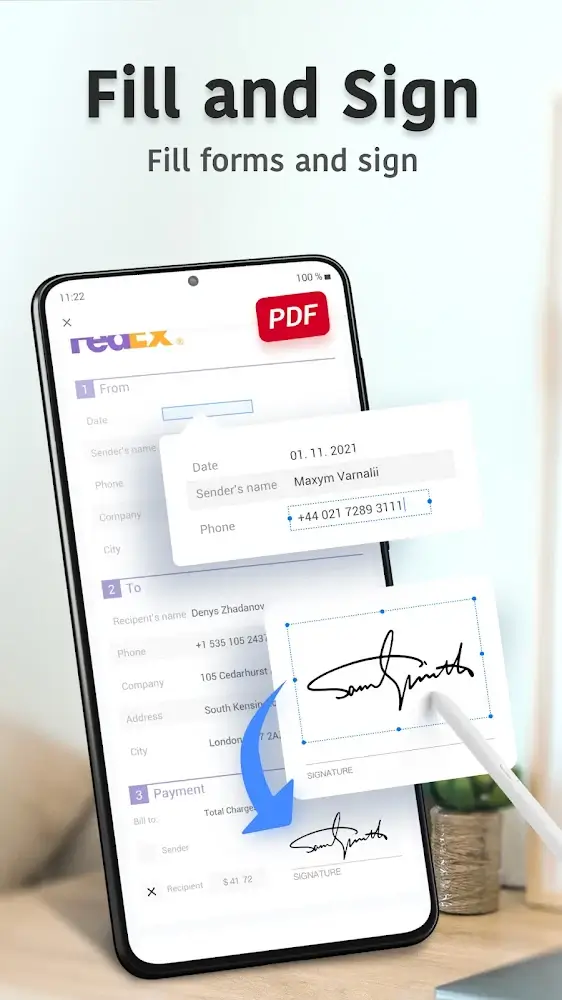
With PDF Reader Pro, you can quickly scan all documents. You can cleanly optimize any file that too in sharp quality. You can sign PDF files anywhere. It can also access files from Google Drive. By working through PDF, your work gets done very quickly and comfortably.
Highlights:
Versatile Viewing Options
The app offers multiple display modes to suit your preferences, such as single-page, double-page, or book mode, along with the ability to switch between vertical and horizontal orientations. Its quick page navigation and bookmarking capabilities add convenience, allowing you to jump to specific pages or revisit important sections effortlessly.
Personalized User Experience
Customizable themes, including light and dark modes, let you tailor the interface to your reading environment. With support for files up to 300MB, PDF Reader Pro is designed for both casual readers and professionals needing a reliable and flexible tool for handling PDF documents.
Pros and Cons:
Pros
Edits PDFs easily
Supports multiple file formats
Simple and clean interface
Fast processing
Integration with other 3rd party apps
Cons
Limited features in trial version
FAQs:
What is PDF Reader Pro?
PDF Reader Pro is a mobile tool for Android that lets users read, edit, annotate, sign, and convert PDF documents directly from their devices.
Can I edit text and images directly in a PDF using PDF Reader Pro?
Yes, with a registered account or premium access, you can modify text, fonts, and images directly in your PDF files.
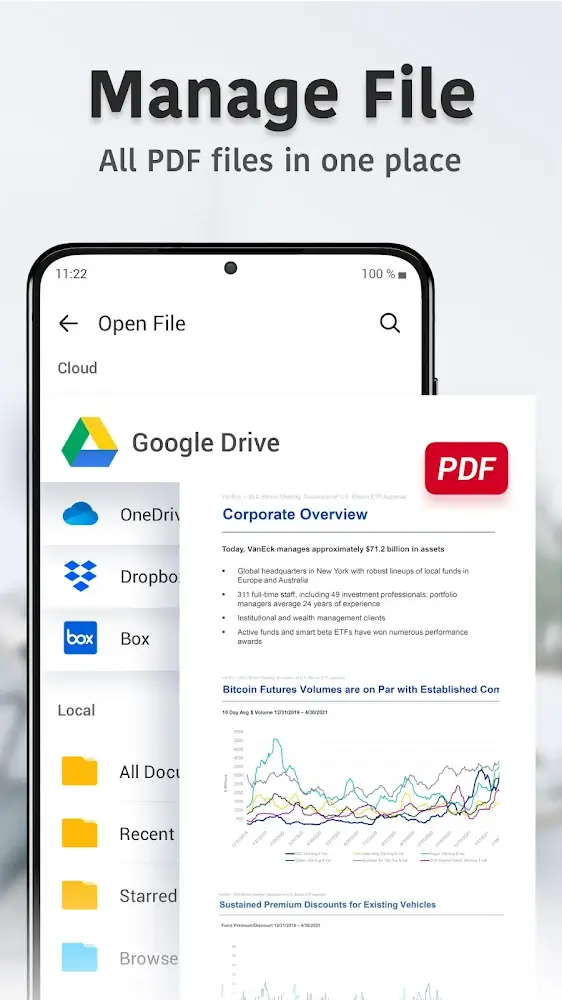
Does PDF Reader Pro support cloud storage integration?
Yes, it connects with Google Drive, Dropbox, and OneDrive, so you can easily access and save your documents online.
Is PDF Reader Pro free to use?
Basic features like reading and annotating are free. More advanced tools like editing content or converting formats require in-app purchases.
Who should use PDF Reader Pro?
It’s a good fit for students, professionals, and freelancers who regularly work with PDF files and need tools like signatures, merging, or file conversion.
Conclusion:
PDF Reader Pro is more than just a document viewer—it’s a complete PDF management tool that simplifies reading, editing, converting, and securing files. It provides an all-in-one solution for students, professionals, and businesses who deal with PDFs daily.



-
Latest Updates
-
Featured Apps