PaperKnife
Tools
2026-09-18
15.68MB
1.3.3
Android 5.0+
323
Screenshots
Introduction
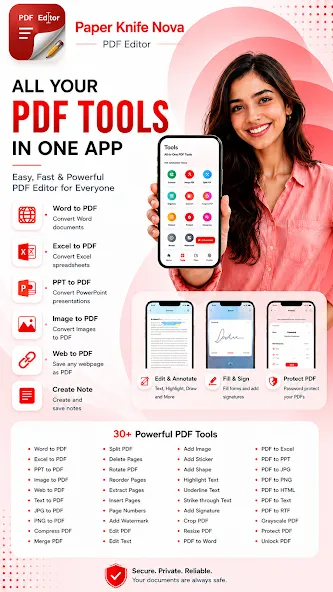
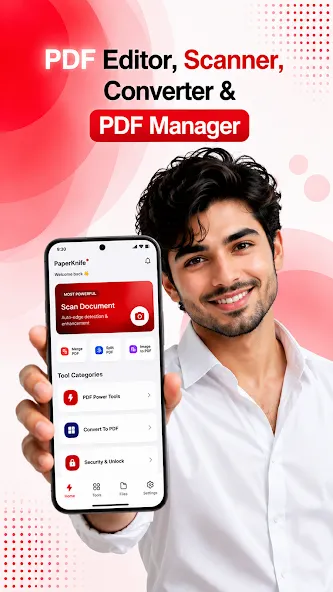
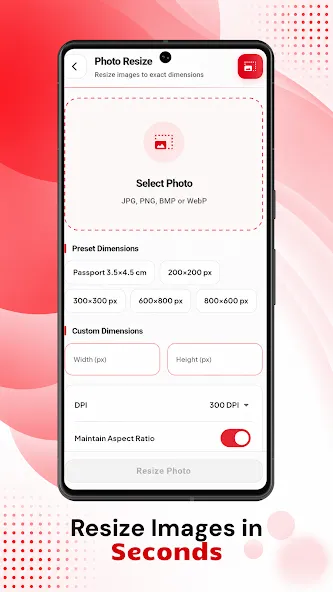
PaperKnife is an office productivity app for Android that allows users to edit, compress, encrypt, and convert files across various formats, thereby boosting efficiency and saving time. It offers excellent compatibility across a wide range of devices and supports features such as file forwarding and storage. The app prioritizes security and user privacy. With its user-friendly interface, it is easy to get started without prior experience. Users can merge multiple files and archives, convert images to PDF, and process various types of data. It functions offline, offers encryption capabilities, and is a highly practical, open-source tool.
Features:
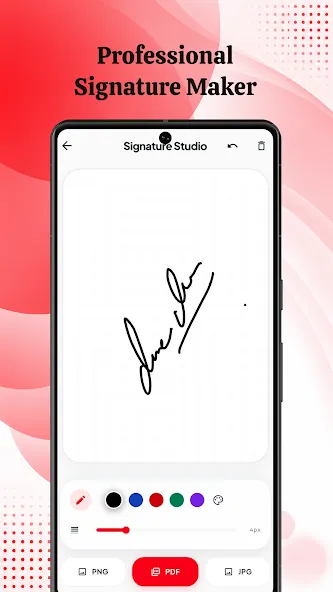
PDF Signing Digital Signatures Ensure Authenticity
In today's digital world, secure and efficient document signing is essential. This feature significantly enhances the app's utility for professionals and businesses alike.
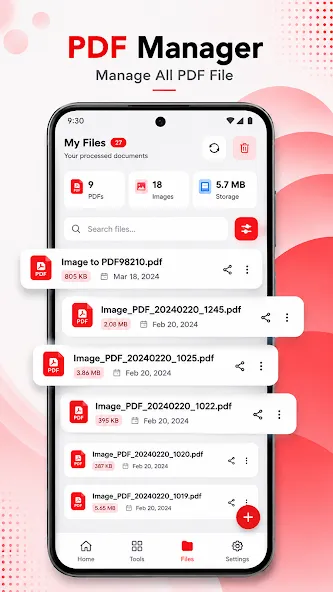
Document Organization and Management: Keep Documents Tidy
A comprehensive PDF solution goes beyond mere editing; it encompasses efficient document management. This level of control ensures your digital workspace remains organized, keeping important information readily accessible.
User-Friendly Interface: Clean Design
The developers have crafted a clean, intuitive layout that allows even first-time users to get started easily, quickly navigating the app and accessing its powerful tools.
Offline Functionality: Work Without an Internet Connection
A key advantage is the app's robust offline capability, allowing you to work without relying on an internet connection.
High Performance: Speed and Reliability
Performance is critical for any productivity app, whether handling small text files or large documents containing high-resolution images. It ensures a smooth, seamless user experience, even when performing demanding tasks on Android devices.
Cost-Effectiveness: Accessing such a rich feature set without a massive investment makes PaperKnife highly competitive in the mobile PDF market.
Security Features: Protect Your Sensitive Documents
Security is paramount for digital documents, especially when handling sensitive personal or professional information. The app's focus on security underscores its reliability as a professional document management tool.
Highlights:
Merge PDF: Combine multiple documents into one.
Split PDF: Visually extract specific pages or ranges.
Compress PDF: Reduce file size without sacrificing quality.
Protect & Unlock: Add or remove passwords with strong encryption.
Convert: Images to PDF and PDF to high-quality images.
Edit: Rotate, rearrange, and add page numbers or watermarks.
Secure: Edit metadata and sign documents electronically.
FAQs:
What is PaperKnife used for?
PaperKnife is a mobile PDF utility app used to merge, split, compress, convert, sign, encrypt, and clean metadata from PDF files directly on your device without uploading them online.
Does PaperKnife work without an internet connection?
Yes. All file processing runs locally on your phone or browser, so you can use it fully offline and keep documents private.
Is PaperKnife APK safe to install?
It can be safe if downloaded from a trusted source. Since it is an APK file, users should verify the source and scan the file before installing.
Can PaperKnife remove passwords from PDFs?
Yes. The app includes tools to add or remove PDF passwords locally, as long as you have proper access to the file.
Advantages and disadvantages:
Pros
Local offline processing ensures document privacy
High compatibility
Features automatic cropping and enhancement
Lightweight and portable
Cons
Limited to Android devices
Conclusion:
If you are looking for a powerful PDF editor that prioritizes security and convenience, the PaperKnife APK is an excellent choice. Download the latest verified version of the PaperKnife APK from this site today and enjoy a secure, fast, and offline PDF editing experience—edit, protect, and share exactly the way you want.





-
Latest Updates
-
Featured Apps