Virtual Android
Tools
2026-10-22
5.44MB
1.4.1
Android 5.0 and up
275
Screenshots
Introduction
Virtual Android is a powerful Android tool that provides users with a complete Android environment capable of running alongside the host operating system. Users can switch seamlessly between the host system and the virtual environment. The virtual system features a dedicated virtual CPU specifically designed for graphics rendering, ensuring that games continue to run smoothly even while the user is on a call on the host system. Furthermore, users can manage multiple conversations simultaneously. The virtual system also allows for the concurrent use of two separate accounts, with all applications within the virtual environment operating independently.
Features:
Parallel Android system
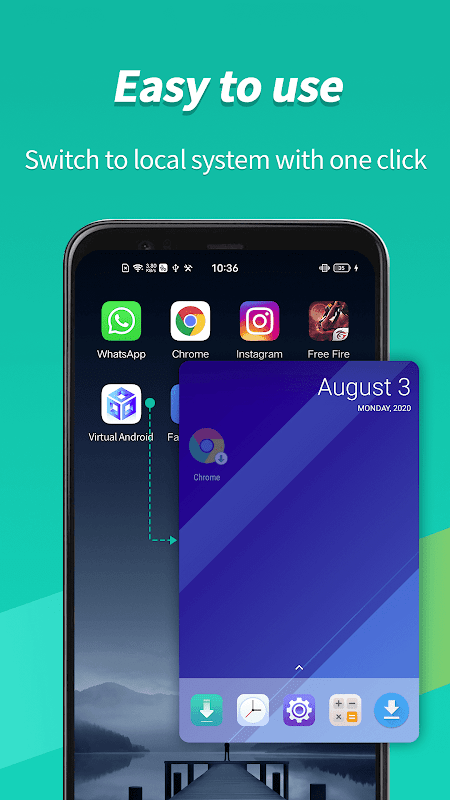
Virtual Android provides a true second Android environment that operates alongside your main phone. You can move between the host and the virtual system with a single tap, keeping tasks organized on both sides. This approach feels like carrying a second phone within your device, which helps separate everyday use from testing or focused work.
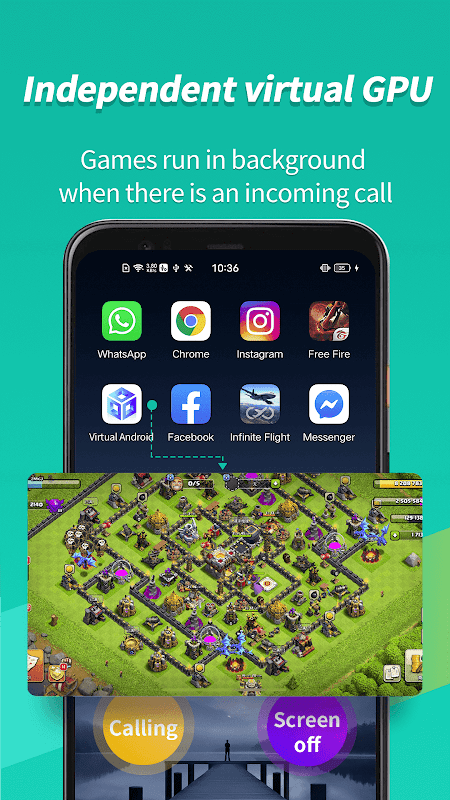
Independent virtual GPU for gaming
Virtual Android includes an independent virtual GPU that handles graphics inside the virtual system. Games stay smooth and responsive while you continue using the host phone for calls or messages. As a result, parallel sessions, such as two matches of the same game, can run without the usual stutters or forced pauses.
Multi-account support with easy cloning
You can clone social and messenger apps to maintain separate profiles. Examples include WhatsApp, ShareChat, and Snapchat, which can run as distinct instances in the virtual system. Notifications from cloned apps arrive reliably, so you do not miss messages while keeping personal and work conversations apart.
Reliable background running
Virtual Android keeps cloned apps active in the background when you switch tasks or take a call. This helps long-running processes continue without interruption, such as downloads or game sessions. You can step away to handle another task and return without losing progress.
Privacy and isolation
Apps and data in the virtual system stay sandboxed away from your host environment. This separation supports safer testing and helps protect personal information since files and accounts are isolated per space. It is a practical setup for users who want clear boundaries between work and life on one device.
Highlights:
Easy to use
Virtual android apk is so easy to use that a school-going kid can use it to create clones of apps. In other words, there is no rocket science in creating your clone apps for free.
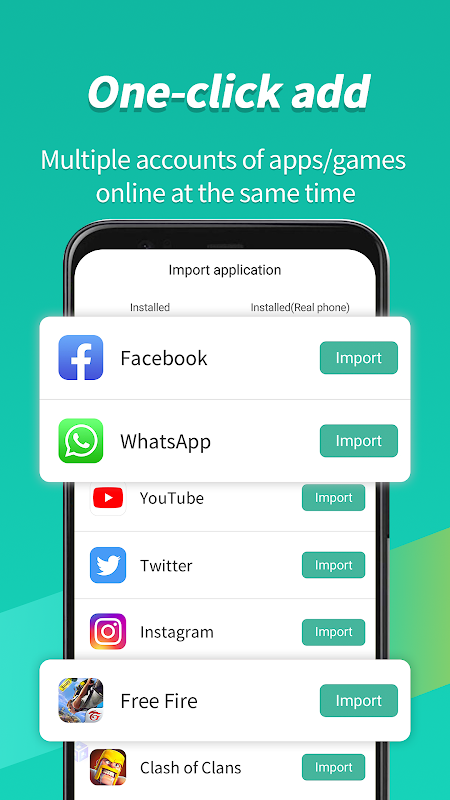
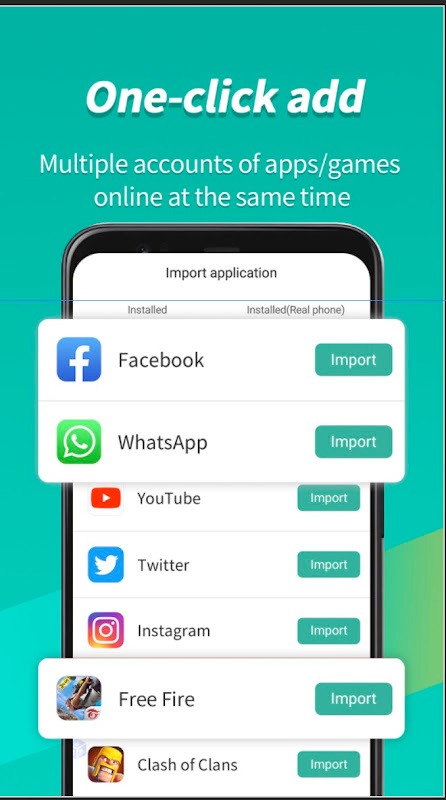
1click import
Importing apps in virtual Android is more accessible than other apps that provide similar functionality. Virtual Android is made for the mass audience, not tech enthusiasts. Thus, you can import all your apps to clone them with a single click.
Virtual GPU independent
Most of the virtual space apps or app cloning apps use the same GPU used by the primary system; it leads to a reduced usage amount of GPU present, leading to GPU shortage and lagging. The virtual Android uses a virtual GPU from the Android storage. It makes your phone faster.
Multiple copies of the same app
Other apps like dual space and parallel space have only a single option to create your app clone, which means you can make only one app clone at a given time. Instead, when you use the virtual Android, it can create as many clones of a single app as you want.
Secure data policy
Virtual Android follows European data protection policies; thus, all the data is saved within the phone, and no information is taken to virtual android servers.
Pros and Cons:
Pros
Run multiple games, apps, and accounts simultaneously
Unique virtual GPU
Swiftly switch between mobile tasks
Manage multiple social networking accounts efficiently
Cons
Demands huge amount of available space
Changelog:
What's new
Support Standoff 2.
Support camera.
Support 32-bit devices.
Support Android 12.
Support Free Fire with Facebook account.
Performance optimization;
Fix some bugs.
Conclusion:
In essence, Virtual Android provides a unique solution for those looking to maximize their Android device's capabilities. Its ability to run multiple applications concurrently, maintain high performance through dedicated virtual resources, and offer a secure environment for managing various accounts makes it a valuable tool for many users. Whether for gaming, social media management, or personal productivity, this app caters to a wide range of needs and preferences.
-
Latest Updates
-
Featured Apps