Android System Webview
Tools
2026-10-13
230.49MB
155.0.8059.44
Android 7.0 and up
199
Screenshots
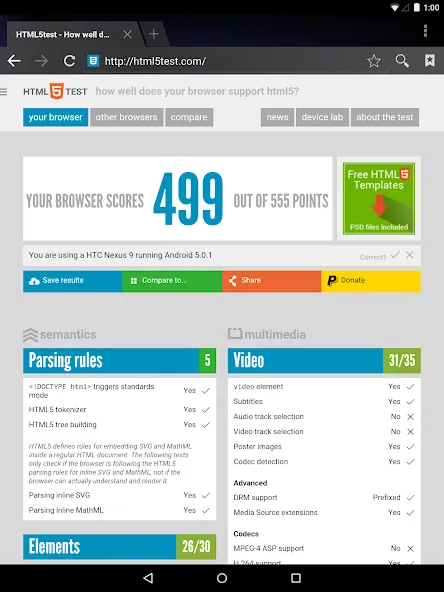
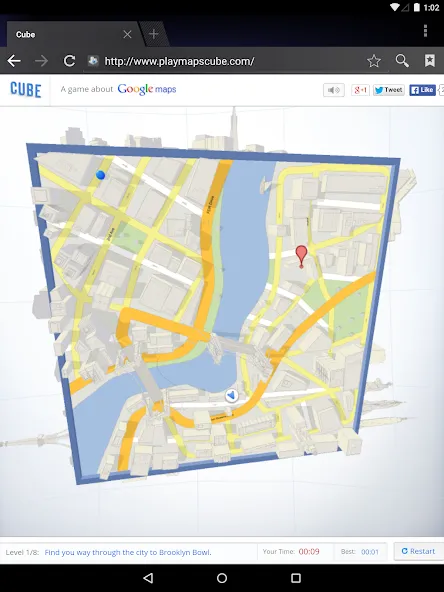
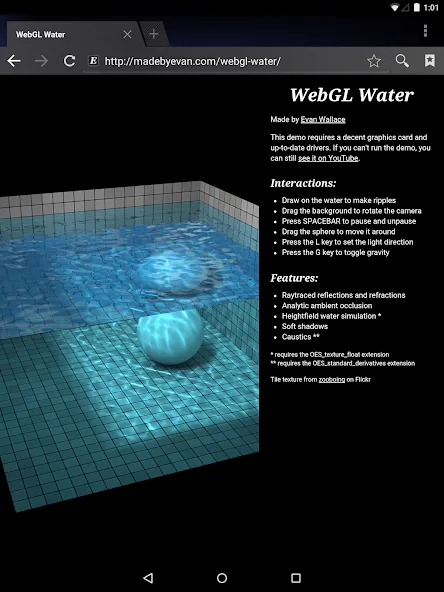
Introduction
Android System WebView is a system tool for Android devices that renders web content within applications, facilitating tasks such as reading articles and completing login forms. It provides essential system services, focusing on delivering security updates and fixes. The software offers exceptional stability and performance, accelerating page load times and ensuring consistent behavior across different apps. By optimizing power and memory usage, it helps improve the performance of third-party applications. It also supports switching between multiple languages.
Features
In-app web rendering
Android System WebView opens links and HTML content directly inside apps. Therefore, you can read articles, submit forms, and complete sign-in flows without switching to another app.
Essential system service
If you disable Android System WebView, many apps may freeze or crash when opening links, which disrupts everyday tasks.
Security-focused updates
Android System WebView receives ongoing security fixes that reduce exposure to common web threats.
Performance and stability
It delivers steady improvements to page loading, responsiveness, and crash handling. As a result, apps that rely on embedded web content feel faster and more reliable over time.
Consistent behavior across apps
The app follows the Android WebView API so developers can expect predictable behavior. This consistency helps your apps render pages, forms, and media the same way across different devices.
Smooth in-app experience
Android System WebView keeps you inside the current app when opening links. This avoids context switching and helps you finish tasks like reading, paying, or verifying codes more quickly.
Advantages and disadvantages
Pros
Android System Webview is an in-built app that allows users to view web content within their mobile device.
It helps improve the performance of any third-party apps by using less memory and power and reducing data usage.
The app supports multiple languages to be used worldwide without language barriers.
A dedicated system for displaying web pages minimises security risks since malicious code cannot penetrate other parts of your phone’s operating system or its applications.
Cons
Android System Webview is unavailable on all devices, so some users may be unable to use the app.
It can take up a lot of storage space and affect device performance if it isn’t regularly updated or disabled when not in use.
FAQS
What is the purpose of Android System WebView?
It is a core system service that enables third-party software to display web content without opening a separate browser. This ensures a more integrated and fluid user experience.
Can I disable Android System WebView safely?
While it is possible on some older versions, disabling Android System WebView might cause many other apps to crash or fail to load content. It is recommended to keep it enabled for stability.
How does this tool receive updates?
The system automatically updates this component through the official store to ensure the latest security patches and performance improvements are always active. This keeps your device protected from web vulnerabilities.
User comments
Android System WebView is an essential part of the Android experience. It helps apps display web content smoothly and reliably without needing to open a separate browser. It works quietly in the background, keeps apps running properly, and provides a fast, seamless browsing experience. A very important Android system component!
I still have two other three other lines that I need to to use for California City Bank to reissue out a bank statement under Philip Anthony and give you a cruise position area State line inquiries for data processing outline information by news entirety
I have had no issues updating. If you're having trouble updating then try on a Wi-Fi connection rather than a cellular connection. If that still doesn't work, then try resetting your Network Settings in the Settings on your phone or tablet. If that doesn't work, try updating your Profile and PRL through the System Update on your phone or tablet. If that doesn't work, turn your phone on and off then turn Airplane Mode on wait a few seconds then turn it off. If all else fails, then call support.
Summarize
Android System WebView is, in Google's own words, a system app that uses Chrome technology to display web content on other Android apps. This app is installed by default on all Android devices. In principle, it has to be kept updated to ensure its integrity and that it works correctly with other apps and games.
-
Latest Updates
-
Featured Apps