Oppo Dialer
Tools
2026-10-09
51.85MB
16.0.0
Android 5.0 and up
350
Screenshots
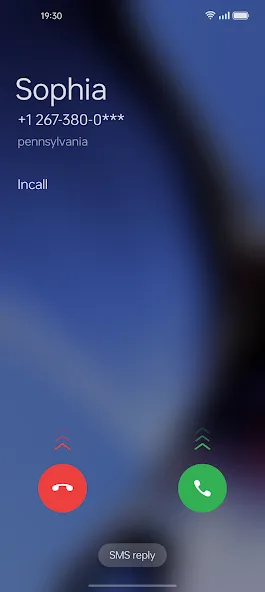
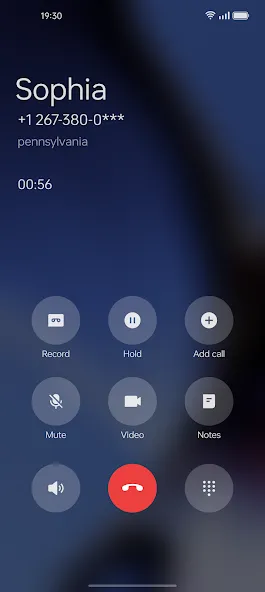
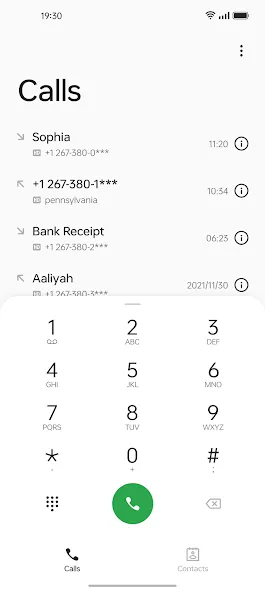
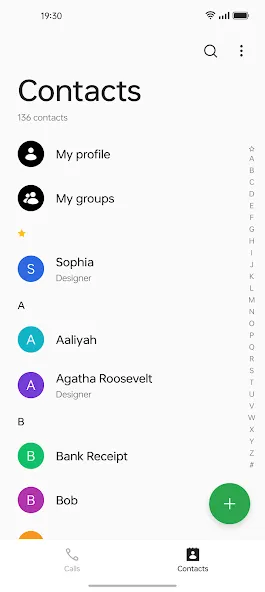
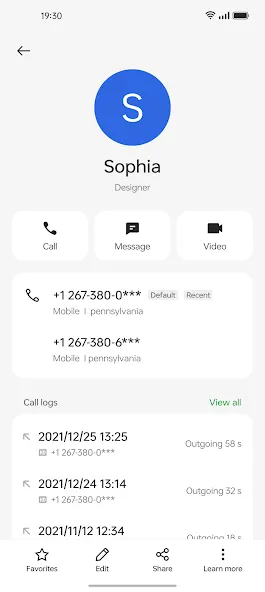
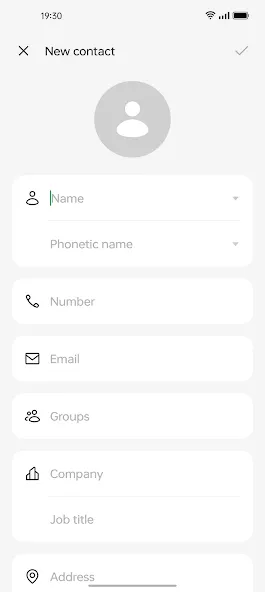
Introduction
Oppo Dialer is a calling tool designed for Android devices. It allows for the quick organization and categorization of calls, grouping them by name, number, or time. It features a built-in call recording function that captures audio during calls. This version supports AI transcription, enabling the conversion of call content into text records. It also provides quick access to frequently contacted individuals for rapid dialing, all within a minimalist design that offers a comfortable user experience.
Features
Organized recent calls
Oppo Dialer presents your call history in clear groups with names, numbers, and timestamps. This makes scanning a busy day of calls quick, and it helps you find the right entry without extra taps. You can open a group to view details, return calls, or manage related actions with minimal steps.
Built-in call recorder
You can start recording manually during a call or set automatic recording for future calls. Availability and behavior can vary by region, so always request consent and follow local laws before recording. Recordings appear inside Oppo Dialer for easy access and basic review after the call ends.
AI transcription in newer versions
On supported newer versions, Oppo Dialer can convert your calls into searchable text notes. This helps you recall meeting points, follow up on tasks, and find specific details later using keywords. Feature access depends on your device and app version, so look for the transcription setting if it is offered on your phone.
Quick access to frequent contacts
You can set speed dial for the people you call most. This reduces steps from the keypad and gets you into a call faster. As your habits change, you can update or reorder these shortcuts to match your daily routine.
Consistent ColorOS and OxygenOS look
Oppo Dialer aligns with the ColorOS dialer interface and is cross-compatible with select OnePlus devices on OxygenOS. You can set it as the default phone app to keep a single, unified calling experience across the system. As an Oppo dialer that also works on some OnePlus phones, it offers the same familiar layout throughout calling, contacts, and history.
Advantages and disadvantages
Pros
Design matches ColorOS
Manual and automatic call recording
AI Transcription in newer releases
Compatible with Oppo and OnePlus devices
Cons
Recording availability varies by region
Limited recording management
User comments
love the app!!! although I have one suggestion; can the Dev's make a separate contacts app too so us users can get the whole bundle? we can finally get rid of the Google contacts app as well and have the full stock Oppo Dialer and contacts. or if you're not making a separate contacts app , maybe you can provide a shortcut with the application to replace Google contacts.
The app is amazing to use, and the overall interface is clean and user-friendly. However, a few improvements would further enhance the user experience. One issue I have noticed is that during incoming and outgoing calls, the full contact name is not always displayed. It would be very helpful if the complete contact name could be shown on the call screen without truncation. I request the Oppo Dialer team to address this issue in a future update and continue improving the app experience for users.
I am using Realme GT Neo 3T device. More than often times, when I'm on a call and minimize the call, the ongoing call notification is not there in the notification panel. I get a call icon bubble on the notification bar but on clicking it, the ongoing call screen does not show up. This results in me not able to hang up the call. This has been really frustrating. Hoping to see a fix.
Summarize
Download the Oppo Dialer APK if you have a ColorOS device and want an app to make and receive calls comfortably. The app will also allow you to record all calls automatically and store them locally in a folder of your choice. However, there are reports that some beta versions of the app are causing problems.