
Greenify
Tools
2026-10-29
5.73MB
5.1.1
Android
398
Screenshots
Introduction
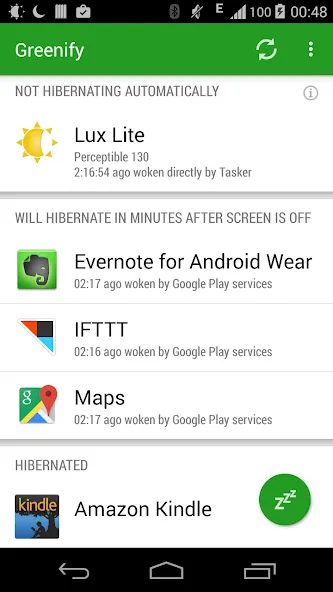
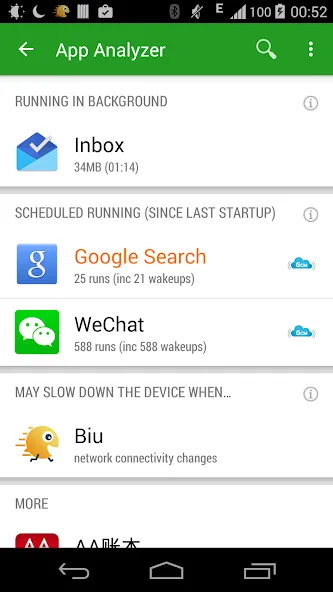
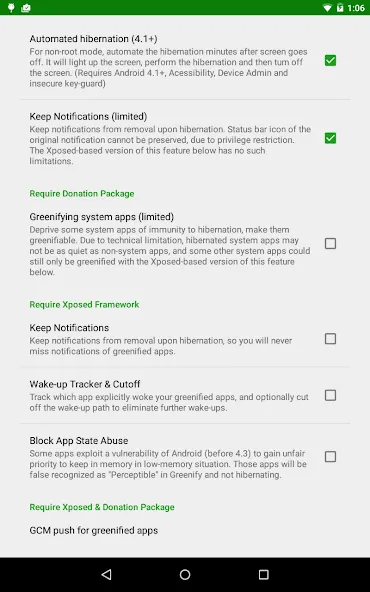
Greenify is a powerful application management tool. It features a clean, intuitive interface that allows users to get started quickly. By hibernating apps, it helps extend battery life and enables the tracking of apps that "wake up" your device—all without requiring root access. The app is lightweight, quick to download, and consumes minimal memory, helping your smartphone run more efficiently and optimizing overall device performance by reducing unnecessary background activity. Greenify offers excellent compatibility, supporting a wide range of Android devices and applications. It provides greater control over your apps, minimizing resource consumption when they are in a hibernated state. Furthermore, it is highly secure, ensuring user privacy and offering a safe, reliable experience.
Features:
App Hibernation Reduces Latency and Resource Consumption
This feature helps you identify apps with abnormal behavior and puts them into hibernation when they are not in use. During hibernation, background services, periodic tasks, event receivers, alarms, widget updates, and push notifications are paused. When you launch an app, it will function normally again.
Aggressive Doze and Motion-Based Doze
These modes maximize power savings. They work even on non-rooted devices and offer clearer configuration options within the settings. This feature complements app hibernation, ensuring greater standby efficiency when the device is in motion or the screen is turned off.
Automation and Required Permissions
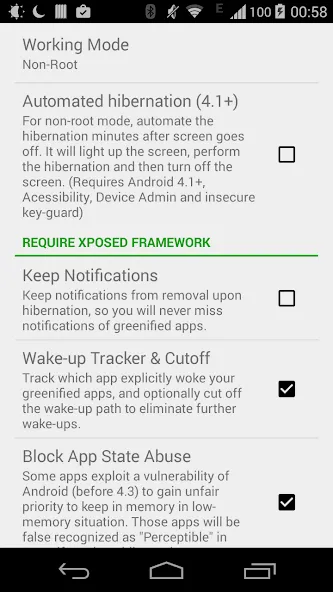
With Device Administrator privileges, the app can turn off the screen automatically after hibernation on non-rooted devices. It may also display content over other apps to briefly dim the screen during the hibernation process, disable the screen lock, and utilize accessibility services to enable automation on non-rooted devices. Additionally, it can access account information and modify sync settings to manage overly frequent synchronization tasks.
Accessibility services are used solely for the purpose of automatic hibernation; no personal data is collected. The background services required for this process are extremely lightweight and consume negligible CPU and battery power.
Important Usage Notes
Once an app is set to the green (hibernated) state, its background activity will cease until you use it again. Please do not set apps—such as alarm clocks or instant messaging apps—that require timely notifications or alerts to the green state. Always verify the impact on the apps you rely on, and adjust your hibernation list based on your actual usage needs.
Highlights:
Background services: All background functions cease to operate during sleep mode.
Broadcast receivers: These respond to system-wide events—such as changes in network connectivity, power status, or the arrival of an SMS—but will not function during sleep mode.
Timers: These are designed to execute at specific times or at set intervals; they will not run during sleep mode.
Widget updates: While widgets remain visible, they will not update during sleep mode, as updating them requires the application to run in the background.
Push notifications: Real-time push notifications for applications will also fail to function, as push notifications on Android trigger the application to activate in the background—unlike some other mobile operating systems, which simply display the notification to the user without waking the app.
FAQS:
Is Greenify free to download?
Yes, it is free to download and use.
Does Greenify require root access?
No, Greenify can run on non-rooted devices, though its functionality will be more limited compared to rooted devices.
Will Greenify slow down my device?
No, Greenify is designed to optimize your device's battery life without slowing it down.
Can I use Greenify on a tablet?
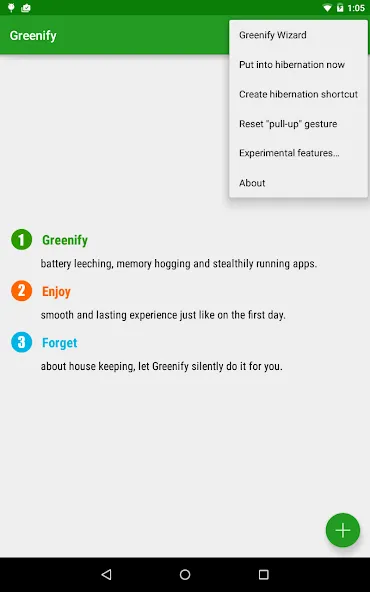
Yes, Greenify is compatible with both smartphones and tablets.
Advantages and disadvantages:
Pros
Strong background control
Lightweight performance impact
Helpful advanced options
Cons
Some learning curve
Not fully automated
Conclusion:
Nowadays, smartphones offer a wide range of features and—thanks to their convenience—are used by almost everyone. They are truly powerful devices. With Greenify, you can easily optimize your device for smoother performance and manage it more effectively. Download it today and give it a try!




-
Latest Updates
-
Featured Apps






